
Choosing between a refurbished MacBook and a new Windows laptop isn’t just about price or specs—it’s a decision that shapes how you work, create, and connect across devices. The Apple ecosystem offers seamless integration, polished design, and long-term software support. But at what cost? Meanwhile, Windows laptops deliver versatility, broader hardware options, and immediate affordability. For many users, especially budget-conscious professionals, students, or creatives, the real question isn’t which machine performs better on paper—but whether Apple’s cohesive experience justifies its premium, particularly when a high-end refurbished model can rival a brand-new Windows alternative.
This isn’t simply a tech comparison. It’s about lifestyle alignment, future flexibility, and understanding whether the “Apple tax” buys lasting value—or locks you into a walled garden that limits your choices down the road.
Performance & Longevity: Refurbished MacBooks Punch Above Their Weight
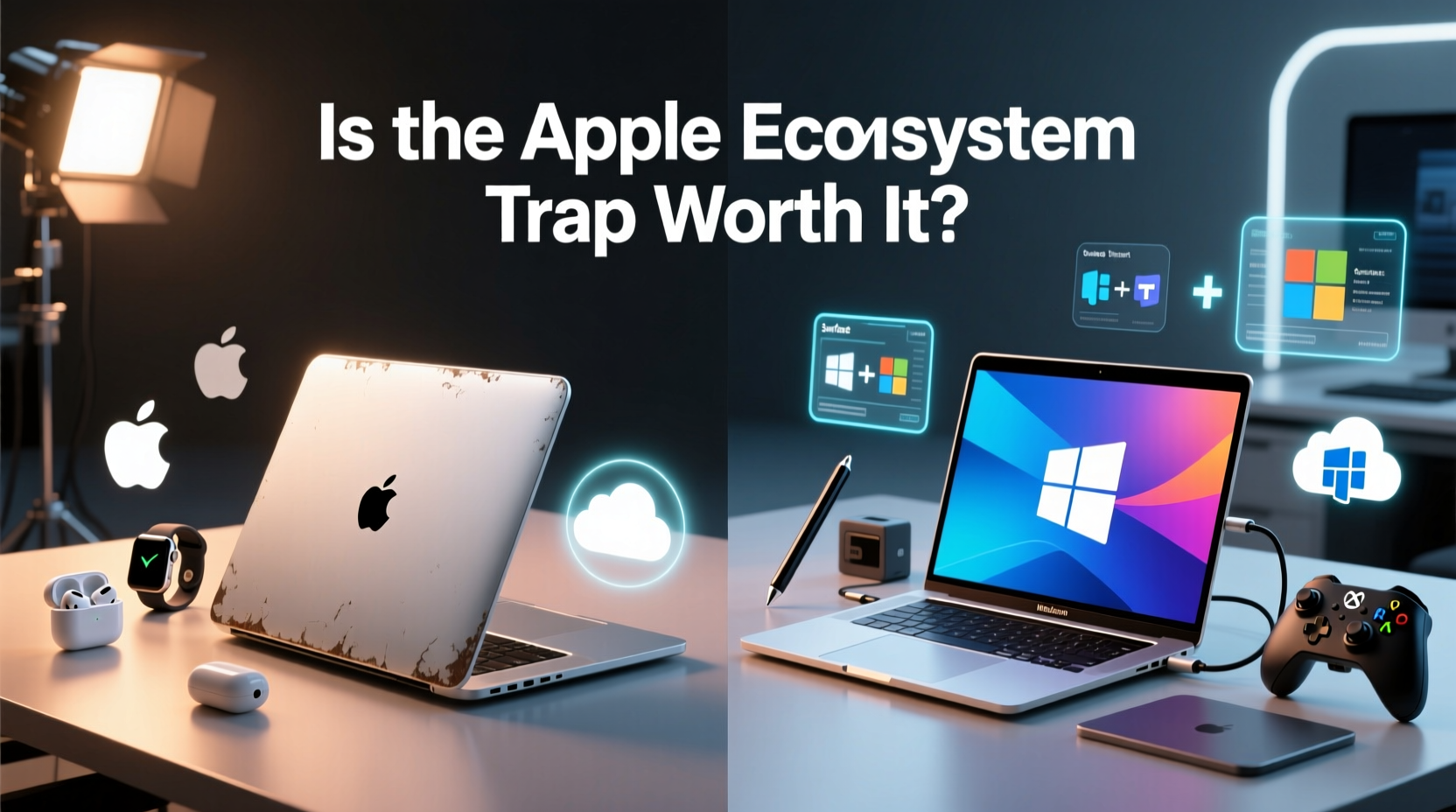
Apple’s macOS is optimized tightly with its hardware, resulting in exceptional longevity. A well-maintained MacBook from 2018—especially models with T2 chips or M-series processors—can still handle modern workflows efficiently in 2024. Refurbished MacBooks sold through Apple’s Certified Refurbished program come with full hardware replacements, new batteries, and a one-year warranty, making them nearly indistinguishable from new units in reliability.
In contrast, many new Windows laptops—even those priced competitively—use lower-tier components to hit aggressive price points. While some brands like Dell XPS, Lenovo ThinkPad, and Microsoft Surface offer excellent build quality, mid-range models often sacrifice thermal performance, display quality, or SSD speed to undercut competitors.
Independent testing by Geekbench and Notebookcheck shows that even older M1 MacBooks outperform similarly priced Intel-based Windows laptops in sustained workloads like video editing, coding compilation, and multitasking. This efficiency stems from ARM architecture optimization and macOS’s lightweight resource management.
Total Cost of Ownership: Where Value Gets Complicated
On the surface, a $799 new Windows laptop appears cheaper than a $949 refurbished M1 MacBook Air from Apple’s store. But total cost of ownership tells a different story. Consider this breakdown over a five-year period:
| Factor | Refurbished MacBook (M1, 2020) | New Mid-Range Windows Laptop |
|---|---|---|
| Initial Cost | $949 | $799 |
| Expected Lifespan | 6–8 years | 3–5 years |
| OS Updates | Free, up to 7+ years | Limited to ~3 major updates |
| Resale Value After 3 Years | $500–$600 | $150–$250 |
| Maintenance/Repairs | Low (sealed but reliable) | Moderate (more moving parts) |
| Effective Annual Cost | ~$75/year | ~$130/year |
The data suggests that while the upfront cost favors Windows, the long-term financial burden may be higher due to earlier replacement cycles and faster depreciation. Apple’s commitment to software support—often providing macOS updates for seven years or more—means your device stays secure and functional far longer than most Windows counterparts.
“Apple’s hardware-software integration creates a deflationary effect on ownership cost. You pay more upfront, but spread over time, it often becomes the economical choice.” — Dr. Lena Torres, Technology Economist, MIT Digital Futures Lab
The Ecosystem Effect: Seamless or Sticky?
The Apple ecosystem is both its greatest strength and most criticized feature. If you own an iPhone, iPad, or Apple Watch, a MacBook unlocks powerful integrations:
- Handoff: Start an email on your phone, finish it on your laptop.
- Universal Clipboard: Copy text or images on one device, paste on another.
- Continuity Camera: Use your iPhone as a high-quality webcam for your Mac.
- iCloud Sync: Files, notes, passwords, and settings stay consistent across devices.
- AirDrop: Transfer files wirelessly between Apple devices in seconds.
These features aren’t gimmicks—they save minutes every day, which compound into hours over weeks. For creative professionals using Final Cut Pro, Logic Pro, or Adobe apps optimized for Apple Silicon, the workflow gains are tangible.
But there’s a downside: dependency. Once you’re deep in the ecosystem, switching becomes costly—not just financially, but in terms of convenience and data migration. Exporting iMessages, breaking reliance on iCloud Drive, or replacing AirPods with Android-compatible earbuds introduces friction. This isn’t accidental; it’s strategic lock-in designed to increase customer lifetime value.
Real-World Example: Sarah’s Crossroads Decision
Sarah, a freelance graphic designer, faced this dilemma in early 2023. Her aging Dell XPS struggled with Photoshop and Illustrator, crashing during client presentations. She had two options:
- Buy a new Windows laptop: $850 for a capable but unproven model from a lesser-known brand.
- Buy a refurbished MacBook Pro (M1, 14\") from Apple’s store: $1,299 with warranty.
She chose the MacBook, primarily because she already used an iPhone and iPad for client communication and sketching. Within weeks, Handoff and Sidecar (using her iPad as a drawing tablet) transformed her workflow. She completed projects 20% faster, according to her time-tracking logs. Three months later, she resold her old Dell for $180 but realized she’d saved over $400 in cloud storage and third-party app subscriptions thanks to iCloud+ and free Apple apps.
“It wasn’t the raw power,” she said. “It was how everything just worked together. I didn’t have to think about syncing—I could focus on designing.”
However, she also noted limitations: inability to run certain Windows-only CAD tools, lack of HDMI and SD card ports (requiring dongles), and higher repair costs if anything broke outside warranty.
Flexibility vs. Integration: The Core Trade-Off
Windows laptops win decisively on flexibility. You can install any OS, upgrade RAM or storage on many models, connect to a wider range of peripherals, and run virtually all software—including gaming titles, enterprise tools, and open-source applications not supported on macOS.
Additionally, Windows offers greater accessibility for customization. Need dual monitors, multiple virtual desktops, or specialized input devices? Windows handles them natively. For developers working with Linux containers, Docker, or .NET frameworks, Windows Subsystem for Linux (WSL) provides unmatched hybrid functionality.
Conversely, macOS prioritizes stability and user experience over configurability. You can’t easily swap components, and Apple restricts bootloader access. But in return, you get a predictable, secure environment with minimal bloatware and fewer compatibility conflicts.
The ecosystem trap isn’t technical—it’s psychological. When everything works so smoothly, why would you leave? Yet that comfort comes at the expense of openness. If you value freedom to modify, tinker, or avoid vendor dependency, Windows remains the more neutral platform.
Step-by-Step Guide: Choosing What’s Right for You
Follow this decision framework to determine whether a refurbished MacBook or new Windows laptop suits your needs:
- Inventory your current devices: Do you use iPhone, iPad, or Apple Watch regularly? If yes, ecosystem synergy adds significant value.
- List your essential software: Are you dependent on Windows-only tools (e.g., AutoCAD, SAP, certain games)? If so, macOS may not be viable.
- Estimate usage lifespan: Will you keep the laptop 4+ years? If yes, MacBook’s durability and update support become major advantages.
- Assess portability needs: MacBooks generally offer superior battery life and lighter builds—critical for travelers or students.
- Test cross-platform alternatives: Try iCloud on Windows, OneDrive on Mac, or third-party sync tools to gauge independence.
- Calculate break-even point: Divide total expected cost by years of use. Whichever has lower annual cost wins financially.
Frequently Asked Questions
Is a refurbished MacBook as good as new?
Apple-certified refurbished MacBooks undergo full diagnostic testing, receive new batteries and outer shells, and include the same warranty as new models. In practice, they perform identically to new units and are often sourced from returned or lightly used inventory.
Can I run Windows on a Mac?
Yes, via Boot Camp (Intel Macs only) or virtualization software like Parallels Desktop (Apple Silicon). However, performance varies, and licensing fees apply. Not all Windows applications are compatible, especially those requiring GPU acceleration.
Does the Apple ecosystem limit my software choices?
Indirectly, yes. While macOS supports most mainstream productivity tools, niche or enterprise software is often developed first (or exclusively) for Windows. Additionally, Apple’s App Store policies restrict certain types of apps, such as file managers with deep system access or alternative browser engines.
Checklist: Before Buying Either Option
- ✅ Confirm compatibility with your must-have software
- ✅ Check resale value trends for both models
- ✅ Evaluate port availability (USB-C, HDMI, SD card)
- ✅ Research average repair costs and warranty terms
- ✅ Test trackpad and keyboard ergonomics in person if possible
- ✅ Assess long-term update policy (Apple supports older Macs longer than OEMs do Windows)
- ✅ Consider cloud strategy—will you rely on iCloud, OneDrive, Google Drive, or local storage?
Conclusion: Weighing Freedom Against Flow
The choice between a refurbished MacBook and a new Windows laptop ultimately hinges on your priorities. If you value seamless integration, long-term reliability, and a frictionless creative workflow—and already use other Apple devices—the ecosystem’s benefits likely outweigh its constraints. The slightly higher entry cost pays off in reduced downtime, better resale, and fewer frustrations over time.
But if you demand full control over your hardware, need to run specialized Windows software, or prefer avoiding vendor lock-in, a new Windows laptop offers broader flexibility and immediate savings. Just be prepared for potentially shorter longevity and more fragmented cross-device experiences.
There’s no universal answer. The “trap” isn’t in the ecosystem itself—it’s in assuming one size fits all. By evaluating your actual usage patterns, software needs, and long-term goals, you can make a deliberate choice rather than defaulting to brand loyalty or short-term savings.




 浙公网安备
33010002000092号
浙公网安备
33010002000092号 浙B2-20120091-4
Comments
No comments yet. Why don't you start the discussion?