
When shopping for electronics—especially high-end devices like smartphones, laptops, or tablets—the allure of savings from refurbished or open box options can be hard to resist. But while both promise lower prices than brand-new models, they differ significantly in origin, condition, and most critically, warranty coverage. The warranty difference between refurbished and open box tech isn’t just a footnote—it can be the deciding factor between a smart deal and a costly mistake.
Understanding these distinctions helps you assess risk, avoid unexpected repair bills, and ensure long-term reliability. Whether you're upgrading your home office setup or replacing a broken phone, knowing what kind of protection you’re getting—and what you might be giving up—is essential.
What’s the Difference Between Refurbished and Open Box?
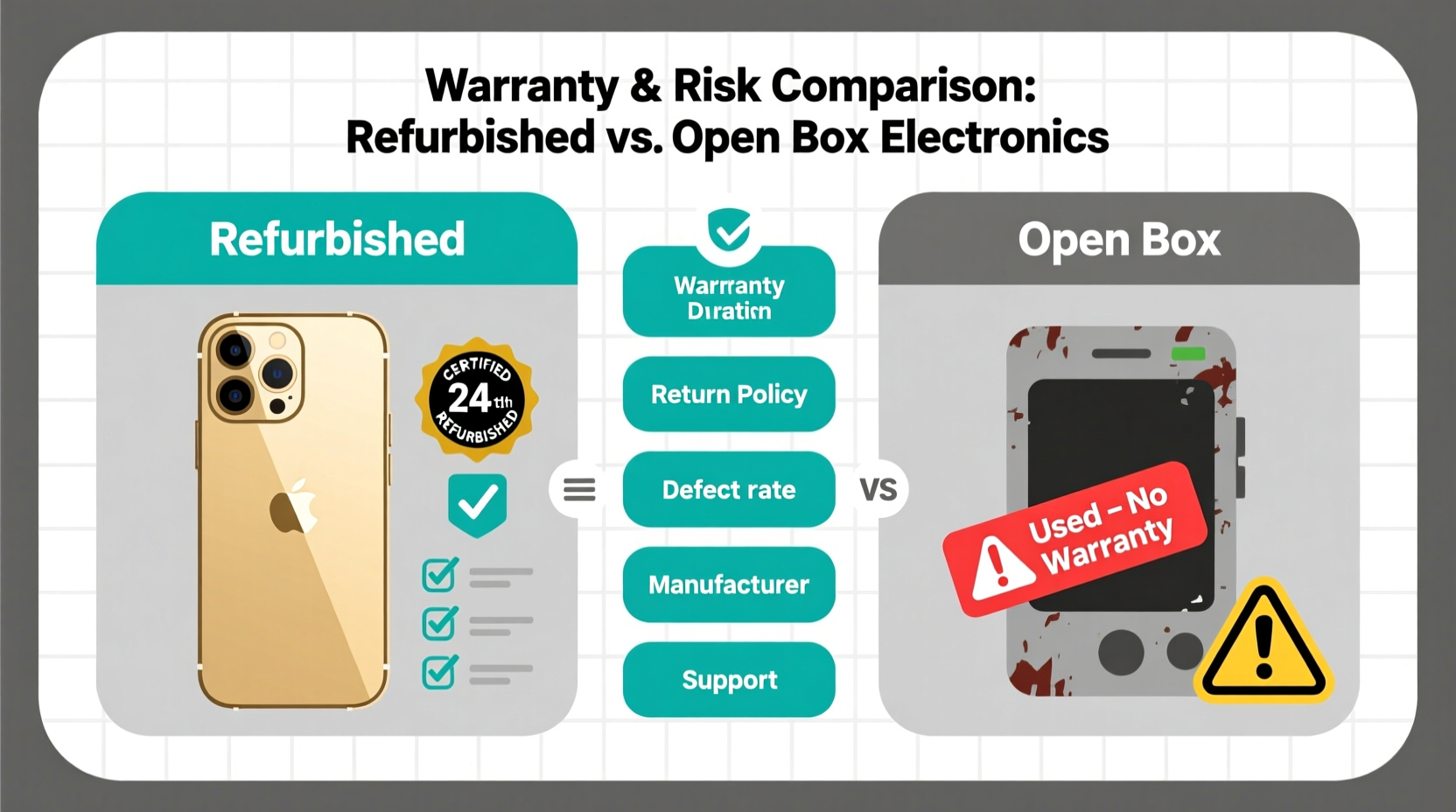
At first glance, “refurbished” and “open box” sound similar—both describe products that weren’t sold as new. But their origins, handling, and return policies are fundamentally different.
- Refurbished items were returned by customers or deemed unsellable as new due to minor defects, cosmetic blemishes, or overstock. They are inspected, repaired (if needed), cleaned, and tested by the manufacturer or an authorized third party before being resold.
- Open box items were purchased by a customer who then returned them, often because they changed their mind, received a gift duplicate, or simply didn’t like the product. These devices are typically fully functional with no hardware issues but may show light signs of use.
The key distinction lies in intervention: refurbished units are actively restored; open box units are merely reboxed after inspection.
Warranty: The Core Difference That Matters
While both types usually come with some form of warranty, the source, duration, and enforceability vary widely.
| Feature | Refurbished Tech | Open Box Tech |
|---|---|---|
| Warranty Provider | Manufacturer or certified refurbisher | Retailer (e.g., Best Buy, Amazon) |
| Typical Duration | 90 days to 1 year | Varies; often original warranty minus time used |
| Coverage Scope | Full hardware protection, sometimes battery & accessories | Limited; may exclude accidental damage or software |
| Service Process | Direct repair/replacement via manufacturer | Must go through retailer; slower turnaround |
| International Validity | Sometimes valid globally | Rarely honored outside country of purchase |
For example, Apple-certified refurbished devices come with a full one-year warranty identical to new models and qualify for AppleCare+. In contrast, an open box iPhone returned after two days might only carry 11 months and 28 days of the original warranty—and service must be coordinated through the retailer, not Apple directly.
Why Warranty Gaps Pose Real Financial Risk
A missing or limited warranty turns a small discount into potential long-term cost. Consider this scenario:
Mini Case Study: The $300 Laptop That Cost $700
Jamal bought an open box ultrabook from a major electronics retailer for $650—$150 less than retail. It worked perfectly for three months. Then, the SSD failed. The device was out of the retailer’s 90-day return window, and since it wasn’t manufacturer-refurbished, there was no extended warranty. Jamal contacted the brand’s support, but they refused service because the unit wasn't covered under their standard plan. He paid $380 for a replacement drive and labor. His \"savings\" vanished, and he now questions whether he’d have been better off buying new.
This illustrates a common blind spot: consumers assume all warranties are equal. But retailer-backed open box warranties often lack the depth and longevity of manufacturer-backed refurbished plans.
“Warranty quality separates true value from false economy in secondhand tech.” — David Lin, Senior Analyst at Consumer Electronics Watchdog
How to Evaluate Risk Before Buying
Not all open box or refurbished deals are risky—but evaluating them requires diligence. Here’s how to separate safe bets from potential pitfalls.
Step-by-Step Guide: Assessing Warranty Safety
- Identify the seller type: Is it a manufacturer (Apple, Dell, Lenovo), authorized refurbisher (Back Market, Gazelle), or retailer (Best Buy, Target)? Manufacturer-backed is safest.
- Check warranty length: Look for at least 90 days. One year is ideal. Avoid listings with “as-is” or “no warranty” tags unless you’re technically skilled.
- Verify warranty provider: Can you get service directly from the brand? Or do you need to ship it back to the store?
- Review return policy: Even with a warranty, returns within 15–30 days offer a safety net if the device has hidden flaws.
- Read the fine print: Some warranties cover only specific components (e.g., battery, screen) or exclude wear-and-tear issues.
Also consider the product category. High-reliability items like e-readers or monitors pose less risk than complex devices such as gaming laptops or flagship phones with tightly integrated components.
Checklist: Questions to Ask Before Purchase
- Who issued the warranty—manufacturer, refurbisher, or retailer?
- How long does coverage last?
- Does it include parts, labor, and shipping?
- Is accidental damage covered?
- Can I extend coverage (e.g., via AppleCare, Dell ProSupport)?
- Are software updates and technical support included?
- Is the warranty transferable if I resell the device later?
Skipping even one of these checks can leave you exposed. For instance, many open box warranties don’t cover software glitches—even if they stem from factory reset errors during restocking.
When Open Box Makes Sense (And When It Doesn’t)
Open box purchases aren’t inherently risky—they can be excellent value when approached strategically.
Good candidates for open box:
- Simple devices with low failure rates (printers, keyboards, external drives)
- Items returned due to buyer’s remorse (verified as unused)
- Purchases from retailers with strong return policies and in-house repair centers
High-risk open box buys:
- Devices with known hardware flaws (e.g., past recall models)
- Products nearing end-of-life with limited future support
- Units sold “as seen” without testing confirmation
In contrast, certified refurbished gear shines when buying premium electronics. Google’s Renewed program, Microsoft Authorized Refurbished, and Samsung Certified Re-Newed all offer full warranties, rigorous testing, and performance guarantees comparable to new.
Frequently Asked Questions
Is a refurbished device less reliable than new?
Not necessarily. Manufacturer-certified refurbished devices undergo comprehensive diagnostics and component replacement where needed. Many are former display models or lightly used returns with no functional issues. Independent studies suggest failure rates for certified refurbished units are only 3–5% higher than new—well within acceptable range given the typical 20–40% price reduction.
Can I get the same warranty on open box as new?
Rarely. While some retailers honor the full original warranty, most deduct the time between sale and return. A phone returned after 10 days may only have 355 days left. Additionally, activation requirements (like registering with the carrier) may complicate claims. Always ask for written confirmation of remaining warranty terms.
Do refurbished devices receive software updates?
Yes. Once activated, certified refurbished devices function identically to new ones. They receive over-the-air updates, security patches, and feature upgrades on the same schedule. There is no software-based differentiation between new and refurbished units from the same model line.
Final Verdict: Weighing Value Against Protection
The real risk in choosing between refurbished and open box tech isn’t about condition—it’s about accountability. A refurbished device backed by the manufacturer offers peace of mind, standardized repairs, and predictable longevity. An open box item, while often pristine, relies on retailer goodwill and fragmented support structures that can vanish with policy changes.
If warranty strength is your priority, lean toward manufacturer-certified refurbished. The slight premium over open box pricing is often justified by longer, more comprehensive coverage and direct access to brand support. For budget buyers, open box remains viable—but only when paired with short return windows and clear warranty documentation.
Ultimately, the smartest buyers don’t just look at price. They read the warranty terms, verify the provider, and treat protection as part of the product’s total cost. Because a device that breaks six months after purchase isn’t a bargain—it’s a lesson learned the hard way.
“The best tech deal isn’t the cheapest upfront price—it’s the one that keeps working without surprise costs.” — Lena Patel, Consumer Technology Advocate




 浙公网安备
33010002000092号
浙公网安备
33010002000092号 浙B2-20120091-4
Comments
No comments yet. Why don't you start the discussion?