
For Google Home users looking to enhance their smart home security, choosing the right video doorbell is more than just about motion detection or HD video—it's about seamless integration, reliability, and how well the device fits into an existing ecosystem. Two of the most popular options are the Ring Video Doorbell and the Nest Hello. While both deliver core functionality, they differ significantly in design philosophy, compatibility, AI capabilities, and user experience—especially when used within a Google-centric environment. Understanding these differences helps homeowners make an informed decision that aligns with their priorities.
Design and Installation: Simplicity vs Sophistication
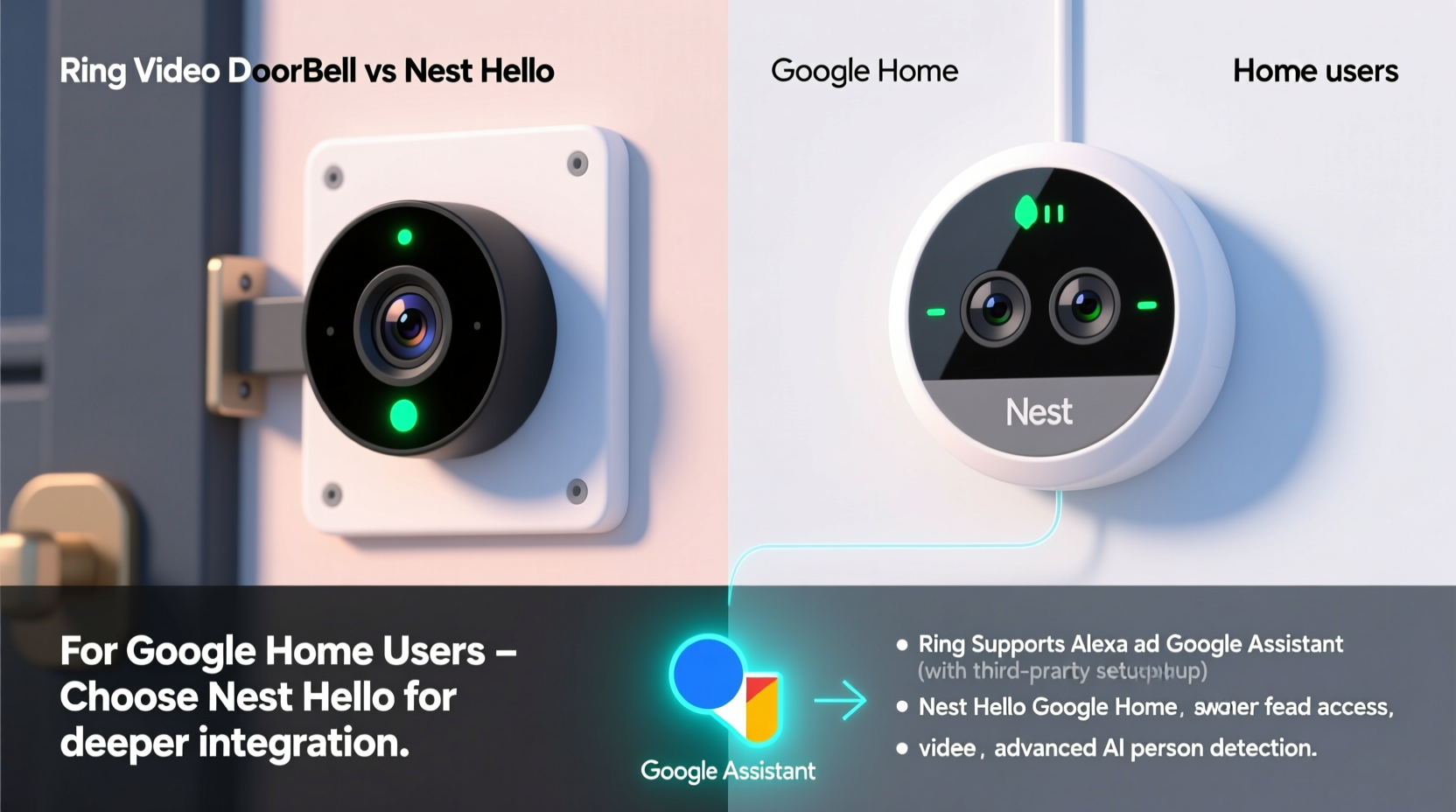
The physical setup of a video doorbell plays a crucial role in long-term satisfaction. Both Ring and Nest offer straightforward installation processes, but their approaches reflect different philosophies.
Ring’s Video Doorbell line—particularly models like the Ring Video Doorbell 3 Plus and 4—is designed with DIY simplicity in mind. It uses standard screw mounts and connects to existing doorbell wiring or a rechargeable battery pack. The setup process is guided through the Ring app, which walks users step-by-step through mounting, wiring, and Wi-Fi pairing. This makes it ideal for renters or those uncomfortable with electrical work.
Nest Hello, on the other hand, leans toward a more permanent installation. It requires hardwiring to an existing doorbell transformer (8–24 VAC) and does not offer a battery-powered option. While this ensures consistent power and performance, it may require professional help if your home lacks compatible wiring. However, once installed, Nest Hello has a sleek, minimalist design that blends into modern exteriors more seamlessly than many Ring models.
Google Home Integration: Where Nest Has the Edge
For users deeply invested in the Google ecosystem, integration depth matters. Nest Hello, being a Google-owned product, offers native, out-of-the-box compatibility with Google Home, Google Assistant, and even Google Photos (for event highlights). When someone rings the doorbell, your Nest Hub, Nest Mini, or any Google Display can show live video, and you can respond using voice commands like “Hey Google, answer the front door.”
Ring, owned by Amazon, operates primarily within the Alexa ecosystem. While it supports Google Assistant via limited routines, the integration is not as fluid. You can view live streams on Google Nest displays using Chromecast functionality, but two-way talk and real-time alerts require workarounds. For example, you must set up IFTTT or Google Home routines to trigger actions when motion is detected—a less reliable method compared to direct integration.
“Nest Hello doesn’t just work with Google Home—it was built for it. The level of voice control and automation available gives it a distinct advantage for non-Alexa households.” — David Lin, Smart Home Systems Analyst
If your household relies on Google Assistant for daily tasks—from checking calendars to controlling lights—choosing Nest Hello reduces friction and eliminates the need for third-party bridges.
Feature Comparison: Camera Quality, AI, and Alerts
Both devices deliver clear video, but their processing, field of view, and intelligence engines differ.
| Feature | Ring Video Doorbell (3rd Gen) | Nest Hello |
|---|---|---|
| Resolution | 1080p HD | 1080p HD with HDR |
| Field of View | 160° horizontal | 160° diagonal (slightly narrower vertical) |
| Two-Way Audio | Yes, with noise cancellation | Yes, with advanced echo suppression |
| AI-Powered Detection | Basic person detection (subscription required) | Familiar Face Detection, person/animal/package differentiation |
| Pre-Roll Video | No | Up to 3 seconds before motion starts |
| Local Storage Option | No | No (cloud only) |
| Warranty & Support | Lifetime theft protection | 1-year limited warranty |
Nest Hello’s pre-roll technology is a standout feature. It records a few seconds *before* motion is fully triggered, capturing context such as someone approaching from off-camera. This provides a more complete picture of events—something Ring lacks entirely.
Additionally, Nest Hello uses machine learning to recognize familiar faces over time. After training, it can send alerts like “Mom is at the door,” reducing false alarms and increasing convenience. Ring identifies people but doesn’t learn identities, making it less personalized despite similar subscription tiers.
Subscription Models and Long-Term Costs
Both brands require subscriptions for full functionality, but their pricing and benefits vary.
- Ring Protect Basic: $3.99/month per device – stores videos for 60 days, enables smart alerts.
- Ring Protect Plus: $10/month or $100/year – covers all home devices, includes extended warranties and cloud storage.
- Nest Aware (Standard): $8/month – 30-day rolling history, intelligent alerts, facial recognition. Nest Aware Plus: $15/month – 10-day continuous recording + all Standard features.
While Ring’s entry-level plan is cheaper, Nest Aware offers richer AI features even at the base tier. Notably, Nest’s facial recognition and pre-event video are locked behind the paywall, meaning free users get only basic motion clips without smart filtering.
For budget-conscious users, Ring offers more flexibility with individual device plans. But if you own multiple Nest devices, bundling them under one subscription simplifies management and unlocks shared benefits like emergency calling on Nest Hubs.
User Experience and Real-World Performance
Reliability in everyday use often determines long-term satisfaction. In humid climates or areas with heavy foot traffic, motion sensitivity and alert accuracy become critical.
A case study from Portland, Oregon, illustrates this well. Sarah K., a Google Home user with two dogs and frequent delivery traffic, initially chose a Ring Video Doorbell 3. While she appreciated its wide-angle view and ease of install, she grew frustrated with constant false alerts triggered by passing cars and animals. Even with motion zones enabled, the system struggled to distinguish between relevant and irrelevant activity.
After switching to Nest Hello, her alert fatigue decreased significantly. The AI-based filtering recognized her dogs as “animals” rather than “people,” and package detection ensured she never missed a delivery. Combined with Google Assistant announcements on her Nest Hub Max (“There’s a person at the front door”), she felt more connected and secure.
However, Nest’s lack of a battery option was a hurdle. She had to hire an electrician to upgrade her doorbell transformer, adding $120 to her initial cost. Ring’s flexibility would have avoided this—but at the expense of smarter alerts and deeper Google integration.
Step-by-Step Guide: Choosing the Right Doorbell for Your Google Home Setup
Follow this sequence to determine which doorbell best suits your needs:
- Assess your wiring. Do you have an existing doorbell circuit with sufficient voltage? Use a multimeter to check output. If not, Ring’s battery models are more practical.
- Evaluate your primary assistant. If you say “Hey Google” more than “Alexa,” Nest Hello will feel more natural.
- Determine your security priorities. Want facial recognition and pre-motion video? Choose Nest. Prefer customizable motion zones and theft protection? Ring may be better.
- Calculate long-term costs. Factor in subscription fees over three years. Nest Aware is pricier but offers more advanced analytics.
- Test compatibility. Ensure your Wi-Fi signal reaches your front door. Both devices require strong 2.4 GHz coverage; neither supports Wi-Fi 6 or mesh extenders seamlessly.
FAQ: Common Questions from Google Home Users
Can I use Ring with Google Assistant effectively?
You can view live streams on Google Nest displays via Cast, and set up basic routines (e.g., turn on lights when motion is detected). However, real-time two-way talk and proactive alerts are not supported natively. For full functionality, Alexa is required.
Does Nest Hello work with Amazon Echo devices?
Limited support exists through routines, but it’s not recommended. Nest Hello is optimized for Google’s ecosystem and performs poorly when integrated with Alexa.
Which doorbell has better night vision?
Both offer infrared night vision up to 30 feet. Nest Hello edges ahead with automatic brightness adjustment and HDR, producing clearer contrast in low light. Ring’s night mode is solid but can overexpose close objects.
Final Recommendation: Ecosystem Alignment Is Key
The choice between Ring Video Doorbell and Nest Hello ultimately hinges on ecosystem alignment. If you’re committed to Google Home and value intelligent alerts, facial recognition, and seamless voice control, Nest Hello is the superior choice—despite its higher upfront cost and installation demands.
Ring remains a strong contender for users prioritizing affordability, flexible power options, and broad compatibility across platforms. Its community features, like Neighbors app integration and crime prevention sharing, add social value unmatched by Nest.
Yet, for Google-centric homes where automation, clarity, and contextual awareness matter, Nest Hello delivers a more cohesive, future-ready experience. It anticipates behavior, learns patterns, and integrates so smoothly that it feels like an extension of your home—not just another gadget.
“The best smart home tech disappears into the background. Nest Hello achieves that by working quietly, intelligently, and in harmony with Google’s ecosystem.” — Maya Tran, IoT Product Designer
Checklist: Before You Buy
- ✅ Confirm your doorbell has compatible wiring (for Nest Hello)
- ✅ Test Wi-Fi signal strength at your front door
- ✅ Decide whether facial recognition and pre-roll video are important
- ✅ Compare total 3-year cost including subscription
- ✅ Try free trials if available
- ✅ Check local weather resistance ratings (both are IPX5 rated)
- ✅ Verify if your state allows audio recording (two-party consent laws apply)
Conclusion: Make the Smart Move
Your video doorbell should do more than show who’s at the door—it should understand the context, integrate effortlessly, and adapt to your lifestyle. For Google Home users, Nest Hello isn’t just compatible; it’s optimized. While Ring offers broader accessibility, Nest delivers precision, intelligence, and deep synergy with the tools you already use every day.




 浙公网安备
33010002000092号
浙公网安备
33010002000092号 浙B2-20120091-4
Comments
No comments yet. Why don't you start the discussion?