
In the evolving landscape of mobile productivity, how well your phone works with your computer can define your daily workflow. For years, Apple has set the gold standard with its tightly integrated ecosystem—where iPhone, iPad, and Mac communicate seamlessly. Features like Handoff, Universal Clipboard, and especially Sidecar have made switching between devices feel effortless. But now, Samsung is pushing back with DeX, its desktop experience for Galaxy devices. The question isn't just which one performs better—it's whether Android, through Samsung’s innovation, is finally closing the gap in ecosystem integration.
This isn’t about raw specs or screen resolution. It’s about continuity, context preservation, and reducing friction. When you move from a phone to a laptop, does your work follow you? Can you pick up right where you left off? Apple Sidecar and Samsung DeX represent two different philosophies in answering that question—one built on uniformity, the other on adaptability.
The Philosophy Behind Ecosystem Integration
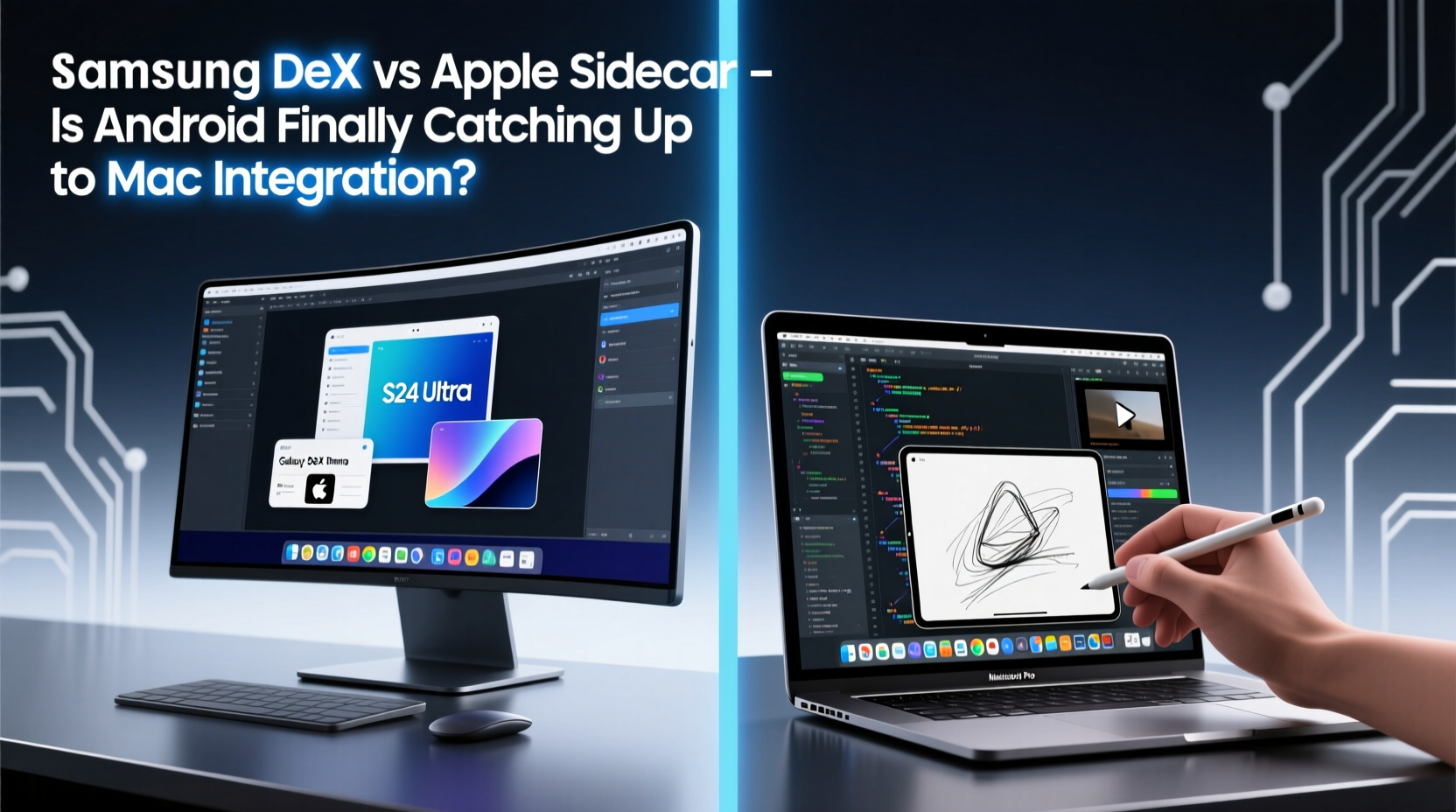
Apple’s approach to device integration is rooted in control. By manufacturing both hardware and software, Apple ensures that every component—from the M-series chips to macOS and iOS—works in concert. Sidecar, introduced in 2019, allows users to use an iPad as a wireless second display for their Mac. It supports Apple Pencil input, mirrors or extends displays, and maintains low latency thanks to optimized Wi-Fi and Bluetooth handshakes.
Samsung takes a different path. Instead of relying on a secondary tablet, DeX transforms the smartphone itself into a desktop environment. Plug a Galaxy S or Z series phone into a monitor via HDMI or USB-C, connect a keyboard and mouse, and you’re greeted with a windowed interface reminiscent of Windows or macOS. No additional tablet required. This flexibility appeals to users who want desktop functionality without carrying extra gear.
But integration goes beyond hardware compatibility. It’s about how naturally the transition feels. Apple’s ecosystem anticipates user intent: start an email on iPhone, finish it on Mac. Copy text on iPad, paste it on MacBook. These micro-moments of seamlessness build trust in the system. Samsung has been playing catch-up here, but recent updates suggest they’re not just mimicking—they’re reimagining.
Side-by-Side Feature Comparison
| Feature | Apple Sidecar | Samsung DeX |
|---|---|---|
| Device Requirement | iPad + Mac (both must support Sidecar) | Galaxy phone (S8 or later) + monitor/PC/laptop |
| Connection Method | Wi-Fi or USB-C cable | USB-C, HDMI, or wireless to PC/Mac via app |
| Input Support | Touch, Apple Pencil, keyboard/mouse via Mac | Keyboard, mouse, touch (if using touchscreen monitor) |
| Multi-Window Support | Limited (iPadOS constraints) | Yes, full window management |
| File Transfer | Drag-and-drop between Mac and iPad | Shared clipboard, file sharing via My Files |
| Ecosystem Lock-in | High (requires Apple devices only) | Medium (works across Windows, Mac, Linux, monitors) |
| Latency & Performance | Very low (optimized hardware/software) | Moderate (depends on connection method) |
| Price | Free (but requires expensive hardware) | Free (uses existing phone) |
The table reveals a fundamental difference: Apple optimizes for polish within a closed loop; Samsung prioritizes access and versatility. Sidecar delivers a premium experience—but only if you already own the right devices. DeX, meanwhile, turns a single device into multiple form factors, reducing the need for redundancy.
Real-World Workflow: A Designer’s Perspective
Consider Maria, a freelance graphic designer based in Lisbon. She travels frequently and uses an iPad Pro with Apple Pencil for sketching and a MacBook Air for final edits. With Sidecar, she can draw directly on her iPad while using Photoshop on her Mac—the perfect hybrid setup. The Apple Pencil latency is nearly imperceptible, and color accuracy across devices is consistent. For her, Sidecar isn’t just convenient; it’s essential to her creative process.
Now meet James, a project manager in Chicago. He doesn’t carry a tablet. Instead, he relies on his Galaxy S24 Ultra. In client meetings, he connects his phone to a portable monitor via USB-C, launches DeX, and presents slides from PowerPoint while referencing emails in another window. Afterward, he detaches everything, slips the phone into his pocket, and heads to his next meeting. No extra devices. No syncing delays.
Both scenarios highlight strengths: Apple excels in high-fidelity creative workflows, while Samsung shines in mobility and minimalism. Neither is objectively better—each serves distinct user needs. But what’s notable is that five years ago, James wouldn’t have had a viable alternative. Today, DeX offers a legitimate desktop-class experience from a smartphone.
“Ecosystem value isn’t just about features—it’s about reducing cognitive load. When your devices work together without asking, that’s when productivity happens.” — Lena Park, UX Researcher at FutureWork Labs
Where Samsung Still Lags—and Where It Leads
Despite progress, Samsung DeX isn’t without limitations. App optimization remains uneven. While core apps like Samsung Internet, Office Suite, and My Files run smoothly in windowed mode, many third-party Android apps don’t scale well to larger screens. Some stretch awkwardly; others refuse multitasking. Google has pushed developers to adopt responsive design with Android 12L and later, but adoption is slow.
In contrast, Apple controls the entire app distribution chain. Developers optimize for iPadOS with clear guidelines, ensuring most major apps support Sidecar properly. This top-down control guarantees consistency—even if it limits experimentation.
Yet Samsung leads in one critical area: device independence. DeX can now run on Windows and Mac via the Samsung DeX app, allowing users to mirror their phone screen or launch a desktop interface directly on their laptop. This means you can access your mobile apps, messages, and files without touching your phone. It’s a step toward true convergence—something Apple hasn’t attempted.
Moreover, Samsung recently introduced “Link to Windows,” which syncs notifications, messages, and even apps between Galaxy phones and Windows PCs. Microsoft’s Your Phone app initially offered similar functionality, but Samsung’s version is more stable and deeply integrated. Now, copying a link on your Galaxy phone and opening it in Edge on your Surface laptop feels almost as seamless as Continuity on Apple devices.
Checklist: Getting the Most Out of Cross-Device Integration
- ✅ Ensure all devices are signed into the same account (iCloud for Apple, Samsung Account for DeX).
- ✅ Keep operating systems updated—both iOS/macOS and One UI/Android updates often include integration fixes.
- ✅ Use native apps where possible (e.g., Samsung Notes instead of third-party alternatives for better sync).
- ✅ Enable Bluetooth and Wi-Fi on all devices—even when using wired connections—for smoother handoff.
- ✅ Test latency before important presentations or remote work sessions.
- ✅ Organize frequently used apps in DeX desktop mode for quick access during work sessions.
Is Android Finally Catching Up?
The answer is nuanced. In terms of raw integration depth—handoffs, clipboard sync, authentication handover—Apple still holds a significant lead. The way an iPhone unlocks a Mac automatically, or how FaceTime calls can be answered from any device, reflects years of architectural refinement. These aren’t features; they’re behaviors embedded into the system.
But Samsung is narrowing the gap by focusing on practical utility. You don’t need a second screen to use DeX. You don’t need to buy into an entire ecosystem. Your phone becomes the hub. For budget-conscious professionals, travelers, or those who prefer simplicity, this model is compelling.
Furthermore, Samsung’s partnership with Microsoft adds another layer of credibility. With Link to Windows, Samsung isn’t trying to replicate Apple’s walled garden. Instead, it’s building bridges across platforms—an approach that resonates in a world where people use mixed ecosystems.
Consider this timeline of key developments:
- 2017: Samsung launches DeX with the Galaxy S8, introducing desktop mode via dock.
- 2019: Apple releases Sidecar, enabling iPad-to-Mac screen extension.
- 2020: Samsung introduces wireless DeX and DeX on PC app.
- 2021: Microsoft integrates Samsung’s Link to Windows into Windows 11.
- 2023: Samsung expands DeX to support multiple windows from the same app and improved keyboard shortcuts.
- 2024: DeX gains drag-and-drop file transfer between phone and PC, closing a long-standing usability gap.
Each step shows intentional progression. Samsung isn’t just reacting—it’s iterating with purpose.
Frequently Asked Questions
Can I use Samsung DeX on a Mac?
Yes. Samsung offers a free DeX app for macOS that allows you to wirelessly or wiredly connect your Galaxy phone and use it in desktop mode. You can run apps, transfer files, and even respond to messages—all from your Mac’s screen.
Does Apple Sidecar work with iPhone?
No. Sidecar is limited to iPad and Mac combinations. iPhones cannot function as extended displays for Macs, even though they share similar hardware capabilities. This remains a point of frustration for many Apple users.
Which is better for office work: DeX or Sidecar?
For document editing, email management, and multitasking, Samsung DeX offers more flexibility due to true windowed apps and direct keyboard/mouse control. Sidecar is better suited for creative tasks like drawing or video scrubbing, where touch or Apple Pencil input enhances precision.
Conclusion: A New Era of Device Synergy
The rivalry between Samsung DeX and Apple Sidecar isn’t just about technology—it’s about vision. Apple believes the future lies in specialized devices working in harmony. Samsung bets on the smartphone as the ultimate all-in-one tool. Both views have merit, and both are shaping how we think about productivity.
What’s clear is that Android, led by Samsung, is no longer trailing helplessly. It’s offering real alternatives—practical, affordable, and increasingly refined. While Apple still wins on elegance and cohesion, Samsung is winning on accessibility and innovation.
If you’ve dismissed Android’s ecosystem capabilities in the past, it’s time to reconsider. The gap has narrowed. In some cases, it’s disappeared altogether.




 浙公网安备
33010002000092号
浙公网安备
33010002000092号 浙B2-20120091-4
Comments
No comments yet. Why don't you start the discussion?