
For long-time Samsung users, the decision to upgrade from a flagship like the Galaxy Note 8 to a newer model such as the Galaxy S10 isn’t just about new features—it’s about value, longevity, and real-world usability. The Note 8 was a powerhouse in its time, known for its stylus functionality, large display, and premium build. The Galaxy S10, released two years later, brought modern refinements across the board. But does that mean it's truly worth making the switch?
This comparison dives deep into design, performance, camera quality, battery life, software support, and user experience to determine whether the Galaxy S10 delivers enough meaningful improvements to justify leaving behind a still-capable device like the Note 8.
Design & Build: Evolution of Form and Function
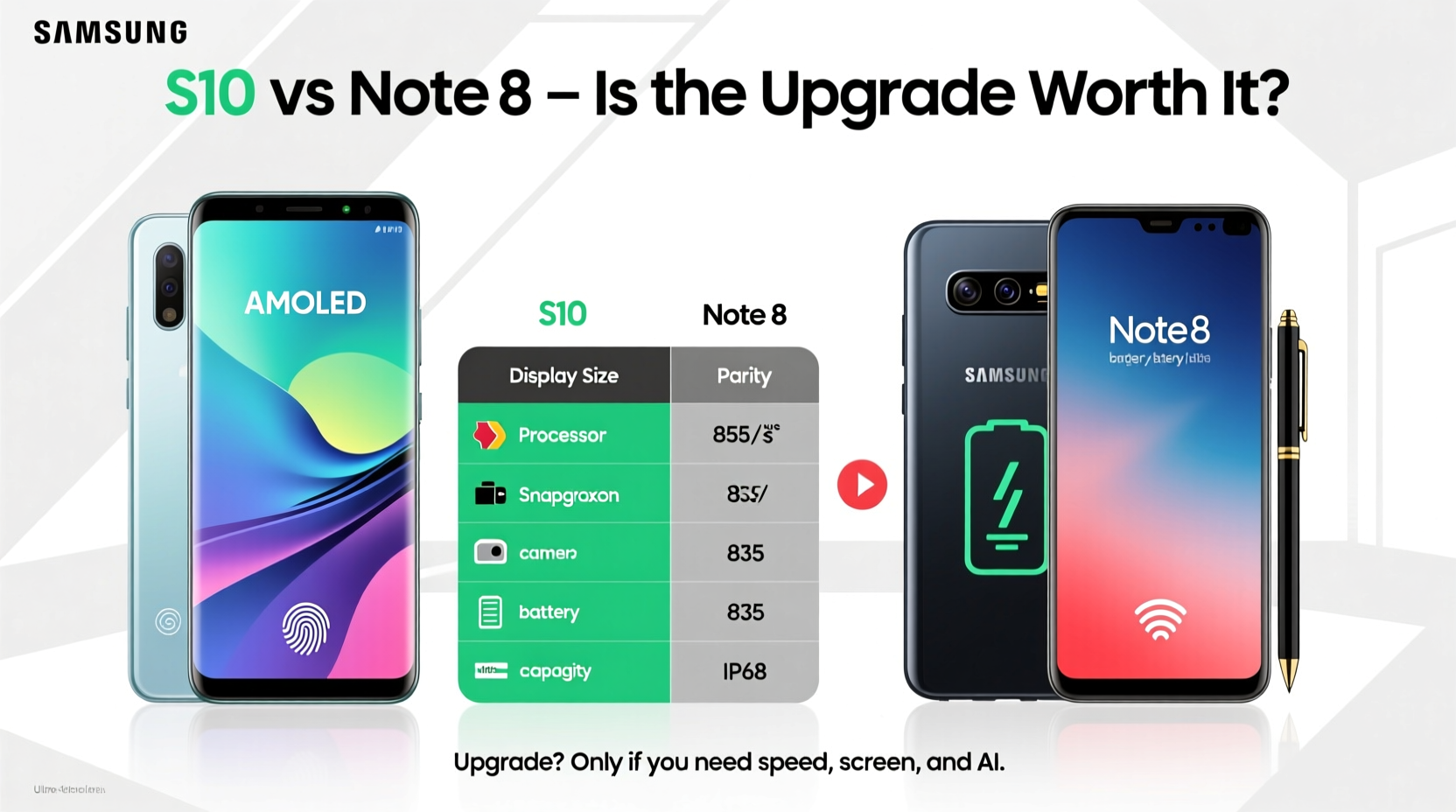
The most immediate difference between the Galaxy S10 and Note 8 lies in their design philosophy. The Note 8, launched in 2017, featured a dual-curved glass body with physical navigation buttons below the screen and noticeable top and bottom bezels. It was elegant but rooted in pre-fullscreen design trends.
In contrast, the Galaxy S10 (2019) embraced the era of edge-to-edge displays with its Infinity-O AMOLED screen—a small circular cutout for the front camera replaced the traditional notch or thick bezels. This gave the S10 a more immersive look while maintaining a slightly smaller footprint than the larger Note 8.
| Feature | Galaxy Note 8 | Galaxy S10 |
|---|---|---|
| Display Size | 6.3 inches | 6.1 inches |
| Bezels | Pronounced top/bottom | Nearly bezel-less |
| Fingerprint Sensor | Rear-mounted (next to camera) | Ultrasonic in-display |
| Water Resistance | IP68 | IP68 |
| Weight | 195g | 157g |
The S10 feels significantly lighter and more balanced in hand despite having similar screen real estate. Its in-display fingerprint sensor, while occasionally slower than physical sensors, offers a cleaner aesthetic. Meanwhile, the Note 8’s rear fingerprint placement was often criticized for being too close to the camera lens.
Performance & Software: Two Generations Apart
Under the hood, the gap widens. The Note 8 shipped with either the Exynos 8895 or Snapdragon 835 (depending on region), paired with 6GB of RAM. Solid for its time, but now showing its age when multitasking or running modern apps.
The Galaxy S10 upgraded to the Exynos 9820 or Snapdragon 855—both built on more efficient architectures—and came with 8GB of RAM. This translates to smoother app launches, faster AI processing, and better thermal management during extended use.
More importantly, software support favors the S10. Samsung committed to three major Android OS updates for the S10 series, meaning it received upgrades up to Android 12 and ongoing security patches through 2022–2023. The Note 8, limited to two major updates, topped out at Android 9 Pie and lost official support earlier.
“Software longevity is often overlooked, but it’s critical for security and access to new features. Devices like the S10 offer peace of mind beyond raw specs.” — Lena Park, Mobile Analyst at TechPulse Insights
Camera Capabilities: From Dual to Triple Lens Innovation
The Note 8 introduced Samsung’s first dual rear camera setup: a 12MP wide and 12MP telephoto lens, both with optical image stabilization (OIS). It excelled in portrait shots and zoomed photography for its era.
The S10 expanded this with a triple-camera system: a 12MP wide (variable aperture f/1.5–2.4), a 12MP telephoto (2x optical zoom), and a new 16MP ultra-wide lens. This third lens opened creative possibilities—capturing landscapes, group photos, or architecture without stepping back.
In practical terms, the S10 produces sharper details, better dynamic range, and more natural color reproduction. Its Night Mode, absent on the Note 8, dramatically improves low-light photography by combining multiple exposures.
- Front Camera: Note 8 has an 8MP sensor; S10 upgrades to 10MP with autofocus and better skin tone rendering.
- Video Recording: Both support 4K at 30fps, but the S10 adds HDR10+ recording and improved stabilization.
- Zoom Quality: While both have 2x optical zoom, the S10’s software enhances digital zoom up to 10x with usable results.
If photography plays a central role in your phone usage, the S10 represents a generational leap—not just incremental improvement.
Battery Life & Charging: Efficiency Over Capacity
The Note 8 packs a 3,300mAh battery, which was adequate in 2017 but struggles today under heavier app loads. The S10 uses a slightly larger 3,400mAh cell, but gains come from efficiency: the newer chipset consumes less power, and the adaptive refresh rate helps extend screen-on time.
Crucially, the S10 introduces wireless power sharing—allowing you to charge other Qi-compatible devices (like earbuds or another phone) simply by placing them on the back. It also supports faster wired and wireless charging standards.
Charging Comparison
| Feature | Note 8 | S10 |
|---|---|---|
| Wired Charging | Fast charging (15W) | Fast charging (15W, higher efficiency) |
| Wireless Charging | Yes (Qi standard) | Yes + Wireless Power Sharing |
| Battery Capacity | 3,300 mAh | 3,400 mAh |
Real-world testing shows the S10 lasts about 10–15% longer on average despite similar capacities, thanks to optimized software and display technology.
User Experience & Special Features: Where Preferences Matter
One feature defines the Note series: the S Pen. For professionals, students, or creatives, the Note 8’s stylus offered precise input, Air Commands, and handwriting conversion. Even basic tasks like jotting down notes felt uniquely intuitive.
The S10 lacks an S Pen, which could be a dealbreaker for some. However, it compensates with a superior audio experience—stereo speakers tuned by AKG, support for 3.5mm headphone jack (also present on Note 8), and advanced haptic feedback.
Additionally, the S10 includes ultrasonic fingerprint recognition, which works reliably even with wet fingers—something capacitive sensors couldn’t achieve. It also supports Wi-Fi 6 (in select models), future-proofing connectivity in high-density environments.
Mini Case Study: A Business Traveler’s Dilemma
Mark, a consultant who frequently travels, used his Note 8 for over three years. He loved the S Pen for taking meeting notes and appreciated the large screen for reviewing documents. However, he began experiencing slow app loading times, inconsistent camera focusing, and shorter battery life on full-day trips.
After switching to the S10, Mark missed the S Pen initially but adapted quickly using third-party note-taking apps with finger input. He gained noticeably faster performance, better low-light photos during evening client dinners, and the ability to wirelessly charge his earbuds mid-flight. For him, the trade-off was worthwhile—especially given the improved reliability and modern interface.
Upgrade Checklist: Is the S10 Right for You?
- Am I frustrated by slow app performance or frequent crashes?
- Do I want better photo quality, especially in low light or wide scenes?
- Is losing official software updates a security concern?
- Can I live without the S Pen, or do I rely on it daily?
- Do I value modern conveniences like in-screen fingerprint or reverse wireless charging?
Frequently Asked Questions
Can the Galaxy S10 run modern apps smoothly compared to the Note 8?
Yes. Thanks to its newer processor and additional RAM, the S10 handles multitasking, gaming, and intensive applications far more efficiently than the aging Note 8.
Does the lack of an S Pen make the S10 unsuitable for productivity?
Not necessarily. While the S Pen offers unique advantages, many productivity apps now support gesture input, voice commands, and cloud sync. Users can adapt with tools like Samsung Notes on finger input or external Bluetooth styluses.
Is it worth upgrading if my Note 8 still works fine?
If your device meets your needs and receives basic security updates via custom ROMs or third-party solutions, there’s no urgent need. But consider that hardware degradation—battery wear, slower storage, outdated biometrics—will increase over time. Upgrading now ensures a smoother transition before issues become critical.
Conclusion: Making the Smart Move
The Galaxy S10 isn't just a newer version of the Note 8—it's a reimagining of what a flagship Samsung phone could be in the late 2010s. From its immersive display and refined camera system to enhanced performance and longer software support, it addresses nearly every limitation of its predecessor.
However, the absence of the S Pen means the upgrade path isn’t universal. For those deeply invested in stylus-based workflows, holding onto the Note 8—or moving to a newer Note or Ultra model—makes more sense.
But for most users seeking a reliable, future-ready device with excellent all-around performance and modern features, the Galaxy S10 absolutely justifies the upgrade. It strikes a rare balance between innovation and usability—one that remains relevant even years after release.




 浙公网安备
33010002000092号
浙公网安备
33010002000092号 浙B2-20120091-4
Comments
No comments yet. Why don't you start the discussion?