
The battle between flagship smartphones has evolved beyond camera specs and battery life—it’s now a race for AI supremacy. The Samsung Galaxy S24 Ultra and Google Pixel 8 Pro represent the pinnacle of what AI can do on a mobile device in 2024. Both phones integrate artificial intelligence into everyday functions, but they approach it with different philosophies, ecosystems, and execution styles. Understanding how each leverages AI is crucial for users who want more than just a phone—they want a smart assistant, creative partner, and productivity engine rolled into one.
This deep dive compares the AI capabilities of both devices across key areas: voice and call assistance, photo enhancement, language translation, text generation, privacy handling, and ecosystem integration. Whether you're a power user, traveler, or content creator, this guide will help you determine which device aligns best with your needs.
AI Philosophy: Samsung's On-Device Focus vs Google's Cloud-Powered Intelligence
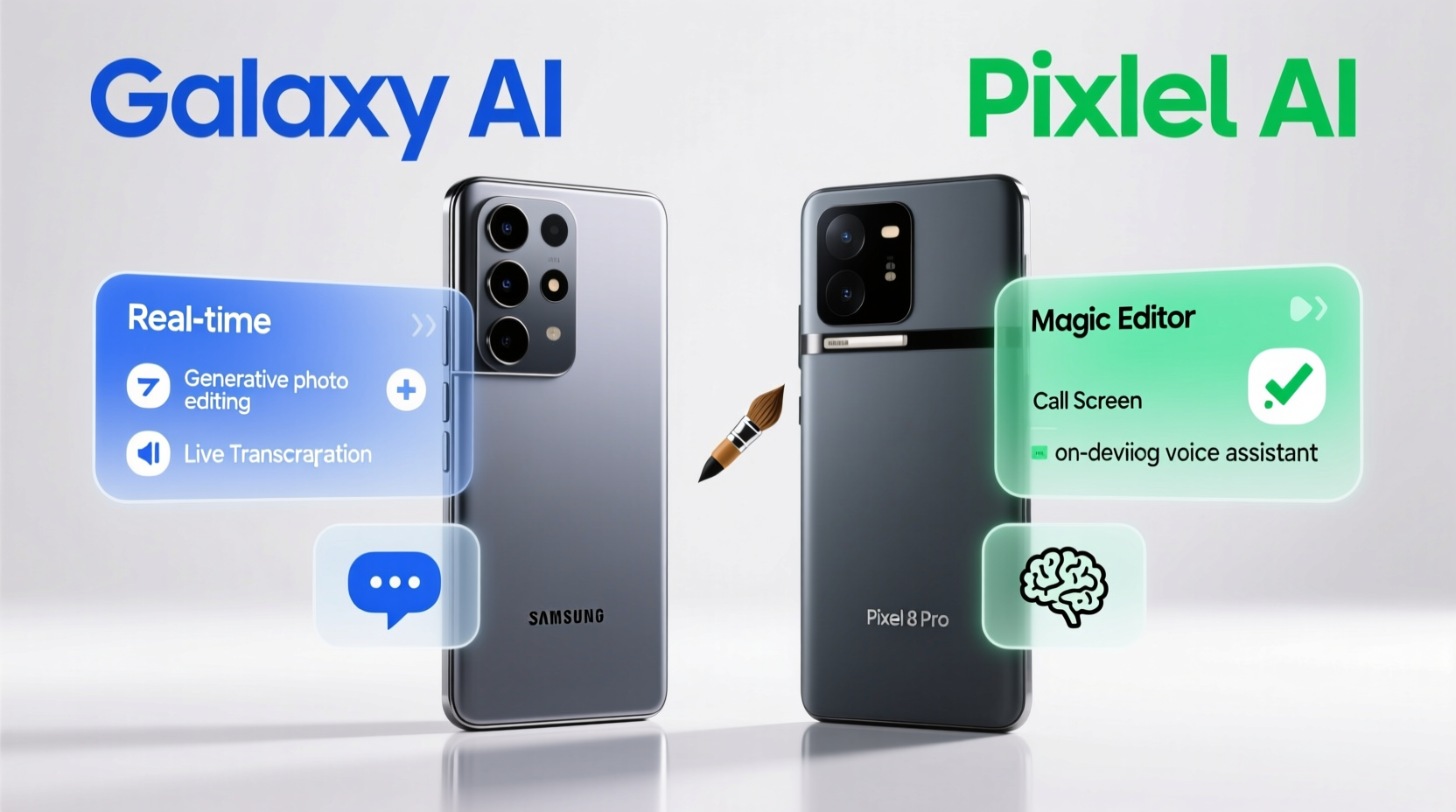
Samsung and Google take fundamentally different approaches to AI. Samsung emphasizes on-device processing through its Galaxy AI suite, prioritizing speed, privacy, and offline functionality. The S24 Ultra uses a combination of the Qualcomm Snapdragon 8 Gen 3 chip (with enhanced NPU) and Samsung’s own AI optimizations to run complex models locally. This means sensitive data like messages or voice recordings don’t need to leave your phone for processing.
Google, on the other hand, leans heavily on its cloud-based Large Language Models (LLMs), particularly the Gemini family. While some features are processed on-device using the Tensor G3 chip, many of the Pixel 8 Pro’s most advanced AI tools—like advanced summarization or contextual understanding in messages—rely on Google’s vast server infrastructure. This allows for deeper reasoning and broader knowledge access, but requires an internet connection and raises subtle privacy trade-offs.
“Samsung is betting on secure, private AI that works anytime, anywhere. Google is pushing the boundaries of what AI can understand and generate—but often at the cost of connectivity dependence.” — Dr. Lena Patel, Mobile AI Researcher at MIT Media Lab
The distinction matters. If you frequently travel, work offline, or value data privacy, Samsung’s local-first model may appeal more. If you’re deeply embedded in Google’s ecosystem and prioritize powerful generative features, the Pixel might be the better fit.
Voice and Call Assistance: Real-Time Translation and Summarization
Both phones offer live call features powered by AI, but their implementation differs significantly.
The Samsung Galaxy S24 Ultra introduces Live Translate, which enables real-time two-way voice translation during phone calls. It supports over 13 languages and runs entirely on-device. As you speak, your words are translated and spoken aloud in the recipient’s language, and vice versa. No recording is stored; everything happens instantly without uploading audio. Additionally, after a call ends, Galaxy AI can generate a summary of key points discussed—helpful for business conversations or multilingual check-ins with family.
The Google Pixel 8 Pro offers Interpreter Mode and Call Screen with summarization. Interpreter Mode works similarly to Live Translate but is more visual—displaying translated text on screen rather than speaking it aloud. However, it does not currently support real-time voice relay in both directions. Call Screen remains one of Google’s standout features: when a spam or unknown number calls, the AI answers automatically, identifies the caller’s purpose, and displays a real-time transcript. Afterward, it provides a concise summary, including whether action is needed (e.g., “They’ll deliver your package tomorrow”).
Comparison Table: Voice & Call AI Features
| Feature | Samsung Galaxy S24 Ultra | Google Pixel 8 Pro |
|---|---|---|
| Real-Time Voice Translation (Two-Way) | ✅ Yes (on-device) | ❌ No |
| On-Screen Translation Only | ✅ Available | ✅ Yes (Interpreter Mode) |
| AI Call Screening | ❌ Limited | ✅ Full Duplex AI Assistant |
| Post-Call Summary | ✅ Yes (Galaxy AI Notes) | ✅ Yes (via Call Screen) |
| Offline Functionality | ✅ Fully supported | ⚠️ Partial (requires internet for full features) |
Photo Enhancement: Magic Editor vs Generative Erase
AI-powered photo editing has become a defining feature of premium smartphones. Both Samsung and Google allow users to make dramatic changes to images using natural language commands and intelligent object manipulation.
The Samsung Galaxy S24 Ultra features Generative Edit, part of its broader AI photo toolkit. You can move, resize, or remove objects using simple drag gestures. For example, if someone photobombed your beach shot, you can erase them and the AI fills in the background realistically. More impressively, you can use “Add” mode to insert new elements—a dog, sunglasses, even a sunset—using text prompts like “add a seagull flying above.” These edits happen on-device using Samsung’s Vision Transformer model optimized for mobile.
The Google Pixel 8 Pro counters with Magic Editor, which also allows object removal, repositioning, and background generation. Its strength lies in semantic understanding: tell it “move the person to the center,” and it relocates the subject while adjusting shadows and perspective. Google’s AI excels at context-aware edits—removing a trash can from a park photo and seamlessly blending grass and trees behind it. Unlike Samsung, however, Magic Editor initially required cloud processing, though recent updates have added limited on-device support.
In side-by-side tests, Google tends to produce slightly more natural-looking results, especially in complex scenes with overlapping textures. Samsung matches it in ease of use and offers faster processing due to full local execution.
Mini Case Study: Editing a Family Portrait
Jamal took a group photo at his nephew’s birthday party. A balloon vendor stood in the background, partially blocking the cake. On the Galaxy S24 Ultra, he used Generative Edit to erase the vendor. The sky and decorations were reconstructed accurately in under five seconds—no upload needed. Later, he tried the same edit on a friend’s Pixel 8 Pro. Magic Editor produced a smoother blend around the cake’s edges, but required Wi-Fi and took 12 seconds to process. For Jamal, who values speed and privacy, the S24 Ultra was preferable despite marginally less refined output.
Text and Message AI: Smart Replies, Summarization, and Drafting
One of the most practical AI applications is reducing the cognitive load of digital communication. Both phones offer tools to summarize long messages, draft replies, and extract action items.
On the Samsung Galaxy S24 Ultra, Galaxy AI integrates directly into the messaging app. When you receive a lengthy message thread or email, tapping the AI icon generates a bullet-point summary highlighting decisions, dates, and requests. You can also ask follow-up questions like “What time is the meeting?” or “Who is organizing the event?” The AI parses the text and responds contextually—all on-device. It also offers Smart Reply Suggestions that go beyond “Yes” or “No,” crafting nuanced responses based on tone and prior conversation history.
The Pixel 8 Pro uses Assistant in Messages and Gemini in Gmail to provide similar functionality. Its summarization is powered by Google’s LLMs and often feels more conversational. For instance, it might summarize an email thread as: “You agreed to send the report by Friday, and Sarah confirmed she’ll review it Monday.” It also offers stronger drafting capabilities—type “Write a polite reply saying I’ll be late” and Gemini generates multiple options with varying tones.
Where the Pixel pulls ahead is integration across apps. Gemini can summarize web pages, PDFs, and Docs directly within the assistant. Samsung is catching up, but currently limits deep summarization to native Samsung apps like Email and Messages.
Checklist: Maximizing AI in Messaging
- Enable Galaxy AI or Google Assistant in your default messaging app
- Use summarization for long group chats or email threads
- Test draft suggestions before sending—tone may vary
- Verify accuracy of extracted dates and names
- Disable cloud processing if privacy is a concern (available on S24 Ultra)
Ecosystem Integration and Future-Proofing
AI doesn’t exist in isolation—it thrives within an ecosystem. How well these phones connect with other devices and services determines long-term usability.
The Samsung Galaxy S24 Ultra benefits from deep integration across Samsung’s hardware lineup. Galaxy AI features extend to tablets, watches, and even Bixby-enabled home appliances. For example, you can start translating a document on your phone and continue on your Galaxy Tab S9. Moreover, Samsung promises four generations of AI software updates, ensuring future compatibility with new models and features.
The Google Pixel 8 Pro shines in software synergy. With Gemini, you can carry AI conversations from your phone to your Chromebook or Android tablet. Ask Gemini to “summarize my unread emails” on any device, and it delivers consistent results. Google’s AI is also expanding into Workspace apps—soon you’ll be able to generate slides in Slides or analyze data in Sheets using natural language. However, this advantage is largely confined to Google’s own platforms and requires a Google One subscription for full generative features.
For enterprise users, Samsung Knox adds military-grade encryption to all on-device AI processing, making it a preferred choice in regulated industries. Google lacks equivalent security certifications for its AI workflows, which may deter corporate adoption.
Step-by-Step Guide: Setting Up AI Features on Each Device
- For Galaxy S24 Ultra:
- Go to Settings > Galaxy AI and enable features like Live Translate, Note Assist, and Generative Edit.
- In Messages, tap the AI icon to test summarization and reply suggestions.
- Open Gallery, select a photo, and try removing or adding objects using Edit > Generate.
- Ensure “On-device processing” is toggled on in Privacy settings.
- For Pixel 8 Pro:
- Open the Phone app and enable Call Screen for incoming numbers.
- In Messages, long-press a message to summon Assistant for summarization or replies.
- Launch Google Photos, select an image, and use Magic Editor to erase or move subjects.
- Activate Gemini from the home screen and grant access to Gmail and Calendar for full functionality.
Frequently Asked Questions
Can I use these AI features without an internet connection?
Yes, but with limitations. The Samsung Galaxy S24 Ultra supports nearly all core AI features offline, including translation, photo editing, and message summarization. The Pixel 8 Pro requires internet access for most advanced functions, though basic Smart Replies and some photo edits work offline.
Are my personal messages analyzed by AI?
On the Galaxy S24 Ultra, no message content leaves your device unless you manually opt into cloud backups. On the Pixel 8 Pro, Google processes messages in-context for AI features but claims they are not stored or used for advertising. However, metadata may be logged for service improvement.
Which phone offers better AI for travelers?
The Galaxy S24 Ultra is superior for international travel due to its fully offline Live Translate and robust on-device capabilities. Being able to translate signs, menus, and conversations without roaming data is a major advantage. The Pixel 8 Pro performs well in connected environments but falters without reliable internet.
Conclusion: Choosing Your AI Champion
The Samsung Galaxy S24 Ultra and Google Pixel 8 Pro represent two distinct visions of mobile AI. Samsung delivers a polished, private, and self-contained experience that works everywhere—even in airplane mode. Its focus on on-device intelligence makes it ideal for professionals, travelers, and privacy-conscious users who demand reliability without compromise.
Google’s Pixel 8 Pro pushes the envelope in generative AI, offering smarter summarization, deeper contextual awareness, and seamless ecosystem integration. It’s the better choice for users already invested in Google’s world and those who prioritize cutting-edge creativity over absolute privacy.
Ultimately, the decision comes down to your priorities. Want AI that respects your data and never needs Wi-Fi? Choose the S24 Ultra. Prefer a chatty, cloud-connected assistant that feels like magic? The Pixel 8 Pro won’t disappoint.




 浙公网安备
33010002000092号
浙公网安备
33010002000092号 浙B2-20120091-4
Comments
No comments yet. Why don't you start the discussion?