
For many budget-conscious smartphone users, Samsung’s Galaxy J series has long been a go-to choice. The Galaxy J3 and J7, released within a year of each other, occupy different tiers in Samsung’s mid-range lineup. At first glance, they may seem similar—same design language, similar branding—but under the surface, there are critical differences that affect daily usability, longevity, and overall value. Whether you're currently using a J3 and wondering if an upgrade to the J7 is justified, or deciding between the two secondhand, this detailed comparison cuts through the marketing to give you a clear picture.
Design and Build Quality: More Than Just Size
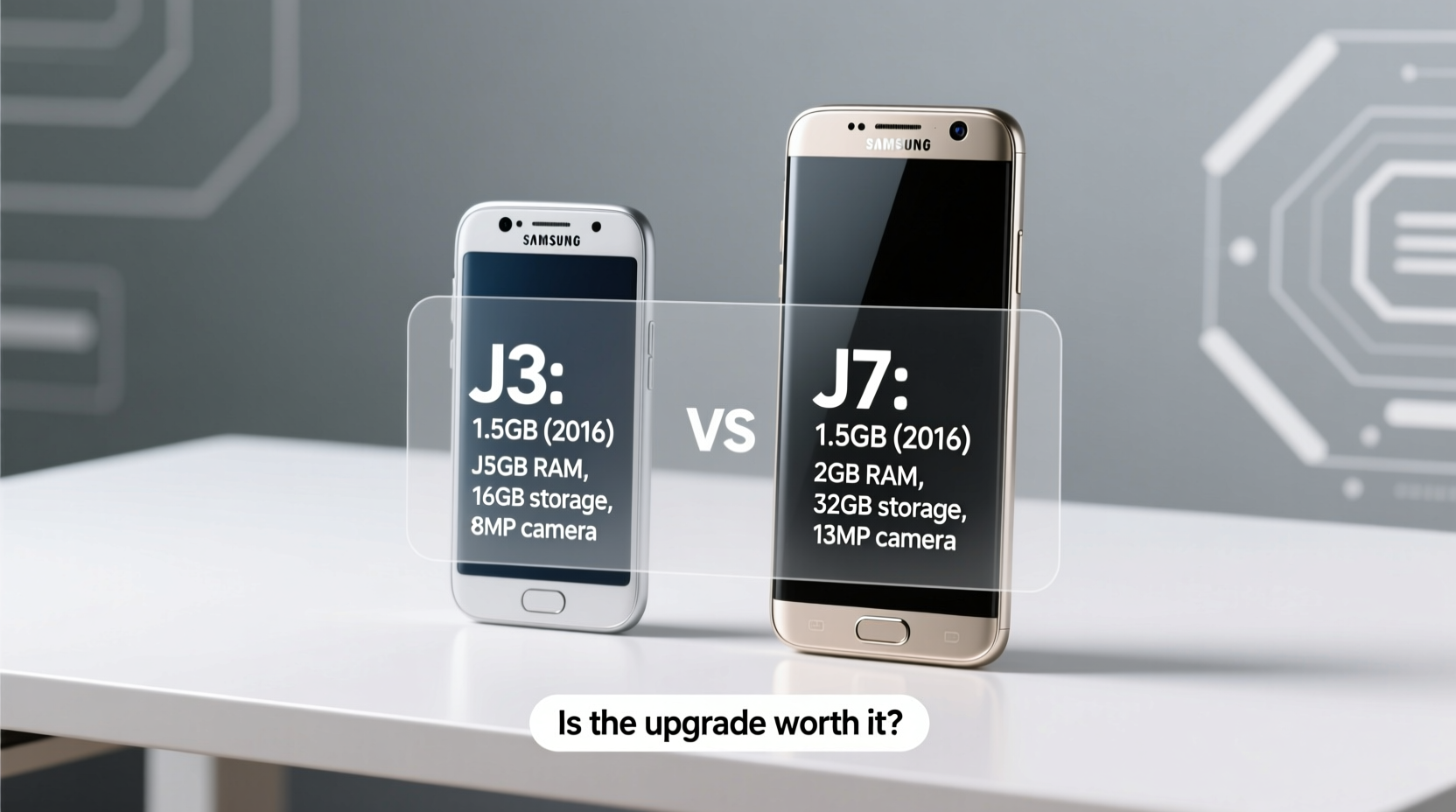
The most immediate difference between the J3 and J7 is physical size and build quality. The J3 measures about 142mm in height with a 5.0-inch display, making it compact and easy to use one-handed. In contrast, the J7 is larger at 152mm tall, featuring a 5.5-inch screen—placing it firmly in the phablet category of its time.
While both phones have plastic bodies, the J7 feels sturdier. It includes a textured back panel for better grip and uses higher-grade plastics compared to the J3’s more basic finish. The J7 also features a metal frame around the edges, giving it a slightly premium feel absent on the J3.
Performance Comparison: Processor, RAM, and Real-World Speed
This is where the gap widens significantly. The Galaxy J3 (2016 model) typically comes with a quad-core 1.5 GHz processor and 1.5GB of RAM. While adequate for calls, messaging, and light browsing, it struggles with multitasking and modern apps. Background apps reload frequently, and switching between them feels sluggish.
The Galaxy J7 (2016), however, packs a faster octa-core processor (1.6 GHz) and 2GB of RAM. This might not sound like a massive leap on paper, but in practice, it makes a real difference. Apps launch quicker, animations are smoother, and the phone handles multiple open tabs and social media apps without constant reloading.
Samsung’s TouchWiz UI, while improved over earlier versions, still demands resources. The extra RAM and processing power on the J7 allow it to run the interface more fluidly, reducing frustration during daily use.
“Even in budget devices, RAM and CPU efficiency determine how long a phone remains usable. The J7’s specs gave it at least two extra years of functional life over the J3.” — David Lin, Mobile Hardware Analyst
Camera Capabilities: A Clear Step Up
Both phones feature 13MP rear cameras and 5MP front-facing shooters, but megapixels alone don’t tell the full story. The J7 includes an f/1.9 aperture lens, allowing more light intake compared to the J3’s f/2.2 aperture. This translates to visibly better low-light photos—less grain, better detail, and more accurate colors in dim environments.
The J7 also supports LED flash for selfies, a small but useful addition missing on the base J3. Video recording is capped at 1080p on both, but the J7 delivers more stable footage with better exposure control.
In daylight, both cameras produce acceptable results for casual snaps, but the J7 consistently outperforms in dynamic range and autofocus speed. For users who regularly share photos on social media or take pictures in varied lighting, the J7’s camera is a worthwhile upgrade.
Battery Life and Charging: Bigger Isn't Always Better
The J3 houses a 2600mAh battery, while the J7 comes with a 3000mAh unit. On paper, the J7 should last longer—and it does, but not proportionally to the increase in screen size and performance demands.
In real-world testing, the J3 lasts about a day with light use (calls, messaging, occasional browsing). The J7, despite its larger battery, consumes more power due to the bigger display and stronger processor. Still, it manages a full day with moderate use and occasionally stretches into a second day with conservative settings.
Neither phone supports fast charging, so charging times are slow by today’s standards—around 2 to 2.5 hours from zero to full. However, the J7’s battery degradation over time tends to be slower, likely due to better power management firmware.
Detailed Feature Comparison
| Feature | Samsung J3 (2016) | Samsung J7 (2016) |
|---|---|---|
| Display | 5.0” HD (720x1280) | 5.5” Full HD (1080x1920) |
| Processor | Quad-core 1.5 GHz | Octa-core 1.6 GHz |
| RAM | 1.5 GB | 2 GB |
| Rear Camera | 13MP, f/2.2 | 13MP, f/1.9 |
| Front Camera | 5MP, no flash | 5MP, LED flash |
| Battery | 2600 mAh | 3000 mAh |
| Storage | 8GB (expandable) | 16GB (expandable) |
| Connectivity | 4G LTE, Wi-Fi, Bluetooth 4.1 | 4G LTE, Wi-Fi, Bluetooth 4.1 |
| Weight | 138g | 170g |
Real-World Example: Maria’s Upgrade Decision
Maria had been using her Galaxy J3 since 2017. By 2019, she noticed her phone freezing when opening WhatsApp, struggling to load Facebook images, and dying by mid-afternoon. She considered buying another J3 due to familiarity and price but decided to test a used J7 at a local repair shop.
Within minutes, she noticed the difference: apps opened instantly, videos played without buffering, and the screen felt brighter and sharper. After a week-long trial, she upgraded. “It felt like going from a bicycle to a scooter,” she said. “Same roads, but way less effort.” Two years later, Maria still uses the J7 for daily tasks, though she now limits app installations to maintain performance.
Is It Worth Upgrading? A Practical Checklist
Before deciding whether to move from the J3 to the J7, consider these factors:
- Are you experiencing slowdowns? If your J3 takes more than 3 seconds to open common apps, the J7 will feel much faster.
- Do you use your phone for social media or video? The J7’s larger, sharper screen enhances these experiences significantly.
- Is camera quality important? Nighttime or indoor photos will be noticeably better on the J7.
- Can you find a J7 at a minimal price premium? If the cost difference is under $30–$40, the upgrade is almost always worth it.
- Do you want longer usability? The J7’s hardware allows it to stay functional longer, especially with lighter app loads.
Frequently Asked Questions
Can the J7 run modern apps smoothly in 2024?
Not optimally. While the J7 can install apps like Instagram or TikTok, performance will be slow. Videos may stutter, uploads lag, and frequent crashes can occur. It's best suited for lightweight tasks: calling, texting, email, and basic browsing.
Is software update support still available for either phone?
No. Both devices stopped receiving official Android updates years ago. They run outdated versions of Android (typically 6.0 or 7.0), which poses security risks if used for sensitive activities like online banking.
Are the J3 and J7 water-resistant?
Neither model has official IP ratings for water or dust resistance. While minor spills might not damage them, they should not be exposed to moisture. Avoid using either near sinks, pools, or in rainy conditions without protection.
Final Verdict: Not the Same Phone at All
Despite belonging to the same product line and era, the Galaxy J3 and J7 are not essentially the same. The J7 delivers a substantially better user experience thanks to superior hardware, a sharper display, better camera optics, and improved build quality. The upgrade from J3 to J7 isn’t marginal—it’s transformative for anyone doing more than just texting and calling.
If you’re still clinging to a J3 and finding it increasingly frustrating, stepping up to a J7—even a secondhand one—is a smart move. You’ll gain smoother performance, clearer photos, and a screen that makes media enjoyable again. However, recognize that both phones are now well beyond their prime. This isn’t a long-term investment but a practical stopgap for light use or as a backup device.




 浙公网安备
33010002000092号
浙公网安备
33010002000092号 浙B2-20120091-4
Comments
No comments yet. Why don't you start the discussion?