
As smartphones evolve, so do the apps we use every day. One of the most fundamental tools—messaging—has seen significant changes over the past few years, especially with the push toward Rich Communication Services (RCS). In 2025, two messaging platforms dominate Android devices: Samsung Messages and Google Messages. Both offer modern texting experiences, but they differ in design philosophy, feature set, privacy approach, and ecosystem integration. For many users, the question isn’t just which app looks better—it’s whether switching from one to the other actually improves daily usability.
Feature Comparison: What Each App Offers
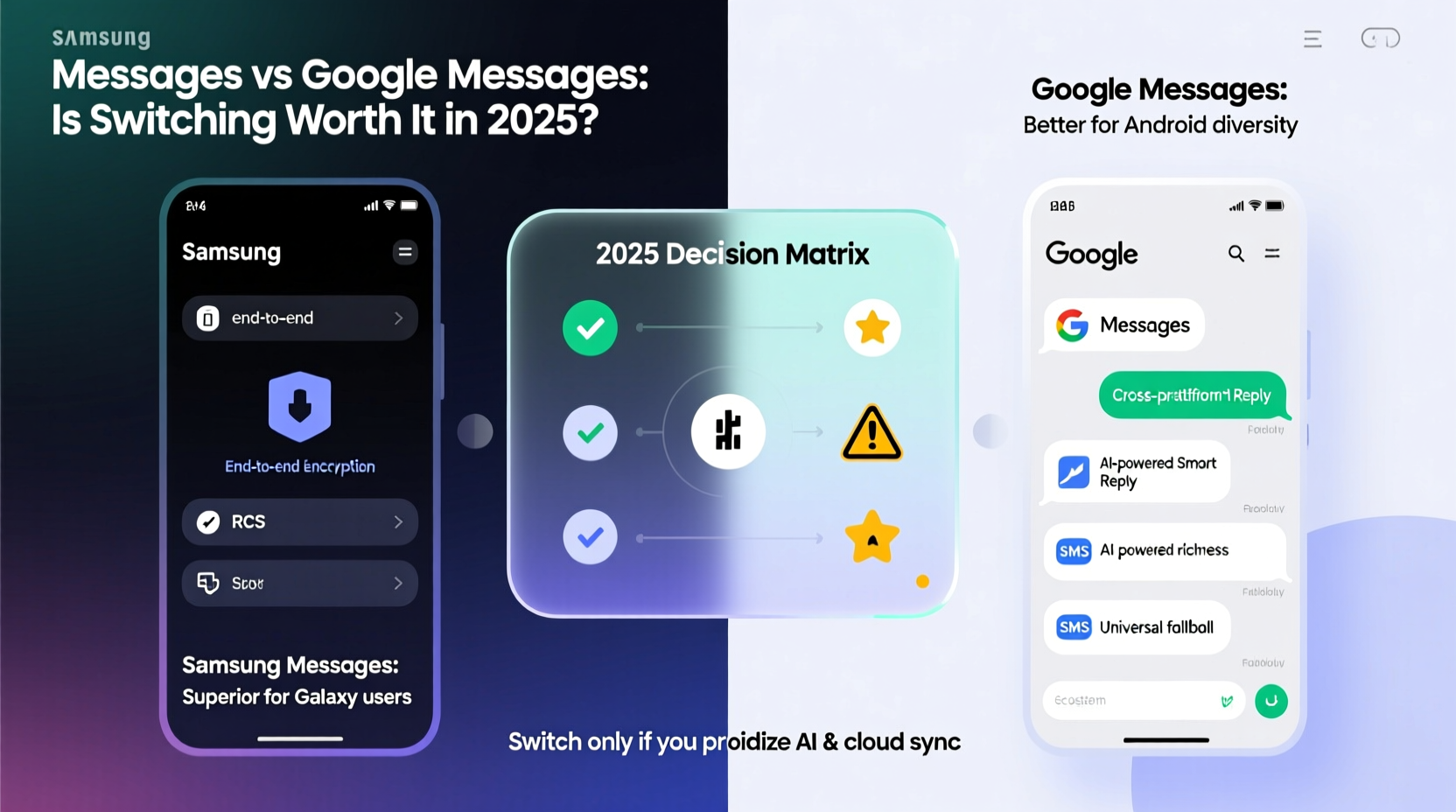
Samsung Messages and Google Messages both support SMS, MMS, and RCS, enabling enhanced chat features like read receipts, typing indicators, high-resolution media sharing, and end-to-end encryption when using RCS. However, their implementation and additional features vary significantly.
| Feature | Google Messages | Samsung Messages |
|---|---|---|
| RCS Support | Full support, default on Pixel and promoted across Android | Full support, deeply integrated into Galaxy ecosystem |
| End-to-End Encryption (RCS) | Yes, by default with compatible contacts | Yes, but requires manual enablement in settings |
| Cross-Device Sync | Messages for Web, Wear OS, tablets, Chromebooks | Limited to Samsung devices via Samsung Link or DeX |
| Bloatware & Ads | No ads, clean interface | Occasional promotional banners (e.g., stickers, themes) |
| Spam Protection | AI-powered filtering, Google Safe Browsing integration | Basic spam detection, less aggressive filtering |
| Smart Features | Message predictions, Smart Reply, Google Assistant integration | Bixby Routines integration, limited AI suggestions |
| Backup & Restore | Google Drive sync, seamless restore across devices | Samsung Cloud or local backup only |
User Experience and Design Philosophy
Google Messages embraces minimalism. The interface is clean, fast-loading, and focused on functionality. It integrates seamlessly with Google services—Assistant can suggest actions from messages (like adding events to Calendar), and location sharing works effortlessly. The search function is powerful, allowing users to find specific messages quickly using natural language queries.
Samsung Messages, while functional, carries a legacy of customization and brand-specific features. It allows deeper theming options, sticker packs, and tighter integration with Samsung-exclusive tools like Samsung Health reminders or Secure Folder access. However, this comes at the cost of occasional clutter—ads for premium themes or promotional content can appear in the main view, which some users find distracting.
In 2025, Google has doubled down on making Messages a cross-platform hub. With improved tablet UI, Wear OS compatibility, and web client stability, it's positioned as the universal Android messaging solution. Samsung, meanwhile, prioritizes loyalty within its own ecosystem, making Messages feel more at home on Galaxy phones than elsewhere.
Security and Privacy: Who Handles Your Data Better?
Both apps support end-to-end encryption for RCS chats, but how they implement it differs. Google enables E2EE by default for all eligible conversations, provided both parties use Google Messages or another compatible service. This automatic setup lowers the barrier to secure communication.
Samsung Messages supports E2EE for RCS, but users must manually activate it under Chat Settings. This opt-in model means many users may never enable it, leaving their messages vulnerable even when RCS is active. Additionally, Samsung does not currently support encrypted group chats via RCS, a notable gap compared to Google’s full encryption suite.
“Default encryption should be non-negotiable in 2025. Google Messages sets the standard by making security invisible yet effective.” — Lena Park, Cybersecurity Analyst at MobileTrust Labs
On data handling, Google collects anonymized usage patterns to improve AI features like Smart Reply. While this raises minor privacy concerns for some, Google states that message content is not used for advertising. Samsung collects similar diagnostic data but lacks transparency about how it’s used beyond improving device performance.
Real-World Example: Switching from Samsung to Google
Consider Maria, a long-time Galaxy S23 user who relied on Samsung Messages for years. She appreciated the theme options and direct Bixby shortcuts. But after getting a Pixel tablet for work, she found herself unable to continue her texts seamlessly. Her messages didn’t sync, and she had to rely on third-party apps to stay connected.
She switched to Google Messages. Within minutes, her entire message history synced via Google Drive. She could now respond to texts from her tablet, receive notifications on her Wear OS watch, and even use voice commands through Assistant to send replies hands-free. The absence of promotional banners made the app feel faster and more reliable. Though she missed some Samsung-specific integrations, the overall improvement in accessibility and consistency made the switch worthwhile.
Step-by-Step Guide to Switching Messaging Apps in 2025
Migrating from Samsung Messages to Google Messages—or vice versa—is straightforward. Follow these steps to ensure no data loss and optimal setup:
- Backup Current Messages: In your current app, go to Settings > Chat settings > Backup. Choose either Google Drive (for Google Messages) or Samsung Cloud/local backup (for Samsung).
- Install the New App: Download Google Messages from the Play Store or keep Samsung Messages preinstalled.
- Set as Default: Open phone Settings > Apps > Default Apps > Default SMS App, then select your preferred messenger.
- Restore Messages: Launch the new app and follow prompts to restore from backup. For Google Messages, sign in with your Google account.
- Enable RCS: Go to Chat Features and turn on RCS. Ensure both you and your contact have it enabled for full functionality.
- Test Cross-Device Sync (if applicable): Open Messages for Web on a computer or check sync on a secondary device.
Frequently Asked Questions
Can I use Google Messages on a Samsung phone?
Absolutely. Google Messages runs smoothly on all Android devices, including Samsung Galaxy models. You’ll gain access to superior RCS encryption, web sync, and Google Assistant features without sacrificing core functionality.
Does Samsung plan to improve its messaging app in 2025?
Samsung continues to update Messages with minor enhancements, particularly around DeX integration and theme personalization. However, there’s been little innovation in cross-device sync or encryption improvements, suggesting a focus on hardware differentiation rather than software leadership.
Is RCS fully adopted yet?
As of 2025, RCS adoption is widespread among major carriers and OEMs, but not universal. Some smaller carriers and older Android versions still rely on SMS/MMS. Google has led carrier partnerships to expand coverage, while Samsung supports RCS but doesn’t drive industry-wide change.
Final Verdict: Is Switching Worth It in 2025?
The answer depends on your priorities. If you value ecosystem flexibility, strong privacy defaults, and seamless multi-device experiences, Google Messages is the clear winner. Its consistent updates, robust encryption, and deep integration with Google services make it the most future-proof choice for most Android users—even those on Samsung devices.
Samsung Messages remains a solid option for loyal Galaxy users who prioritize customization, Bixby routines, and native Samsung features. However, its lack of universal sync, weaker spam filtering, and manual encryption settings place it behind Google in terms of long-term usability and security.
For anyone who uses more than one Android device, travels frequently, or values privacy without configuration hassle, switching to Google Messages delivers tangible benefits. The transition takes less than ten minutes, and the payoff in reliability and convenience lasts indefinitely.




 浙公网安备
33010002000092号
浙公网安备
33010002000092号 浙B2-20120091-4
Comments
No comments yet. Why don't you start the discussion?