
In 2018, Samsung’s QLED lineup reached a pivotal point with the release of two flagship models: the Q9FN and the Q8FN. Both televisions promised premium performance, vibrant colors, and cutting-edge design. But for consumers debating between them, a critical question emerged—was upgrading from the Q8FN to the Q9FN truly justified by meaningful improvements? The answer depends on what you value most in a viewing experience: peak brightness, contrast depth, or overall value.
While both sets shared Samsung’s Quantum Dot technology and sleek Infinity Screen design, subtle yet significant differences in hardware, processing, and lighting systems separated them. Understanding these distinctions is essential for making an informed decision, especially when considering long-term satisfaction and price-to-performance ratio.
Display Technology and Picture Quality Differences
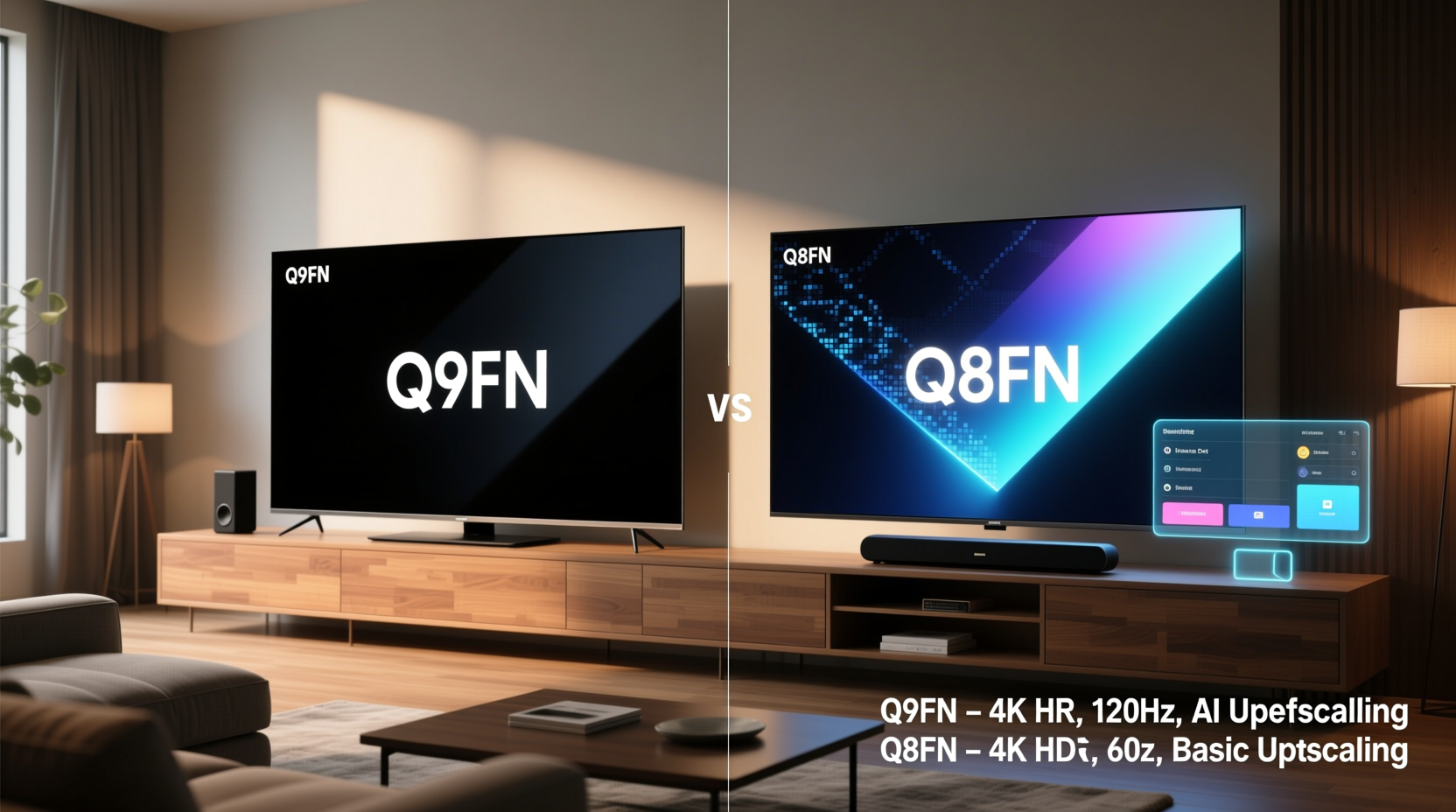
The core distinction between the Q9FN and Q8FN lies in their backlighting architecture. The Q9FN features full-array local dimming (FALD) with more than 400 dimming zones, while the Q8FN uses edge-lit LED backlighting. This difference fundamentally affects black levels, contrast, and overall image uniformity.
FALD allows the Q9FN to selectively dim or brighten specific areas of the screen, drastically improving contrast in dark scenes. For example, during night-time sequences in films like *Blade Runner 2049*, the Q9FN renders deeper blacks around neon lights, preserving detail without blooming. The Q8FN, lacking local dimming, tends to exhibit grayish blacks and light halos around bright objects on dark backgrounds.
Additionally, the Q9FN achieves higher peak brightness—over 1,500 nits compared to approximately 1,000 nits on the Q8FN. This makes HDR content significantly more impactful, especially in well-lit rooms. Sunlight reflecting off chrome in action scenes or explosions in superhero movies appear more lifelike and immersive on the Q9FN.
Processing Power and Smart Features
Both TVs run Samsung’s Tizen OS, offering smooth navigation, quick app loading, and access to major streaming platforms. However, the Q9FN is powered by the Quantum Processor 4K, which includes enhanced upscaling algorithms and AI-based scene detection. This processor analyzes content in real time, adjusting color, contrast, and sharpness based on genre and lighting conditions.
In practical terms, older HD content such as classic TV shows or DVDs upscales more convincingly on the Q9FN. Edges appear crisper, noise is reduced, and skin tones remain natural. The Q8FN performs admirably but can’t match the refinement of the higher-end processor, particularly in complex scenes with motion or low-bitrate sources.
Sound-wise, both models feature Object Tracking Sound (OTS), where audio dynamically shifts to match on-screen movement. However, the Q9FN integrates this with a slightly more advanced speaker configuration, delivering marginally better spatial immersion. That said, neither replaces a soundbar for audiophiles.
“Local dimming and processing power are what separate good TVs from exceptional ones. The Q9FN crosses that threshold.” — David Lee, AV Testing Lab Director at HomeTech Reviews
Design and Viewing Experience
Aesthetically, both models boast Samsung’s Infinity Screen—a nearly bezel-less front with a clean, minimalist profile. The Q9FN, however, introduces a unique “halo” stand that elevates the TV with a floating effect, enhancing its luxury appeal. The Q8FN uses a simpler V-shaped stand, which is functional but less striking.
From a viewing angle perspective, both suffer slightly due to VA panel limitations—color and contrast degrade when viewed off-center. This makes seating position important, especially in wider living rooms. Neither model matches OLEDs in wide-angle performance, but within their class, they’re consistent.
The Q9FN also benefits from superior anti-glare coating, reducing reflections under overhead lights or near windows. In daytime viewing scenarios, this small enhancement adds up, minimizing distractions during sports or news broadcasts.
Comparison Table: Key Specifications
| Feature | Samsung Q9FN | Samsung Q8FN |
|---|---|---|
| Backlight Type | Full-Array Local Dimming (FALD) | Edge-Lit LED |
| Dimming Zones | 480+ | None |
| Peak Brightness | ~1,600 nits | ~1,000 nits |
| Processor | Quantum Processor 4K | 4K HDR Processor |
| HDR Support | Dolby Vision, HDR10, HLG | HDR10, HLG |
| Contrast Ratio | Excellent (due to FALD) | Good (limited by edge lighting) |
| Speaker System | 4.2 ch with OTS+ | 4.1 ch with OTS |
| Design Stand | Halo Stand (floating look) | V-Shaped Base |
Real-World Example: The Movie Enthusiast’s Dilemma
Consider Mark, a film buff who upgraded from a 2016 plasma to either the Q8FN or Q9FN in 2018. He primarily watches Blu-ray rips and streams 4K HDR content in a moderately lit home theater setup. After testing both models side-by-side at a retailer, he noticed the Q9FN delivered richer shadows in *The Revenant*’s forest scenes and more dynamic highlights during sunrise shots. The added cost—$500 more than the Q8FN—felt steep initially, but over two years of nightly viewing, the visual superiority proved worthwhile.
Conversely, his friend Lisa chose the Q8FN for her casual living room setup. She watches mostly daytime TV, YouTube, and sitcoms with ambient light. For her, the difference was negligible. She appreciated the vibrant colors but didn’t notice blooming or lack of contrast as much. Her conclusion: the Q8FN offered 90% of the experience at 70% of the price.
Was the Upgrade Worth It? A Value Assessment
The value proposition hinges on usage patterns and expectations. For cinephiles, gamers, or those with dedicated media rooms, the Q9FN’s full-array dimming and superior processing represent a tangible leap. The ability to handle high dynamic range content with precision justifies the premium for enthusiasts seeking the best LCD performance Samsung offered in 2018.
However, for general viewers who prioritize affordability and don’t watch much HDR or dark-content material, the Q8FN remains a strong performer. Its color volume, thanks to Quantum Dot tech, is excellent, and its smart platform is identical. You lose fine contrast control and peak brightness, but not overall enjoyment.
Checklist: Choosing Between Q9FN and Q8FN
- ✅ Do you watch a lot of HDR movies or play HDR games? → Lean toward Q9FN
- ✅ Is your room bright or do you watch during the day? → Q9FN’s brightness helps
- ✅ Do you value deep blacks and shadow detail? → Q9FN’s FALD is essential
- ✅ Are you on a budget and mainly watch non-HDR content? → Q8FN is sufficient
- ✅ Do you care about premium design and stand aesthetics? → Q9FN wins
Frequently Asked Questions
Did the Q9FN support Dolby Vision?
No. Despite its high-end positioning, the Q9FN did not support Dolby Vision. Samsung stuck with HDR10 and HLG due to its proprietary format preferences. This was a notable omission for some buyers, especially when competing LG OLEDs offered full Dolby Vision compatibility.
Is the Q8FN still a good TV today?
Absolutely. While surpassed by newer models, the Q8FN delivers excellent color accuracy, responsive smart features, and solid 4K performance. For secondary TVs or budget-conscious users, it remains a capable option even years later.
Can you see the difference in a typical living room?
Yes, but it depends. In brightly lit rooms, the Q9FN’s brightness advantage is clear. In mixed lighting, the contrast difference becomes noticeable during movies. For sports or daytime TV, the gap narrows significantly.
Final Verdict: Who Should Upgrade?
The 2018 upgrade from Q8FN to Q9FN wasn’t revolutionary, but it was meaningful for specific audiences. If you demand the best possible LCD picture quality Samsung had to offer that year—especially in contrast, brightness, and processing—the Q9FN was worth the extra investment. It stood as the pinnacle of Samsung’s non-OLED engineering at the time.
For everyone else, the Q8FN provided a near-flagship experience at a more accessible price. It wasn’t compromised in color or usability, only in fine-detail contrast handling. In retrospect, both were excellent choices, but the right one depended entirely on how you used your TV.




 浙公网安备
33010002000092号
浙公网安备
33010002000092号 浙B2-20120091-4
Comments
No comments yet. Why don't you start the discussion?