
For mobile photography enthusiasts, the decision to upgrade from one flagship device to the next often hinges on camera performance. The jump from the Samsung Galaxy S5 to the Galaxy S7 represents two generations of technological evolution in smartphone imaging. While both phones were considered top-tier in their time, the improvements in sensor technology, software processing, and low-light capabilities between these models are significant. But does that translate into a meaningful difference for everyday photographers?
The answer isn’t just about megapixels or marketing claims—it’s about how each phone performs in real-life conditions: dim lighting, fast-moving subjects, landscapes, and portrait shots. This article breaks down the key differences between the S5 and S7 cameras, evaluates image quality across scenarios, and helps you decide whether upgrading was—or still is—worth it purely for better photos.
Sensor and Hardware Differences
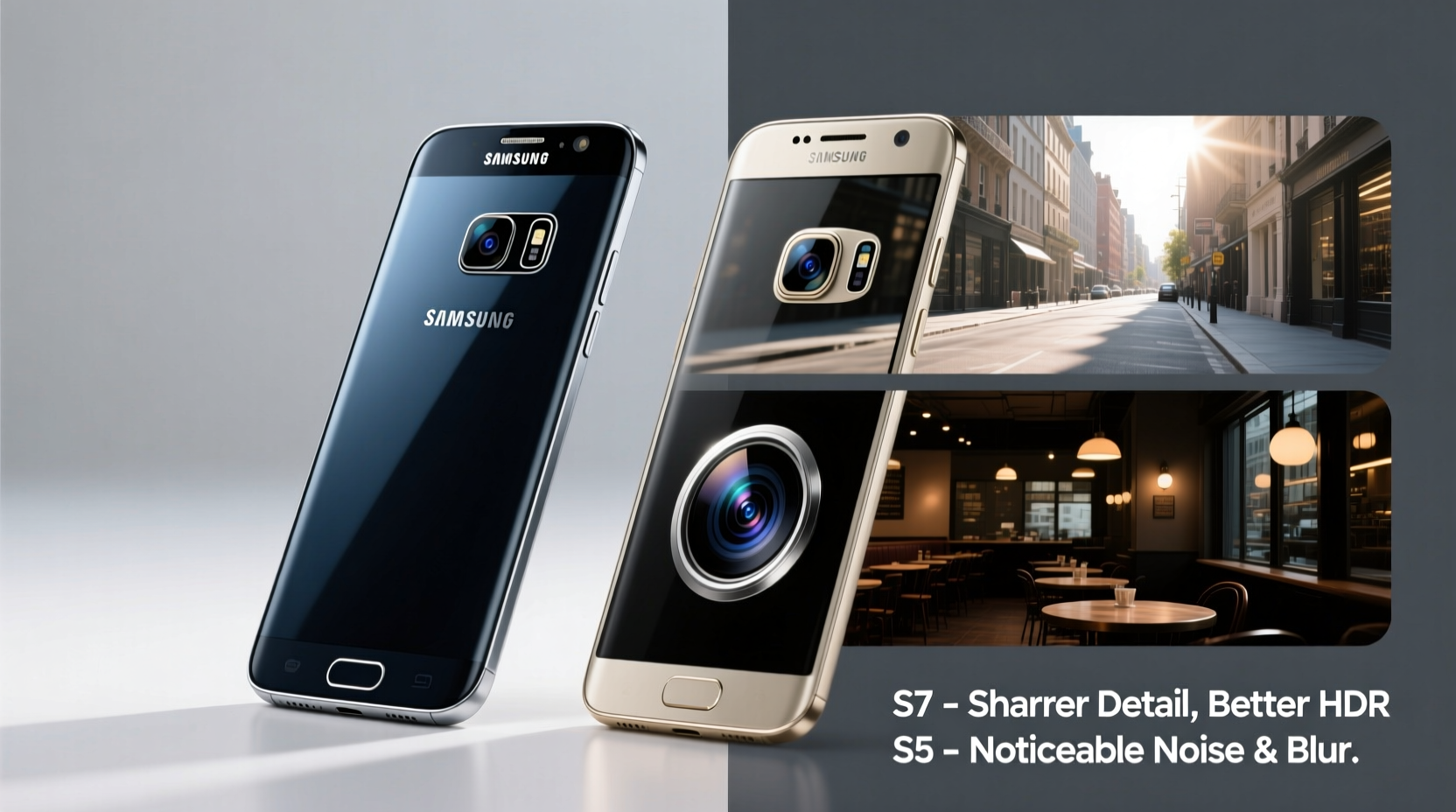
The most critical upgrade from the S5 to the S7 lies in the camera hardware. The Galaxy S5 featured a 16-megapixel rear camera with an f/2.2 aperture and optical image stabilization (OIS), which was solid for its time. However, it used a relatively small 1/3.06-inch sensor and lacked advanced pixel technology to boost light capture.
In contrast, the Galaxy S7 introduced a 12-megapixel rear camera with a larger 1/2.55-inch sensor and a wider f/1.7 aperture—the largest available on a smartphone at its release. Despite having fewer megapixels, the S7 uses larger 1.4µm pixels thanks to its Dual Pixel autofocus system, which dramatically improves light sensitivity and focusing speed.
This shift reflects a broader industry trend: prioritizing pixel quality over quantity. Larger pixels gather more light, reduce noise, and produce better dynamic range, especially in challenging lighting.
“Sometimes less is more. The S7’s move to 12 megapixels wasn’t a downgrade—it was a smart trade-off for superior low-light performance.” — David Kim, Mobile Imaging Analyst at TechVision Labs
Low-Light Performance: A Night-and-Day Difference
If there’s one area where the S7 clearly outshines the S5, it’s low-light photography. The combination of the f/1.7 aperture, larger sensor, and improved image processing allows the S7 to capture significantly brighter and cleaner images after dark.
On the S5, night shots often suffer from excessive noise, loss of detail, and inconsistent exposure. The auto-HDR feature can help, but it frequently results in overprocessed, unnatural-looking images. In contrast, the S7 produces well-balanced exposures with accurate colors and minimal grain, even in dimly lit indoor environments or city streets at night.
Additionally, the S7’s Dual Pixel autofocus ensures faster lock-on in low light, reducing motion blur and increasing shot success rates. This makes it far more reliable for spontaneous evening photography, such as dinner gatherings or urban exploration.
Image Quality Comparison: Side-by-Side Analysis
To understand the practical impact of these upgrades, consider how each phone handles common shooting situations.
| Feature | Samsung Galaxy S5 | Samsung Galaxy S7 |
|---|---|---|
| Resolution | 16 MP | 12 MP |
| Aperture | f/2.2 | f/1.7 |
| Sensor Size | 1/3.06\" | 1/2.55\" |
| Pixel Size | 1.12µm | 1.4µm |
| Autofocus | Contrast Detect | Dual Pixel |
| Low-Light Performance | Moderate noise, slower focus | Cleaner images, faster capture |
| Dynamic Range | Average; struggles in high contrast | Better HDR handling |
While the S5 holds up reasonably well in daylight, the S7 consistently delivers richer color depth, better shadow recovery, and more natural skin tones. Its processing engine applies subtle enhancements without oversharpening or washing out highlights—a common issue with earlier Samsung devices.
Real-World Example: Travel Photography Upgrade
Consider Sarah, a frequent traveler who upgraded from the S5 to the S7 before a trip to Prague. On her previous vacations, she’d avoided taking photos after sunset, knowing her S5 would struggle with blurry, grainy results. With the S7, she confidently captured cobblestone alleys lit by streetlamps, candlelit dinners, and night markets—all without needing a tripod.
She noticed not only brighter images but also greater consistency. The S7 rarely failed to focus, even when pointing at moving trams or crowded squares. Back home, her social media followers commented on the improved clarity and mood of her travel shots. For Sarah, the camera upgrade alone justified the switch.
Software Enhancements and User Experience
Beyond hardware, the S7 brought meaningful software improvements. The camera app launches faster—under 0.7 seconds from standby—and supports manual controls like ISO, shutter speed, white balance, and focus, giving enthusiasts more creative freedom.
The S5’s camera interface, while functional, felt sluggish by comparison and offered limited pro-mode options. The S7 also introduced Always-On Display integration, allowing quick access to the camera via a double press of the home button—a small but impactful convenience for spontaneous shots.
Moreover, the S7’s image processing pipeline includes smarter noise reduction and enhanced HDR algorithms. It automatically detects high-contrast scenes and blends exposures more naturally than the S5, which often produced halo effects around bright objects.
Checklist: Is the S7 Camera Upgrade Worth It?
Ask yourself the following questions to determine if the upgrade from S5 to S7 improves your photo experience:
- Do you frequently take photos in low-light settings (restaurants, evenings, indoors)? → S7 excels here
- Are you frustrated by slow autofocus or missed shots? → Dual Pixel on S7 solves this
- Do you value image consistency over maximum resolution? → S7 prioritizes quality over megapixels
- Do you edit photos or share them online? → Better dynamic range = more editing headroom
- Are you holding onto your S5 due to battery life or familiarity? → Weigh camera gains against other factors
Frequently Asked Questions
Does the S7 really take better photos than the S5 in daylight?
Yes, though the difference is subtler than in low light. The S7 produces more balanced exposures, better color accuracy, and improved detail retention in shadows and highlights. It also handles backlit scenes more gracefully thanks to refined HDR processing.
Why did Samsung reduce the megapixels from 16 to 12?
Reducing megapixels allowed Samsung to increase pixel size (from 1.12µm to 1.4µm), which captures more light per pixel. This results in cleaner, sharper images—especially in low light—proving that megapixel count alone doesn’t define camera quality.
Can I notice the aperture difference (f/2.2 vs f/1.7) in real photos?
Absolutely. The f/1.7 lens lets in nearly twice as much light as f/2.2. This translates to faster shutter speeds in dim environments, reducing blur from hand movement. You’ll see clearer indoor shots and smoother bokeh effects in close-ups.
Final Verdict: Was the Upgrade Worth It?
For anyone serious about mobile photography, the leap from the Galaxy S5 to the S7 was one of the most impactful camera upgrades Samsung has delivered. The advancements in sensor design, aperture, autofocus, and image processing collectively result in noticeably better photos across nearly every condition.
If your priority is capturing clear, vibrant, and consistent images—especially in low light or fast-paced environments—the S7 offers a tangible improvement. Casual users may not need all these benefits, but for those who rely on their phone as their primary camera, the upgrade was absolutely worth it.




 浙公网安备
33010002000092号
浙公网安备
33010002000092号 浙B2-20120091-4
Comments
No comments yet. Why don't you start the discussion?