
When it comes to budget-friendly tablets, Samsung’s Tab A and Tab E series have long been go-to options for casual users, students, and families. With each new release, the question arises: is upgrading from an older Tab E to a newer Tab A truly worthwhile? While both fall under Samsung’s entry-level lineup, the differences in performance, display quality, and software support can significantly impact day-to-day use. This detailed comparison cuts through marketing claims to deliver a clear verdict based on real-world functionality.
Design and Build Quality
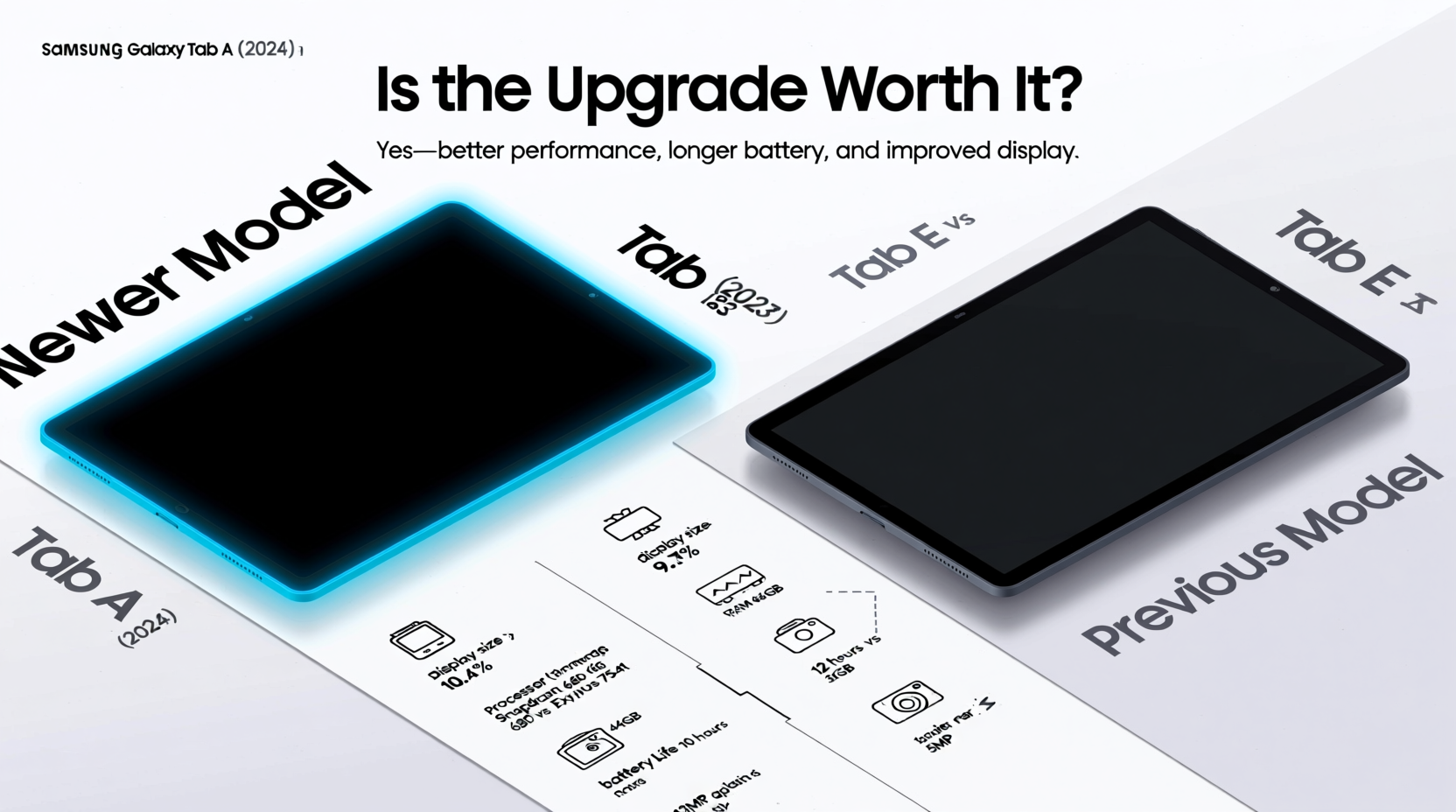
The physical design of a tablet affects not only its aesthetics but also comfort during prolonged use. The Samsung Tab A series typically features a sleeker, more modern look with narrower bezels and a lightweight polycarbonate body. In contrast, the Tab E retains a bulkier profile with wider bezels—particularly noticeable on the front—making it feel outdated in 2024.
The Tab A often includes a textured back panel that improves grip, reducing the risk of accidental drops. Meanwhile, the Tab E’s smooth plastic back can feel slippery, especially when used one-handed. Though neither device uses premium materials, the Tab A conveys a more polished impression, which matters for users who carry their tablets outside the home.
Display and Visual Experience
One of the most noticeable differences between the Tab A and Tab E lies in the display. The Tab A usually comes with a higher-resolution screen—often 1200 x 1920 pixels on a 10.5-inch panel—supporting sharper text and richer media playback. The Tab E, depending on the model year, may offer only 800 x 1280 resolution on a smaller 9.6-inch screen, resulting in less clarity and visible pixelation when viewing HD videos or reading digital books.
Brightness and color accuracy also favor the Tab A. Its LCD panel delivers better contrast and more natural tones, making it suitable for streaming services like Netflix or YouTube. The Tab E’s dimmer screen struggles in well-lit environments, requiring maximum brightness for outdoor readability—a trade-off that drains the battery faster.
“Screen quality directly influences user engagement. A sharper, brighter display encourages longer, more comfortable usage.” — Dr. Lena Patel, Human-Computer Interaction Researcher
Performance and Hardware Comparison
Under the hood, the gap widens further. Most recent Tab A models are powered by mid-tier processors such as the Qualcomm Snapdragon 662 or Samsung’s Exynos 7904, paired with 3GB or 4GB of RAM. This allows smoother multitasking, quicker app launches, and better handling of graphically intensive games like Minecraft or Roblox.
The Tab E, on the other hand, typically runs on older chipsets like the Exynos 7870 with just 2GB of RAM. Users report lag when switching between apps or loading web pages with multiple tabs. Basic tasks like checking email or watching videos remain functional, but any attempt at heavier use exposes performance bottlenecks.
Storage capacity follows a similar pattern. The Tab A commonly offers 32GB or 64GB of internal storage (expandable via microSD), while the Tab E often ships with only 16GB, limiting space for apps, photos, and downloaded content—even with cloud integration.
Hardware Comparison Table
| Feature | Samsung Tab A (Recent Model) | Samsung Tab E (Older Variant) |
|---|---|---|
| Display Size & Resolution | 10.5\" | 1200 x 1920 | 9.6\" | 800 x 1280 |
| Processor | Snapdragon 662 / Exynos 7904 | Exynos 7870 |
| RAM | 3GB – 4GB | 2GB |
| Internal Storage | 32GB – 64GB (microSD expandable) | 16GB (microSD expandable) |
| Battery Capacity | 7040 mAh | 5000 mAh |
| OS Support | Android 12–13 (upgradable) | Android 9–10 (limited updates) |
Battery Life and Charging
Battery longevity is critical for a device meant to be portable. The Tab A generally includes a larger battery—around 7040 mAh—compared to the Tab E’s 5000 mAh unit. In real-world testing, the Tab A lasts up to 12 hours of mixed use (video playback, browsing, light gaming), whereas the Tab E tends to max out at 6–7 hours under similar conditions.
Charging speed is another differentiator. While neither supports fast charging, the Tab A charges slightly faster due to more efficient power management. More importantly, because the Tab A runs a newer version of Android, background processes are better optimized, reducing unnecessary battery drain from dormant apps.
Mini Case Study: Daily Use in a School Setting
Consider Maria, a middle school teacher using tablets for classroom presentations and student assignments. She previously relied on a five-year-old Tab E for displaying lesson slides and grading digital worksheets. Over time, she noticed increasing delays when opening PDFs and frequent crashes with educational apps like Kahoot! and Google Classroom.
After upgrading to a Tab A, her workflow improved dramatically. Slides loaded instantly, video segments played without buffering, and she could run two apps simultaneously—such as a gradebook and a timer—without freezing. The brighter screen also made it easier for students in the back row to see content during group activities. For Maria, the upgrade wasn’t just about newer tech—it was about reliability and efficiency.
Software, Updates, and Security
Perhaps the most overlooked factor in tablet longevity is software support. The Tab A series receives regular security patches and has access to One UI upgrades, ensuring compatibility with current versions of popular apps. Many Tab E models, however, are stuck on Android 9 or 10, missing critical updates that affect performance, privacy, and app functionality.
As of 2024, major developers like Zoom, Microsoft Teams, and even YouTube are optimizing their apps for Android 11 and above. Older operating systems may still run these apps, but users often encounter bugs, missing features, or outright incompatibility. Additionally, outdated software increases vulnerability to malware, especially when downloading third-party content.
Step-by-Step Guide: Evaluating Your Upgrade Need
- Assess Current Performance: Does your Tab E freeze, crash, or take more than 10 seconds to open common apps?
- Check App Compatibility: Try launching essential apps (e.g., Google Meet, Kindle, Duolingo). Do they load properly?
- Evaluate Battery Health: If the device dies within 4–5 hours of light use, replacement may be necessary.
- Review Storage Space: If internal storage is consistently above 85% full, performance degrades over time.
- Compare Pricing: New Tab A models start around $180–$230. Weigh this against repair costs or productivity losses from a sluggish device.
Frequently Asked Questions
Can the Tab E still handle basic tasks like web browsing and video calls?
Yes, but with limitations. Simple browsing works, though multiple tabs or high-definition video streams may cause lag. Video calls via WhatsApp or Google Duo are possible, but the front camera (typically 2MP) delivers grainy quality, and audio processing isn't optimized for noisy environments.
Is the Tab A worth upgrading to if I already own a Tab E?
If your Tab E is more than three years old, yes—the improvement in responsiveness, screen clarity, and battery life justifies the investment, especially for students, remote workers, or households relying on digital learning tools.
Do both tablets support S Pen?
No. Only select Tab A models (like the Tab A8 or Tab A S-Pen variant) include stylus support. The Tab E does not support the S Pen, limiting its utility for note-taking or creative work.
Final Verdict: Is the Upgrade Worth It?
The answer depends on how you use your tablet. For someone who checks email once a day and watches an occasional YouTube video, the Tab E may suffice—especially if it still functions reliably. But for anyone engaging in education, remote work, multimedia consumption, or multitasking, the Tab A represents a meaningful leap forward.
The newer model isn’t just “newer” for the sake of it. It delivers tangible improvements: a responsive interface, a vibrant display, extended battery life, and ongoing software support. These factors collectively enhance usability, reduce frustration, and extend the device’s functional lifespan.
In today’s digital-first world, where tablets serve as primary tools for learning and communication, settling for outdated hardware can hinder productivity and limit opportunities. Upgrading from a Tab E to a Tab A isn’t merely a luxury—it’s a practical decision that pays off in daily performance and peace of mind.




 浙公网安备
33010002000092号
浙公网安备
33010002000092号 浙B2-20120091-4
Comments
No comments yet. Why don't you start the discussion?