
For many people, typing is a daily ritual—whether it’s drafting emails, writing reports, coding software, or journaling thoughts. The tool you use matters more than you might think. At the heart of the debate: mechanical versus membrane keyboards. While both serve the same basic function, their feel, durability, sound, and long-term comfort differ significantly. Choosing between them isn’t just about preference—it’s about how your hands will feel after hours of work, how efficiently you type, and whether your investment pays off over time.
This article breaks down the real differences, costs, and user experiences to help you determine if upgrading to a mechanical keyboard is worth it—or if sticking with your reliable membrane model makes more sense.
Understanding the Core Differences
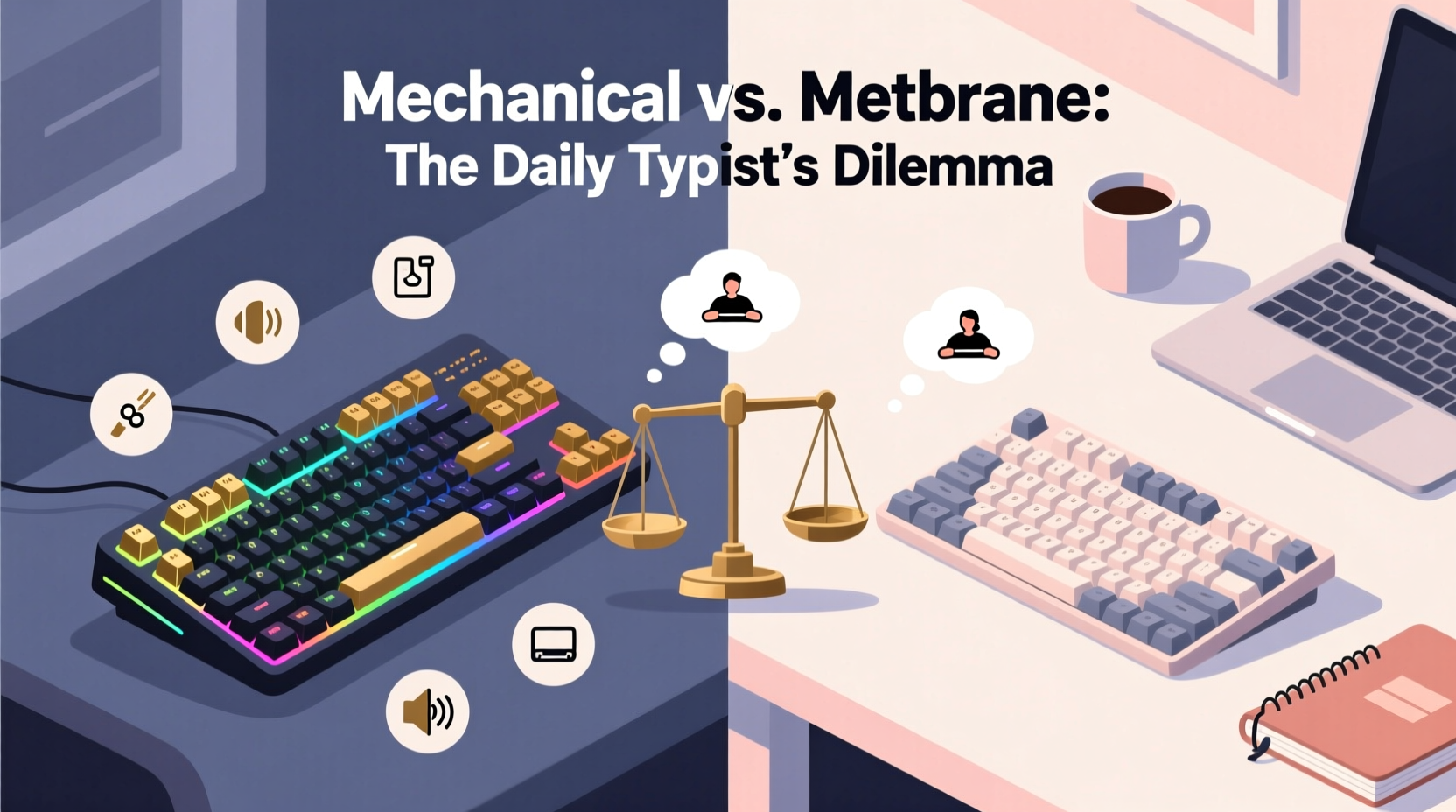
The fundamental distinction lies in how keystrokes are registered. Membrane keyboards rely on a layered rubber or silicone sheet beneath the keys. When pressed, the top layer contacts a circuit board below, completing an electrical connection that registers the keypress. This design is simple, cost-effective, and widely used in office and budget laptops.
Mechanical keyboards, by contrast, use individual mechanical switches under each key. Each switch contains metal contacts and a spring mechanism that actuates when pressed. This results in a tactile response, consistent actuation force, and often audible feedback.
The difference may seem technical, but it translates directly into how the keyboard feels under your fingers. Mechanical switches offer precision and responsiveness; membrane keyboards tend to feel mushy and less defined.
“Switch quality directly impacts typing efficiency and fatigue. A good mechanical keyboard can reduce finger strain by up to 30% during prolonged sessions.” — Dr. Alan Reyes, Ergonomics Researcher at Stanford Human Factors Lab
Performance and Typing Experience Compared
Typing on a mechanical keyboard is often described as “crisp” or “snappy.” Because each switch has a distinct actuation point—the moment the keystroke is registered—you don’t need to press all the way to the bottom. This reduces finger travel and effort, which adds up over thousands of keystrokes per day.
Membrane keyboards require full depression to register input, leading to more physical strain over time. They also lack tactile or auditory feedback, making it harder to know when a key has been successfully pressed without looking.
Consider this real-world example:
Mini Case Study: Sarah, Technical Writer
Sarah spent eight years using a standard membrane keyboard at her desk job. After developing wrist discomfort and noticing increased typos, she switched to a mechanical keyboard with Cherry MX Brown switches. Within two weeks, she reported improved typing accuracy and reduced fatigue. “I didn’t realize how much I was over-pressing each key until I didn’t have to anymore,” she said. Her words-per-minute increased slightly, but more importantly, her end-of-day hand soreness disappeared.
Cost vs. Long-Term Value: Is It Worth the Investment?
Mechanical keyboards typically start around $70 and can exceed $200 for premium models with custom features. Membrane keyboards range from $15 to $50. On the surface, the cheaper option seems practical. But value should be measured over time.
A high-quality mechanical keyboard can last 10–15 years or longer, with switches rated for 50 million keystrokes per key. That’s decades of daily use. In contrast, membrane keyboards degrade faster—rubber domes lose elasticity, keys become unresponsive, and overall performance declines within 2–5 years.
Here’s a breakdown of long-term ownership costs:
| Factor | Mechanical Keyboard | Membrane Keyboard |
|---|---|---|
| Initial Cost | $70–$200 | $15–$50 |
| Lifespan | 10–15+ years | 2–5 years |
| Keystroke Durability | 50M+ per switch | 5M–10M (shared membrane) |
| Repairability | Yes (replace switches/keycaps) | No (usually discarded) |
| Resale Value | Moderate (especially custom builds) | Negligible |
Over a decade, replacing three or four membrane keyboards could match or exceed the cost of one durable mechanical model. Factor in improved comfort and productivity, and the return on investment becomes clearer.
Ergonomics, Noise, and Lifestyle Fit
While mechanical keyboards excel in performance, they aren’t ideal for every environment. Their tactile bump and audible click (especially with switches like Cherry MX Blue) can be disruptive in quiet offices or shared living spaces.
However, not all mechanical switches are loud. Options like Cherry MX Brown (tactile but quiet) or MX Red (linear and smooth) offer a middle ground. Some modern mechanical keyboards even include sound-dampening foam and silent switches designed specifically for home offices.
Ergonomically, mechanical keyboards often come in split, low-profile, or adjustable-angle designs that promote healthier wrist alignment. Many support customizable key layouts and programmable keys, allowing users to optimize workflows.
In contrast, most membrane keyboards are flat, fixed-layout devices with limited adjustability. While ergonomic membrane models exist, they rarely match the build quality or customization potential of mechanical counterparts.
Step-by-Step Guide: How to Choose the Right Option for You
Follow these steps to make an informed decision based on your needs:
- Assess Your Daily Usage: Do you type for more than two hours a day? If yes, consider investing in mechanical for long-term comfort.
- Evaluate Your Environment: Are you in a quiet office or shared space? Opt for quieter switch types if needed.
- Test Different Switch Types: Purchase a switch tester kit (available online for ~$20) to feel tactile, linear, and clicky variants.
- Set a Realistic Budget: Aim for reputable brands like Logitech, Ducky, Keychron, or Anne Pro. Avoid ultra-cheap mechanical clones with poor switch quality.
- Consider Layout Preferences: Full-size, TKL (tenkeyless), or compact 60%? Smaller layouts save space and encourage better posture.
- Check for Customization Features: Backlighting, programmable keys, and USB passthrough add utility for power users.
- Read User Reviews: Focus on long-term durability and build quality, not just first impressions.
Common Misconceptions Debunked
Several myths persist about mechanical keyboards that can mislead buyers:
- Myth: Mechanical keyboards are always loud. Truth: Many switches are quiet. Linear and tactile variants produce minimal noise.
- Myth: They’re only for gamers. Truth: Writers, coders, and data entry professionals benefit equally from precision and comfort.
- Myth: All mechanical keyboards are expensive. Truth: Solid entry-level options exist under $80 (e.g., Keychron K2, Redragon K552).
- Myth: Membrane keyboards are more comfortable. Truth: Mushy feedback often leads to over-pressing and strain over time.
FAQ: Common Questions Answered
Can I replace the keys on a mechanical keyboard?
Yes. Most mechanical keyboards use standardized keycap sizes (Cherry profile), allowing easy replacement. Individual switches can also be desoldered and replaced with tools.
Do mechanical keyboards really improve typing speed?
Not dramatically, but they enhance accuracy and reduce fatigue. Faster actuation points and tactile feedback help maintain rhythm, especially during long sessions.
Are wireless mechanical keyboards reliable?
Absolutely. Modern models from Logitech, Keychron, and Fnatic offer stable Bluetooth connections with minimal latency. Battery life often exceeds 30 hours, even with RGB lighting.
Final Checklist Before Buying
Before making your decision, run through this checklist:
- ✅ I type for more than 2 hours daily
- If true, mechanical offers lasting comfort.
- ✅ My workspace allows for moderate keyboard noise
- If not, choose silent or linear switches.
- ✅ I value durability and long-term use
- Mechanical wins hands-down in lifespan.
- ✅ I want customization options (layout, lighting, macros)
- Mechanical keyboards dominate in flexibility.
- ✅ I’m willing to spend $70+
- Budget for quality, not just price.
Conclusion: Make the Choice That Serves Your Future Self
The question isn’t just about today’s typing experience—it’s about the next five or ten years of work, creativity, and digital interaction. A mechanical keyboard isn’t a luxury; for frequent typists, it’s a tool of precision, endurance, and comfort. While membrane keyboards remain functional and affordable, they simply don’t offer the same level of control, longevity, or ergonomic support.
If you spend significant time at a keyboard, upgrading to a mechanical model is one of the most impactful small investments you can make in your productivity and well-being. Start by testing switches, setting a budget, and choosing a layout that fits your desk and workflow. Your fingers—and future self—will thank you.




 浙公网安备
33010002000092号
浙公网安备
33010002000092号 浙B2-20120091-4
Comments
No comments yet. Why don't you start the discussion?