
In today’s connected homes, reliable Wi-Fi isn’t just a convenience—it’s a necessity. From streaming 4K movies to video conferencing and smart home automation, every device depends on a stable internet connection. Yet many households still rely on the same single-router setup they’ve had for years. As technology advances, a growing number of homeowners are considering mesh Wi-Fi systems as a modern alternative. But is it worth upgrading? Or can your existing router still meet your needs?
The answer depends on several factors: the size of your home, the number of connected devices, your usage habits, and your budget. This guide breaks down the key differences between traditional routers and mesh systems, helping you determine whether an upgrade will solve your connectivity issues—or if you’re better off sticking with what you have.
Understanding the Basics: Router vs. Mesh Wi-Fi
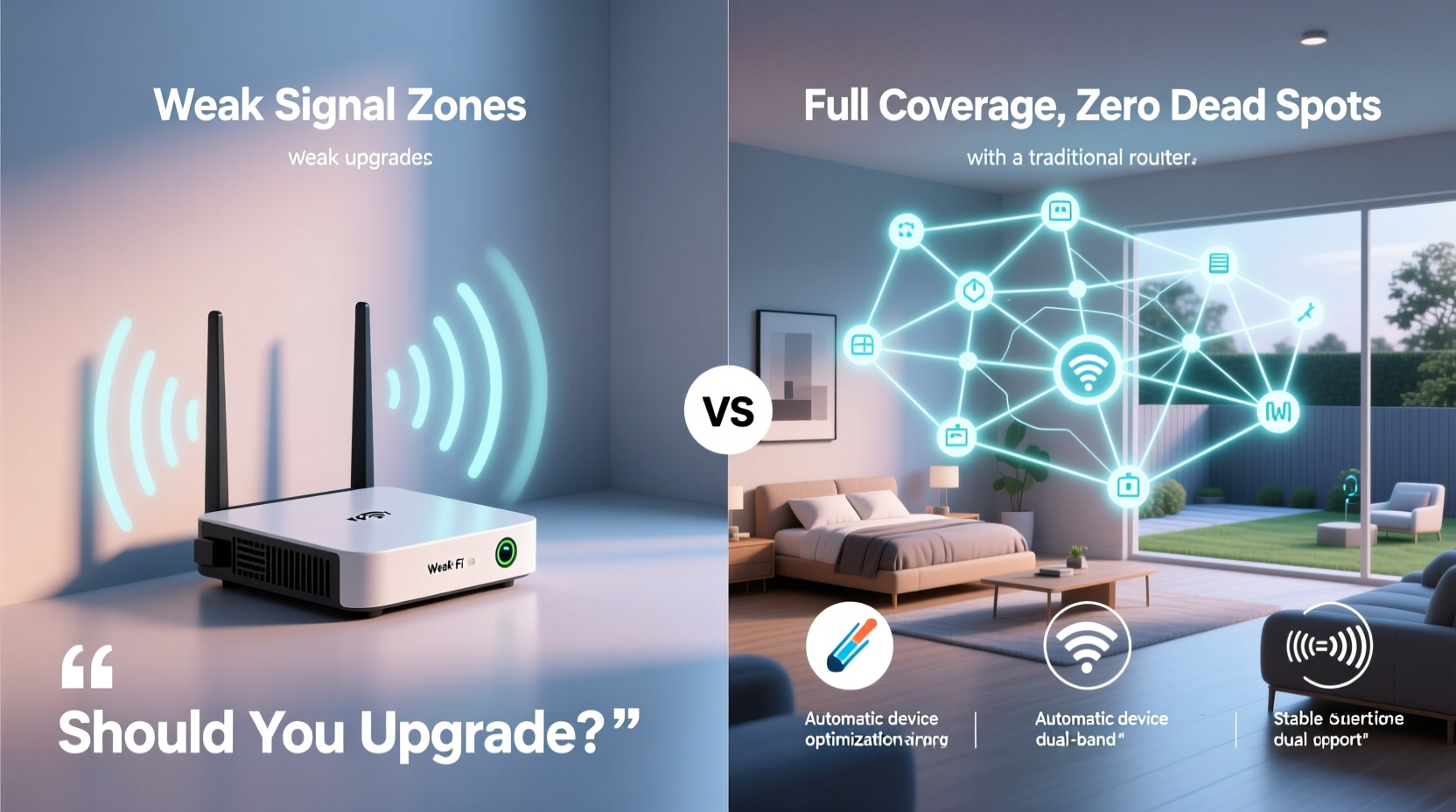
A traditional wireless router connects directly to your modem and broadcasts a Wi-Fi signal across your home. It works well in small to medium-sized spaces where walls and interference are minimal. However, as distance increases or obstacles like concrete walls come into play, the signal weakens—leading to dead zones and slow speeds.
In contrast, a mesh Wi-Fi system uses multiple nodes (or satellites) placed throughout your home to create a seamless network. Instead of relying on one central point, the system distributes coverage evenly. Each node communicates with the others, forming a unified network that automatically routes traffic through the strongest path.
Mesh networks eliminate the need for manual switching between access points. Devices stay connected to the best-performing node without dropping the signal. This makes mesh ideal for larger homes or environments with high device density.
When Your Old Router Is Still Good Enough
Not every household needs a mesh system. If your current router delivers consistent speeds and full coverage, there may be no compelling reason to upgrade. Consider these scenarios where sticking with your existing setup makes sense:
- Small living space: In apartments or homes under 1,500 square feet with open floor plans, a single high-quality router often provides adequate coverage.
- Limited devices: Households with fewer than 10 connected devices (phones, laptops, tablets) typically don’t strain a modern dual-band router.
- Budget constraints: Mesh systems range from $150 to over $500, whereas many capable routers cost under $100.
- Infrequent use: If most users stream only occasionally and don’t require low-latency connections for gaming or remote work, older hardware may suffice.
Additionally, some ISPs provide rental routers that support Wi-Fi 6 or even Wi-Fi 6E standards. These newer models significantly outperform older consumer-grade equipment and can delay the need for a separate mesh purchase.
“Many people assume their router is outdated when the real issue is placement or interference.” — David Lin, Network Infrastructure Analyst at Broadband Insights Group
Signs You Need a Mesh Upgrade
Certain symptoms indicate your current setup is struggling. Recognizing these early can prevent frustration and improve daily digital experiences. Look out for:
- Dead zones: Areas in your home with little or no signal, especially bedrooms, basements, or garages.
- Frequent buffering: Streaming services constantly pause to load, even with high-speed internet.
- Slow speeds on distant devices: A speed test near the router shows 300 Mbps, but in another room it drops to 30 Mbps.
- Device congestion: More than 15 devices competing for bandwidth leads to lag and disconnections.
- Poor roaming performance: Your phone or laptop doesn’t seamlessly switch to a stronger signal as you move.
If two or more of these issues persist—even after restarting your router or repositioning it—a mesh system could be the solution.
Real Example: The Smith Family's Connectivity Struggle
The Smiths live in a 2,800-square-foot two-story home with thick interior walls. Their aging AC1900 router sat in the basement media room. While the downstairs streamed smoothly, upstairs bedrooms suffered constant dropouts. Video calls froze during work hours, and their smart security cameras often went offline.
After trying Wi-Fi extenders (which created a second, weaker network), they invested in a three-node Wi-Fi 6 mesh system. They placed one node near the modem, one on the main floor hallway, and one upstairs. Within minutes, all devices connected to a single, strong network. Speed tests showed consistent 150+ Mbps throughout the house, and roaming became seamless.
For the Smiths, the upgrade wasn’t about luxury—it was about reliability. Their experience reflects a common pattern: traditional routers fail not because they’re broken, but because they’re physically limited by design.
Comparing Performance: Key Differences at a Glance
| Feature | Traditional Router | Mesh Wi-Fi System |
|---|---|---|
| Best For | Small homes, few devices | Large homes, multi-story buildings |
| Coverage Range | Up to 1,500 sq ft (ideal conditions) | 2,000–5,500+ sq ft (scalable with nodes) |
| Network Name (SSID) | Single network | Single unified network (seamless roaming) |
| Setup Complexity | Simple (plug-and-play) | Moderate (app-based configuration) |
| Device Handling | Struggles beyond 15–20 devices | Optimized for 30+ devices (with QoS features) |
| Cost (Entry-Level) | $60–$120 | $150–$300 (for 2–3 nodes) |
| Advanced Features | Limited parental controls, basic QoS | App management, guest networks, IoT segmentation, automatic updates |
Note that while mesh systems generally offer superior coverage and scalability, they aren’t always faster in raw throughput. A high-end standalone router may deliver higher peak speeds in close proximity. However, mesh wins in consistency and whole-home performance.
Step-by-Step Guide: Evaluating Your Wi-Fi Needs
Before spending money on new equipment, follow this practical evaluation process:
- Map your home’s layout: Sketch the floor plan and note areas where Wi-Fi is weak. Include wall types (drywall vs. brick/concrete).
- Count connected devices: List smartphones, laptops, TVs, smart speakers, security cameras, thermostats, etc.
- Test current speeds: Run a speed test (using sites like speedtest.net) in multiple rooms. Record download/upload rates and ping times.
- Assess internet plan: Check your ISP plan. If you have gigabit service but only get 100 Mbps due to outdated hardware, an upgrade may unlock value you’re already paying for.
- Reposition your router: Move it to a central, elevated location away from metal objects, microwaves, and cordless phones. Retest speeds afterward.
- Consider future needs: Are you adding more smart devices? Planning to work remotely long-term? Anticipating guests who’ll connect multiple devices?
- Decide based on data: If repositioning improves performance enough, delay the upgrade. Otherwise, proceed with researching mesh options.
Common Myths About Mesh Wi-Fi Systems
Despite their popularity, misconceptions persist. Let’s clarify a few:
- Myth: Mesh systems boost your internet speed.
Reality: They don’t increase your ISP-provided bandwidth. They optimize how that bandwidth is distributed across space and devices. - Myth: Any mesh kit will fix poor Wi-Fi.
Reality: Poor placement of mesh nodes or interference from neighboring networks can still degrade performance. - Myth: All mesh systems are the same.
Reality: There are significant differences in backhaul technology (wired vs. wireless), frequency bands (dual-band vs. tri-band), and software features. - Myth: Once installed, they require no maintenance.
Reality: Firmware updates, channel optimization, and occasional reboots are necessary for peak performance.
Understanding these nuances ensures realistic expectations and smarter purchasing decisions.
Checklist: Should You Buy a Mesh System?
Use this checklist to make your final decision:
- ☐ My home is larger than 1,800 square feet or has multiple floors.
- ☐ I experience Wi-Fi dead zones in key areas (bedrooms, backyard, garage).
- ☐ More than 15 devices regularly connect to my network.
- ☐ I frequently stream 4K content, game online, or host video calls.
- ☐ My current router is more than 3–4 years old.
- ☐ I want centralized control via a mobile app (parental controls, guest access, scheduling).
- ☐ I’m willing to invest $150–$400 for long-term reliability.
If four or more apply, a mesh Wi-Fi system is likely a worthwhile investment.
Frequently Asked Questions
Can I mix mesh systems with my old router?
Yes, but not ideally. Most mesh systems replace your primary router. You can disable your old router’s Wi-Fi and use it as a wired access point, but this adds complexity. For simplicity, let the mesh system handle routing duties entirely.
Do I need a tri-band mesh system?
Tri-band systems include an extra 5 GHz band dedicated to communication between nodes (backhaul), which reduces congestion. They’re beneficial in homes with heavy usage or many devices. For smaller setups, dual-band models are sufficient and more affordable.
Will a mesh system work with any internet provider?
Absolutely. Mesh systems connect to your modem just like a regular router. As long as your modem supports your ISP’s service type (cable, fiber, DSL), compatibility isn’t an issue.
Conclusion: Making the Right Choice for Your Home
Upgrading to a mesh Wi-Fi system isn’t about following trends—it’s about solving real problems. If your current router leaves parts of your home disconnected or struggles under daily demand, a mesh network can transform your connectivity experience. It brings stability, scalability, and smarter management to modern households.
But if you live in a compact space with modest usage, and your existing router performs reliably, there’s no urgent need to change. Technology should serve you—not pressure you into unnecessary upgrades.
Take the time to assess your actual needs, test your current setup, and weigh the benefits against the cost. Whether you choose to upgrade or stay put, the goal is the same: a fast, dependable, and frustration-free Wi-Fi experience for everyone in your home.




 浙公网安备
33010002000092号
浙公网安备
33010002000092号 浙B2-20120091-4
Comments
No comments yet. Why don't you start the discussion?