
For many, a ceiling fan is an essential part of bedroom comfort—providing airflow, regulating temperature, and even offering a soothing white noise that aids sleep. But when that gentle hum turns into a distracting rattle, squeak, or wobble, the same device meant to promote rest can become a source of frustration. Nighttime noise from ceiling fans disrupts sleep cycles, reduces sleep quality, and affects overall well-being. Achieving a truly silent mode for ceiling fans isn’t just about turning down the speed; it requires understanding the root causes of noise and implementing targeted solutions. This guide explores proven methods to quiet your ceiling fan, from simple DIY adjustments to strategic upgrades, so you can enjoy cool, peaceful nights.
Why Ceiling Fans Make Noise at Night
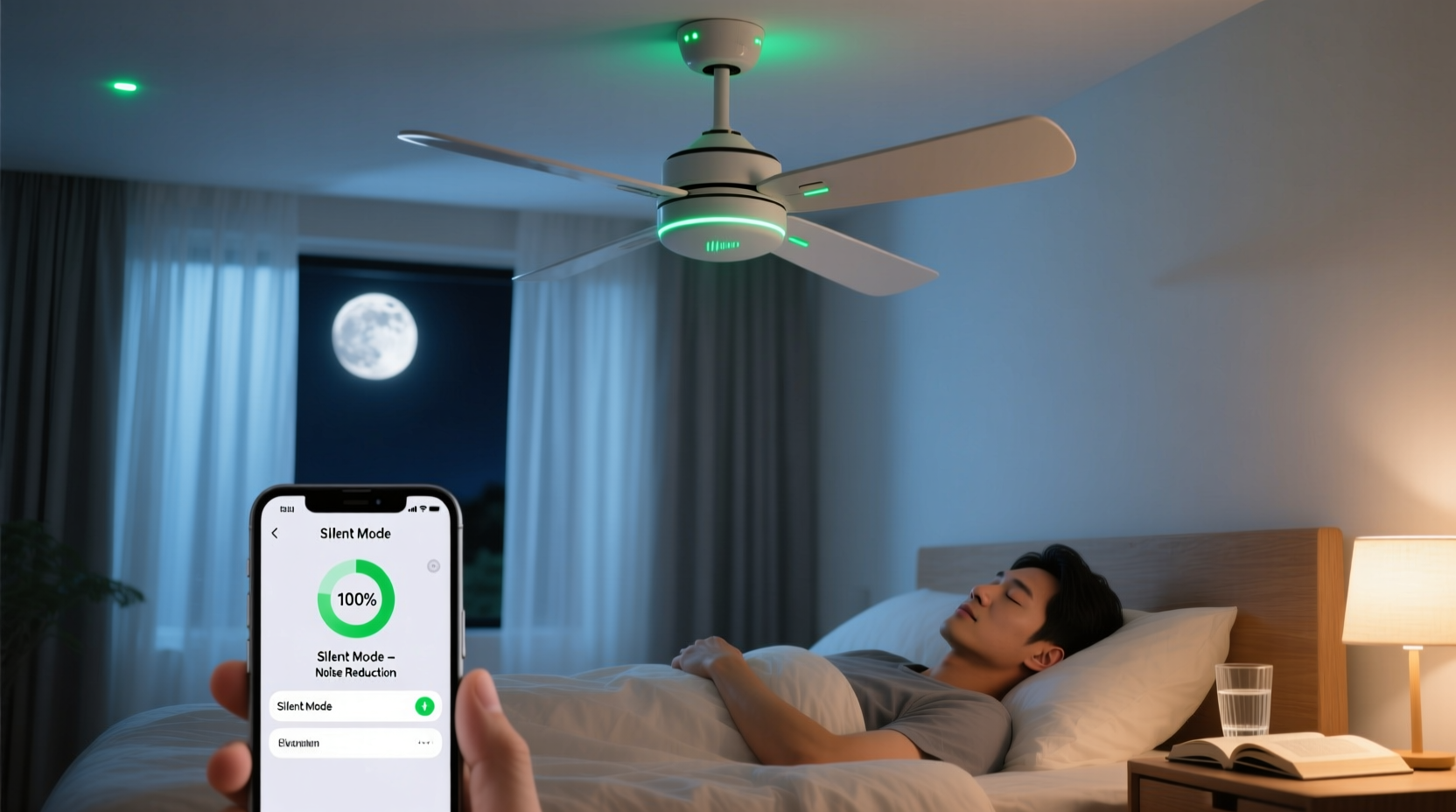
The increased perception of ceiling fan noise during the night stems from both environmental and physiological factors. In a quiet bedroom, even low-level sounds become more noticeable. With fewer competing noises—no traffic, conversations, or household activity—the subtle vibrations and mechanical imperfections in a fan are amplified. Additionally, our brains remain alert to auditory stimuli during light sleep phases, making repetitive creaks or buzzing especially disruptive.
Common sources of nighttime ceiling fan noise include:
- Loose mounting hardware: Screws connecting the fan to the ceiling bracket or motor housing can loosen over time, causing wobbling and vibration.
- Unbalanced blades: Dust accumulation or manufacturing inconsistencies lead to uneven weight distribution, resulting in wobble and associated noise.
- Dry or worn bearings: The internal motor relies on lubricated bearings to rotate smoothly. Over time, these degrade, producing grinding or humming sounds.
- Blade warping or damage: Wooden or plastic blades exposed to humidity or physical impact may warp, creating aerodynamic noise.
- Electrical issues: Faulty wiring, dimmer switches incompatible with fans, or failing capacitors can generate buzzing.
- Poor installation: A fan mounted on an unstable electrical box or without proper support will vibrate excessively.
Step-by-Step Guide to Quieting Your Ceiling Fan
Reducing or eliminating ceiling fan noise involves systematic inspection and correction. Follow this step-by-step process to identify and resolve the issue safely and effectively.
- Turn off power at the breaker. Safety first—disconnect electricity to prevent accidental activation or shock.
- Inspect mounting stability. Gently push up on the base of the fan. If there’s any movement, the mounting bracket or ceiling box may be loose. Tighten all screws securing the fan to the bracket. If the entire assembly wobbles, the electrical box may not be rated for ceiling fans and should be replaced with a fan-rated brace.
- Check blade alignment and balance. Use a ruler or blade balancing kit to measure the distance from each blade tip to the ceiling. Adjust until all blades are equidistant. Apply blade balancing clips if wobbling persists.
- Clean all blades and motor housing. Dust buildup adds weight and disrupts airflow symmetry. Wipe blades with a damp cloth and dry thoroughly. Clean grilles and vents to improve airflow and reduce strain on the motor.
- Tighten blade screws and set screws. Over time, constant vibration loosens the screws attaching blades to the motor and the central set screw holding the fan onto the downrod. Re-tighten all using appropriate tools.
- Lubricate motor bearings (if applicable). Some older or industrial-grade fans have oil ports. Use 10–15 drops of lightweight machine oil (e.g., SAE 20) annually. Most modern fans are sealed and require no lubrication.
- Inspect for blade damage. Look for cracks, warping, or delamination. Replace damaged blades with manufacturer-matched pairs to maintain balance.
- Verify compatibility with controls. Ensure wall dimmers or remotes are designed for ceiling fans, not just lights. Incompatible electronics cause buzzing due to voltage fluctuation.
Do’s and Don’ts When Addressing Fan Noise
| Action | Do | Don't |
|---|---|---|
| Adjusting blades | Use a balancing kit and adjust incrementally | Force blades into position or bend them manually |
| Tightening hardware | Check all screws monthly; re-tighten as needed | Over-tighten, which can strip threads or crack housing |
| Cleaning | Use mild soap and water; dry completely | Use abrasive cleaners or excessive moisture |
| Lubrication | Apply oil only if ports exist; use non-detergent oil | Oil sealed motors—this attracts dust and causes damage |
| Upgrading parts | Replace components with OEM or compatible models | Mix blades from different sets or brands |
Real Example: Reducing Noise in a Master Bedroom Fan
Sarah, a nurse working night shifts, struggled with insomnia due to her bedroom ceiling fan’s persistent clicking sound. Despite running it on the lowest setting, the noise echoed through the quiet house and disrupted her sleep. She followed the diagnostic steps outlined above. Initially, she cleaned the blades and tightened visible screws, but the noise remained. Upon closer inspection, she discovered one blade was slightly warped from past exposure to steam during bathroom showers. After replacing the damaged blade with an exact match and using a balancing kit, the clicking stopped entirely. She also switched from a universal dimmer switch to a fan-specific remote control, eliminating a faint electrical buzz. Within a week, her sleep quality improved significantly, and she reported feeling more rested despite her irregular schedule.
“Even minor imbalances in a ceiling fan can create vibrations that resonate through the ceiling structure, amplifying noise in adjacent rooms. Precision matters.” — Dr. Alan Reeves, Acoustic Engineer at SoundSolutions Lab
When to Upgrade: Choosing a Silent-Mode Ceiling Fan
If maintenance fails to quiet your fan, or if the unit is over ten years old, upgrading to a modern, low-noise model may be the best investment. Newer fans are engineered with quieter motors, optimized blade pitch, and advanced materials that minimize turbulence and vibration.
Key features to look for in a silent-mode ceiling fan:
- DC (Direct Current) motors: More energy-efficient and significantly quieter than traditional AC motors.
- Sealed motor housings: Prevent dust ingress and reduce operational noise.
- Aerodynamically designed blades: Reduce air resistance and whooshing sounds.
- Integrated noise-dampening mounts: Absorb vibrations before they transfer to the ceiling.
- Remote or app-based controls: Allow fine-tuned speed adjustments without mechanical switches that can buzz.
Brands like Hunter, Big Ass Fans, and Minka-Aire offer models specifically marketed for quiet operation, often tested at under 20 decibels on low settings—comparable to a whisper.
FAQ: Common Questions About Silent Ceiling Fan Operation
Can I make my existing fan completely silent?
While absolute silence is difficult due to inherent motor mechanics, most fans can be made nearly inaudible through proper balancing, tightening, cleaning, and electrical compatibility checks. DC motor retrofits are rare, so if the motor itself is noisy, replacement is usually necessary.
Why does my fan only make noise on certain speeds?
Noise at specific speeds often indicates resonance—where the fan's rotation frequency matches a structural vibration point. This is common on medium settings. Using a variable-speed remote or adjusting blade balance can shift the resonant frequency and eliminate the issue.
Is it safe to ignore a noisy ceiling fan?
No. Persistent noise often signals mechanical stress. Ignoring wobbling or grinding can lead to premature motor failure, blade detachment, or even ceiling damage. Address issues promptly to ensure safety and longevity.
Checklist: Achieve Silent Mode in 7 Steps
Use this checklist to systematically reduce or eliminate ceiling fan noise:
- ✅ Turn off power at the circuit breaker
- ✅ Inspect and tighten all mounting hardware
- ✅ Clean blades and motor housing thoroughly
- ✅ Check and correct blade alignment and balance
- ✅ Tighten blade screws and central set screw
- ✅ Verify wall control compatibility (no incompatible dimmers)
- ✅ Test at all speeds and monitor for residual noise
Repeat quarterly as part of routine home maintenance.
Conclusion: Sleep Better with a Truly Quiet Fan
A peaceful sleeping environment begins with attention to detail. Ceiling fans don’t have to be a source of nighttime disturbance. By understanding the mechanics of noise and applying targeted fixes—from balancing blades to upgrading outdated components—you can transform a noisy appliance into a silent ally for better rest. Whether you’re maintaining an older model or investing in a new ultra-quiet design, the effort pays dividends in sleep quality, energy efficiency, and long-term durability. Take action tonight: inspect your fan, apply these solutions, and reclaim the tranquility your bedroom deserves.




 浙公网安备
33010002000092号
浙公网安备
33010002000092号 浙B2-20120091-4
Comments
No comments yet. Why don't you start the discussion?