
Many people assume their phone number is readily visible on their device, only to realize it’s not as easy to locate as expected. Whether you’ve just switched carriers, received a new SIM card, or simply never noticed it before, knowing how to quickly retrieve your number can save time in emergencies, during account verifications, or when sharing contact details. While modern smartphones store vast amounts of personal data, your own number isn’t always front and center. Fortunately, there are several reliable, no-cost methods to uncover it—regardless of your device type or operating system.
Why Your Phone Number Isn’t Always Visible
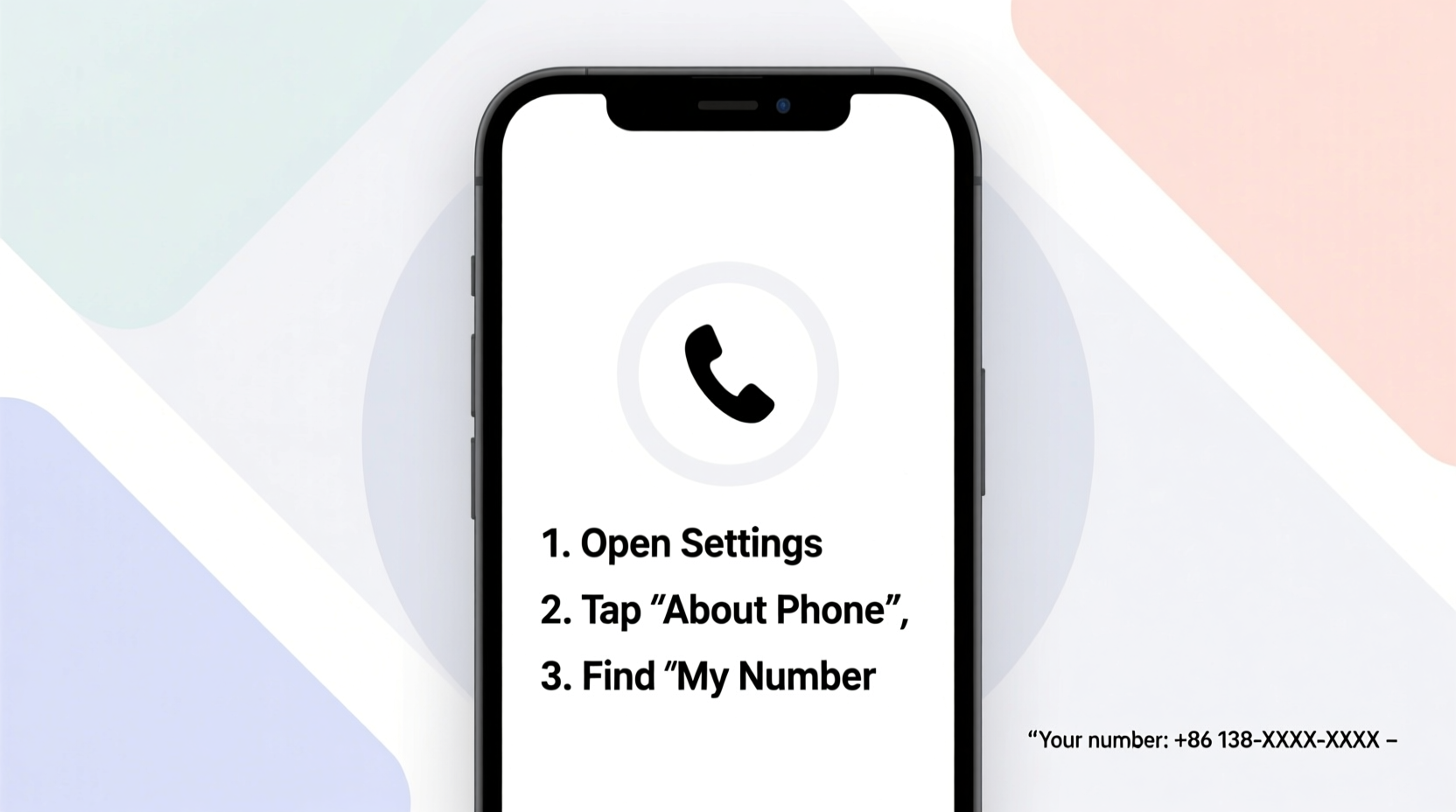
Unlike contact information for others, your own phone number isn't automatically displayed on most devices. Carriers don’t always push this data to the handset, and manufacturers vary in how they handle its visibility. On some phones, the number appears in settings; on others, it may be buried under carrier-specific menus or missing entirely. This inconsistency stems from technical limitations and privacy considerations—your number is tied to the SIM card and network, not necessarily stored locally on the device.
“Carriers control much of the subscriber identity data, including phone numbers. Devices rely on that network communication to display such information.” — Rajiv Mehta, Mobile Network Analyst at Telco Insights Group
This means even if your number once appeared, a SIM swap or OS update might cause it to disappear. Understanding where and how to look—based on your device and carrier—is essential.
How to Find Your Number on an Android Device
Android offers multiple pathways to locate your number, though success depends on your manufacturer, model, and carrier support. Here are the most effective approaches:
1. Check Device Settings
Navigate to Settings > About phone > Status > My phone number. On Samsung devices, it may appear under Settings > General management > About phone > SIM status. Note: If the field is blank, your carrier may not have transmitted the number to the device.
2. Use SIM Status Menu
Open Settings > Network & Internet > Mobile network > Advanced > SIM cards. Tap your active SIM to view its details. Some carriers populate the number here; others leave it empty.
3. Dial a Universal Code
Enter *#06# to view your IMEI, but this won’t show your number. However, dialing carrier-specific codes like *#100# (T-Mobile) or *888 (Verizon) may trigger an automated message with your number.
Locating Your Number on an iPhone
iOS provides slightly more consistent access, especially when linked to an Apple ID and iCloud. Here’s how to find your number on an iPhone:
1. Go to Settings > Phone
Tap Settings > Phone. At the top, you’ll see “My Number.” If it’s missing, check whether your SIM is properly registered.
2. Check FaceTime or Messages Settings
Open Settings > FaceTime or Messages. Both apps list the phone numbers and email addresses associated with your Apple ID. Your primary number should appear here if iMessage is enabled.
3. Use Carrier Shortcuts
Dial *#76# to check call forwarding status—some carriers respond with your number. Alternatively, try carrier-specific codes:
- AT&T: *646#
- Verizon: *888
- T-Mobile: *#100#
These codes often return an automated voice or text reply displaying your line number.
Universal Methods That Work Across All Devices
When built-in settings fail, these universal techniques work regardless of brand or OS:
1. Call or Text Yourself from Another Phone
Borrow a friend’s phone or use a secondary device. Call or send a text to your number—the incoming call log or message thread will display your number.
2. Check Your Email Inbox
Search for emails from your carrier confirming service activation, billing, or SIM registration. These often include your full number. Also check account verification emails from services like WhatsApp, Google Voice, or banking apps—they typically log the number used.
3. Log Into Your Carrier Account Online
Visit your provider’s website (e.g., Verizon.com, ATT.com, T-Mobile.com), sign in, and navigate to your account overview. Your active line(s) and numbers are always listed here. This is the most accurate method, especially for shared plans.
4. Review Physical Documentation
Your original contract, SIM card packaging, or monthly bill contains your number. Even digital PDF bills emailed by your carrier preserve this information.
5. Use a Third-Party App (With Caution)
Apps like Truecaller or Sync.ME can identify your number by scanning contacts and cross-referencing databases. However, avoid granting unnecessary permissions—only use trusted apps with clear privacy policies.
Step-by-Step Guide: What to Do When You Can’t Find Your Number
If standard methods fail, follow this structured approach:
- Restart your phone with the SIM inserted to refresh network signals.
- Check Settings under phone, SIM status, or about device sections.
- Dial your carrier’s USSD code (e.g., *#100# for T-Mobile).
- Call voicemail—many systems announce your number during setup.
- Contact customer service via chat or app—no need to call from the device itself.
- Log into your carrier’s portal using Wi-Fi or another device.
- Check old messages or emails for verification texts containing your number.
This sequence maximizes success without requiring technical expertise.
Do’s and Don’ts When Trying to Retrieve Your Number
| Do’s | Don’ts |
|---|---|
| Use official carrier websites or apps | Share your number publicly to confirm it |
| Save your number in encrypted notes | Download unknown apps promising to reveal your number |
| Try multiple methods if one fails | Assume your number is permanently lost if not in settings |
| Verify the number matches your plan | Ignore discrepancies—report mismatches to your carrier immediately |
Finding Your Landline or Secondary Number
If you're trying to locate a home phone or secondary mobile line, the process differs slightly:
- For landlines, check your service agreement or modem/router label—some providers print the number there.
- Dial 1 from the landline—many systems repeat the calling number.
- Review your utility or bundled service bill (e.g., internet + phone).
- Use Google Voice or Skype settings if those services host your number.
In shared households, confirm which number is assigned to which line—especially with VoIP systems like Ooma or Vonage.
Mini Case Study: Recovering a Number After a SIM Swap
Sarah, a freelance designer, replaced her damaged phone and transferred her SIM to a new Android device. Upon setup, she noticed her number didn’t appear in settings—a problem when verifying client accounts. She first checked Settings > About phone, but the field was blank. After restarting, she tried *#100#—a T-Mobile code—and received an immediate SMS with her number. She saved it in her Google Keep and updated her profiles. The entire process took less than three minutes. Sarah now keeps a backup note labeled “Contact Details” synced across her devices.
FAQ
Why doesn’t my phone show my number even though I have service?
Your carrier must send your number to the device during provisioning. Some networks don’t push this data automatically, especially after a SIM change. It doesn’t affect functionality but limits visibility.
Can I find my number without a SIM card?
No. Your phone number is tied to the SIM. Without it, the device cannot authenticate your identity on the network. You’ll need the SIM inserted to retrieve the number through settings or carrier tools.
Is it safe to use USSD codes to check my number?
Yes, codes like *#100# or *646# are standard and safe. They connect directly to your carrier’s system and don’t incur charges. Avoid entering codes from unverified sources.
Conclusion
Knowing your phone number shouldn’t require guesswork or frustration. With the right combination of device settings, carrier shortcuts, and backup strategies, you can retrieve it in minutes—on any smartphone or landline. The key is understanding that visibility varies by brand, OS, and carrier, so having multiple methods at hand ensures you’re never left in the dark. Take a moment today to locate your number and store it securely. Future you will appreciate the foresight when signing up for services, traveling abroad, or helping someone else verify your identity.




 浙公网安备
33010002000092号
浙公网安备
33010002000092号 浙B2-20120091-4
Comments
No comments yet. Why don't you start the discussion?