
When upgrading a home with smart lighting, one of the first decisions homeowners face is whether to install smart bulbs or smart switches. Both promise convenience, remote access, and automation—but their performance, especially when it comes to operating without a central hub, varies significantly. For users who value simplicity, reliability, and independence from proprietary ecosystems, understanding the trade-offs between these two options is crucial.
Hubs add complexity, cost, and potential points of failure. While some smart devices require them, others can operate directly over Wi-Fi or Bluetooth, reducing reliance on additional hardware. The real question isn’t just about features—it’s about which solution delivers consistent, responsive control without forcing you into a closed system. This article breaks down the key differences, focusing on hub-free operation, ease of use, scalability, and long-term practicality.
Understanding Hub-Free Smart Lighting
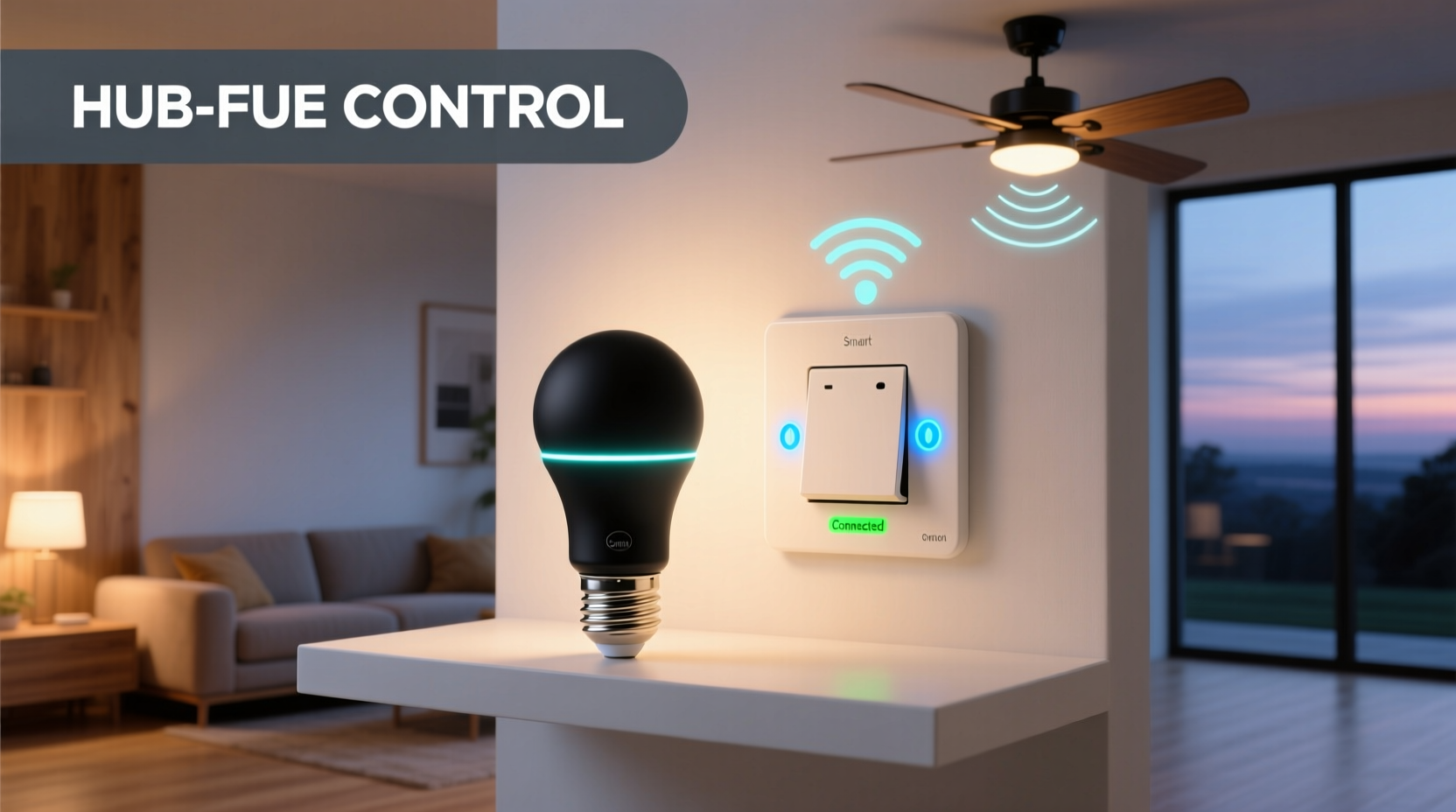
A “hub” in smart home technology refers to a central device—like a Samsung SmartThings Hub, Amazon Echo Plus, or Apple HomePod—that acts as a bridge between your smartphone and connected devices. Hubs often improve responsiveness, enable local control (not reliant on the cloud), and support protocols like Zigbee or Z-Wave. But they also mean extra cost, more power outlets used, and increased setup complexity.
Hub-free smart lighting operates directly via Wi-Fi or Bluetooth, connecting straight to your home network and mobile app. These systems are ideal for renters, DIYers, or those looking to avoid ecosystem lock-in. They allow basic voice commands, scheduling, and remote access using only a smartphone and stable internet connection.
The downside? Wi-Fi-based devices consume more bandwidth and may lag during network congestion. Still, for many users, the trade-off is worth it for the plug-and-play experience and no need for an intermediary device.
Smart Bulbs: How They Work Without a Hub
Smart bulbs replace traditional light bulbs but come with built-in wireless radios (usually Wi-Fi or Bluetooth). Once screwed into a compatible socket and powered, they broadcast their own signal and connect directly to your 2.4 GHz Wi-Fi network. Setup typically involves a mobile app that guides you through pairing, naming rooms, and assigning voice assistants.
Because each bulb has its own processor and connectivity module, they function independently. You can control individual lights from anywhere, dim brightness, change colors (in RGB models), and schedule routines—all without a hub.
Popular hub-free smart bulbs include:
- TP-Link Kasa LB100 (Wi-Fi)
- Philips Hue White A19 (Bluetooth version)
- Feit Electric BR30 (Works with Alexa/Google Assistant via Wi-Fi)
- Sylvania Smart+ LED (Bluetooth)
These models offer straightforward installation: screw in, power on, connect via app, and start controlling. No wiring changes needed. However, limitations arise when managing multiple bulbs across different fixtures.
Smart Switches: Direct Control at the Source
Unlike smart bulbs, smart switches replace your existing wall switch. They cut power to the fixture and contain internal circuitry that enables remote activation. Most modern Wi-Fi smart switches—such as the Lutron Caseta Wireless, TP-Link Kasa HS200, or Leviton Decora Wi-Fi—can operate without a hub by connecting directly to your home network.
Once installed, you can toggle lights on/off, set schedules, and integrate with voice assistants—even if the physical switch is turned off (as long as the breaker supplies power to the switch itself).
One major advantage of smart switches is centralized control. Instead of managing five bulbs in a single ceiling fixture, you manage one switch. This simplifies automations, reduces network load, and avoids inconsistencies when bulbs fail or are replaced.
Installation requires basic electrical knowledge. Turning off the circuit breaker, disconnecting wires, and mounting the new switch takes about 15–30 minutes per unit. While not ideal for renters, homeowners benefit from permanent, seamless integration.
“Smart switches give you architectural-level control. You're not just automating a bulb—you're redefining how a room responds to presence and time.” — Marcus Reed, Residential Automation Consultant
Comparison: Smart Bulbs vs Smart Switches Without a Hub
| Feature | Smart Bulbs | Smart Switches |
|---|---|---|
| Hub Required? | No (Wi-Fi/Bluetooth models) | No (Wi-Fi models) |
| Installation Difficulty | Easy (screw-in) | Moderate (wiring required) |
| Network Load | High (each bulb uses Wi-Fi) | Low (one per circuit) |
| Bulb Flexibility | Must use compatible smart bulbs | Can use any bulb type |
| Physical Switch Override | Yes (if switch remains on) | Yes (toggle works normally) |
| Cost per Fixture | $$ (bulb + possible replacement) | $ (one-time switch upgrade) |
| Scalability | Limited by network capacity | High (minimal network impact) |
Real-World Example: A Renter’s Dilemma
Jessica lives in a two-bedroom apartment where she can’t modify wiring. Her living room has a ceiling fixture with three bulbs, and she wants to automate evening lighting without a hub. She considers both options.
She starts with smart bulbs—buys three Wi-Fi-enabled A19 LEDs, screws them in, connects via an app, and sets a sunset schedule. It works—but after a week, her video calls lag due to network congestion. One bulb drops offline frequently. When she replaces a burnt bulb with a standard one, the scene preset fails.
Then she discovers smart plugs. Though not switches, they act similarly for lamp-based lighting. She moves to using floor lamps controlled by Wi-Fi smart plugs—each costing less than a smart bulb, easier to reset, and simpler to group. For overhead lighting, she realizes she’s stuck unless she uses a smart bulb.
Her takeaway: **For fixed overheads, smart bulbs are the only viable hub-free option for renters. But for lamps and plug-in fixtures, smart plugs offer better control and stability.** Future upgrades will focus on portable solutions rather than permanent integrations.
Actionable Checklist: Choosing the Right Option
Use this checklist to determine whether smart bulbs or smart switches suit your needs without hub dependency:
- ✅ Determine ownership status—renter or homeowner?
- ✅ Assess number of bulbs per fixture—are multiple bulbs common?
- ✅ Evaluate Wi-Fi network strength and device limits.
- ✅ Decide whether you want color-changing capabilities or just on/off/dimming.
- ✅ Check compatibility with your voice assistant (Alexa, Google Assistant, Siri).
- ✅ Consider long-term maintenance—will replacing bulbs be frequent?
- ✅ Estimate total cost: multiply bulb price by number needed, or compare switch cost per room.
- ✅ Verify neutral wire requirement—many smart switches need one for power; older homes may lack it.
Step-by-Step Guide: Setting Up Hub-Free Smart Lighting
Whether choosing bulbs or switches, follow this universal process for reliable setup:
- Power Down: Turn off electricity at the breaker (for switches) or remove the bulb (for replacements).
- Install Hardware: Screw in the bulb or mount the switch with correct wiring (line/load/neutral).
- Download App: Install the manufacturer’s app (e.g., Kasa, Smart Life, Philips Hue).
- Connect to Wi-Fi: Ensure phone is on 2.4 GHz network (most smart devices don’t support 5 GHz).
- Pair Device: Follow in-app instructions—usually involves pressing a button until the device blinks.
- Name & Group: Assign room names and create groups (e.g., “Kitchen Lights”).
- Set Schedules: Create sunrise/sunset routines or bedtime automations.
- Integrate Voice: Link to Alexa, Google Assistant, or Apple HomeKit via skill/connection.
- Test Overrides: Flip the wall switch manually to confirm behavior (some switches lose sync if toggled).
- Monitor Stability: Observe connectivity over 48 hours—reboot router if needed.
Frequently Asked Questions
Can I use regular bulbs with a smart switch?
Yes. One of the biggest advantages of smart switches is that they work with any type of bulb—LED, incandescent, halogen, or CFL. This gives you flexibility to choose energy-efficient or decorative lighting without compatibility concerns.
Do smart bulbs stay on if the wall switch is turned off?
No. Smart bulbs require constant power. If the wall switch is turned off, the bulb loses electricity and cannot respond to app commands or voice requests. To maintain functionality, keep the switch in the \"on\" position and control brightness remotely.
Which is more reliable long-term: bulbs or switches?
Smart switches generally offer better long-term reliability. They aren't affected by bulb burnout, don’t depend on individual firmware updates per unit, and reduce network clutter. Bulbs may fail sooner due to heat exposure inside enclosed fixtures, especially cheaper models.
Final Verdict: Which Offers Better Control Without a Hub?
When evaluating true control—responsiveness, consistency, and ease of management—smart switches have a clear edge for most homeowners. They centralize command, minimize network strain, and allow full use of conventional bulbs. Their ability to function over Wi-Fi without a hub makes them accessible and scalable.
However, smart bulbs remain the best choice for renters, temporary setups, or situations where rewiring isn’t possible. They provide granular control per bulb—ideal for mood lighting or color-tuning—and require zero electrical work.
The optimal path depends on your living situation, technical comfort, and long-term goals. For whole-home automation with minimal dependencies, smart switches deliver superior performance. For targeted, non-permanent upgrades, smart bulbs are practical and effective.
“The future of smart homes isn’t more gadgets—it’s smarter integration. Sometimes, changing the switch is wiser than changing every bulb.” — Lena Tran, IoT Product Designer
Take Action Today
Start small. Replace one frequently used switch or bulb with a hub-free model. Test its responsiveness, voice integration, and daily usability. Monitor your Wi-Fi performance. Once confident, expand strategically—prioritizing high-use areas like kitchens, hallways, and bedrooms.
Don’t chase features—chase reliability. Whether you choose smart bulbs or smart switches, the goal is seamless, dependable control without unnecessary complexity. By focusing on hub-free operation, you retain ownership of your system, avoid vendor lock-in, and build a smarter home that works on your terms.




 浙公网安备
33010002000092号
浙公网安备
33010002000092号 浙B2-20120091-4
Comments
No comments yet. Why don't you start the discussion?