
Every November, millions of households face the same quiet dilemma: do they reach for the familiar tangle of incandescent or LED string lights—or invest in a smart lighting system promising color-shifting animations, voice control, and scheduling via smartphone? The marketing is compelling: “Transform your home with one tap.” But behind the glossy app interface lies a more nuanced reality—higher upfront cost, potential compatibility headaches, and trade-offs in reliability and simplicity. This isn’t about choosing between “old” and “new.” It’s about matching technology to intention. Whether you’re decorating a modest porch or a 3,000-square-foot home with synchronized light shows, the real question isn’t whether smart lights are impressive—it’s whether their app-driven capabilities deliver measurable, lasting value for *your* time, budget, and lifestyle.
What “Smart” Actually Means in Practice
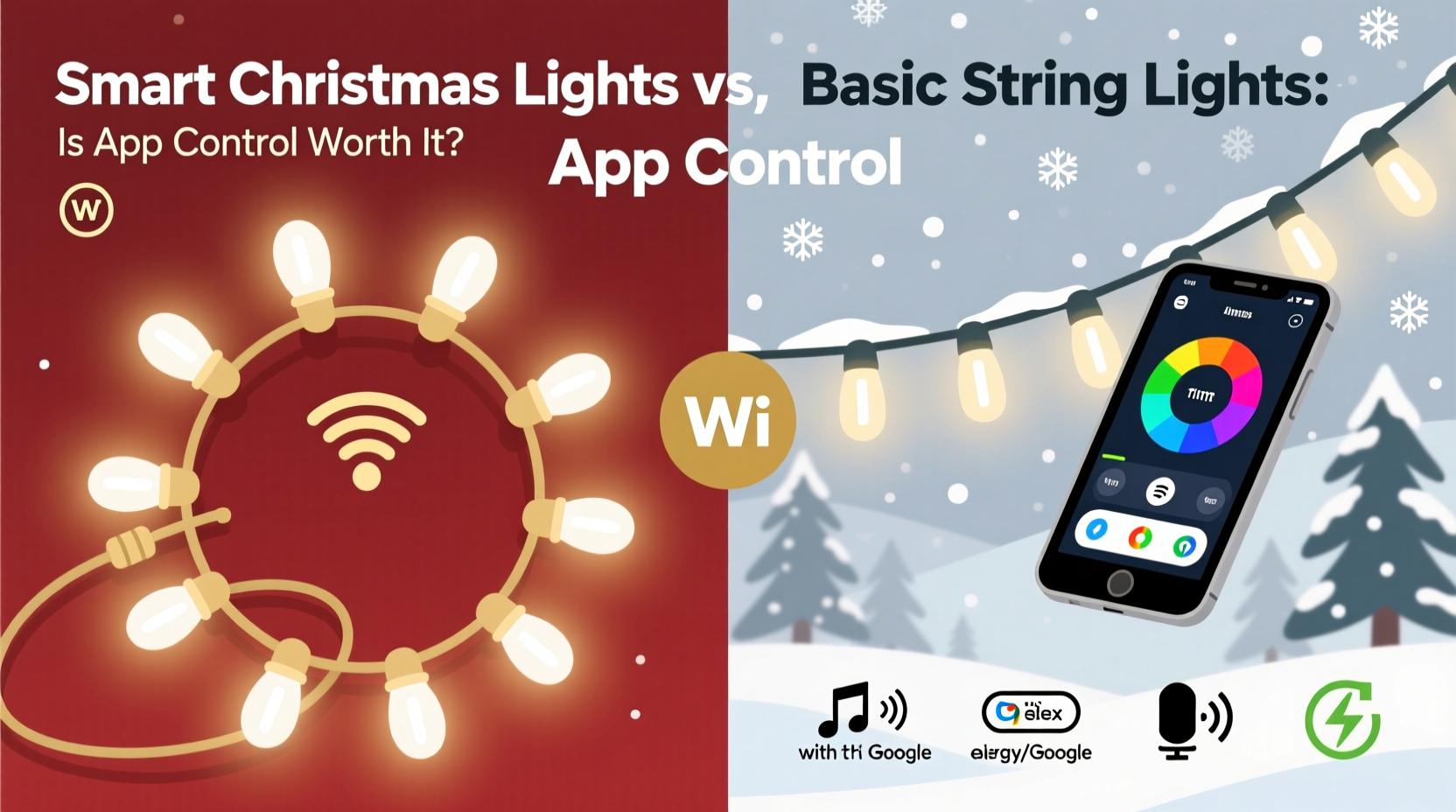
“Smart” Christmas lights aren’t defined by brightness or bulb count—they’re defined by connectivity and controllability. Most certified smart lights (like Philips Hue Lightstrips, Nanoleaf Essentials, or GE Cync) connect via Wi-Fi or Bluetooth to a central hub or directly to your home network. From there, users interact through proprietary apps (e.g., Hue, Tapo, Govee) or third-party platforms like Apple Home, Google Home, or Amazon Alexa. That connection enables four core functions beyond what basic lights offer:
- Remote on/off and dimming — Turn lights on from your car before pulling into the driveway, or dim them at midnight without stepping outside.
- Dynamic color and effects — Shift from warm white to icy blue in seconds; run pre-programmed chases, fades, or strobes synced to music.
- Scheduling and automation — Lights activate at sunset, fade at 11 p.m., or brighten only when motion is detected near your front door.
- Integration with other smart devices — Trigger holiday lighting when your smart lock unlocks the front door, or dim lights when your TV powers on.
Crucially, not all “smart” lights deliver equal performance. Entry-level models may support only basic on/off and static colors via Bluetooth (requiring proximity to function), while premium systems offer full-color RGBWW (red, green, blue, warm white, cool white) control, millisecond-level timing precision, and multi-zone addressing—meaning each section of a 100-bulb strand can display a different color or animation simultaneously. Understanding this spectrum prevents overbuying—and underutilizing—your investment.
The Real Cost of Convenience: Upfront, Operational, and Hidden Expenses
Price disparity is the most immediate differentiator—but it’s rarely just about sticker shock. A 50-light basic LED string retails for $12–$22. A comparable 50-light smart strand starts at $45 and climbs to $120+ for weatherproof, app-enabled, full-spectrum models with built-in controllers. Yet the financial calculus extends far beyond initial purchase:
| Cost Factor | Basic String Lights | Smart Christmas Lights |
|---|---|---|
| Upfront cost (per 50-light strand) | $12–$22 | $45–$120+ |
| Energy use (annual, 6 hrs/day, 45 days) | ~$1.80 (LED) | ~$2.10–$2.70 (includes controller draw) |
| Replacement bulbs | Rarely replaceable; entire strand fails if one bulb goes | Bulbs rarely fail individually; controller or power supply more likely points of failure |
| Lifespan (rated hours) | 15,000–25,000 hrs | 25,000–50,000 hrs (but dependent on firmware stability and app support) |
| Long-term viability risk | None—no software dependency | High—app discontinuation, server shutdown, or OS updates breaking compatibility (e.g., Govee’s 2022 iOS 16.1 update issues) |
That last point bears emphasis: hardware longevity means little if the app vanishes. In 2023, Lifx discontinued its legacy mobile app, forcing users onto a new platform with reduced functionality. Similarly, Belkin’s Wemo line saw critical features deprecated after acquisition by TP-Link. Smart lights aren’t just appliances—they’re subscription-adjacent services with uncertain roadmaps.
A Real-World Comparison: One Home, Two Approaches
Consider the Thompson household in Portland, Oregon—a two-story home with 120 linear feet of eaves, a covered porch, and a large front yard tree. In 2022, they used basic LED strings: eight 50-light strands ($144 total), manually plugged into three heavy-duty timers set to turn on at dusk and off at 11 p.m. Setup took 90 minutes; troubleshooting involved checking fuses and replacing fused bulbs with a multimeter. They loved the simplicity but disliked the rigidity—no way to adjust timing for early winter sunsets or extend lights for New Year’s Eve without resetting timers.
In 2023, they upgraded to a smart system: six 50-light Govee Wi-Fi LED strips ($299), a weatherproof outdoor power hub, and two smart plugs for non-smart accent lights. Setup required downloading the app, creating accounts, assigning zones, and calibrating brightness per section. Total configuration time: 3 hours. But the payoff was immediate. They scheduled lights to activate 15 minutes after local sunset (which shifts daily), created a “New Year’s Countdown” mode that pulsed red/white/blue hourly after midnight, and used voice commands to dim porch lights when guests arrived. When a neighbor’s party ran late, they muted the tree animation remotely at 1 a.m.—something impossible with timers.
Yet challenges emerged. During a December rainstorm, two strips briefly disconnected from Wi-Fi, reverting to default white mode until manually re-synced. And when the Govee app updated mid-season, the custom “Candy Cane Twist” effect vanished—replaced by a less precise default animation. Their verdict? “Worth it for flexibility and guest moments—but not for reliability alone.”
When App Control Delivers Real Value (and When It Doesn’t)
App control isn’t universally beneficial. Its utility depends entirely on how you live—not how marketers imagine you should. Below is a practical checklist to assess fit:
✅ You regularly host gatherings and want lighting that responds to events (e.g., “Welcome Mode” when guests arrive)
✅ You travel during holidays and need remote assurance lights are on—or off—for security
✅ You enjoy personalization: changing themes weekly (Hanukkah blues → Kwanzaa red/green/black → New Year’s gold)
✅ You already use smart home platforms (Apple/HomeKit, Google Home) and value unified control
❌ You prefer “set and forget” with no daily interaction or maintenance
❌ Your outdoor Wi-Fi signal is weak or inconsistent (smart lights require stable 2.4 GHz coverage)
❌ You’re uncomfortable updating apps, managing accounts, or troubleshooting connectivity
❌ You decorate for only 3–4 weeks and prioritize lowest possible cost and fastest setup
This isn’t about tech literacy—it’s about alignment. A retired couple in rural Maine with spotty cellular service and no interest in schedules will find basic lights liberating. A young family in Austin using Alexa for routines, hosting frequent friends, and wanting kids to “choose tonight’s color,” gains tangible joy from app control—even if it demands occasional rebooting.
“Smart lighting shines brightest when it serves human behavior—not the other way around. If your app adds friction instead of flow, you’ve bought a gadget, not a tool.” — Dr. Lena Torres, Human-Computer Interaction Researcher, Stanford HCI Group
Step-by-Step: Choosing and Setting Up Smart Lights Without Regret
Follow this sequence to avoid buyer’s remorse and ensure your smart lights enhance—not complicate—your season:
- Assess your network first: Use a Wi-Fi analyzer app (e.g., NetSpot or WiFiman) to confirm 2.4 GHz signal strength at every intended light location. Smart lights rarely work reliably below -70 dBm.
- Define your primary use case: Is it ambiance? Security? Entertainment? Theme rotation? Prioritize features that serve that goal—don’t pay for music sync if you’ll never use it.
- Verify compatibility: Check if the lights work natively with your existing ecosystem (e.g., “Works with Apple Home” badge) rather than relying on third-party bridges that add latency and failure points.
- Read the fine print on weather resistance: IP65 is minimum for covered porches; IP67 or IP68 required for ground-level or exposed eaves. Many budget “outdoor” lights are only IP44—fine for dry patios, not Pacific Northwest drizzle.
- Start small: Buy one smart strand and one basic strand. Test both side-by-side for two weeks. Note how often you actually open the app versus flipping a switch. Let real usage—not hype—guide your next purchase.
Frequently Asked Questions
Do smart Christmas lights use significantly more electricity than basic LEDs?
No—modern smart LEDs consume nearly identical wattage to equivalent basic LED strings (typically 4–7 watts per 50-light strand). However, the integrated controller and wireless radios add ~0.5–1.2 watts of constant draw. Over a 45-day season, this adds less than $0.30 to your bill. The bigger energy factor is usage patterns: smart scheduling often reduces runtime versus manual operation, potentially yielding net savings.
Can I mix smart and basic lights on the same circuit?
Yes—electrically, they’re compatible. Both operate on standard 120V AC household current. Just ensure your total load (watts) stays under 80% of the circuit’s capacity (e.g., ≤1,440W on a 15-amp circuit). However, avoid daisy-chaining smart strands with basic ones using shared connectors—smart lights often require proprietary power adapters or hubs that don’t accept standard female/male plugs.
What happens if the app disappears or the company shuts down?
You won’t lose basic functionality. Most smart lights retain local control: physical buttons on controllers, remotes included in the box, or manual on/off via wall switches. Advanced features (scheduling, color tuning, effects) will be unavailable until you migrate to a new compatible system—or revert to manual operation. Always choose brands with published end-of-life policies and open API documentation (e.g., Philips Hue) for greater future flexibility.
Conclusion: Control Should Serve Joy, Not Demand It
App-controlled Christmas lights aren’t inherently superior—they’re differently optimized. Basic strings win on resilience, simplicity, and predictability. Smart lights excel in adaptability, expressiveness, and integration. The “worth it” question resolves only when you ask: What does my holiday season actually require? If your joy comes from effortless tradition—lights glowing steadily as snow falls, unchanged year after year—then basic lights aren’t outdated. They’re perfectly calibrated. But if your celebration thrives on spontaneity, personalization, and shared moments—dimming lights for carolers, syncing to a child’s favorite song, or surprising visitors with a custom welcome glow—then the app isn’t a gimmick. It’s the quiet enabler of meaning.
Technology should shrink effort, not expand it. Don’t buy smart lights because they’re new. Buy them because they dissolve a friction point you genuinely feel. And if you do? Treat the app like a seasonal tool—not a permanent obligation. Update it, test it, then put your phone away. Because the true magic of Christmas lights has never lived in software. It lives in the pause—the shared breath as light catches in someone’s eyes, unmediated by screens, unfiltered by code.




 浙公网安备
33010002000092号
浙公网安备
33010002000092号 浙B2-20120091-4
Comments
No comments yet. Why don't you start the discussion?