
As the holiday season approaches, millions of homes light up with festive displays powered by strings of twinkling Christmas lights. While the visual impact is magical, managing when those lights turn on and off can be a chore—especially when trying to balance ambiance, energy use, and safety. For decades, mechanical timers ruled the scene. Today, smart plugs are stepping into the spotlight, promising precision, remote control, and integration with home automation systems.
But which solution truly delivers better value and performance for automating your Christmas lights? This in-depth comparison cuts through marketing claims to examine real-world usability, reliability, cost, and long-term benefits of both smart plugs and traditional timers.
How Traditional Timers Work for Holiday Lighting
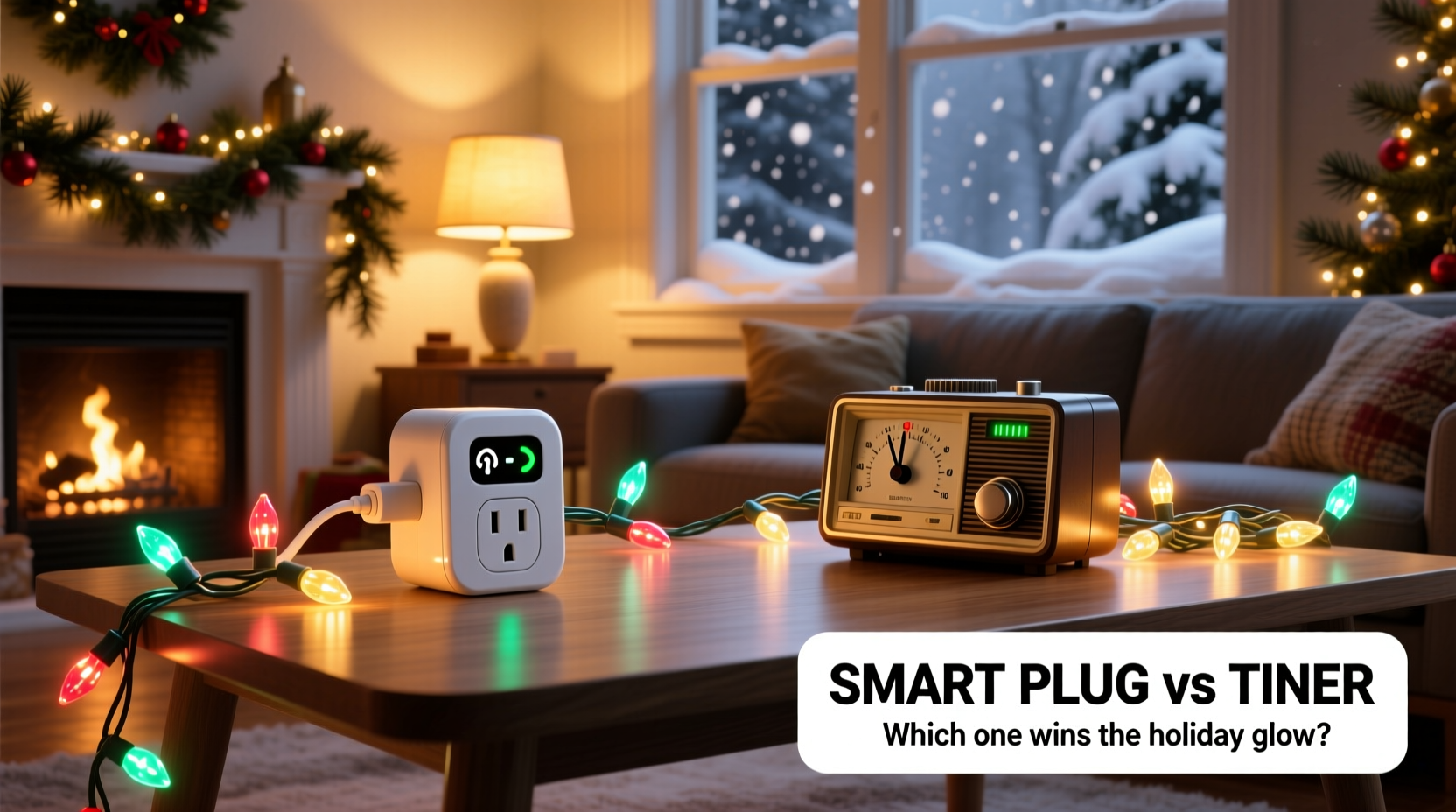
Mechanical or digital plug-in timers have been used for decades to automate household appliances, including seasonal lighting. These devices plug directly into a wall outlet, and the Christmas light strand then plugs into the timer. Users set specific on/off times using dials, buttons, or pre-programmed schedules.
Basic models operate on a 24-hour cycle with multiple time slots. For example, you might set the lights to turn on at 5:00 PM and off at 11:00 PM every day. Some digital versions allow different schedules for weekdays versus weekends, offering modest flexibility.
These timers are purely local—there’s no Wi-Fi, no app, and no remote access. Once programmed, they run independently, unaffected by internet outages or power fluctuations (assuming battery backup). They’re also typically low-cost, with most models ranging from $8 to $15.
The Rise of Smart Plugs in Holiday Automation
Smart plugs represent the modern evolution of appliance control. These Wi-Fi-enabled devices connect to your home network and integrate with smartphone apps, voice assistants like Alexa or Google Assistant, and smart home platforms such as Apple HomeKit or Samsung SmartThings.
With a smart plug, you can schedule your Christmas lights to turn on at sunset and off at bedtime—even adjusting automatically as sunset times change throughout December. Many models support geofencing, so lights activate only when you arrive home. Others allow randomization to simulate occupancy while you're away.
Premium features include energy monitoring (helpful for tracking how much power your display consumes), voice commands (“Alexa, turn on the tree lights”), and integration with routines—like triggering lights when holiday music starts playing.
While more expensive than basic timers—typically priced between $20 and $40 per unit—smart plugs offer a level of control that traditional hardware simply can’t match.
“Smart plugs transform static holiday displays into dynamic experiences. You’re not just automating lights—you’re personalizing them.” — Jordan Lee, Smart Home Integration Specialist
Key Differences: Smart Plug vs Timer
| Feature | Traditional Timer | Smart Plug |
|---|---|---|
| Setup Complexity | Simple—plug in and dial settings | Moderate—requires app setup and Wi-Fi pairing |
| Remote Access | No | Yes—via smartphone or voice assistant |
| Scheduling Flexibility | Limited (fixed daily/weekly) | High (sunset/sunrise, geofencing, randomization) |
| Weather Resistance | Depends on model; often requires protection | Most are indoor-only; outdoor-rated models available |
| Energy Monitoring | No | Available on select models |
| Cost per Unit | $8–$15 | $20–$40 |
| Reliability During Outages | High (resumes after power returns) | Medium (depends on router and device reboot) |
| Integration with Other Devices | No | Yes—works with alarms, music, thermostats, etc. |
The table illustrates a clear trade-off: simplicity and affordability on one side, advanced functionality and connectivity on the other. Your choice depends largely on how much control you want—and whether you're already invested in a smart home ecosystem.
Real-World Example: The Johnson Family's Display Upgrade
The Johnsons have maintained an elaborate outdoor Christmas display for over ten years. Initially, they used a simple mechanical timer to power their rooftop reindeer and front yard nativity scene. Every evening, someone had to manually check if the lights were on—especially during early winter storms when outages disrupted the schedule.
In 2022, they upgraded to three outdoor-rated smart plugs. Using the app, they created a schedule tied to local sunset times, ensuring the display lit up precisely at dusk regardless of the date. They added a geofence rule so that if either parent arrived home after dark, the path lights would turn on automatically.
One evening, a storm knocked out power for two hours. When electricity returned, the smart plugs reconnected within minutes and resumed the schedule—no intervention needed. They also discovered through the app that their display consumed 14% less energy than the previous year due to more precise timing.
“We used to argue about who forgot to turn the lights on,” said Mark Johnson. “Now it’s seamless. Even our kids can control the colors on the tree using voice commands.”
Step-by-Step Guide: Setting Up Automation for Christmas Lights
Whether you choose a timer or smart plug, proper setup ensures reliable operation throughout the season. Follow this sequence:
- Assess Your Lighting Setup: Count how many separate light strands or displays you have. Determine if they’re indoors, outdoors, or both.
- Check Outlet Accessibility: Ensure each outlet is reachable and protected from snow, rain, or ice. Use GFCI outlets for outdoor circuits.
- Select the Right Device: Choose weather-resistant models for outdoor use. For smart plugs, confirm compatibility with your Wi-Fi frequency (2.4 GHz only for most).
- Install and Test: Plug in the timer or smart plug. Test the connection and verify that the lights respond correctly.
- Program the Schedule:
- For timers: Set start and end times manually.
- For smart plugs: Use the app to create rules based on time, sunrise/sunset, or location.
- Add Redundancy: Consider labeling each device and keeping spare fuses or extension cords nearby in case of failure.
- Monitor Performance: Check weekly for loose connections, flickering, or overheating. Review smart plug logs if available.
When to Choose a Timer Over a Smart Plug
Despite the allure of smart technology, there are still strong cases for sticking with a traditional timer:
- Budget Constraints: If you only need basic automation and are managing multiple displays, the cumulative cost of smart plugs adds up quickly.
- Internet Instability: In rural areas or homes with spotty Wi-Fi, relying on cloud-connected devices introduces risk of disconnection or delayed responses.
- Minimal Tech Comfort: Elderly users or those unfamiliar with apps may find physical dials easier to manage.
- Short-Term Use: If you only decorate for two weeks, the learning curve of a smart plug may not justify the investment.
Timers are also less vulnerable to cybersecurity risks—a growing concern as smart home devices become targets for hacking. A mechanical timer has zero attack surface.
Advantages of Going Fully Smart
For tech-savvy households or those with large, complex displays, smart plugs unlock capabilities that elevate the entire experience:
- Dynamic Scheduling: Lights can sync with actual sunset times, which shift daily. No more manual adjustments on December 1st versus December 24th.
- Vacation Mode: Randomize on/off patterns to deter burglars while you're away.
- Voice and Routine Integration: Trigger lights with phrases like “Let’s get festive” or tie them to dinner parties, movie nights, or holiday playlists.
- Energy Insights: Track consumption over time and identify inefficient strands (e.g., older incandescent bulbs drawing excessive power).
- Multi-Zone Control: Turn off driveway lights while keeping the tree glowing, all from bed.
Some homeowners even link their smart plugs to weather APIs—automatically shutting off lights during high winds or heavy snowfall to reduce electrical strain.
Checklist: Choosing the Right Solution
Use this checklist to decide whether a smart plug or timer best suits your needs:
- ☐ Do I have stable Wi-Fi coverage near my outdoor outlets?
- ☐ Am I comfortable downloading and using a mobile app?
- ☐ Do I want to control lights remotely (e.g., from work or vacation)?
- ☐ Is energy efficiency a priority?
- ☐ Will I reuse the device beyond the holidays (e.g., for lamps, coffee makers)?
- ☐ Are my existing outlets GFCI-protected and weather-shielded?
- ☐ Am I on a tight budget for holiday decorations?
- ☐ Do I already own compatible smart home devices?
If you answered “yes” to three or more of the first five questions, a smart plug is likely worth the investment. If cost, simplicity, or offline reliability are top priorities, a timer remains a solid choice.
Frequently Asked Questions
Can I use a smart plug outdoors?
Yes, but only if it’s specifically rated for outdoor use. Most standard smart plugs are designed for indoor environments. Outdoor models feature sealed casings and UV-resistant materials. Always plug them into a covered, GFCI-protected outlet to prevent water exposure.
Do mechanical timers lose time during power outages?
Many basic mechanical timers do not have battery backups and will reset when power is restored. Digital timers often include a small internal battery to preserve settings. Check product specifications before purchasing.
Are smart plugs safe for Christmas lights?
Yes, provided the plug’s wattage rating exceeds the total load of the connected lights. Most smart plugs support up to 1800 watts—enough for dozens of LED strands. Avoid daisy-chaining multiple heavy-duty incandescent sets without verifying total draw.
Final Verdict: Functionality vs Simplicity
The smart plug vs timer debate isn't about declaring a single winner—it's about matching the tool to your lifestyle. Timers win on cost, simplicity, and resilience. They require no updates, no passwords, and no troubleshooting. For straightforward, set-and-forget automation, they remain effective and dependable.
Smart plugs, meanwhile, excel in customization, integration, and long-term utility. Their ability to adapt schedules dynamically, provide feedback, and work within broader home automation systems makes them ideal for modern households seeking convenience and personalization.
Consider this: a smart plug may cost twice as much, but if you use it year-round for fans, heaters, or coffee makers, the holiday season becomes just one application among many. That versatility improves return on investment significantly.
Take Action This Holiday Season
This year, don’t just automate your Christmas lights—optimize them. Evaluate your current setup. Ask yourself whether you’re spending too much time managing switches, worrying about energy waste, or missing out on the joy of effortless ambiance.
If you’ve been curious about smart home tech, holiday lighting is one of the most rewarding entry points. Start with one smart plug on your tree or porch. Experience the convenience of remote control and automated scheduling. Then expand as needed.
Or, if simplicity is your goal, invest in a high-quality digital timer with battery backup and precise programming. Either way, the objective is the same: to enjoy the magic of the season without the hassle.




 浙公网安备
33010002000092号
浙公网安备
33010002000092号 浙B2-20120091-4
Comments
No comments yet. Why don't you start the discussion?