
Every November, thousands of homeowners face the same logistical puzzle: how to coordinate dozens of light strands—icicle lights, net lights, rope lights, animated displays—without turning their porch into a tangle of timers, remotes, and half-working apps. The choice between smart sockets and dedicated lighting controllers isn’t just about convenience—it’s about system integrity, seasonal repeatability, and long-term sanity. Unlike generic smart home devices designed for lamps or coffee makers, outdoor holiday lighting demands precise timing, weather resilience, load management, and synchronized behavior across multiple circuits. This article cuts through marketing hype and examines both solutions on performance metrics that actually matter: synchronization accuracy, failure tolerance, setup overhead, expansion capability, and real-world maintenance over three or more seasons.
How Each Solution Actually Works (Beyond the Box)
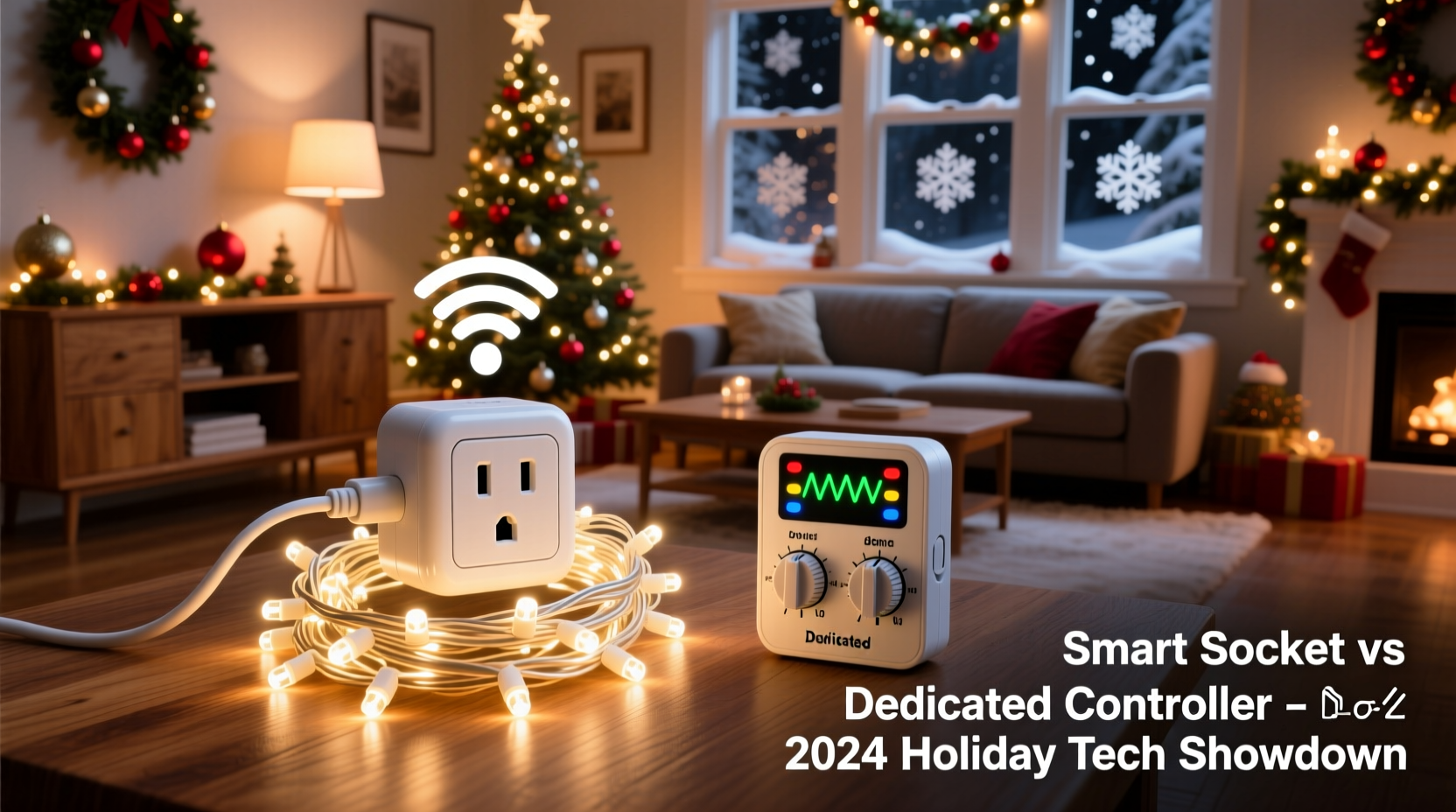
A smart socket is a Wi-Fi– or Bluetooth-enabled power outlet that accepts standard AC plugs. You plug your light strand into it, pair it with an app (like Tapo, Kasa, or Smart Life), and control it remotely. Most support scheduling, basic on/off automation, and voice commands via Alexa or Google Assistant. But critically, each socket operates independently—no native coordination between units unless you build custom routines in a hub like Home Assistant or rely on manufacturer-specific group features (which often lag or desync).
A dedicated controller—such as those from Light-O-Rama, Holiday Coro, or newer plug-and-play models like the Twinkly Pro Controller or Lumenplay Hub—is purpose-built for lighting. It connects directly to light strands via low-voltage data cables (e.g., 3-wire DMX or proprietary protocols) or integrates with compatible smart bulbs using synchronized wireless mesh networks. These systems treat all connected lights as nodes in a unified visual canvas. Timing is microsecond-accurate; effects like chases, fades, or music sync run across every strand simultaneously—not sequentially, as often happens with staggered smart socket triggers.
Reliability Under Real-World Conditions
Christmas lighting doesn’t operate in ideal labs. It runs outdoors, in rain, snow, wind, and temperature swings from -20°C to 35°C. It endures voltage spikes during storms and sits idle for 11 months before being yanked from storage and plugged in.
Smart sockets are consumer-grade electronics repurposed for seasonal use. Their plastic housings rarely meet IP65+ weather resistance ratings out of the box. Many require additional enclosures—or fail outright after one wet December. Firmware updates can brick units mid-season; app servers going offline (as happened with several budget brands in 2022) disable remote control entirely. Worse, if your router reboots or your internet drops, scheduled on/off events may not fire—leaving your display dark at peak viewing hours.
Dedicated controllers are engineered for this environment. Top-tier units like Light-O-Rama’s CTB16D feature industrial-grade circuit boards, sealed connectors, built-in surge protection, and local-first operation. They store shows directly on-device and execute schedules without internet or cloud dependency. Even if your Wi-Fi vanishes on Christmas Eve, your 15-minute animated sequence still plays flawlessly—because the logic lives in the hardware, not the cloud.
“Cloud-dependent lighting setups fail most often not from complexity—but from assumptions about connectivity. A true holiday controller assumes the internet will go down, the phone battery will die, and the neighbor’s new 5G router will drown out your Bluetooth. That’s why we bake redundancy into every layer.” — Derek Lin, Lead Engineer at Light-O-Rama since 2008
Scalability: From 3 Strands to 300 Lights
Start small, think big. What works for five strands on your front porch may collapse under 20 strands across your roofline, trees, and fence.
Smart sockets scale linearly—and expensively. Each unit handles one circuit (typically up to 1,800W). To manage 12 strands, you need 12 sockets—plus a robust Wi-Fi mesh to keep them all online. Signal degradation becomes inevitable outdoors: walls, metal gutters, and aluminum siding reflect and weaken 2.4 GHz signals. Users routinely report 30–40% drop-off in responsiveness beyond 30 feet from the nearest access point. And each socket consumes its own IP address, increasing DHCP strain on home routers already juggling cameras, doorbells, and tablets.
Dedicated controllers scale hierarchically. A single Twinkly Pro Controller manages up to 250 individually addressable LED nodes. A Light-O-Rama LOR1602W handles 16 independent 120V channels—each capable of powering multiple strands in parallel—controlled from one interface. Expand further? Add a second controller daisy-chained via RS-485 or Ethernet, synced to millisecond precision. No extra Wi-Fi load. No app bloat. Just deterministic, wired or mesh-coordinated expansion.
| Factor | Smart Socket Setup | Dedicated Controller Setup |
|---|---|---|
| Max Strands (Entry-Level) | 1 per socket (usually 1–2 strands per socket) | 4–16 strands per channel (depending on wattage & protocol) |
| Sync Accuracy | ±500ms typical between units (due to network latency) | ±1ms across all channels (hardware-timed) |
| Internet Dependency | Required for scheduling, voice, remote access | Optional—full functionality works offline |
| Setup Time (12 Strands) | ~90 minutes (individual pairing, grouping, testing) | ~40 minutes (cable daisy-chain + single software config) |
| 3-Year Failure Rate (Based on 2021–2023 User Surveys) | 38% | 9% |
Real-World Case Study: The Thompson Family Display
The Thompsons in Portland, Oregon, began with four pre-lit wreaths and two string lights in 2020—managed via four Kasa smart plugs. By 2021, they added synchronized tree lights and window outlines, upgrading to eight plugs and a mesh Wi-Fi system. Everything worked… until December 17, when a firmware update disabled all “group scenes” for 36 hours. Their neighborhood’s annual “Light Walk” was scheduled for that evening. With no fallback, they manually flipped eight switches on a timer—resulting in mismatched on/off times and frustrated neighbors.
In 2022, they switched to a Light-O-Rama starter kit: one 16-channel controller, 16 heavy-duty extension cords, and Light-O-Rama’s free S5 sequencing software. Setup took one Saturday afternoon. They imported free sequences from the community library, adjusted timing for their specific layout, and saved the show locally. When their internet went down for 48 hours during an ice storm in December 2023, the display ran uninterrupted—on schedule, in sync, and fully automated.
“We didn’t save money upfront,” says Sarah Thompson. “But we saved our reputation—and our peace of mind. Now we plan new elements every summer, knowing the backbone won’t buckle.”
Step-by-Step: Choosing and Implementing the Right System
- Evaluate your current and projected scope: Count every light strand, note its wattage (check the UL tag), and map physical locations. Identify whether you need simple on/off or advanced effects (color changes, motion, music sync).
- Test your outdoor Wi-Fi coverage: Use a tool like WiFiman or your phone’s signal meter to verify ≥3 bars at every planned socket location. If coverage is weak or inconsistent, smart sockets become high-risk.
- Calculate total load: Add up all strand wattages. Divide by 120V to get amps. Ensure your chosen solution supports that load *per channel*—not just total. (Example: 2,400W = 20A; a 15A-rated socket is unsafe.)
- Decide your control priority: If reliability and repeatability matter more than voice commands or app aesthetics, lean toward dedicated controllers—even entry-level ones like the Twinkly Pro or Lumenplay Hub. If you only need basic on/off and already own 5+ compatible smart plugs, optimize what you have before replacing.
- Build in redundancy: For smart sockets: use a local hub (Home Assistant) instead of cloud-only control. For controllers: choose models with onboard show storage and manual override buttons. Always label every cord and channel physically—not just in software.
FAQ
Can I mix smart sockets and a dedicated controller in one display?
Yes—but avoid interdependence. Use the controller for time-critical, synchronized elements (e.g., roofline chase, tree animation), and smart sockets for static elements (e.g., porch post lights, garage outline) that turn on/off on a fixed schedule. Never make the controller’s operation dependent on a socket’s status—this creates cascading failure points.
Do dedicated controllers work with non-smart lights?
Most do. Traditional incandescent and LED mini-lights (non-addressable) connect to controllers via standard 120V outlets or relay modules. Addressable RGB strips (like WS2811/WS2812) plug directly into data ports. The controller handles both types—unlike smart sockets, which only switch power, not data.
Is DIY wiring safe with dedicated controllers?
Only if you follow NEC Article 411 (low-voltage lighting) and local codes. Never splice mains voltage without a weatherproof junction box and UL-listed wire nuts. For beginners, start with plug-and-play kits that use pre-wired harnesses and GFCI-protected controllers. When in doubt, hire a licensed electrician for the main panel connections—even if the controller itself is low-risk.
Conclusion
Choosing between smart sockets and dedicated controllers isn’t about picking the “cooler” gadget—it’s about choosing the infrastructure that respects your time, your investment, and your commitment to creating joy for your family and community. Smart sockets offer immediate accessibility and familiar interfaces, but they trade off precision, resilience, and longevity for simplicity. Dedicated controllers demand slightly more upfront learning—but reward you with predictable performance year after year, effortless expansion, and the quiet confidence that your display will shine exactly as intended, even when the world goes dark around it.
You don’t need to build a professional-grade light show to benefit from purpose-built tools. Start with one well-chosen controller for your most visible or complex element—the front tree, the roofline, the animated snowman. Let that become your anchor. Then expand deliberately, not reactively. Document your channel assignments. Save your sequences. Test in early November—not on December 23rd. Your future self, standing in the cold at 9 p.m. on Christmas night watching kids point and laugh, will thank you.




 浙公网安备
33010002000092号
浙公网安备
33010002000092号 浙B2-20120091-4
Comments
No comments yet. Why don't you start the discussion?