
A blinking red light on your smoke detector is not always cause for alarm—but understanding what it signifies can mean the difference between routine maintenance and a missed warning. Most modern smoke alarms use LED indicators to communicate their status, and the red light plays a central role in that system. While a steady or flashing red light often indicates normal operation, certain patterns may point to low batteries, malfunctions, or an actual fire emergency. Knowing how to interpret these signals ensures your home remains protected and prevents unnecessary panic.
How Smoke Detector Lights Work
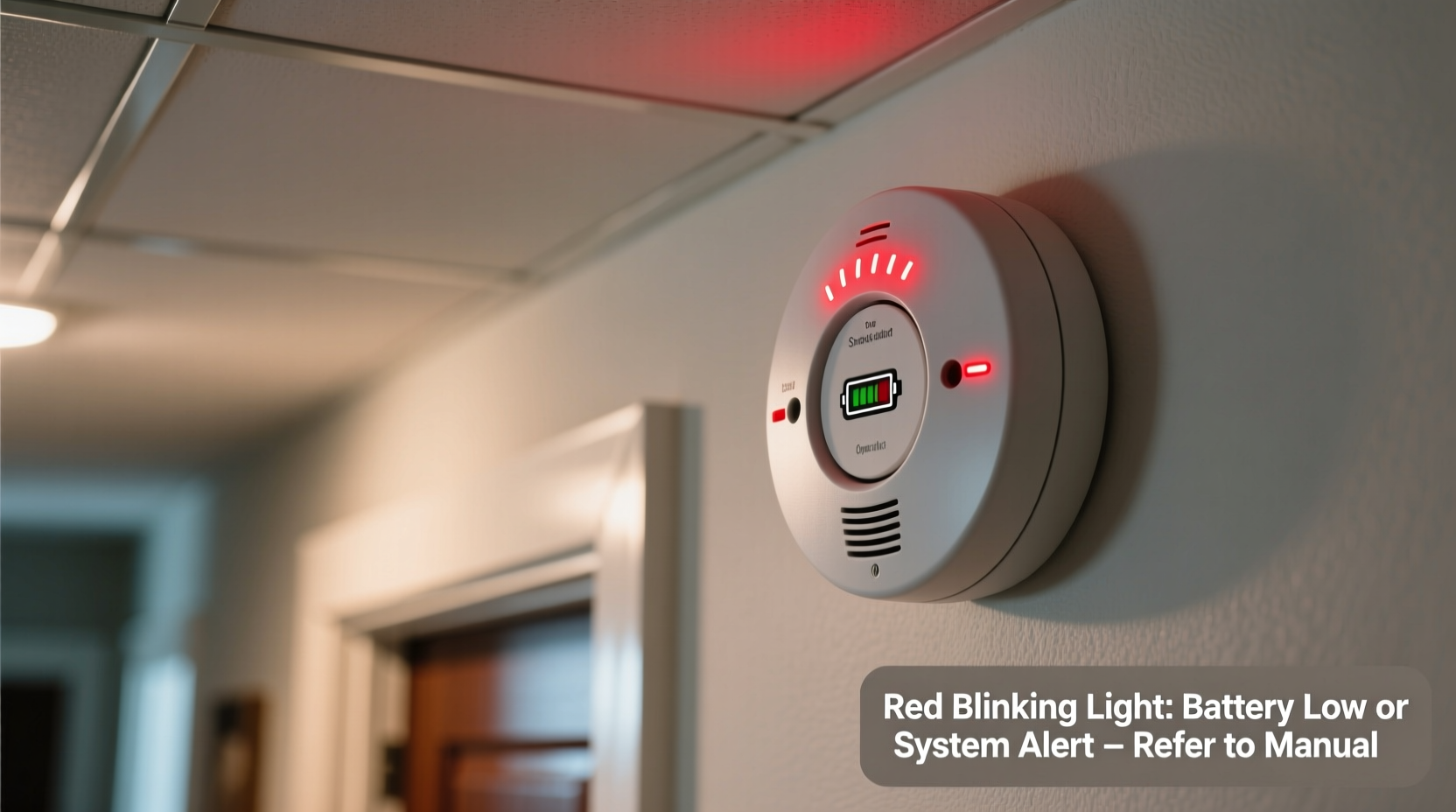
Smoke detectors are designed with visual indicators—typically LEDs—to complement their audible alerts. The red light serves as a real-time status monitor. In most models, a brief flash every 30 to 60 seconds confirms the device is powered and functioning correctly. This periodic blink reassures homeowners that the internal circuitry and sensor are active, even when the environment appears safe.
The frequency and pattern of the blinking are standardized across major brands like First Alert, Kidde, and Nest. However, slight variations exist between photoelectric, ionization, and dual-sensor units. For example, some interconnected systems will flash more frequently during testing or synchronization phases. It’s essential to consult your unit’s manual for model-specific details, but general principles apply across the board.
Normal vs. Abnormal Red Light Patterns
Not all blinking red lights indicate trouble. Recognizing the difference between normal operation and potential issues starts with observing the timing and rhythm of the flashes.
| Light Pattern | Meaning | Action Required |
|---|---|---|
| One flash every 30–60 seconds | Normal operation; power is connected and system is functional | None – this is expected behavior |
| Continuous rapid flashing (2+ times per second) | Potential alarm trigger or response to smoke | Check for fire or smoke; ventilate area if false alarm |
| Intermittent slow blinking with beeping | Low battery or end-of-life signal | Replace battery or unit as needed |
| No light at all | Power failure, dead battery, or disconnected wiring | Check power source and reset or replace |
Manufacturers design these patterns to be intuitive. A single blink at regular intervals is essentially the device saying, “I’m awake and watching.” Any deviation—especially when paired with chirping sounds—should prompt further investigation.
Common Reasons for a Blinking Red Light
Several scenarios can trigger a red light to behave differently than usual. Understanding these helps avoid confusion and ensures timely responses.
- Battery replacement cycle: After changing the battery, some detectors flash rapidly for up to 30 seconds to recalibrate. This is normal and stops automatically.
- Dust or debris buildup: Accumulated particles inside the sensing chamber can interfere with performance, causing irregular blinking or false alarms.
- End-of-life warning: Most smoke detectors last 8–10 years. As they approach expiration, many emit a periodic red flash combined with a chirp every 30–60 seconds.
- Interference from humidity or steam: Bathrooms or kitchens near detectors may cause temporary sensor activation, leading to brief bursts of blinking.
- Interconnected system signals: In homes with linked alarms, one triggered unit can cause others to flash red in coordination, even if no local hazard exists.
“Visual indicators are just as important as sound in smoke detection. A blinking red light is part of a layered alert system designed to keep families informed—even in silence.” — Dr. Alan Reyes, Fire Safety Engineer, NFPA Contributor
Step-by-Step Guide: Responding to Unusual Red Light Behavior
If your smoke detector’s red light behaves unexpectedly, follow this sequence to diagnose and resolve the issue safely:
- Observe the flash pattern: Count how many times the light blinks within five seconds and note any accompanying sounds.
- Check for environmental factors: Look for nearby sources of steam, dust, insects, or strong odors that could affect the sensor.
- Test the alarm: Press and hold the test button for 5–10 seconds. The siren should sound, and the red light should flash rapidly during the test.
- Replace the battery: Even if the device seems to work, install a fresh battery if it hasn’t been changed in the past six months.
- Clean the unit: Use compressed air to gently blow out dust from the vents. Avoid disassembling unless instructed by the manufacturer.
- Reset the detector: For hardwired units, turn off the circuit breaker for 30 seconds, then restore power. Battery-only units can be reset by removing the battery for one minute.
- Verify age: Check the manufacture date on the back. If the unit is over 10 years old, replace it immediately regardless of current function.
Troubleshooting Checklist
- ☐ Confirm the blinking pattern (slow pulse vs. rapid flash)
- ☐ Listen for accompanying chirps or alarms
- ☐ Replace the battery if older than 6 months
- ☐ Clean the exterior and vents with a soft brush or air duster
- ☐ Test the device using the test button
- ☐ Check the manufacture date—replace if over 10 years old
- ☐ Ensure no steam, smoke, or aerosols are present
- ☐ Consult the user manual for model-specific codes
Real-World Example: A Misunderstood Signal
In suburban Chicago, a family was awakened at 2 a.m. by their smoke detector flashing red rapidly and emitting short chirps. Assuming there was a fire, they evacuated and called emergency services. Upon inspection, firefighters found no smoke or heat source. Further investigation revealed the detector was nine years and ten months old. The blinking pattern indicated end-of-life—not an emergency. The family had mistaken the warning for an active threat. After replacing the unit, the false alerts ceased.
This case highlights the importance of knowing what different signals mean. Had the homeowners understood the end-of-life indication, they could have replaced the unit proactively during daylight hours, avoiding a stressful middle-of-the-night evacuation.
Frequently Asked Questions
Why does my smoke detector blink red every 10 seconds?
A red flash every 10 seconds typically indicates the device has entered alarm mode due to detected smoke or another trigger. It may also occur temporarily after battery replacement or during system reset. If no smoke is present, clean the unit and test it. Persistent flashing without cause may require replacement.
Is a blinking red light dangerous?
Not inherently. A regularly timed blink (e.g., once per minute) is normal. However, continuous or erratic flashing—especially with beeping—can signal danger, malfunction, or impending failure. Always investigate unusual behavior promptly.
Can I disable the red light on my smoke detector?
No. The red LED is a critical status indicator required by safety standards. Disabling it removes an important layer of monitoring and is not recommended. If the light disturbs sleep, consider relocating the unit away from bedrooms or using a model with a dimmer mode, if available.
Conclusion: Stay Informed, Stay Safe
Your smoke detector’s red light is more than a simple power indicator—it’s a communication tool designed to keep you informed about your home’s safety status. By learning what different blinking patterns mean, you empower yourself to respond appropriately, whether that means replacing a battery, cleaning a dusty sensor, or evacuating during a real emergency. Never ignore changes in your detector’s behavior, and make checking smoke alarms part of your seasonal home maintenance routine. Safety isn't just about having alarms installed; it's about understanding them.




 浙公网安备
33010002000092号
浙公网安备
33010002000092号 浙B2-20120091-4
Comments
No comments yet. Why don't you start the discussion?