
Choosing between a Sonos and a Bose soundbar isn’t just about sound quality—it’s about how seamlessly the system integrates into your daily life. For many consumers, the deciding factor comes down to ease of setup and long-term usability. Both brands offer premium audio experiences, but their ecosystems differ significantly in design philosophy, app functionality, and compatibility with smart home platforms. Understanding these differences helps determine which brand offers a smoother, more intuitive user journey from unboxing to everyday control.
Understanding the Ecosystem Approach
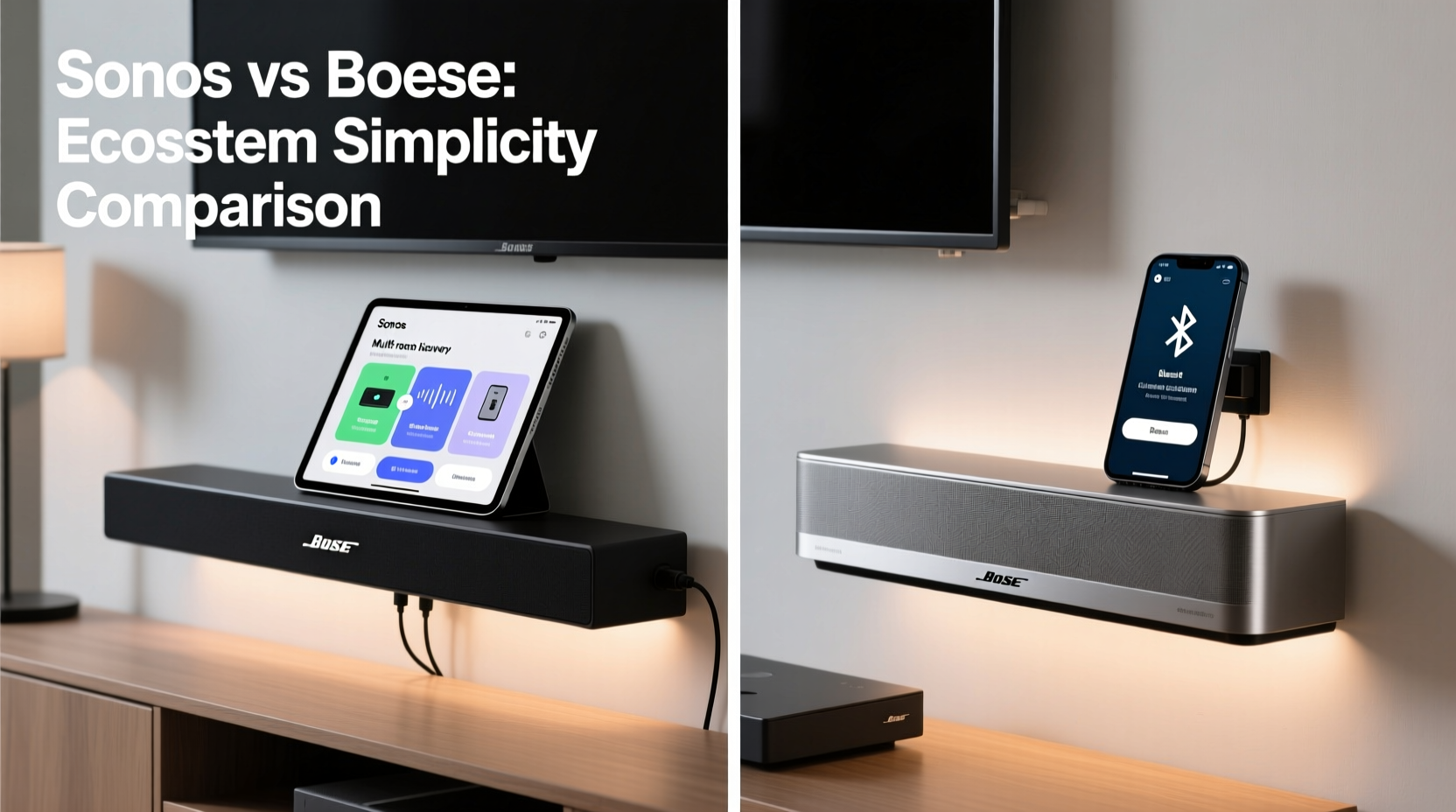
Sonos and Bose take divergent paths when it comes to building a connected audio experience. Sonos has built its reputation on creating a unified whole-home audio ecosystem. Every Sonos product, whether a speaker or soundbar, connects through a single app and operates under a consistent interface. This means that adding a new device—like moving from a Sonos Beam to a Sonos Arc and later pairing rear speakers—is designed to be as frictionless as possible.
Bose, by contrast, focuses more on standalone excellence. While Bose soundbars like the Smart Soundbar 600 or 900 series support Wi-Fi, voice assistants, and multi-room audio via the Bose Music app, their ecosystem is less expansive. Integration across devices is functional but not as deeply interconnected as Sonos’. The Bose approach prioritizes simplicity for individual rooms rather than seamless expansion across a home.
“Sonos excels at making complex multi-room setups feel effortless. Bose makes high-end sound accessible with minimal technical overhead.” — James Liao, Audio Technology Analyst at HomeSound Review
Setup Process: First-Time Experience Compared
The initial setup process often shapes a user’s long-term perception of a product. Both Sonos and Bose utilize mobile apps to guide users through configuration, but the depth and intuitiveness of each process vary.
Sonos Setup: Guided, Detailed, and Scalable
The Sonos app leads users through a step-by-step setup that includes connecting to Wi-Fi, positioning the soundbar, calibrating audio with Trueplay (on iOS), and integrating with music services. One notable advantage is that Sonos encourages—or even requires—a strong Wi-Fi network, often recommending a dedicated Sonos Boost for optimal performance in larger homes. While this adds a layer of complexity upfront, it pays off in reliability over time.
Trueplay tuning uses your iPhone’s microphone to analyze room acoustics and adjust EQ settings accordingly. This feature personalizes sound but is only available on iOS, which can be a drawback for Android users.
Bose Setup: Simpler, Faster, Fewer Dependencies
Bose takes a leaner approach. The Bose Music app walks users through basic setup in under ten minutes. There’s no requirement for mesh extenders or additional hardware. Wi-Fi connection is straightforward, and voice assistant setup (either Alexa or Google Assistant) happens within the same flow. However, Bose lacks an acoustic calibration tool comparable to Trueplay, relying instead on preset sound modes.
This streamlined process appeals to users who want plug-and-play convenience without diving into network configurations or advanced settings.
User Interface and Daily Usability
After setup, the real test is day-to-day interaction. How easy is it to switch inputs, adjust volume, stream music, or expand the system?
App Design and Navigation
The Sonos app is widely praised for its clean layout and robust functionality. It displays all connected devices, allows grouping for multi-room playback, and integrates directly with major streaming platforms like Spotify, Apple Music, and Amazon Music. Creating “Favourites” for quick access to playlists, radio stations, or TV inputs enhances usability.
The Bose Music app is simpler but less feature-rich. It supports basic music playback and device grouping, but customization options are limited. Some users report occasional lag when switching between sources or reconnecting after updates.
Voice Control and Smart Home Integration
Both brands support Amazon Alexa and Google Assistant, allowing hands-free control via voice commands. Sonos goes further by supporting Apple AirPlay 2, enabling direct streaming from iOS devices. Bose does not support AirPlay 2 on most models, limiting its appeal to Apple users.
Sonos also integrates more deeply with smart home platforms like Apple HomeKit, Google Home, and Alexa Routines. You can trigger actions such as “Turn on the living room soundbar and dim the lights” with greater reliability on Sonos.
“I switched from Bose to Sonos because I wanted one app to control everything. Now my morning routine starts with a single voice command.” — Daniel M., homeowner and smart home enthusiast
Comparison Table: Key Ecosystem Features
| Feature | Sonos | Bose |
|---|---|---|
| Primary App | Sonos App | Bose Music App |
| Multi-Room Sync | Yes, highly refined | Limited, basic grouping |
| Acoustic Calibration | Trueplay (iOS only) | No room tuning |
| AirPlay 2 Support | Yes (on most models) | No |
| Smart Home Integration | Apple HomeKit, Google Home, Alexa | Google Home, Alexa |
| Wi-Fi Mesh Requirement | Recommended (Sonos Boost) | Not required |
| Streaming Service Integration | Spotify, Apple Music, Amazon, Tidal, etc. | Spotify, Amazon Music, Pandora |
| Software Updates | Frequent, automatic | Occasional, sometimes manual |
Real-World Example: A Family's Upgrade Journey
The Thompson family recently upgraded their living room entertainment system. They had a Samsung QLED TV and wanted better audio for movies and music. After researching options, they narrowed it down to the Sonos Beam (Gen 2) and the Bose Smart Soundbar 600.
They chose the Sonos Beam because they already owned two Sonos One speakers in the kitchen and bedroom. Using the Sonos app, they added the Beam in under 15 minutes and grouped it with their existing speakers for whole-home audio. They enabled Trueplay tuning using an iPhone, which noticeably improved dialogue clarity during movie nights.
When they later purchased a Sonos Sub and Era 300s for surround sound, the integration was seamless—no reconfiguration needed. Voice commands via Alexa worked reliably, and AirPlay 2 allowed guests to stream music directly from their iPhones.
In contrast, a neighbor who selected the Bose Smart Soundbar 600 found initial setup fast and simple but struggled when trying to sync it with non-Bose speakers. He eventually gave up on creating a multi-room setup due to inconsistent performance in the Bose Music app.
Action Checklist: Choosing the Right Ecosystem
Use this checklist to evaluate which soundbar ecosystem aligns best with your lifestyle and tech environment:
- ✅ Do you already own smart speakers or plan to expand audio throughout your home? → Lean toward Sonos.
- ✅ Are you an Apple user who values AirPlay 2? → Sonos is the clear choice.
- ✅ Do you prefer a quick setup with minimal technical steps? → Bose may suit you better.
- ✅ Is room acoustic tuning important for movie and music clarity? → Sonos Trueplay offers a tangible advantage.
- ✅ Do you use multiple music services? → Sonos supports broader integrations.
- ✅ Is your Wi-Fi network weak or congested? → Consider whether you’re willing to invest in a Sonos Boost.
Long-Term Maintenance and Software Experience
Ease of use extends beyond setup—it includes how well the system performs over time. Sonos is known for regular, silent software updates that add features and improve stability. For example, recent updates introduced new speech enhancement modes and improved HDMI-CEC compatibility with TVs.
Bose releases updates less frequently, and some users have reported issues after firmware upgrades, including temporary loss of Wi-Fi connectivity or voice assistant functionality. While these are typically resolved, they disrupt the user experience more than Sonos’ generally stable update cycle.
Additionally, Sonos maintains backward compatibility across generations. Older devices like the Play:5 (Gen 1) still function within modern setups, preserving investment. Bose has been less consistent in this regard, with some legacy products losing functionality after app changes.
Frequently Asked Questions
Can I use a Sonos soundbar without the app?
You can control basic functions like volume and power with the remote or TV controls via HDMI-CEC, but full setup, software updates, and multi-room features require the Sonos app. It’s essential for initial configuration and ongoing management.
Does Bose support Apple AirPlay 2?
No, Bose soundbars do not support AirPlay 2. This limits direct streaming from iPhones, iPads, or Macs, making them less ideal for households heavily invested in the Apple ecosystem.
Which soundbar works better with voice assistants?
Both work well with Alexa and Google Assistant for common tasks like playing music or checking the weather. However, Sonos offers deeper integration, allowing voice control over multi-room groups and third-party services. Bose voice responses can be slower and less accurate in noisy environments.
Final Verdict: Which Ecosystem Is Easier?
If “easier” means fastest out-of-box experience with minimal configuration, Bose wins. Its setup is quick, requires no additional hardware, and gets you listening in minutes. It’s ideal for users who want enhanced TV audio without diving into networking or app complexity.
But if “easier” means long-term simplicity, scalability, and consistent performance across devices and services, Sonos is the superior choice. Its ecosystem is designed for growth, offering unmatched integration, reliable updates, and broad platform support. Once configured, a Sonos system operates like a cohesive unit, reducing friction over time.
Ultimately, the answer depends on your goals. For casual listeners upgrading their TV sound, Bose delivers a stress-free entry point. For tech-savvy users or those planning a whole-home audio strategy, Sonos provides a future-proof foundation that grows with your needs.




 浙公网安备
33010002000092号
浙公网安备
33010002000092号 浙B2-20120091-4
Comments
No comments yet. Why don't you start the discussion?