
The release of the Steam Deck OLED marked a pivotal moment in handheld gaming. Valve didn’t just tweak the hardware—they reimagined it. While the original LCD model earned praise for its performance and affordability, the OLED variant introduced a suite of upgrades that go beyond just the display. But is the screen upgrade truly game-changing? For gamers weighing an upgrade or first-time purchase, the answer isn't just about pixels and brightness—it's about immersion, usability, and long-term value.
This comparison dives deep into the differences between the Steam Deck LCD and OLED models, analyzing not only technical specs but also real-world usage, battery efficiency, and overall user experience. Whether you're a casual player or a full-time PC gamer on the go, understanding these nuances will help determine whether the OLED leap is worth it.
Display Technology: The Core Difference
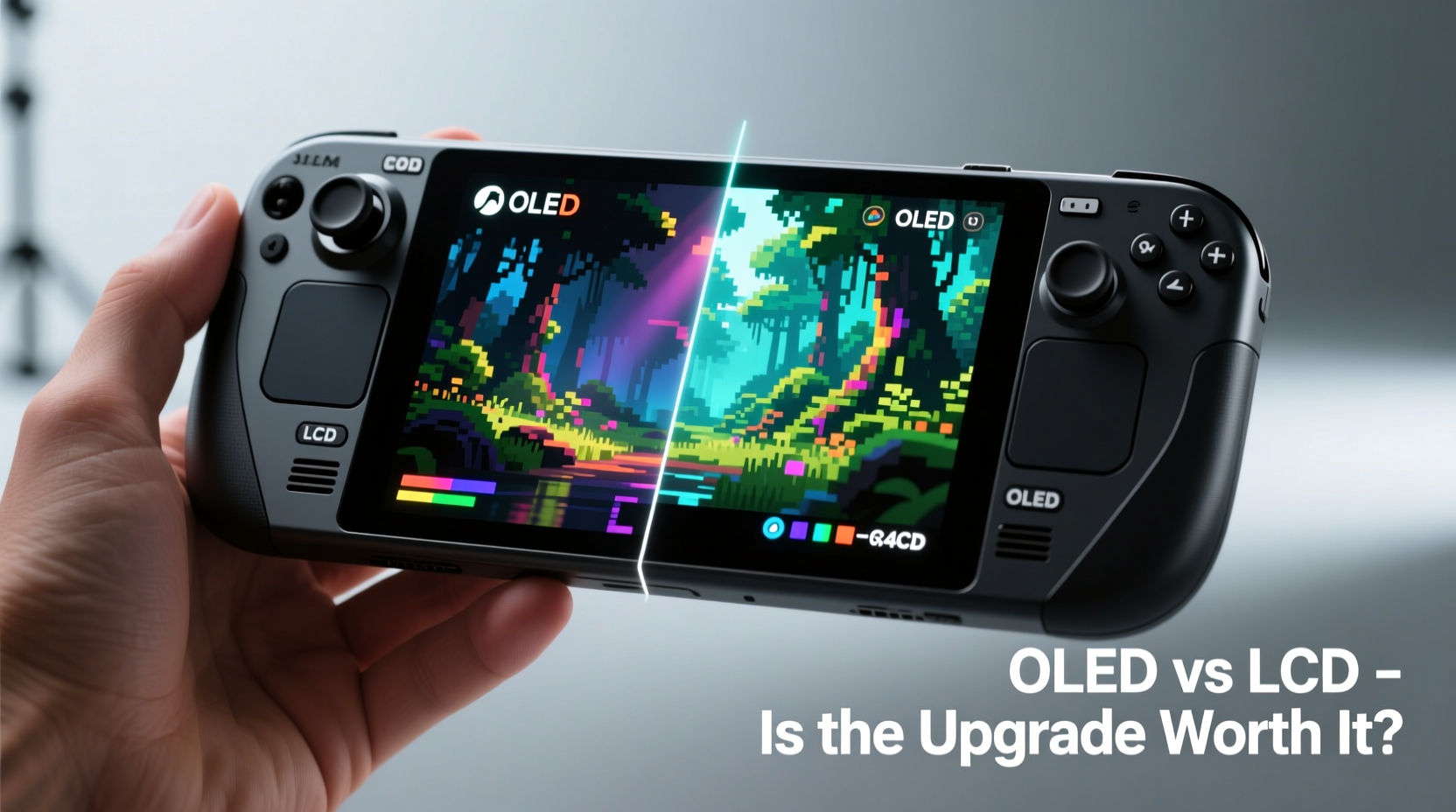
The most obvious upgrade in the Steam Deck OLED is the shift from a 7-inch LCD panel to a 7.4-inch OLED display. This change brings fundamental improvements in image quality. OLED (Organic Light-Emitting Diode) technology allows each pixel to emit its own light, enabling true blacks, infinite contrast ratios, and faster response times. In contrast, the LCD model relies on a backlight, which can lead to light bleed and less precise control over dark scenes.
In practical terms, OLED means games with night-time environments—like Disco Elysium or The Witcher 3—look dramatically better. Shadows are deeper, starfields in space sims feel more authentic, and UI elements pop against dark backgrounds. Colors are richer without appearing oversaturated, and viewing angles are wider, making off-axis play more comfortable during couch sessions or when sharing the screen.
Size, Brightness, and Outdoor Usability
The OLED model’s screen is slightly larger—7.4 inches compared to 7 inches—and has a higher peak brightness of around 1000 nits, up from approximately 400 nits on the LCD version. This makes a tangible difference when playing outdoors or in brightly lit rooms. Sunlight that once washed out the LCD now allows the OLED to remain visible and usable near windows or under shaded patios.
However, brightness alone doesn’t tell the whole story. The OLED panel uses dynamic tone mapping and local dimming (at the pixel level) to preserve detail in both highlights and shadows. This means HDR-like effects are perceptible even though the display isn’t officially HDR-certified. Scenes with mixed lighting—such as entering a dim cave from a sunny exterior—transition more naturally, reducing the need to manually adjust brightness settings mid-session.
One caveat: while OLED excels in contrast and color, it can be prone to burn-in over time if static elements (like taskbars or HUDs) remain on-screen for extended periods. Valve mitigates this with automatic screen shifting, pixel refresh routines, and default sleep timers—but users should still be mindful during long gameplay stretches.
Performance and Battery Efficiency
Despite the visual upgrades, the core processor—the AMD APU with Zen 2 CPU and RDNA 2 GPU—remains unchanged between models. However, the OLED version includes a redesigned motherboard, improved thermal management, and a more efficient power delivery system. These behind-the-scenes changes result in longer battery life, even with the larger, brighter screen.
On average, the OLED model delivers 30–50% more battery life than the LCD version across similar workloads. For example, playing Hades at medium settings:
| Model | Brightness Level | Avg. Battery Life | Charging Speed |
|---|---|---|---|
| Steam Deck LCD | 50% | 2.5 – 3 hours | USB-C PD 30W |
| Steam Deck OLED | 50% | 4 – 5 hours | USB-C PD 45W |
| Steam Deck OLED | Manual Max (adaptive) | 3.5 – 4 hours | USB-C PD 45W |
This improvement stems partly from the OLED panel’s ability to turn off pixels in black areas, reducing power draw. Additionally, the new dual-battery system (replacing the single pack in the LCD) offers better energy density and faster charging. The OLED model supports 45W USB-C Power Delivery, reaching 50% charge in about 30 minutes—ideal for quick top-ups between classes or commutes.
“Valve managed to improve battery life while upgrading the screen—a rare feat in mobile hardware.” — David L., Tech Analyst at Portable Gamers Weekly
Design and Build Improvements
The OLED model isn’t just about the screen. Valve refined nearly every aspect of the device’s ergonomics and durability. The bezels are slimmer, giving the larger display a more modern aesthetic without significantly increasing the footprint. The body feels more balanced, with weight redistributed toward the center, reducing hand fatigue during extended sessions.
The rear grip area has been textured for better traction, and the analog sticks are now slightly recessed, reducing accidental inputs. The speakers have been relocated to the front-facing vents, delivering clearer audio with less muddiness—especially noticeable in dialogue-heavy RPGs or atmospheric horror titles.
Storage options also saw a jump. While the base LCD model started at 64GB eMMC, the OLED begins at 512GB NVMe SSD, with a 1TB option available. This means faster load times, smoother multitasking, and room for a larger game library without relying immediately on microSD expansion.
Step-by-Step: Evaluating Which Model Fits Your Needs
- Assess your primary use case: Are you playing mostly indie titles or AAA games? Lighter games benefit less from OLED enhancements.
- Consider your environment: Do you play in varied lighting? If so, OLED’s brightness and contrast offer real advantages.
- Check your budget: The OLED starts at $549 (512GB), compared to the LCD’s $399 (64GB). Is the $150+ premium justified for your usage?
- Evaluate storage needs: If you plan to install multiple large games, the OLED’s faster internal storage may save frustration later.
- Test responsiveness: Try both models if possible. Some users report the OLED’s touchpad and input latency feel more refined.
Real-World Example: A Week with Both Models
Julia, a software developer and avid gamer, used both Steam Deck models during her daily commute and weekend play sessions. She started with the LCD model, enjoying titles like Stardew Valley and Dead Cells, but found herself constantly adjusting brightness on her train ride home due to glare.
After switching to the OLED model, she noticed immediate improvements. “I could actually see the map markers in Ghost of Tsushima during daylight,” she said. “And the battery lasted through my entire cross-country flight without needing a charge.”
She did note one trade-off: the OLED’s auto-brightness, while convenient, occasionally overcompensated in theaters or dimly lit rooms. But after disabling adaptive brightness and setting a manual level, the issue resolved. Overall, she called the upgrade “worth every dollar” for her lifestyle.
Expert Insight: Longevity and Future-Proofing
Industry analysts point to the OLED model as not just an incremental update, but a strategic move by Valve to position the Steam Deck as a long-term platform. With cloud gaming, streaming, and Proton compatibility expanding, having a high-quality display ensures the device remains viable for years.
“The OLED model sets a new standard for handheld PCs. It’s not just about looking better today—it’s about being ready for future games that demand richer visuals.” — Lena Park, Senior Editor at Handheld Horizon
Moreover, the improved cooling system reduces throttling during sustained loads, meaning performance stays consistent even during marathon sessions. This reliability is crucial for emulation, where frame pacing and temperature stability directly affect playability.
Checklist: Should You Upgrade to the OLED Model?
- ✅ You frequently play in bright environments
- ✅ You value longer battery life for travel or commuting
- ✅ You play graphically intensive or narrative-driven games
- ✅ You want faster storage and quicker load times
- ✅ You plan to keep your device for 3+ years
- ❌ You mainly play lightweight indie games at home
- ❌ Your budget is tight and $150+ is a stretch
- ❌ You rely heavily on external docks and monitors (where screen quality matters less)
Frequently Asked Questions
Does the OLED screen suffer from burn-in?
While OLED panels are susceptible to burn-in, Valve has implemented several safeguards: automatic screen dimming, pixel refresher cycles, and slight screen shifting during idle periods. No widespread reports of premature burn-in exist among typical users. To minimize risk, avoid leaving static menus open for hours and enable screen timeout settings.
Is the performance boost noticeable in games?
Raw FPS numbers are similar between models since the APU is identical. However, the OLED’s smoother power delivery and better thermals reduce throttling, leading to more consistent frame rates. Combined with the superior display, the overall experience feels snappier and more responsive.
Can I still use microSD cards with the OLED model?
Absolutely. Both models support microSDXC cards, and many users expand storage regardless of internal capacity. However, the OLED’s faster internal NVMe drive is better suited for demanding games, while SD cards work well for backups or less intensive titles.
Conclusion: A Meaningful Leap Forward
The Steam Deck OLED isn’t merely a screen upgrade—it’s a holistic refinement of everything the original did well. The combination of a superior display, extended battery life, enhanced build quality, and faster storage creates a more enjoyable, reliable, and future-ready handheld experience.
For newcomers, the choice is clear: the OLED model is the definitive version of the Steam Deck. For existing LCD owners, the decision depends on usage patterns and priorities. If you play regularly in varied environments, value battery longevity, or crave deeper immersion, the upgrade delivers tangible benefits. But if you’re satisfied with your current setup and mostly play at home, holding onto the LCD remains a perfectly valid option.
Ultimately, Valve proved that thoughtful engineering can elevate a product without reinventing it. The OLED model doesn’t replace the LCD—it surpasses it. And for those ready to take the leap, the screen upgrade isn’t just nice to have; in many ways, it is genuinely game-changing.




 浙公网安备
33010002000092号
浙公网安备
33010002000092号 浙B2-20120091-4
Comments
No comments yet. Why don't you start the discussion?