
YouTube remains the second-largest search engine in the world, with over 2.7 billion logged-in monthly users. Simply uploading a video isn’t enough. To stand out in a sea of content, creators must strategically optimize every aspect of their upload—from title to thumbnail, description to tags. This guide walks you through a proven process to maximize visibility, increase watch time, and grow your audience organically.
1. Prepare Your Video for Upload
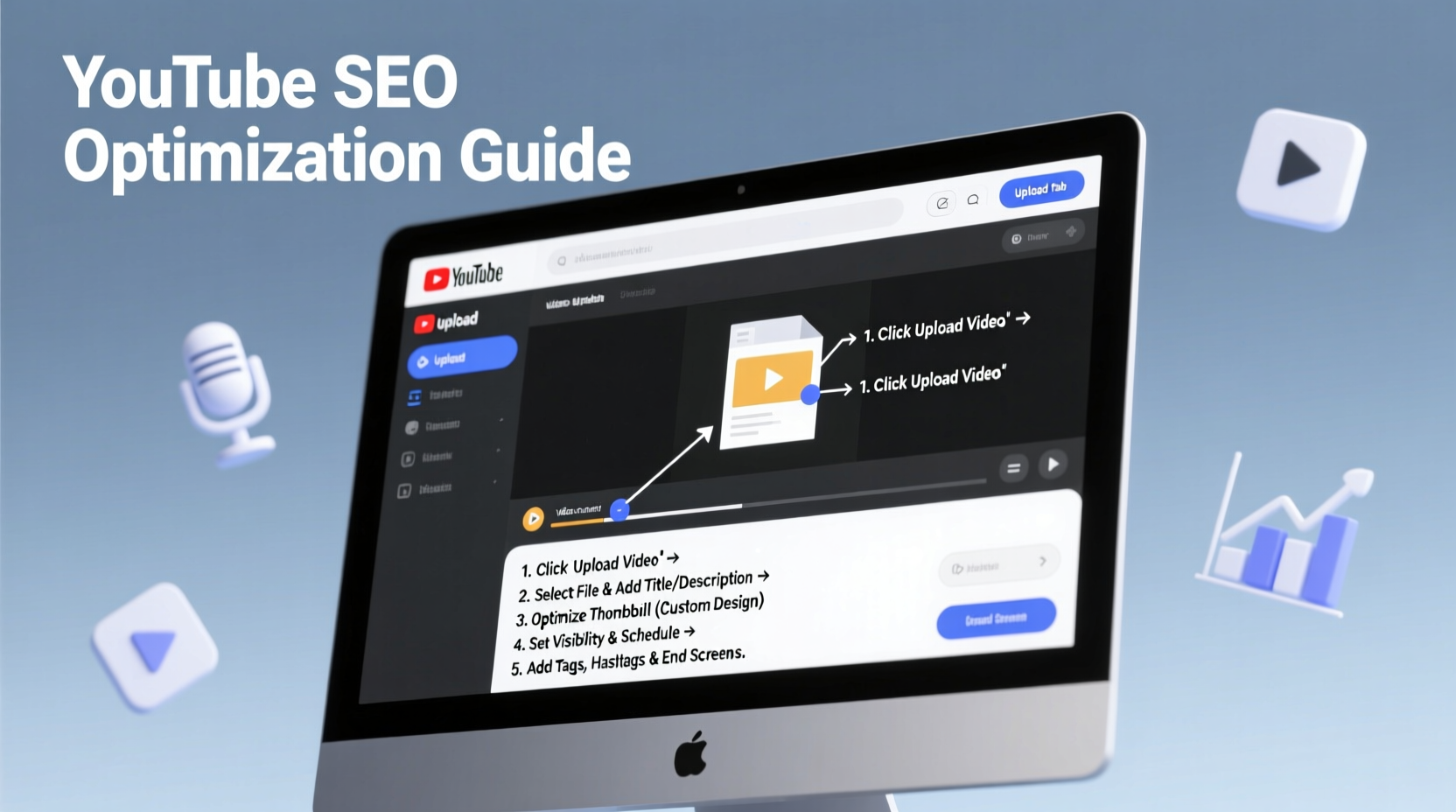
Before hitting “Upload,” ensure your video is technically sound and ready for public viewing. A high-quality file improves viewer retention and supports algorithmic favorability.
- Resolution: Aim for at least 1080p (Full HD). Higher resolutions like 4K are preferred for professional content.
- Aspect Ratio: Use 16:9—the standard for desktop and mobile compatibility.
- File Format: MP4 with H.264 codec is widely supported and maintains quality while minimizing file size.
- Audio Quality: Ensure clear audio without background noise. Consider adding subtitles for accessibility and retention.
2. Optimize Key Metadata During Upload
YouTube’s algorithm analyzes metadata to understand your content and recommend it to relevant viewers. Each field—title, description, tags, and category—plays a role in discoverability.
Title Optimization
Your title is the first thing viewers see. It should be compelling, accurate, and keyword-rich.
- Place primary keywords near the beginning.
- Keep titles under 60 characters to avoid truncation in search results.
- Use power words like “Ultimate,” “Proven,” or “Easy” to boost click-through rates.
“Your title isn’t just for SEO—it’s your first impression. Make it count.” — Neil Patel, Digital Marketing Strategist
Description That Converts
The first 150 characters appear in search snippets, so front-load key information. Use the full 5,000-character limit wisely:
- Start with a concise summary of the video.
- Include primary and secondary keywords naturally.
- Add timestamps for longer videos (e.g., 0:00 Introduction, 2:15 Step One).
- Insert links to your website, social media, and related videos.
- End with a call to action: “Subscribe for more tips.”
Strategic Tagging
Tags help YouTube categorize your content. Use a mix of:
- Exact-match keywords (e.g., “how to optimize youtube video”)
- Broad terms (e.g., “youtube seo”)
- Branded tags (e.g., your channel name)
Select the Right Category
Choose the most relevant category (e.g., Education, Technology, Entertainment). Accurate categorization improves recommendation accuracy.
3. Design a High-Click Thumbnail
A custom thumbnail can double your click-through rate (CTR). YouTube favors videos with strong CTR and retention.
| Best Practices | Avoid |
|---|---|
| Use high-contrast colors (red, yellow, white on dark backgrounds) | Cluttered layouts or too much text |
| Show expressive human faces when relevant | Low-resolution or blurry images |
| Include minimal, bold text (3–5 words max) | Misleading imagery that doesn’t match content |
| Brand consistently across videos (same font, logo placement) | Using default YouTube thumbnails |
Design tools like Canva or Adobe Express offer free templates sized specifically for YouTube (1280x720 pixels, 60 KB max file size).
4. Enhance Engagement and Retention
YouTube prioritizes videos that keep viewers watching. Even with perfect SEO, low retention kills visibility.
Hook Viewers in the First 15 Seconds
Open with a question, surprising fact, or preview of value: “You’re wasting hours editing videos—here’s how to cut that time in half.”
Structure for Clarity
Break content into segments with visual cues or verbal transitions. Use annotations or end screens to promote other videos.
Encourage Interaction
Prompt comments with questions: “What’s your biggest struggle with YouTube growth?” Replies signal engagement to the algorithm.
“Retention isn’t just about length—it’s about relevance. Every second must deliver value.” — Marie Haynes, YouTube Algorithm Analyst
5. Post-Upload Optimization Checklist
Optimization doesn’t end at upload. Follow this checklist within 24 hours to maximize early momentum:
- ✅ Add subtitles or closed captions (improves SEO and accessibility)
- ✅ Create and attach an end screen with a subscribe button and suggested video
- ✅ Pin a strategic comment to spark discussion
- ✅ Share the video on relevant social platforms and communities (Reddit, Facebook groups)
- ✅ Monitor analytics: Watch time, CTR, and traffic sources
- ✅ Respond to early comments to boost engagement signals
Real Example: From 200 to 50,000 Views in 30 Days
Jamie, a fitness creator, uploaded a workout tutorial that initially gained only 200 views in a week. After reviewing analytics, she noticed a high click-through rate but low retention past the two-minute mark. She re-edited the intro to deliver immediate value, redesigned the thumbnail with bold text (“No Equipment Full Body Burn”), and rewrote the description with targeted keywords like “home workout no equipment.” Within days, YouTube began recommending the video more broadly. Thirty days later, it surpassed 50,000 views and became her top-performing video—driving new subscribers and playlist additions.
This turnaround wasn’t luck. It was systematic optimization based on data and best practices.
Frequently Asked Questions
How long should my YouTube video be?
There’s no fixed ideal length. Focus on delivering complete value. However, videos between 8–12 minutes often perform well because they allow mid-roll ads and sufficient depth. For tutorials or vlogs, go as long as needed—but keep pacing tight.
Should I use hashtags in my description?
Yes, but sparingly. Use 2–3 relevant hashtags. Place them at the bottom of the description. Overuse can appear spammy. Example: #YouTubeTips #VideoSEO #ContentCreation
Can I change my video title and thumbnail after upload?
Absolutely. If performance lags, test new thumbnails and titles via A/B testing tools like TubeBuddy. Just avoid frequent changes, as they can confuse the algorithm.
Conclusion: Turn Uploads Into Growth
Uploading a video is just the beginning. True reach comes from deliberate optimization at every stage—technical preparation, metadata refinement, visual appeal, and audience engagement. The YouTube algorithm rewards creators who make viewer experience a priority. By following these steps consistently, you build not just individual videos, but a sustainable content strategy that compounds over time.




 浙公网安备
33010002000092号
浙公网安备
33010002000092号 浙B2-20120091-4
Comments
No comments yet. Why don't you start the discussion?