
For small businesses and service providers, appearing in local search results isn’t just helpful—it’s essential. Over 80% of consumers use search engines to find local businesses, and Google dominates that space. If your business isn’t listed on Google, you're missing out on customers who are actively searching for what you offer. The good news? Getting listed and improving your visibility is free, straightforward, and highly effective when done correctly.
This guide walks through the complete process of claiming and optimizing your Google Business Profile, then building momentum to increase your local search rankings. Whether you run a bakery, plumbing service, or fitness studio, these steps will help you get found, chosen, and recommended online.
Create and Verify Your Google Business Profile
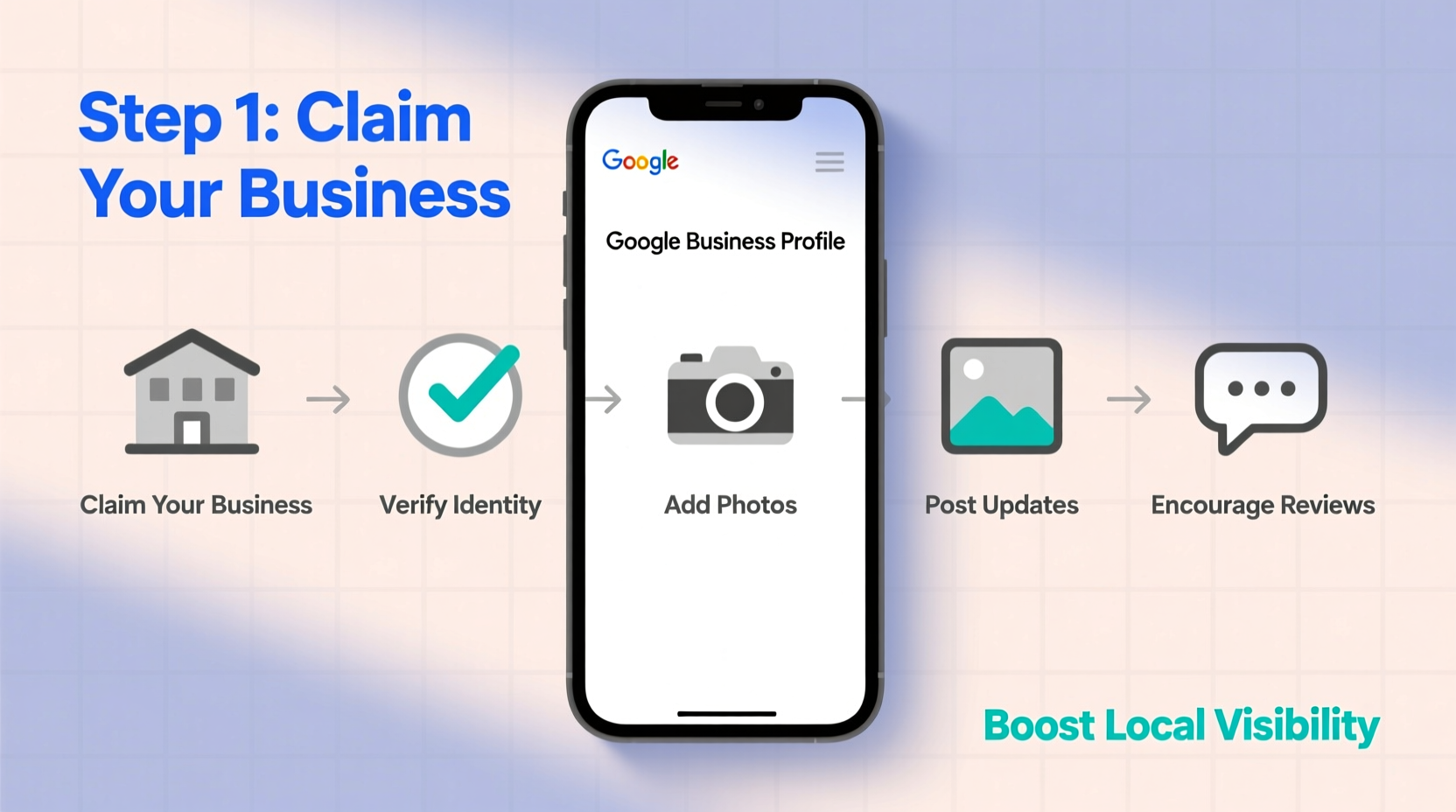
The foundation of local visibility is a verified Google Business Profile (formerly Google My Business). This profile appears in Google Search and Maps, showing your address, hours, photos, reviews, and contact details.
- Sign in to Google: Use a Gmail account tied to your business or create one if needed.
- Go to Google Business Profile: Visit business.google.com.
- Click “Add your business” and enter your business name exactly as it appears publicly.
- Select your business category carefully—this affects how Google classifies your services.
- Add location details: For brick-and-mortar businesses, enter your physical address. Service-area businesses can hide their address and define regions served.
- Input contact information, including phone number and website URL.
- Verify your business: Google will send a postcard, phone call, or email (depending on eligibility) with a verification code. This usually takes 3–7 days for mail.
Optimize Your Profile for Maximum Visibility
Once verified, your work begins. A basic listing won’t stand out. Optimization turns your profile into a conversion tool.
- Add high-quality photos: Include storefront images, team photos, product shots, and interior views. Businesses with photos receive 42% more requests for directions and 35% more clicks to their websites.
- Write a compelling business description: Use natural language to describe what you do, who you serve, and what makes you unique—without keyword stuffing. Keep it under 750 characters.
- Set accurate hours, including special hours for holidays or events.
- Add attributes: Highlight features like “women-owned,” “wheelchair accessible,” “free Wi-Fi,” or “appointment required.”
- Enable messaging to allow customers to contact you directly from the listing.
“Your Google Business Profile is often the first impression customers have of your company. Treat it like your digital storefront.” — Sarah Lin, Local SEO Strategist at BrightLocal
Boost Engagement with Posts, Reviews, and Q&A
A static listing fades into obscurity. Active engagement signals relevance to Google and builds trust with users.
Use Google Posts Regularly
Google allows you to publish short updates—similar to social media posts—directly on your profile. Share promotions, events, new products, or seasonal offers. These appear in search results and expire after seven days, so aim to post weekly.
Encourage and Respond to Reviews
Reviews are among the most influential ranking factors for local search. They also impact customer decisions—88% of consumers trust online reviews as much as personal recommendations.
Always respond professionally to both positive and negative reviews. Thank happy customers and address concerns constructively in public replies.
Monitor and Answer Questions
Customers often ask questions on your profile (“Is pet-friendly?” or “Do you take reservations?”). Enable notifications and reply promptly. Frequent Q&A activity boosts visibility.
Real Example: How “Brew Haven Café” Increased Foot Traffic by 60%
Brew Haven Café, a small coffee shop in Portland, was struggling to attract new customers despite excellent word-of-mouth. After auditing their online presence, they discovered they had no Google Business Profile.
They followed the setup process, uploaded professional photos, added their menu link, and began posting weekly about latte specials and live music nights. Within three weeks of verification, they started receiving reviews—many mentioning the “cozy ambiance” and “perfect oat milk lattes.”
The owner responded to each review and shared behind-the-scenes staff spotlights. Three months later, Brew Haven ranked #2 for “coffee shop near me” in their neighborhood and saw a 60% increase in weekend traffic. Their Google-driven calls and direction requests tripled.
Essential Checklist for Local Visibility Success
Follow this checklist to ensure your business is fully optimized and visible:
| Action | Status | Notes |
|---|---|---|
| Create Google Business Profile | ☐ | Use business email and accurate info |
| Verify ownership | ☐ | Check mailbox or phone for code |
| Add 7+ high-quality photos | ☐ | Include logo, interior, team, products |
| Set correct categories and attributes | ☐ | Be specific (e.g., “Specialty Coffee Shop”) |
| Post weekly updates | ☐ | Promotions, events, news |
| Respond to all reviews | ☐ | Aim within 48 hours |
| Answer customer questions | ☐ | Set up alerts for new queries |
| Ensure NAP consistency | ☐ | Same name, address, phone everywhere |
Frequently Asked Questions
Can I have multiple locations on Google Business Profile?
Yes. If you operate multiple physical locations, each should have its own verified profile. Chains and franchises can manage them centrally using the bulk verification option.
Why isn’t my business showing up in search results?
Common reasons include incomplete profile setup, unverified status, inconsistent NAP data, or choosing overly broad categories. Also, if your website lacks local keywords or backlinks, Google may not associate your site strongly with your area.
How often should I update my Google Business Profile?
At minimum, review your profile monthly. Update hours during holidays, add new photos quarterly, and post weekly. Immediate updates are critical for closures, staffing changes, or major service shifts.
Conclusion: Take Action Today to Grow Tomorrow
Adding your business to Google is just the beginning. True local visibility comes from consistent optimization, engagement, and reputation management. Every photo, post, and review strengthens your digital presence and builds credibility with nearby customers.
You don’t need a big marketing budget—just time, attention, and a commitment to accuracy. Start now: claim your profile, verify it, and begin shaping how your business appears to thousands of potential customers every day.




 浙公网安备
33010002000092号
浙公网安备
33010002000092号 浙B2-20120091-4
Comments
No comments yet. Why don't you start the discussion?