
In an age of constant digital noise and overflowing inboxes, the physical space where you work plays a crucial role in how effectively you think and produce. A cluttered desk often mirrors a cluttered mind—scattered, overwhelmed, and inefficient. The solution isn't more organization tools or complicated systems; it's simplicity. A minimalist desk setup strips away excess, leaving only what supports your focus and workflow. This approach isn’t about austerity—it’s about intentionality. By designing a workspace with purpose, you create an environment where deep work becomes possible, distractions are minimized, and productivity rises naturally.
Why Minimalism Works for Productivity
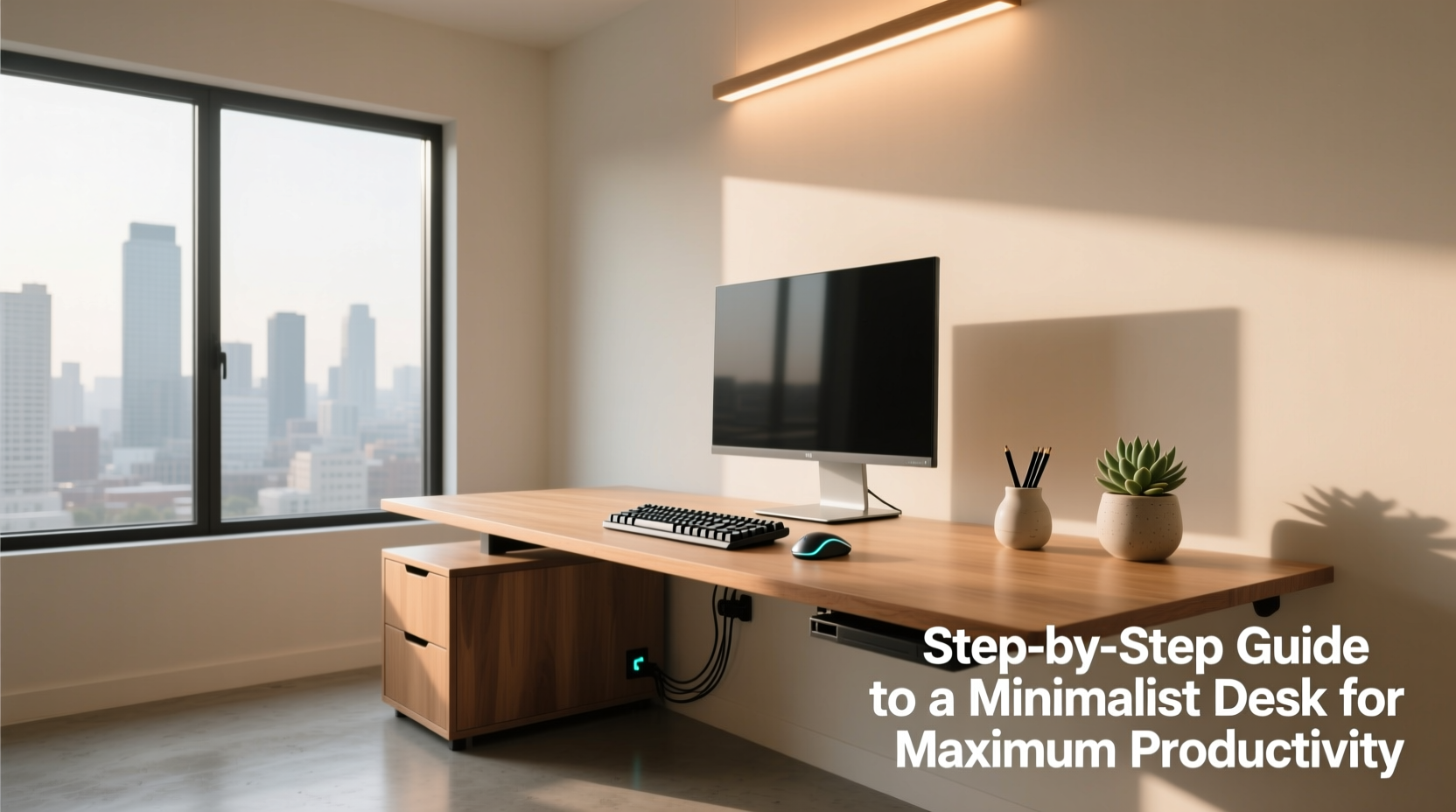
Minimalism in design is rooted in the principle of “less but better.” Applied to your desk, this means every object present has a clear function and adds value to your work process. Research consistently shows that visual clutter competes for attention, increasing cognitive load and reducing concentration. A study from Princeton University Neuroscience Institute found that multiple stimuli in the visual field compete for neural representation, which results in reduced performance and slower processing.
A clean, uncluttered surface allows your brain to relax into the task at hand instead of subconsciously cataloging unrelated items. When your environment is calm, so is your mind. This mental clarity directly translates into improved decision-making, faster problem-solving, and deeper engagement with meaningful work.
“Your environment is either working for you or against you. In knowledge work, a minimalist desk is one of the most underrated tools for sustained focus.” — Cal Newport, author of *Deep Work*
Step-by-Step Guide to Building Your Minimalist Desk Setup
Creating a minimalist desk isn’t a one-time cleanup. It’s a deliberate process of evaluating needs, removing distractions, and curating a functional space. Follow these six steps to build a setup that supports high-performance work.
- Clear Everything Off the Desk
Start with a blank slate. Remove all items from your desk surface—laptops, notebooks, pens, chargers, sticky notes, decor, everything. Wipe down the surface. This physical reset helps you reassess each item objectively rather than defaulting to habitual placement. - Define Your Core Work Activities
Ask yourself: What do I actually do at this desk? Writing? Coding? Design? Reading? Video calls? List your top three tasks. This defines what tools are essential. For example, if you’re a writer, a comfortable keyboard and notebook may be vital; if you're in graphic design, a graphics tablet might stay. Everything else must justify its presence. - Categorize and Evaluate Every Item
Sort items into four categories:- Essential (daily use) – Items you use every day for core tasks.
- Sometimes needed – Useful occasionally but not daily.
- Duplicates / Redundant – Extra pens, old cables, backup drives you never access.
- Emotional / Decorative – Photos, trinkets, souvenirs.
- Design Zones for Function
Divide your desk into zones based on activity:- Work Zone – Center area for laptop, keyboard, mouse.
- Input Zone – Notebook and pen for quick notes.
- Reference Zone – One book or printed document max, rotated weekly.
- Charging Station – Off to the side, ideally in a drawer or cable tray.
- Choose Minimalist Furniture and Tools
Select a desk with clean lines, no built-in storage (to avoid hoarding), and enough surface area for your essential zones. Ideal dimensions: 48–60 inches wide, 24–30 inches deep. Pair it with an ergonomic chair in a neutral color. For tools, opt for monochrome designs—black, white, or natural wood. Uniformity in color and style reduces visual noise. - Maintain with a Weekly Reset
Schedule 10 minutes every Friday afternoon to clear the desk, return misplaced items, and reassess what stayed out. This ritual prevents gradual accumulation and keeps your system intact.
Essential vs. Non-Essential: A Practical Comparison
One of the hardest parts of minimalism is knowing what to keep. Use the following table as a guide when evaluating items during your setup process.
| Item | Minimalist Verdict | Reasoning |
|---|---|---|
| Laptop + external monitor | ✅ Essential | Primary tools for digital work. |
| Wireless keyboard & mouse | ✅ Essential | Ergonomic and efficient input devices. |
| Notebook and single pen | ✅ Essential | For quick ideas and task lists. |
| Phone stand | 🟡 Optional | Only if used for calls or timers—otherwise store. |
| Sticky notes (pad) | ❌ Discourage | Leads to chaotic reminders; use digital tools instead. |
| Multiple chargers/cables | ❌ Remove | Keep one multi-port charger; coil extras in a drawer. |
| Decorative plants | 🟡 Optional | One small plant is fine; more distracts. |
| Books (more than one) | ❌ Store elsewhere | Keep only current reference material. |
Real Example: How a Developer Transformed His Workflow
Mark, a freelance software developer based in Portland, struggled with frequent distractions and low energy during afternoon coding sessions. His desk was packed with dual monitors, five USB devices, coffee mugs, old notebooks, and a tangled mess of cables. He decided to apply minimalist principles after reading about focused work environments.
He began by removing everything and asking: “What do I need to write code efficiently?” He kept his mechanical keyboard, trackball mouse, laptop, and secondary monitor. He removed all peripherals except a single docking station. He replaced paper notebooks with a bullet journal he stores in a drawer, pulling it out only during planning hours. Cables were routed through an under-desk tray, and he added a small wooden box for his pen and earbuds.
The result? Mark reported a 40% increase in deep work time within two weeks. He found himself starting tasks faster and resisting the urge to switch tabs constantly. “The silence of the empty desk made my thoughts clearer,” he said. “I didn’t realize how much mental noise came from visual chaos.”
Checklist: Build Your Minimalist Desk in One Afternoon
Use this checklist to implement your minimalist desk setup efficiently:
- ☐ Clear all items off the desk surface
- ☐ Wipe down the desk and surrounding area
- ☐ Identify your top 3 work activities
- ☐ Sort items into essential, occasional, redundant, decorative
- ☐ Keep only daily-use essentials (limit: 5–7 items)
- ☐ Store or discard everything else
- ☐ Define functional zones (work, input, reference, charging)
- ☐ Choose simple, neutral-colored tools and furniture
- ☐ Route cables using clips, trays, or sleeves
- ☐ Add one optional personal item (e.g., small plant or photo)
- ☐ Set a weekly 10-minute reset reminder
Frequently Asked Questions
Isn’t a completely empty desk too sterile or uninspiring?
A minimalist desk isn’t about emptiness—it’s about intentionality. You can include one meaningful item, like a small plant, a framed photo, or a beautifully designed notebook. The key is restraint. Too many personal items become visual noise. Choose one or two that truly uplift you, not distract.
How do I handle paperwork in a minimalist setup?
Paper is one of the biggest culprits of desk clutter. Adopt a “touch it once” rule: when mail or documents arrive, process them immediately—file, scan, act, or discard. Use a slim vertical organizer for pending items, and empty it weekly. Aim to digitize as much as possible using apps like Scanner Pro or Adobe Scan.
Can I have multiple monitors and still be minimalist?
Absolutely. Minimalism is about function, not deprivation. Dual monitors can enhance productivity if they support your workflow. The minimalist approach means keeping them clean—no sticky notes on screens, no clutter around the base—and ensuring both are used intentionally. Align them symmetrically, use matching monitor arms, and disable unnecessary desktop icons.
Final Thoughts: Simplicity as a Competitive Advantage
In a world that glorifies busyness, choosing simplicity is an act of quiet rebellion. A minimalist desk setup is more than an aesthetic choice—it’s a strategic tool for focus, creativity, and long-term productivity. When you remove the unnecessary, you make room for what matters: deep thinking, meaningful output, and sustainable energy throughout the day.
The most effective workspaces aren’t the ones filled with gadgets and motivational quotes. They’re the ones where nothing competes for your attention except the work itself. Start small. Clear your desk today. Keep only what serves you. Return to it daily with intention. Over time, your environment will shape your habits, and your habits will shape your results.




 浙公网安备
33010002000092号
浙公网安备
33010002000092号 浙B2-20120091-4
Comments
No comments yet. Why don't you start the discussion?