
In today’s digital-first world, local visibility can make or break a small business. Whether you run a bakery, plumbing service, or fitness studio, appearing in local search results and on Google Maps is essential. The key to unlocking that visibility? A fully optimized Google Business Profile (GBP). This powerful tool not only helps potential customers find you—it influences whether they choose you over competitors. Yet, many businesses either neglect their profile or set it up incorrectly, missing out on thousands of potential leads each month.
This guide walks through every phase of creating and refining your Google Business Profile, from initial setup to advanced optimization techniques that drive real-world results. Follow these steps to ensure your business stands out where it matters most: in front of local searchers actively looking for what you offer.
Create Your Google Business Profile
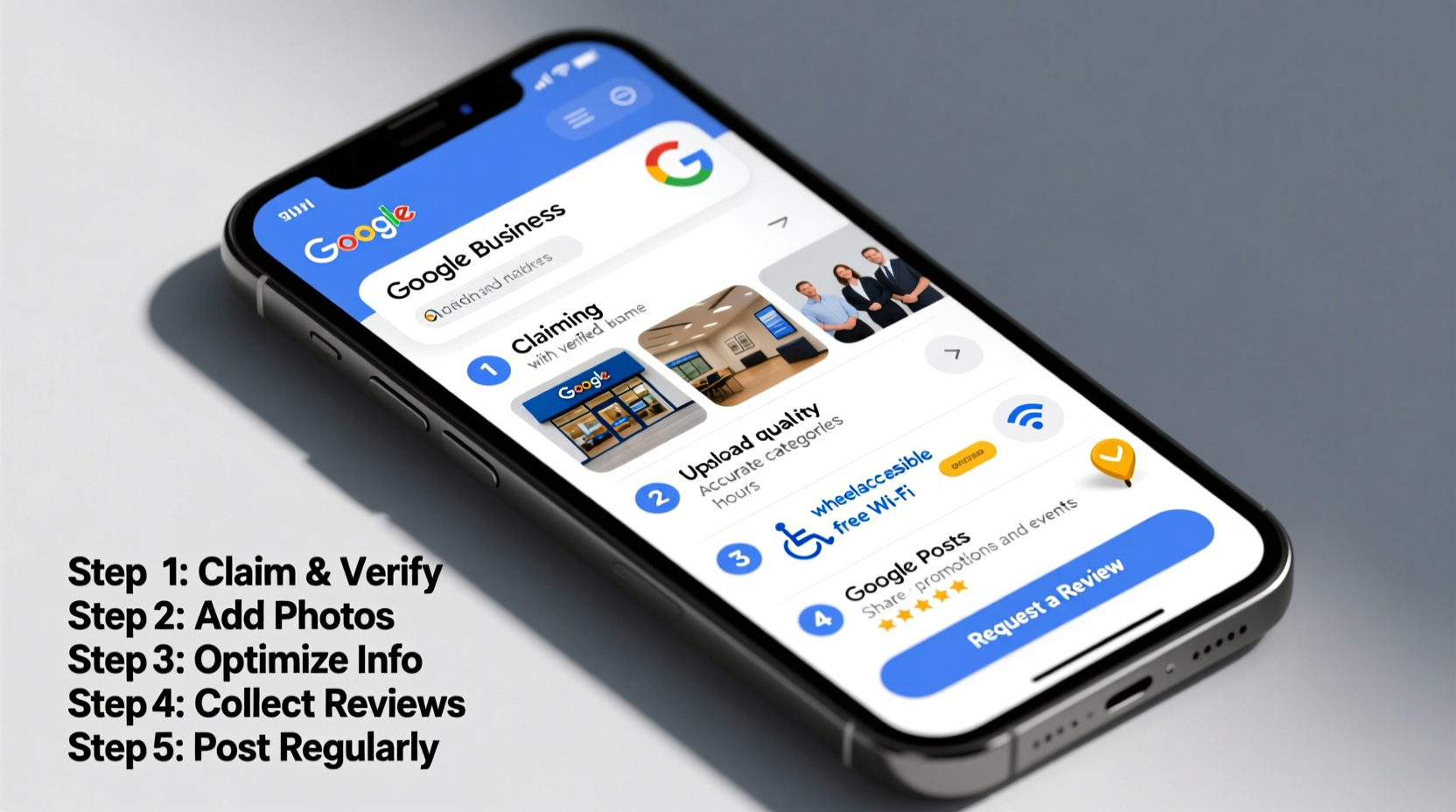
The first step is claiming and setting up your profile. If you haven’t already done so, go to Google Business and sign in with a Google account associated with your business. Use an email address that will remain active—preferably a company domain email rather than a personal one.
- Click “Manage now” and enter your business name.
- Select the correct business category. Be specific; this affects how Google understands and ranks your services.
- Add your physical location (if applicable) or enable “service area” if you serve customers at their locations.
- Enter contact details: phone number and website URL.
- Verify your business. Most businesses receive a postcard with a verification code mailed to their address within 5–7 days.
Optimize Key Profile Elements
Once verified, shift focus to optimization. Each field in your GBP impacts visibility and credibility. Treat every section as an opportunity to communicate value and relevance to both users and Google’s algorithm.
Business Name, Category & Description
Your business name should reflect your real-world branding. Avoid keyword stuffing (e.g., “Mike’s Plumbing – Best Plumber in Chicago”). Google penalizes manipulative naming practices.
Choose primary and secondary categories carefully. For example, a coffee shop that also sells pastries might select “Coffee Shop” as primary and “Bakery” as secondary. Categories influence ranking in specific searches.
The description (up to 750 characters) should clearly state what you do, who you serve, and what makes you unique. Include location, core services, and differentiators like family-owned, eco-friendly, or 24/7 availability.
Photos and Visual Content
Profiles with photos receive 42% more requests for directions and 35% more website clicks, according to Google. Upload high-quality images in these categories:
- Exterior: Clear shot of your storefront
- Interior: Clean, well-lit images of the space
- Products/Services: Examples of work or items sold
- Team: Staff photos build trust
- Logo: Professional and consistent with branding
Advanced Optimization Tactics
Beyond basic setup, strategic enhancements significantly boost performance. These steps separate average profiles from top-ranking ones.
Leverage Posts and Updates
Use the Posts feature to share time-sensitive updates: promotions, events, new products, or holiday hours. These appear directly in search results and keep your profile dynamic. Create posts weekly to maintain freshness—a signal Google favors.
Collect and Respond to Reviews
Reviews are among the top three local ranking factors. Encourage satisfied customers to leave feedback via direct links or follow-up emails. Never offer incentives for reviews—this violates Google’s guidelines.
Respond professionally to all reviews, especially negative ones. A thoughtful reply shows accountability and improves customer perception.
“We resolved a complaint publicly, and the reviewer updated their rating from 2 to 5 stars. That single interaction likely saved future customers.” — Lena Torres, Owner of Urban Cycle Studio
Enable Messaging and Booking
If appropriate, turn on messaging so customers can contact you directly through Google. Set response expectations (e.g., “We respond within 1 hour during business hours”). Also, integrate appointment booking if supported by your industry—this reduces friction for conversion.
Checklist: Optimize Your GBP in 10 Steps
Use this actionable checklist monthly to audit and refine your profile:
- ✅ Verify your business ownership
- ✅ Choose accurate primary and secondary categories
- ✅ Write a compelling, keyword-rich description (without spam)
- ✅ Add at least 10 high-quality photos
- ✅ Ensure NAP consistency (Name, Address, Phone) across the web
- ✅ Publish a new post every 7–10 days
- ✅ Respond to all new reviews within 48 hours
- ✅ Update holiday hours in advance
- ✅ Monitor insights weekly (calls, direction requests, website visits)
- ✅ Fix duplicate listings or incorrect information immediately
Common Mistakes vs. Best Practices
| Mistake | Best Practice |
|---|---|
| Using vague categories like \"Service Provider\" | Select precise categories such as \"HVAC Contractor\" or \"Dog Groomer\" |
| Ignoring customer reviews | Reply to every review with personalized, professional responses |
| Letting photos go outdated | Upload new images quarterly, especially after renovations or seasonal changes |
| Not updating holiday hours | Schedule temporary hours at least one week in advance |
| Keyword-stuffing the business name | Use natural, branded names that match real-world signage |
Real Example: How a Dental Clinic Doubled New Patient Calls
A dental practice in Austin, Texas, had a basic GBP but wasn’t showing up consistently in local searches. After auditing their profile, they discovered several issues: no photos, outdated phone number, and no reviews. They took the following actions over six weeks:
- Uploaded 15 professional photos, including treatment rooms and staff introductions
- Corrected contact info and added a link to online appointment booking
- Launched a review campaign, earning 38 new 5-star reviews
- Published biweekly posts about oral health tips and special offers
Within two months, their profile received 67% more direction requests and a 112% increase in calls from Google Search. Their patient acquisition cost dropped by nearly 40%, proving that a well-maintained GBP delivers measurable ROI.
Frequently Asked Questions
Can I have multiple locations under one Google Business Profile?
No. Each physical location requires its own verified profile. However, you can manage them all from a single Google Business account using the bulk verification and management tools.
Why isn’t my business showing up in local search?
Possible reasons include incomplete profile setup, unverified status, inconsistent NAP data elsewhere online, or being flagged for policy violations. Audit your listing using Google’s “See listing” preview and check third-party directories for accuracy.
How often should I update my Google Business Profile?
At minimum, review your profile monthly. Update hours for holidays, add new photos quarterly, publish regular posts, and monitor insights weekly. Active maintenance signals legitimacy and relevance to Google.
Conclusion: Take Action Today
Your Google Business Profile isn't just a digital placeholder—it's a 24/7 sales representative interacting with potential customers at the moment they’re searching. From accurate information to engaging visuals and responsive communication, every detail contributes to trust and visibility. The businesses that dominate local search aren’t always the biggest or oldest—they’re the ones who treat their GBP as a living, evolving asset.




 浙公网安备
33010002000092号
浙公网安备
33010002000092号 浙B2-20120091-4
Comments
No comments yet. Why don't you start the discussion?