
Discord has evolved from a simple voice chat tool into a vibrant social platform where identity matters. Your profile is more than just a username—it's a digital expression of who you are in the communities you join. Whether you're a streamer, a server moderator, or just someone who wants to stand out, personalizing your Discord presence can elevate your experience and reputation. With the right mix of customization tools, aesthetic choices, and strategic flair, you can transform your profile into a standout identity marker.
Understanding What Makes a Profile Stand Out
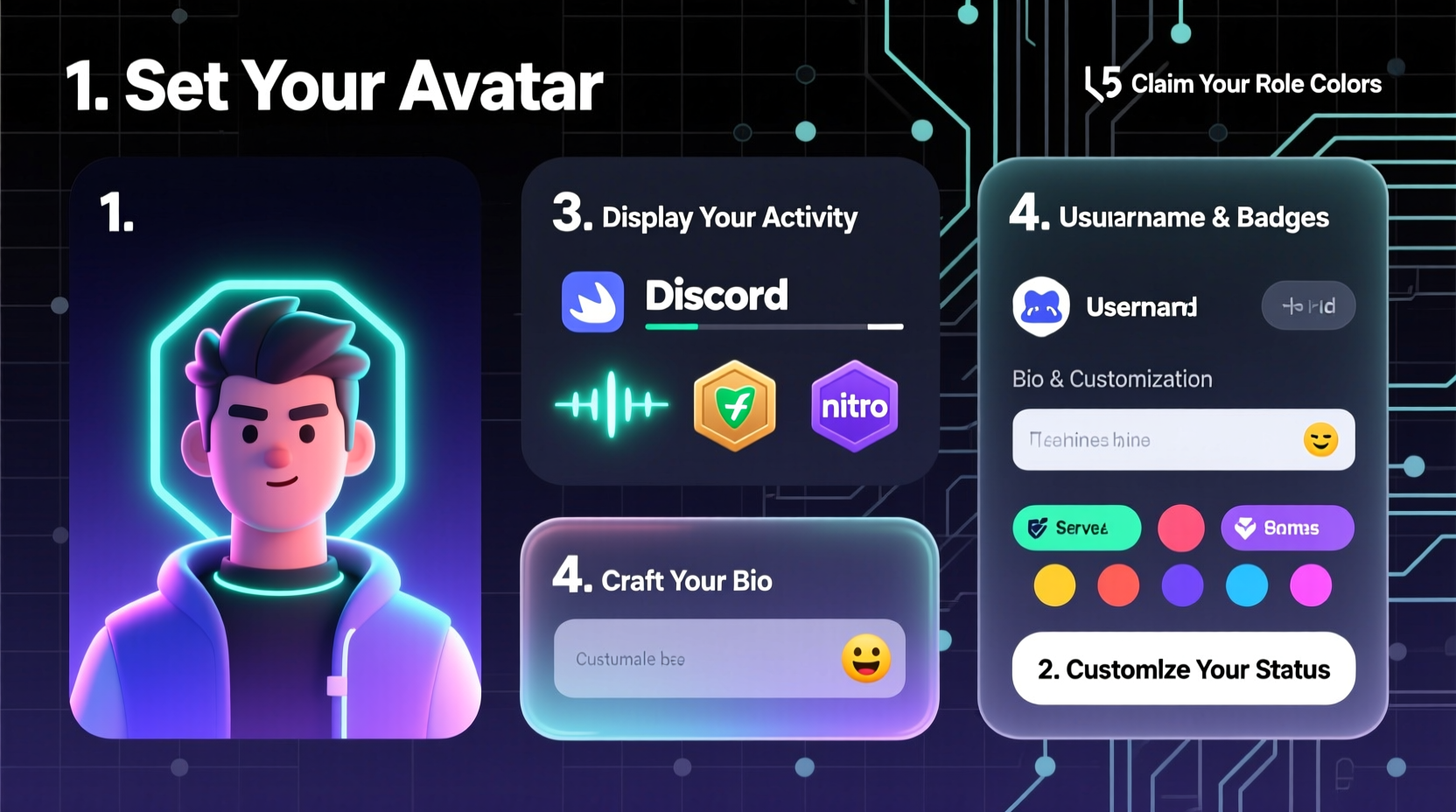
A truly customized Discord profile goes beyond changing your avatar. It combines visual elements, personal messaging, and subtle behavioral cues that create a cohesive online persona. The most memorable profiles often share common traits: consistency in theme, clarity in communication, and a touch of creativity that reflects personality without overwhelming others.
Discord offers several built-in features for customization—many of which are unlocked through Nitro, but some remain accessible to all users. These include:
- Profile banners
- Custom emojis in bio and status
- Animated avatars and stickers
- Themes via third-party tools like BetterDiscord (with caution)
- Status indicators with custom text
The goal isn’t just to look flashy, but to communicate something meaningful—whether it’s humor, professionalism, fandom, or artistic taste.
Step-by-Step Guide to Customizing Your Profile
Follow this structured process to build a polished, expressive Discord profile that turns heads—for the right reasons.
- Upgrade to Discord Nitro (Optional but Recommended)
While many features are free, full customization requires Discord Nitro. The $9.99/month plan unlocks animated avatars, larger file uploads, custom profile themes, and high-quality streaming. If you’re serious about personal branding on Discord, this investment pays off quickly. - Choose a High-Quality Avatar
Your avatar is the first thing people see. Use a clear, well-lit image that represents you—or your brand. For gamers, use an in-game render; for creatives, a stylized illustration works well. Animated avatars (.gif) add motion and catch attention when active. - Design a Themed Banner
Banners appear behind your profile info. Design one using tools like Canva or Photoshop. Include elements like:- Your favorite game, anime, or music artist
- A tagline or motto
- Subtle gradients or patterns that complement your avatar
- Craft a Bio That Tells a Story
Use the “About Me” section wisely. Instead of listing random facts, tell a micro-story:“Producer by day, synthwave DJ by night. Building ambient worlds one beat at a time.”
This gives context and invites conversation. - Set a Custom Status with Personality
Go beyond “Online.” Use emojis and short phrases to convey mood or activity:- 🎧 Listening to lo-fi beats
- 🎮 Ranked grind until 2 AM
- ☕ Brewing ideas & coffee
- Add Server-Specific Roles and Badges
Participate meaningfully in servers to earn roles and badges. Being recognized as a helper, artist, or event host adds credibility. Display these proudly—they signal community involvement. - Use Custom Emojis Strategically
Insert server or Nitro emojis into your bio or status to reflect interests. A single fire emoji next to your main hobby draws attention. Avoid overloading—three emojis max in any line.
Do’s and Don’ts of Profile Customization
| Do | Don't |
|---|---|
| Use readable fonts and contrast in banners | Clutter your bio with excessive emojis |
| Align your profile with your real interests | Pretend to be someone you’re not |
| Update your status weekly | Leave outdated messages like “back in 5 mins” for days |
| Leverage animations sparingly | Use flashing or seizure-inducing GIFs |
| Engage authentically in communities | Spam self-promo links in every server |
Enhancing Flair with Third-Party Tools (With Caution)
While Discord limits native theming, users have developed client-side mods like BetterDiscord and Powercord to enable deeper customization. These allow:
- Full profile background themes
- Custom CSS styling
- Font changes and layout tweaks
- Hidden message effects
However, proceed carefully. Discord does not officially support these tools, and while they rarely result in bans, misuse increases risk. Always download from trusted sources, avoid plugins that log keystrokes, and never enter your password into external sites.
“We’ve seen profiles transformed with custom CSS—glowing borders, floating icons—but moderation is key. Overdoing it distracts from conversation.” — Jordan Lee, Community Manager at NexusHub
If you choose to use mods, treat them like accessories: subtle enhancements, not the entire outfit.
Real Example: From Generic to Iconic
Meet Alex, a 22-year-old music producer active in multiple creative Discord servers. Initially, their profile was basic: default avatar, no banner, bio reading “just vibin’.” Engagement was low—they were often overlooked in conversations.
Over two weeks, Alex followed a customization plan:
- Designed a neon-purple gradient banner with a waveform motif
- Uploaded an animated avatar showing a rotating synthesizer logo
- Updated bio to: “Creating sonic landscapes • Open to collabs • DM for stems”
- Set recurring statuses: “🎹 Working on new EP,” “🔊 Feedback welcome,” “🎧 Sharing track previews Friday”
The change was immediate. Server members began tagging Alex for feedback, collaboration requests increased by 70%, and they were invited to moderate a music-sharing community. Their profile didn’t just look better—it became a functional extension of their creative brand.
Checklist: Build Your Flawless Discord Profile
Use this checklist to ensure every element is optimized:
- ✅ Choose a clear, recognizable avatar (animated if Nitro user)
- ✅ Design a themed banner with legible text and complementary colors
- ✅ Write a concise, engaging bio (under 300 characters)
- ✅ Set a custom status with relevant emoji and activity cue
- ✅ Add 1–2 meaningful custom emojis (Nitro or server-specific)
- ✅ Earn and display community roles or badges
- ✅ Review mobile appearance (most users view profiles on phone)
- ✅ Update monthly to reflect current projects or moods
Frequently Asked Questions
Can I customize my Discord profile without Nitro?
Yes, but with limitations. You can upload static avatars, set a banner, write a bio, and use server-specific emojis. However, animated avatars, custom profile themes, and global emoji access require Nitro.
How do I make my profile more professional?
Focus on clarity and consistency. Use a clean avatar (like a headshot or logo), write a bio that highlights skills or interests, and avoid slang or excessive emojis. Set statuses related to work or productivity, such as “💻 Coding live” or “✍️ Writing blog post.”
Are there risks to using third-party Discord mods?
Yes. While tools like BetterDiscord are generally safe if downloaded from official sources, they violate Discord’s Terms of Service. There’s always a small risk of account suspension, especially if malicious plugins are installed. Never enter your credentials on unofficial sites or use mods that promise “free Nitro.”
Final Thoughts: Make Your Presence Count
Your Discord profile is more than decoration—it’s your digital handshake. In spaces where usernames blend together, a thoughtfully customized profile helps you be seen, remembered, and approached. The best designs aren’t the flashiest, but the most authentic. They reflect passion, invite connection, and evolve with you.
Start today. Audit your current profile. Is it representing who you are now—or who you were six months ago? Swap in a new banner, refine your bio, set a fresh status. Small updates compound into a powerful identity over time.




 浙公网安备
33010002000092号
浙公网安备
33010002000092号 浙B2-20120091-4
Comments
No comments yet. Why don't you start the discussion?