
In an era where smartphones are both essential tools and fashion statements, personalizing your device goes beyond aesthetics—it's about self-expression. One of the most effective ways to elevate your phone’s look is by attaching a stylish chain. Whether you're aiming for elegance, edginess, or minimalist charm, a well-chosen chain transforms your phone into a curated accessory. This guide walks you through selecting materials, preparing your case, securely attaching the chain, and maintaining your design—all with practical advice from accessory designers and lifestyle stylists.
Why Add a Chain to Your Phone Case?
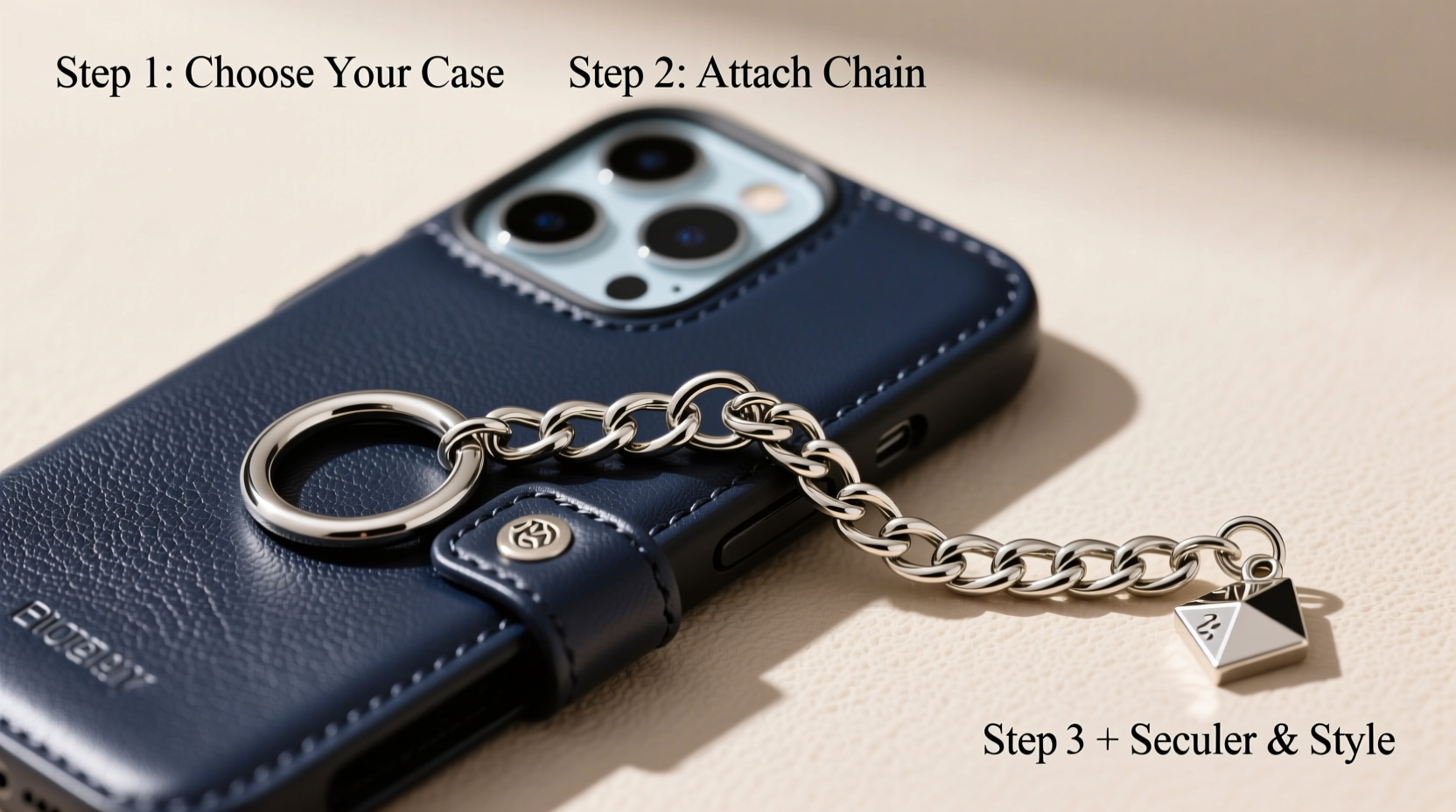
Chains have evolved from purely functional (like watch fobs or lanyards) to key elements in modern accessory design. When attached to a phone case, they serve multiple purposes: reducing the risk of drops, freeing up your hands, and adding a distinctive flair to your outfit. Designers note that chains bridge the gap between utility and style, especially as wearable tech integrates more deeply into daily fashion.
“Accessories like chains turn the phone from a gadget into a statement piece. It’s not just about holding it—it’s about how you carry it.” — Lena Torres, Fashion Accessory Designer at Studio Nova
From runway looks to streetwear influencers, chain-adorned phones are increasingly common. The trend aligns with the growing desire for personalized, tactile experiences in a digital world.
Selecting the Right Materials and Tools
The success of your customization hinges on choosing compatible components. Not all phone cases or chains are suitable for modification. Below is a breakdown of what to consider before starting.
| Component | Recommended Options | Avoid |
|---|---|---|
| Phone Case | Rigid plastic, silicone with reinforced corners, or leather cases with loop attachments | Fully transparent ultra-thin cases, foldable covers |
| Chain Type | Stainless steel, brass, or coated alloy chains (3–5mm width) | Overly thick industrial chains, flimsy costume jewelry links |
| Attachment Method | Snap hooks, jump rings, or screw-on eyelets | Glue-only fastening, rubber loops |
| Tools Needed | Pliers, small drill (for eyelets), measuring tape | Bare hands, improvised tools like knives |
For best results, choose a chain with a secure clasp and moderate weight—between 40 and 80 grams. Excessively heavy chains may strain the attachment point or make one-handed use uncomfortable.
Step-by-Step Installation Process
Follow this timeline to attach a chain securely and aesthetically. Allow 20–30 minutes for the full process, depending on your method.
- Assess your case: Determine if it has built-in loops or attachment points. If not, decide where to install hardware—typically top corners or sides.
- Mark drilling spots (if needed): Use a fine-tip marker to indicate where eyelets will go. Ensure symmetry by measuring equal distances from edges.
- Install eyelets or anchors: For durable cases, use a micro-drill to create pilot holes. Insert screw-on eyelets or rivet-style anchors and tighten securely.
- Attach jump rings: Open a jump ring using pliers, slide it through the eyelet, then connect the chain end. Close the ring firmly to prevent slippage.
- Add a secondary safety link (optional): Include a small carabiner or additional ring between the chain and case for redundancy.
- Test movement and balance: Hold the phone by the chain and gently shake to check for wobbling or weak connections.
If your case already includes a lanyard hole, skip drilling and use a snap hook or folded cord to thread the chain directly. This method preserves the case’s integrity and is ideal for renters or those who switch devices frequently.
Maintenance and Longevity Tips
A personalized chain adds beauty but requires light upkeep. Sweat, friction, and environmental exposure can degrade metal finishes or loosen connections over time.
- Wipe the chain weekly with a soft, dry cloth to remove oils and dust.
- Inspect jump rings monthly for signs of bending or corrosion.
- Store the phone flat when not in use to prevent the chain from snagging on fabrics.
- Remove the chain before charging if it interferes with port access or wireless charging alignment.
Real-World Example: Transforming a Minimalist Case
Sophie, a graphic designer in Portland, wanted to personalize her matte black silicone case without stickers or paint. She selected a rose gold Cuban-link chain (5mm width) with a magnetic clasp and used screw-on eyelets at the top left corner of her case. After installation, she noticed immediate compliments at coffee shops and meetings. “It feels like wearing jewelry,” she said. “Plus, I don’t worry about dropping my phone anymore.”
Her only adjustment was switching to a shorter 12-inch chain after finding the original 18-inch version swung too freely during commutes. This real-life tweak highlights the importance of testing length and mobility in different settings.
Common Mistakes to Avoid
Even simple modifications can go wrong without attention to detail. Here are frequent errors and how to prevent them:
- Using adhesive instead of mechanical fasteners: Tape or glue may fail under daily stress. Always opt for physical anchors like eyelets or loops.
- Choosing overly long chains: Chains longer than 16 inches can tangle or drag on surfaces. Ideal lengths range from 8 to 14 inches for wrist carry, 16–20 inches for crossbody use.
- Ignoring weight distribution: Heavy chains pull the phone downward, straining the attachment point. Balance aesthetics with ergonomics.
- Skipping compatibility checks: Some wireless chargers won’t work with bulky hardware on the case back. Test functionality post-installation.
FAQ
Can I remove the chain later without damaging the case?
Yes, if you used removable hardware like screw-on eyelets. These can be unscrewed cleanly, leaving minimal marks. Avoid permanent adhesives or irreversible modifications unless you plan to keep the design long-term.
Is it safe to wear a chain around my neck?
While fashionable, neck-worn phone chains pose a strangulation risk if caught on objects. Experts recommend wrist or crossbody styles instead. If worn around the neck, ensure the clasp is breakaway or easily detachable.
Will the chain scratch my phone screen?
Potential scratching depends on chain material and storage habits. Store the phone screen-up or in a protective pocket. Consider adding a silicone bumper guard if the chain rests against the edges frequently.
Checklist: Personalizing Your Phone Case with a Chain
- ☐ Choose a durable phone case with structural integrity
- ☐ Select a chain with appropriate weight and finish
- ☐ Gather tools: pliers, eyelets, jump rings, measuring tape
- ☐ Mark and drill (if necessary) precise attachment points
- ☐ Securely install anchors and connect the chain
- ☐ Test strength and balance before regular use
- ☐ Clean and inspect monthly for wear
Final Thoughts
Personalizing your phone case with a chain is more than a trend—it’s a blend of function and identity. With careful selection and proper installation, you create a custom accessory that reflects your taste while enhancing usability. As technology becomes seamless in our lives, these small acts of curation remind us that even the most utilitarian objects can carry personal meaning.




 浙公网安备
33010002000092号
浙公网安备
33010002000092号 浙B2-20120091-4
Comments
No comments yet. Why don't you start the discussion?