
Smart home lighting used to be a luxury reserved for high-end renovations or tech enthusiasts with deep pockets. Today, affordable options and plug-and-play systems make it possible to automate your lights for less than the cost of a weekend dinner out. Whether you want to schedule lights for security, control them with voice commands, or create mood settings, a budget-friendly smart lighting setup is within reach. This guide walks through each stage—from planning to automation—with real-world strategies that prioritize value, compatibility, and long-term usability.
1. Assess Your Needs and Prioritize Rooms
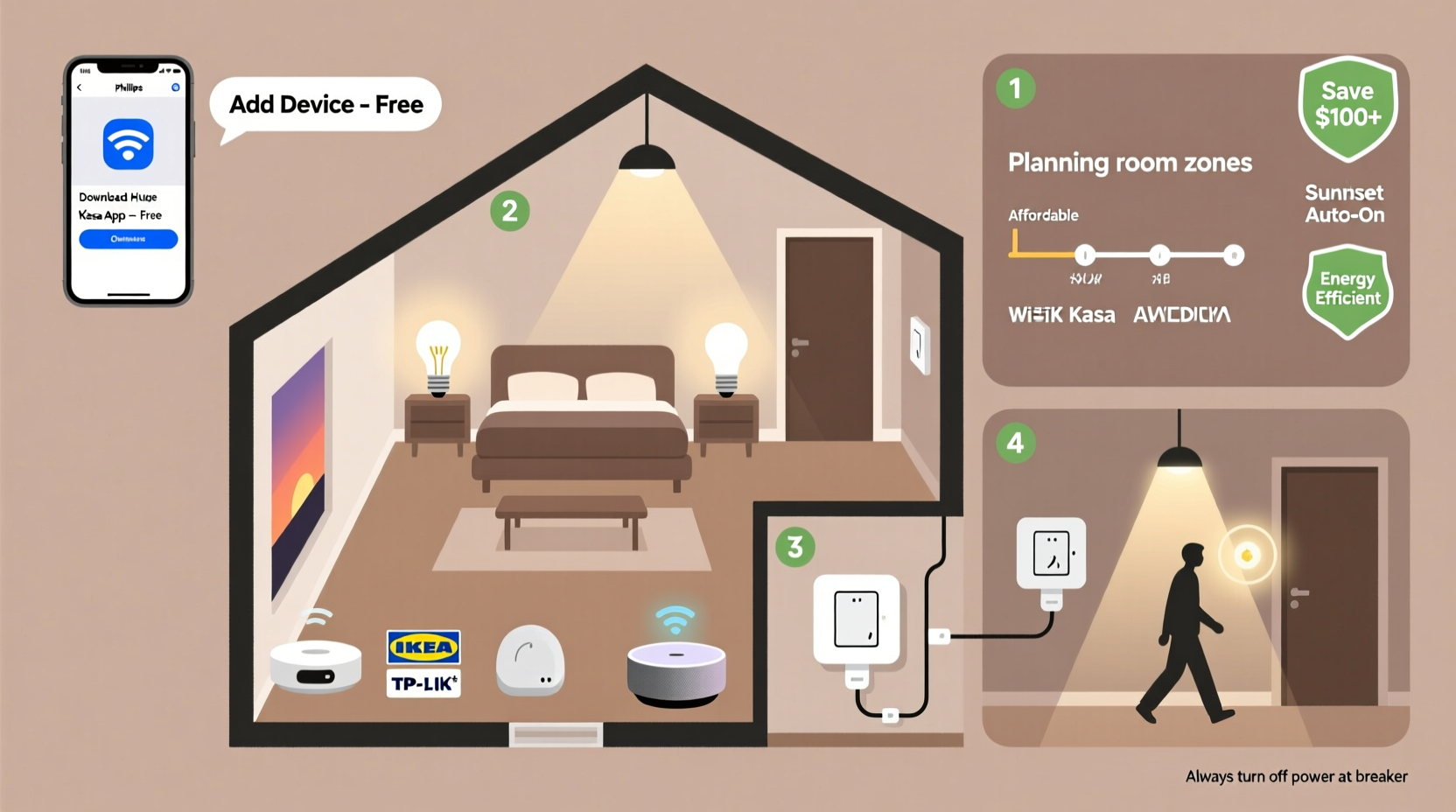
Before purchasing any hardware, determine where smart lighting will add the most value. Not every room needs smart bulbs or switches. Focus on areas where convenience, ambiance, or energy savings matter most.
Kitchens and living rooms benefit from dimmable lights for cooking or movie nights. Bedrooms gain from sunrise simulations or bedtime routines. Hallways and entryways are ideal for motion-triggered automation. Bathrooms may not need constant smart control but can use scheduling for safety at night.
Avoid overspending by starting small. One or two well-placed smart lights often deliver more satisfaction than a full-house rollout with cheap, incompatible gear.
2. Choose Between Smart Bulbs and Smart Switches
The biggest decision in your setup is whether to use smart bulbs or smart switches. Each has trade-offs in cost, flexibility, and durability.
| Feature | Smart Bulbs | Smart Switches |
|---|---|---|
| Upfront Cost | $15–$25 per bulb | $30–$50 per switch |
| Installation | Screw-in, no wiring | Requires electrical work (or electrician) |
| Lifespan | Depends on usage; ~15,000 hours | Matches standard switch life (~10+ years) |
| Control When Off | No—power cut disables smart features | Yes—switch stays powered |
| Best For | Renters, temporary setups, decorative fixtures | Owners, permanent installations, multiple lights per switch |
For renters or those avoiding tools, smart bulbs are ideal. Philips Hue White, Wyze Bulb Color, and TP-Link Kasa LB100 offer reliable performance under $20. They screw into existing sockets and connect via Wi-Fi or Bluetooth.
Homeowners seeking long-term solutions should consider smart switches. A single switch controls all lights on a circuit, reducing per-light costs. Models like the Kasa HS200 or Lutron Caseta (with bridge) allow scheduling and remote access. Note: some smart switches require a neutral wire, which older homes may lack.
“Smart switches provide better scalability and lower long-term costs, especially in rooms with multiple fixtures.” — David Lin, Home Automation Engineer
3. Build Around a Budget-Friendly Ecosystem
Compatibility is critical. Mixing brands without a central hub can lead to fragmented apps and unreliable performance. Choose one ecosystem to avoid confusion and maximize discounts.
Amazon’s Alexa ecosystem stands out for affordability. Devices like the Wyze Bulb and Sengled Element support voice control, routines, and app integration—all within the same interface. Google Home and Apple HomeKit offer strong alternatives, though Apple-compatible gear tends to be pricier.
To save money, look for bundle deals. A starter pack with a hub and two bulbs often costs less per unit than buying separately. The Philips Hue White Starter Kit ($79 for hub + 2 bulbs) pays for itself if you plan to expand later.
If you already own an Echo Dot or Google Nest Mini, leverage it as your controller. No extra hardware needed. You’ll save $30–$50 compared to buying a dedicated hub.
4. Step-by-Step Setup Process
Follow this sequence to install and configure your system efficiently.
- Inventory your current lighting: List fixtures by room, noting bulb type (A19, BR30, etc.) and wattage equivalent.
- Purchase compatible devices: Buy bulbs or switches that match your socket types and ecosystem.
- Install hardware: Screw in bulbs or replace switches (turn off power first). Test manually before connecting.
- Download the app: Install the manufacturer’s app (e.g., Kasa, Hue, Wyze).
- Connect to Wi-Fi: Follow in-app instructions to pair each device. Use 2.4 GHz network only—most smart lights don’t support 5 GHz.
- Group lights by room: Create rooms in the app (e.g., “Living Room,” “Kitchen”) and assign devices.
- Set up voice control: Link the app to Alexa or Google Assistant through the respective app.
- Create automations: Schedule lights to turn on at sunset or activate with motion sensors.
During setup, keep your phone close to each device. Weak signals during pairing cause failed connections. If a bulb doesn’t respond, reset it (usually by turning it on/off three times rapidly) and retry.
For multi-bulb fixtures like chandeliers, label each bulb in the app (e.g., “Dining Room – Front,” “Dining Room – Back”) so you can control them individually when needed.
5. Automate Without Overspending
Automation adds real value—security, convenience, and energy savings—without requiring expensive gear.
Use built-in scheduling to simulate occupancy while traveling. Set lights to turn on at dusk and off at midnight in the living room. In bedrooms, program a gradual dimming 30 minutes before bedtime to support circadian rhythms.
Combine smart plugs with lamp-based setups for even greater savings. Instead of replacing overhead bulbs, plug a floor lamp into a $12 smart plug. Now it’s part of your system.
Geofencing lets lights turn on automatically when you arrive home. Enable this in your smart lighting app and link it to your phone’s location. It works best when paired with a reliable Wi-Fi network.
Advanced users can integrate low-cost motion sensors. The Aqara PIR sensor ($18) connects via Zigbee hub (like Hue or Hubitat) and triggers lights in hallways or closets—perfect for hands-free operation.
“Simple automations like timed schedules and geofencing deliver 80% of the smart lighting benefits at minimal cost.” — Lena Patel, IoT Consultant
Mini Case Study: Sarah’s Apartment Lighting Upgrade
Sarah, a 28-year-old graphic designer renting a one-bedroom apartment, wanted ambient lighting for her workspace and peace of mind when away. She couldn’t rewire or install switches, so she opted for smart bulbs.
She bought two Wyze Color Bulbs ($15 each) for her living room floor lamp and desk lamp. Using the Wyze app, she grouped them and linked to her Echo Dot. She created a “Work Mode” scene with cool white light and a “Relax” setting with warm amber tones.
She set a schedule for lights to turn on at 7 PM daily, making the space feel lived-in during winter evenings. When traveling, she randomized the timing using the app’s vacation mode. Total spent: $35. No tools, no damage to walls, and full control from her phone.
Within a month, she added a smart plug for her string lights, expanding her setup under $60.
Budget Optimization Checklist
- ✅ Audit existing lights and prioritize 1–2 key rooms
- ✅ Choose between smart bulbs (renters) or switches (owners)
- ✅ Select one affordable ecosystem (e.g., Wyze, Kasa, or Hue)
- ✅ Buy during sales (Prime Day, Black Friday) or in bundles
- ✅ Use free automation features (schedules, voice control)
- ✅ Expand gradually with second-hand or discounted devices
- ✅ Reuse existing lamps with smart plugs instead of new fixtures
Frequently Asked Questions
Can I mix different brands of smart bulbs?
You can, but it’s not recommended unless they’re unified under a single platform like Alexa or Google Home. Otherwise, you’ll juggle multiple apps, leading to frustration and inconsistent behavior. Stick to one brand per circuit for best results.
Do smart bulbs increase my electricity bill?
No—most are LED-based and use less energy than traditional bulbs. While they draw a small amount of standby power (about 0.2–0.5 watts) when off, the total annual cost is under $1. The energy saved from automation (e.g., turning off forgotten lights) usually offsets this.
What if my Wi-Fi goes down?
Most smart bulbs and switches won’t respond to app or voice commands during outages. However, traditional wall switches still work. If you have a local-control hub (like Hubitat or newer Matter-enabled devices), some automations continue running. For reliability, ensure your router is stable and consider a mesh network extender if signals are weak.
Final Thoughts and Next Steps
A smart home lighting system doesn’t require thousands of dollars or complex installations. With careful planning, a focus on value, and incremental upgrades, you can achieve a responsive, automated environment for under $100. Start with one room, master the basics of scheduling and voice control, then expand based on what adds real utility to your life.
The key is consistency—not just in setup, but in using the features you enable. A light that turns on automatically every evening becomes a quiet comfort. A bedroom that dims at 9 PM supports healthier sleep. These small wins compound over time, transforming your space without overwhelming your budget.




 浙公网安备
33010002000092号
浙公网安备
33010002000092号 浙B2-20120091-4
Comments
No comments yet. Why don't you start the discussion?