
Megir watches combine sleek design with functional digital technology, offering users a blend of style and practicality. While their minimalist appearance may suggest complexity, most models are designed for intuitive use—once you understand the button layout and navigation logic. Whether you’ve just unboxed your new Megir digital watch or need to reset its settings after a battery change, this guide walks you through every step clearly and efficiently. From adjusting the time and date to configuring alarms and display modes, you’ll gain full control over your device without frustration.
Understanding Your Megir Watch Interface
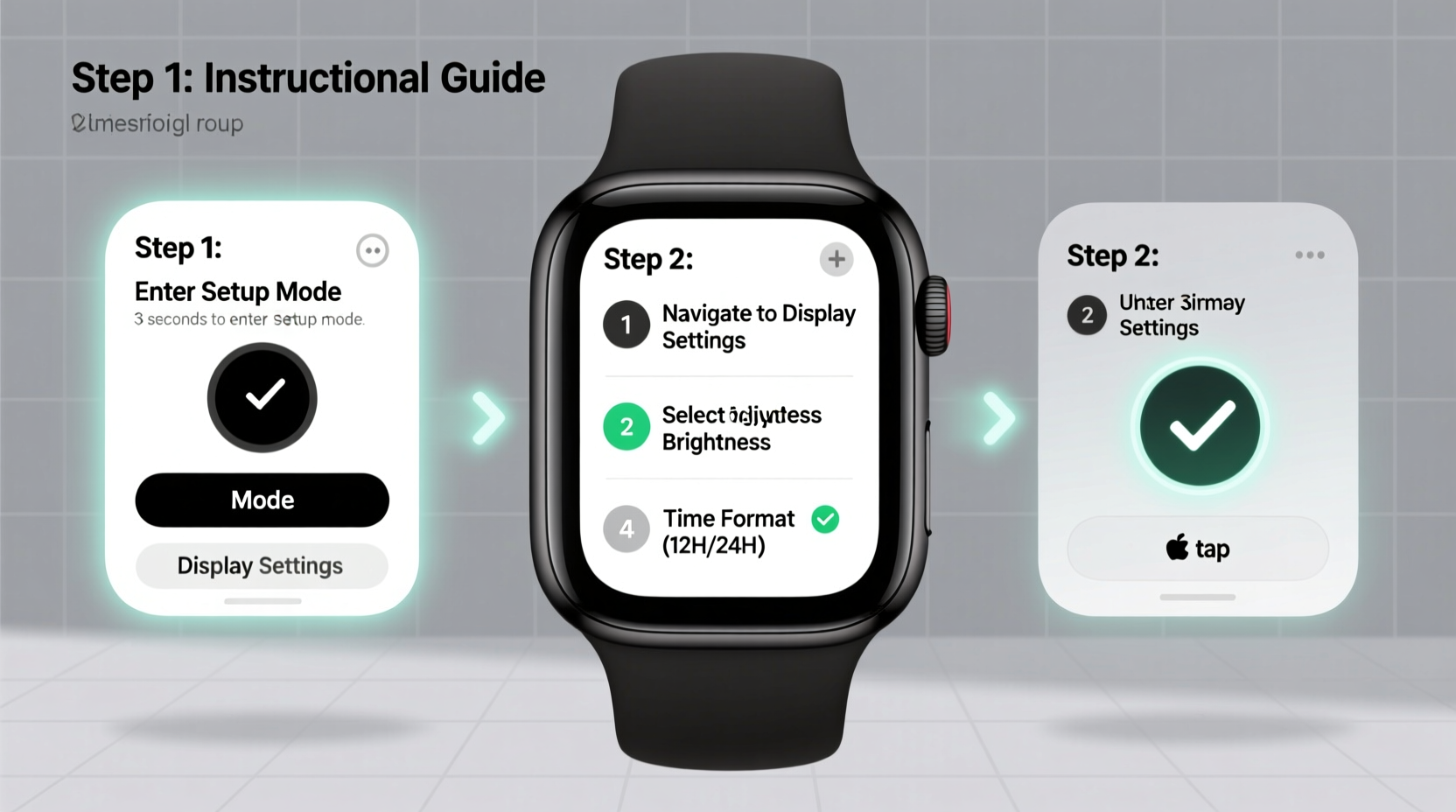
Digital Megir watches typically feature four buttons arranged around the watch case: two on the left and two on the right. These are labeled as follows:
- A (Top Left): Mode – cycles through functions like time, alarm, stopwatch, and date.
- B (Bottom Left): Light – activates the display backlight.
- C (Top Right): Adjust/Start – used to start timers or enter adjustment mode.
- D (Bottom Right): Reset/Change – resets stopwatch or changes values during setup.
The screen displays multiple data points simultaneously—time, day, date, and sometimes stopwatch or alarm status. Knowing which button does what is essential before making any adjustments.
Step-by-Step Guide to Setting the Time and Date
Follow this timeline to accurately set your Megir watch’s digital display:
- Enter Setup Mode: Press and hold the Mode (A) button for 3 seconds until the hour digits begin to flash.
- Select Time Function: If other functions appear first (like date), press Mode (A) repeatedly until the time section is highlighted.
- Adjust Hours: Press Adjust/Start (C) to cycle forward through the hours. Note whether your model uses 12-hour or 24-hour format.
- Confirm and Move to Minutes: Once correct, press Reset/Change (D) to shift focus to the minutes field.
- Set Minutes: Use Adjust/Start (C) again to advance minutes. Wait for the correct time, then press Reset/Change (D).
- Set Seconds (if applicable): Some models allow second calibration. Otherwise, the seconds will auto-sync upon exiting.
- Exit Time Mode: Press Mode (A) to move to date settings or exit completely if done.
To set the **date** and **day of the week**, repeat similar steps:
- Navigate using Mode (A) until the date begins flashing.
- Use Adjust/Start (C) to increase the date number.
- Press Reset/Change (D) to confirm and proceed to weekday.
- Adjust day using C, confirm with D.
- Press Mode (A) until back to normal display.
Customizing Additional Display Features
Beyond basic timekeeping, many Megir digital watches support secondary features that enhance usability. Here’s how to configure them:
Setting an Alarm
- Press Mode (A) until “ALM” or “Alarm” appears.
- Press and hold Adjust/Start (C) until the hour starts blinking. <3>Use C to set the desired hour, then press D to switch to minutes.
- Set minutes with C, confirm with D.
- Toggle alarm on/off using C if needed.
Using Stopwatch Function
- Press Mode (A) until “CHR” or “Stopwatch” is displayed.
- Press Adjust/Start (C) to begin timing.
- Press C again to pause; press Reset/Change (D) to reset to zero.
Enabling Hourly Chime (if available)
- Navigate to settings via repeated presses of Mode (A).
- Look for “SIG” or “Chime” indicator.
- Hold C to toggle on or off.
| Function | Activation Button | Adjustment Method |
|---|---|---|
| Time Setting | Hold A | Use C to increment, D to confirm |
| Date & Day | A to navigate | C to adjust, D to proceed |
| Alarm | A until ALM | Hold C to edit, D to save |
| Stopwatch | A until CHR | C = Start/Pause, D = Reset |
Common Pitfalls and How to Avoid Them
Even simple operations can go wrong without proper awareness. Below is a checklist of common mistakes and best practices:
Do’s and Don’ts When Setting Your Watch
| Do | Don't |
|---|---|
| Press buttons gently but firmly | Hold buttons longer than necessary |
| Wait for fields to flash before adjusting | Assume all models work identically |
| Check battery level before setup | Try setting time during low battery |
| Write down current settings before resetting | Force-reset unless absolutely needed |
“Many customers think their watch is malfunctioning when it’s just in the wrong mode. Taking 30 seconds to identify the current function saves ten minutes of confusion.” — Rafael Nguyen, Consumer Electronics Technician
Real Example: Sarah’s First-Time Setup Experience
Sarah purchased a silver Megir digital watch as a birthday gift for her son. Excited but unfamiliar with digital interfaces, she struggled initially. The time was off by six hours, and the date showed “00.” After pressing random buttons failed, she paused and consulted the manual briefly.
She started over: pressed and held the top-left button (A) until the hour blinked. Then, she used the top-right (C) to scroll to the correct hour. When she hit the bottom-right (D), the minutes began flashing. Within two minutes, both time and date were accurate. She later discovered the alarm feature and set a wake-up alert for school mornings. Her key takeaway? Patience and sequence matter more than speed.
Frequently Asked Questions
Why won’t my Megir watch let me change the date?
This usually happens because you’re not in the correct mode. Make sure you’ve cycled through functions using the Mode (A) button until the date flashes. Also, ensure you're not trying to adjust while in stopwatch or alarm display.
Can I switch from 24-hour to 12-hour format?
Most Megir digital watches do not offer user-selectable time formats. The default depends on the region and model. Check your product specifications—if it ships in a country using 24-hour time, it likely cannot be changed manually.
My display is dim—even after pressing the light button. What should I do?
A weak battery is the most common cause. Replace the CR2032 cell promptly. Also, avoid exposing the watch to extreme temperatures, which can temporarily affect LCD contrast.
Final Checklist Before You Finish
Before considering your setup complete, run through this quick verification list:
- ✅ Is the current time accurate within one minute?
- ✅ Does the day and date reflect today correctly?
- ✅ Has the alarm been tested (if set)?
- ✅ Is the stopwatch functioning properly?
- ✅ Did you exit setup mode fully? (No blinking digits)




 浙公网安备
33010002000092号
浙公网安备
33010002000092号 浙B2-20120091-4
Comments
No comments yet. Why don't you start the discussion?