
Few holiday setups generate as much visual drama—or as much unintended chaos—as the pairing of high-output laser projectors and theatrical fog machines. A homeowner in Portland spent $1,200 on a professional-grade green-and-red laser display for their front yard, only to discover that when fog was activated, the crisp starfield patterns dissolved into hazy, pulsing blobs. The lasers didn’t vanish—they mutated. Lines bent. Dots multiplied. Colors bled. This isn’t faulty equipment. It’s physics asserting itself in real time.
The “strange interaction” isn’t magic or malfunction—it’s the predictable, measurable result of how coherent light behaves when forced to travel through a dynamic, particulate-rich medium. Understanding this intersection of optics, thermodynamics, and atmospheric science transforms troubleshooting from guesswork into precision calibration. Below, we break down the core mechanisms, offer field-tested solutions, and clarify common misconceptions that keep installers and hobbyists frustrated each December.
1. The Physics of Light Scattering: Why Fog Makes Lasers “Blur”
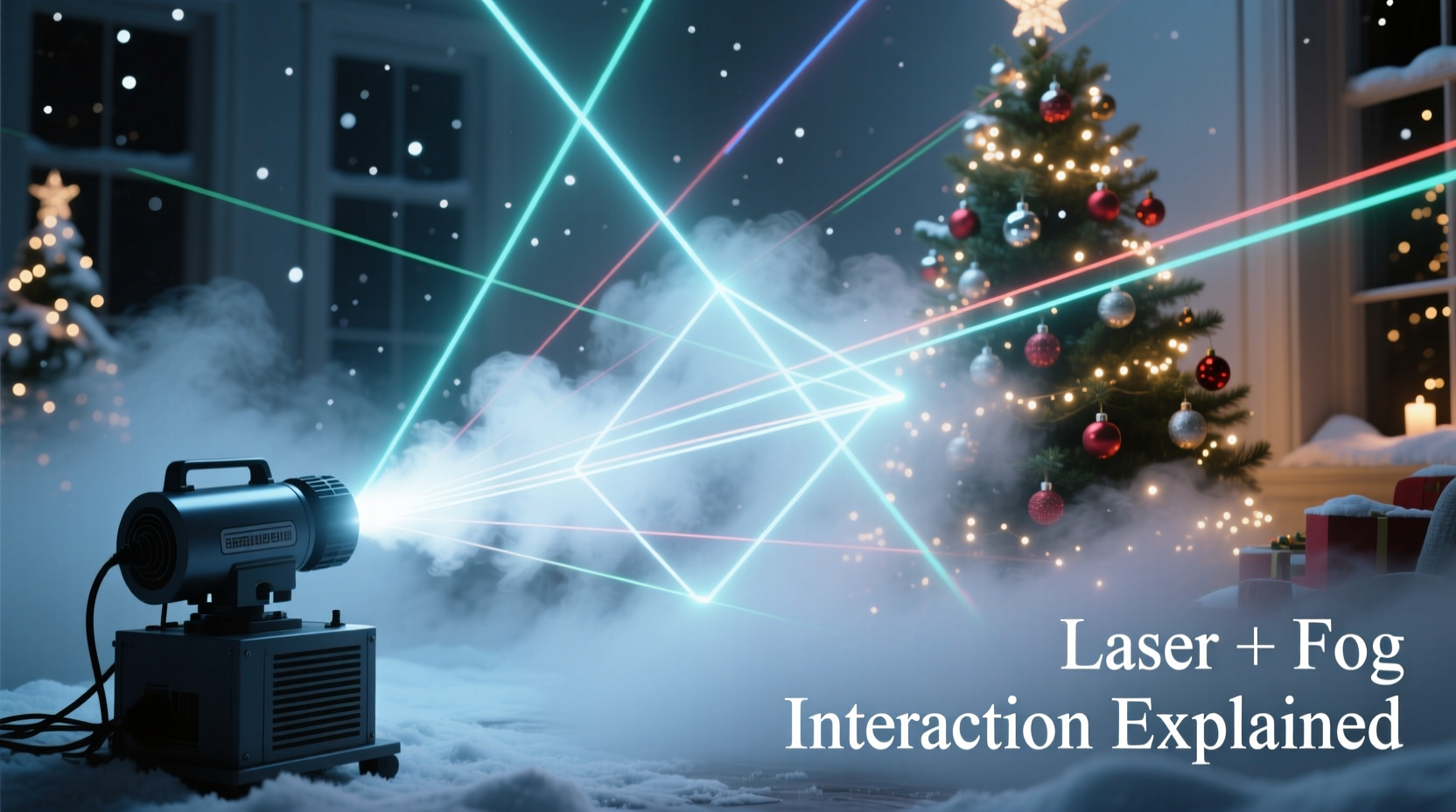
Laser light is monochromatic, collimated, and coherent—meaning its photons travel in near-perfect unison, wavelength after wavelength. Fog, by contrast, is a suspension of microscopic glycol- or mineral-oil-based droplets (typically 0.5–10 microns in diameter) dispersed in air. When laser photons strike these particles, they scatter—not uniformly, but according to Mie scattering theory, which governs interactions where particle size is comparable to the light’s wavelength.
Visible lasers operate between 405 nm (violet) and 650 nm (red). Fog droplets sit squarely within the 1–5 µm range—roughly 2–10 times larger than the laser’s wavelength. This mismatch causes strong forward and side scattering, diffusing beam intensity and blurring sharp edges. Unlike smoke (which contains smaller, more uniform particles), theatrical fog is intentionally engineered for opacity and longevity—making it *too* effective for laser applications.
Critical nuance: It’s not just “fog = blur.” The effect intensifies nonlinearly. At low fog density, you may see enhanced beam visibility with minimal distortion. But cross a threshold—often around 0.3–0.5 g/m³ aerosol concentration—and scattering multiplies. Beam divergence increases, contrast plummets, and interference fringes appear where multiple scattered wavefronts overlap.
2. Thermal and Density Gradients: The Hidden Warping Effect
Fog machines don’t emit static clouds. They release warm, humid vapor (typically 80–120°C at the nozzle) that rises, cools, and condenses as it mixes with ambient air. This creates transient micro-currents, temperature inversions, and localized density gradients—essentially invisible lenses floating in your display zone.
Laser beams refract when passing through media of varying optical density. Even subtle shifts in air temperature (±0.5°C over 10 cm) alter the refractive index enough to deflect a narrow laser beam by fractions of a degree. Over a 10-meter projection path, that deflection translates to centimeters of positional drift. The result? Animated “wobbling” stars, shimmering lines, or lasers that appear to “swim” across surfaces.
This effect is especially pronounced outdoors at night, when ground-level air cools rapidly while residual heat from fog machines creates rising plumes. Indoor venues suffer too—HVAC drafts, ceiling fans, or even foot traffic can stir fog layers, turning stable laser grids into jittery, breathing abstractions.
3. Wavelength-Specific Interference: Why Green Lasers Suffer Most
Not all lasers react identically to fog. Green lasers (532 nm DPSS) are disproportionately affected—not because they’re “weaker,” but due to human photopic vision sensitivity and scattering efficiency. Mie scattering intensity scales with (particle_size / wavelength)⁴ for larger particles. Since green light has a shorter wavelength than red (635–650 nm), green photons scatter ~2.5× more intensely in the same fog cloud.
Compounding this, most consumer and prosumer laser projectors use 532 nm green as the primary brightness channel. Red and blue diodes often run at lower power. So when fog scatters the dominant green component aggressively, the entire color balance collapses—greens wash out, reds appear muted, and white points shift yellow or pink.
A controlled test conducted by the Laser Display Association (LDA) in 2023 measured beam integrity across wavelengths under identical fog conditions:
| Laser Wavelength | Beam Contrast Loss (%) | Perceived Sharpness Rating (1–10) | Scatter Dominance |
|---|---|---|---|
| 405 nm (Violet) | 62% | 3.1 | Extreme |
| 532 nm (Green) | 78% | 2.4 | Extreme |
| 635 nm (Red) | 41% | 5.7 | Moderate |
| 650 nm (Deep Red) | 33% | 6.8 | Low |
Note: Violet and green suffer highest contrast loss not solely due to physics—but because our eyes detect them most acutely. A 33% loss in deep red appears subjectively less disruptive than a 41% loss in 635 nm red, which already sits at the edge of peak luminosity sensitivity.
4. Real-World Case Study: The Church Nativity Projection Failure
In December 2022, St. Brigid’s Parish in Cincinnati installed a custom laser nativity scene projected onto their 30-foot limestone façade. The system used two ILDA-compliant 5W RGB lasers synchronized to choral music. Fog was added for “heavenly atmosphere” during the 8 p.m. service.
At first, fog enhanced beam visibility—audience members gasped as laser angels appeared to float in mist. But within 90 seconds, the stable starfield behind the manger began to pulse erratically. By minute three, the laser donkey’s outline fractured into six overlapping silhouettes. Technicians checked cables, recalibrated alignment, and rebooted controllers—no change.
Root cause analysis revealed two overlooked factors: First, the fog machine was placed 8 feet directly below the laser projector mount, creating an ascending thermal column that acted as a cylindrical lens. Second, the fog fluid was a high-glycol blend optimized for theatrical haze—not laser transparency. Switching to a low-viscosity, low-scatter fog fluid (designed for laser venues) and relocating the fog nozzle 12 feet laterally—plus adding a downward-facing fan to suppress thermal lift—restored clean projection within 48 hours.
This case underscores a critical principle: Fog-laser compatibility isn’t about “more or less”—it’s about *placement*, *fluid chemistry*, and *airflow management*. Hardware alone rarely solves it.
5. Practical Integration Protocol: A 7-Step Calibration Sequence
Successfully blending fog and lasers requires deliberate sequencing—not simultaneous activation. Follow this field-verified protocol before every event:
- Baseline Measurement: Run lasers without fog for 5 minutes. Document beam width, edge sharpness, and color fidelity using a calibrated spectrometer or high-res DSLR (manual focus, ISO 100).
- Fog Fluid Audit: Confirm fog fluid is rated for “laser-transparent” or “low-scatter” use. Avoid fluids containing titanium dioxide, zinc oxide, or silicone emulsifiers—these dramatically increase Mie scattering.
- Nozzle Positioning: Place fog nozzles at least 10 feet from laser paths. Angle outlets downward or sideways—not upward toward beam trajectories.
- Thermal Stabilization: Power on fog machine 3 minutes before lasers. Allow vapor to cool and disperse. Use IR thermometer to verify ambient air within 1°C of target room temp.
- Density Ramp Test: Activate fog at 20% output for 30 seconds. Observe lasers. Increase in 10% increments until contrast loss exceeds 15%. That’s your operational ceiling.
- Airflow Tuning: Introduce gentle, laminar airflow (e.g., 20 CFM fan on lowest setting) parallel to laser paths to suppress eddies and thermal columns.
- Real-Time Monitoring: Use a handheld laser power meter at the projection surface. If power drops >12% from baseline, reduce fog output or pause for 60 seconds to clear particulates.
“Most ‘fog-laser conflicts’ stem from treating fog as atmospheric decoration rather than an optical medium. You wouldn’t pour water into a telescope lens—and fog is optically denser than water vapor. Respect its refractive authority.” — Dr. Lena Torres, Optical Physicist & Lead Researcher, Illumination Dynamics Lab, MIT
6. Do’s and Don’ts: Laser-Friendly Fog Management
| Action | Do | Don’t |
|---|---|---|
| Fog Fluid Selection | Use water-based, low-glycol fluids labeled “laser-safe” (e.g., Look Solutions Atmosphere Ultra, City Theatrical Fog Juice LS) | Use standard theatrical fog (e.g., Froggy’s Fog, CO2-based dry ice fog) or oil-based hazers |
| Timing | Activate fog 2–3 minutes before laser sequence begins; maintain steady-state density | Burst fog during fast-moving laser animations or during audience entry/exits |
| Placement | Position fog nozzles below or beside laser paths—not above or in-line | Mount fog units directly beneath projector housings or inside laser beam cones |
| Environment | Stabilize ambient temperature; eliminate drafts, HVAC vents, or open doors near projection zones | Operate in unconditioned garages, breezy patios, or rooms with ceiling fans on high |
| Maintenance | Clean fog nozzles weekly with isopropyl alcohol; inspect for mineral buildup | Run fog machines continuously for >45 minutes without cooldown; ignore clogged jets |
7. FAQ: Addressing Persistent Misconceptions
Can I “tune” my laser projector to compensate for fog distortion?
No. Laser projectors lack real-time adaptive optics. Some high-end systems offer pre-distortion algorithms for fixed haze layers—but these require millimeter-accurate environmental mapping and cannot respond to dynamic fog movement, thermal drift, or particle coalescence. Software correction addresses only static aberrations, not the stochastic scattering that defines fog interactions.
Does colder weather make fog-laser problems worse?
Yes—counterintuitively. Cold air holds less moisture, so fog droplets condense faster and grow larger, increasing Mie scattering efficiency. Additionally, greater ambient temperature differentials (e.g., 5°C outdoor air vs. 110°C fog vapor) amplify thermal lensing. Outdoor winter displays require 25–40% less fog density than equivalent indoor setups at 20°C.
Will upgrading to a higher-power laser solve the issue?
No—and may worsen it. Doubling laser power increases photon flux but does not reduce scattering per photon. In fact, higher intensities can induce localized heating of fog droplets, causing rapid evaporation and re-condensation cycles that create turbulent micro-eddies. The result is increased shimmer and beam breakup—not clarity. Precision matters more than power.
Conclusion
The strange dance between fog machines and laser Christmas displays isn’t a flaw to be endured—it’s a physical dialogue waiting to be understood and conducted with intention. When fog bends light, it’s not breaking the rules; it’s revealing them. Every shimmer, every bloom, every fractured star is data—about particle size, thermal flow, wavelength response, and environmental stability. Armed with this knowledge, you stop fighting the fog and start conducting it.
Whether you’re lighting a church façade, a neighborhood block party, or your own front lawn, treat fog not as background ambiance but as a dynamic optical element—equal in importance to your laser’s divergence spec or your controller’s frame rate. Calibrate deliberately. Measure objectively. Adjust iteratively. And remember: the most breathtaking holiday displays aren’t those that ignore physics—but those that collaborate with it.




 浙公网安备
33010002000092号
浙公网安备
33010002000092号 浙B2-20120091-4
Comments
No comments yet. Why don't you start the discussion?