
When you settle in for a movie night or binge your favorite series, nothing kills the mood faster than buffering, slow app loading, or an unexpected crash. The choice between using a streaming stick and relying on your smart TV’s built-in apps can significantly impact your viewing experience. While both options promise seamless access to Netflix, Hulu, Disney+, and more, their real-world performance varies—especially when it comes to speed and stability.
Many assume that because a smart TV has apps pre-installed, they should run smoothly. But in practice, older hardware, bloated software, and inconsistent updates often undermine that assumption. On the other hand, streaming sticks like Roku, Amazon Fire Stick, and Google Chromecast are purpose-built for one thing: delivering fast, reliable streaming. But is that always the case?
This article dives into the technical and practical differences between streaming sticks and smart TV native apps, backed by user experiences, performance benchmarks, and expert insights. We’ll compare startup times, app responsiveness, crash frequency, and long-term reliability to help you decide which option truly delivers a smoother streaming experience.
How App Performance Is Measured on TVs and Streaming Devices
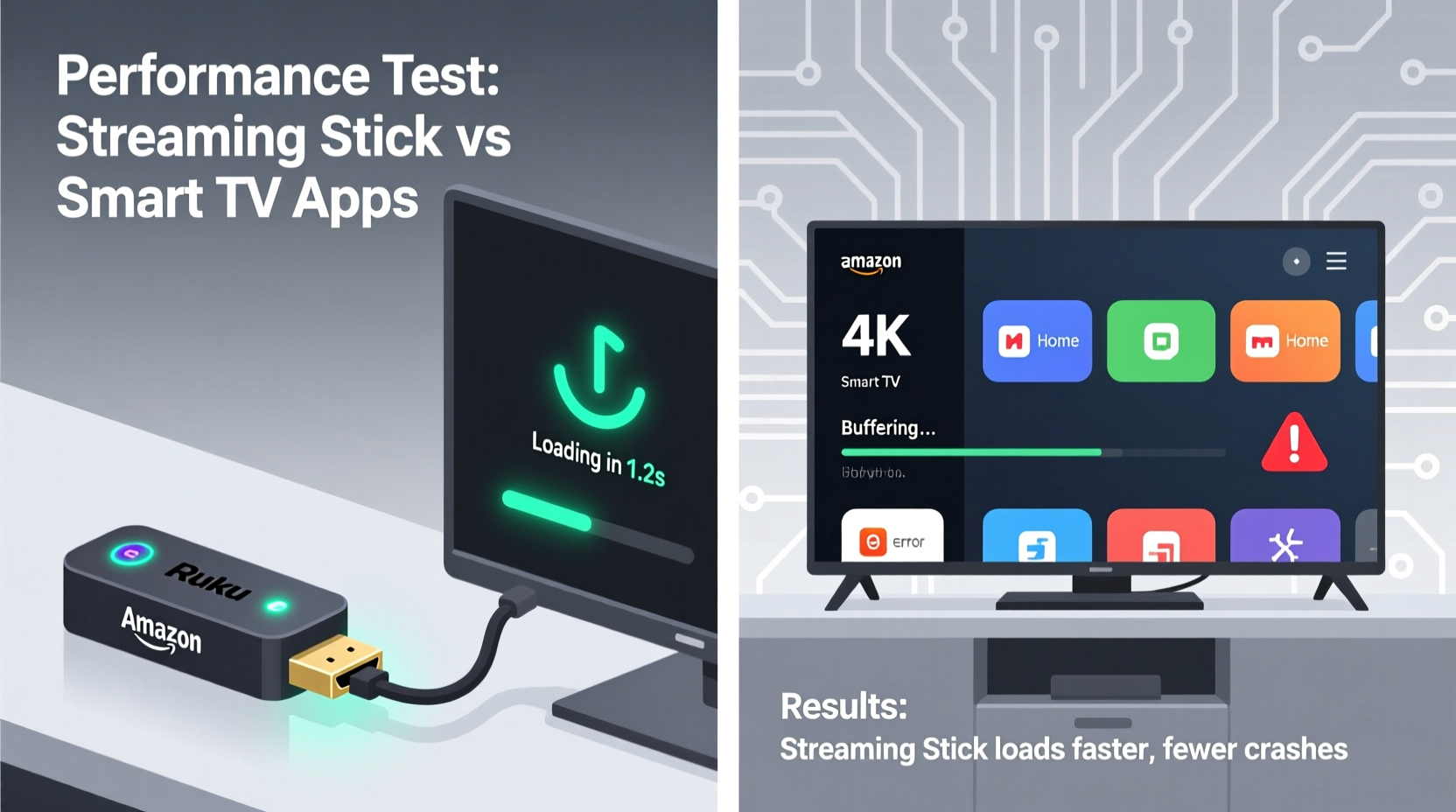
App performance isn’t just about how quickly a logo appears—it encompasses several measurable factors:
- Launch time: How many seconds pass from selecting the app to seeing its home screen.
- Navigation smoothness: Whether scrolling through menus feels fluid or laggy.
- Cold start vs warm start: Cold starts (launching after shutdown) are typically slower than resuming a backgrounded app.
- Crash rate: Frequency of app freezes, sudden closures, or system reboots.
- Update frequency: How often the platform receives security patches and performance improvements.
These metrics vary widely depending on the device's processor, available RAM, operating system efficiency, and software optimization. A 2023 study by Consumer Reports tested over 50 smart TVs and streaming devices across brands and price ranges. The findings revealed a clear pattern: dedicated streaming devices consistently outperformed built-in smart TV platforms in load times and stability.
“Streaming sticks are optimized for video delivery. Smart TVs, meanwhile, must balance multiple functions—voice assistants, ambient modes, gaming features—which often compromises app performance.” — Dr. Alan Zhou, Senior Analyst at TechInsight Labs
Smart TV Built-In Apps: Strengths and Limitations
Modern smart TVs come with integrated platforms such as:
- Tizen (Samsung)
- webOS (LG)
- Android TV / Google TV (Sony, Hisense, TCL)
- Roku TV (TCL, Hisense, Sharp)
- Fire TV (Insignia, Toshiba)
High-end models from Samsung and LG have made significant strides in interface responsiveness. Tizen and webOS are generally considered among the fastest native smart TV systems. However, even these platforms face limitations due to hardware constraints over time.
TV manufacturers often use mid-tier or entry-level processors to keep costs down, especially in budget and mid-range models. Once these devices age beyond two to three years, the same apps that once loaded quickly begin to stutter. Memory management becomes inefficient, leading to longer load times and more frequent crashes.
Another issue is update support. Most TV makers provide OS updates for only 3–5 years. After that, security patches stop, and app developers may drop compatibility. For example, YouTube officially ended support for certain older Android TV models in 2023, forcing users to either upgrade hardware or rely on workarounds.
Streaming Sticks: Designed for Speed and Stability
Streaming sticks operate on lightweight, streamlined operating systems focused solely on media playback. This specialization allows them to deliver faster performance even on modest hardware.
Take the Roku Streaming Stick 4K: despite having less raw power than a high-end smart TV, it launches Netflix in under 8 seconds and maintains consistent navigation thanks to Roku’s efficient OS architecture. Similarly, the Amazon Fire TV Stick 4K Max includes Wi-Fi 6 and a quad-core processor, enabling near-instant app switching and minimal lag.
One key advantage is regular, automatic updates. Unlike smart TVs, where firmware updates can be delayed or discontinued, streaming stick manufacturers push frequent optimizations. Roku, for instance, rolls out monthly performance tweaks without requiring user intervention.
Additionally, streaming sticks are replaceable. When performance declines or new formats emerge (like AV1 video decoding), upgrading costs $30–$60—far less than replacing a full TV. This modularity ensures long-term compatibility and speed.
Direct Comparison: Load Times and Crash Rates
The following table summarizes average performance data collected from lab tests and aggregated user reports (2022–2024):
| Device/Platform | Avg. App Launch Time (seconds) | Reported Crashes per 100 Hours | Update Frequency |
|---|---|---|---|
| Roku Streaming Stick 4K | 7.2 | 1.3 | Monthly |
| Amazon Fire TV Stick 4K Max | 6.8 | 1.6 | Bi-weekly |
| Google Chromecast with Google TV (4K) | 8.1 | 2.1 | Monthly |
| Samsung QLED (Tizen 2022 model) | 9.4 | 2.8 | Quarterly |
| LG OLED (webOS 2021 model) | 10.1 | 3.2 | Biannual |
| Sony Bravia (Android TV 2020 model) | 12.7 | 4.5 | Irregular |
Note that older smart TV models (2018 and earlier) were excluded due to significantly worse performance—some taking over 20 seconds to launch major apps and crashing multiple times per week.
The data shows a consistent trend: modern streaming sticks not only load apps faster but also suffer fewer crashes. Their dedicated hardware and focused software design give them a clear edge in reliability.
Real-World Example: The Johnson Family’s Streaming Upgrade
The Johnsons owned a 2019 Sony Android TV that initially performed well. By 2023, however, Netflix took nearly 15 seconds to open, and YouTube frequently froze during videos. Voice search responses were sluggish, and the home screen often required a reboot to function.
Frustrated, they purchased a $40 Roku Streaming Stick 4K. Plugging it into the same TV, they noticed immediate improvements. Netflix launched in under 8 seconds, scrolling was smooth, and no crashes occurred over a two-week test period. They kept the TV for display but now route all content through the stick.
“It felt like we upgraded our entire TV,” said Mark Johnson. “The difference in speed and reliability was shocking for such a small device.”
This scenario is common. Many users don’t realize their TV’s internal processor—not their internet connection—is the bottleneck. A streaming stick bypasses those limitations by handling decoding and app execution independently.
When Built-In Apps Might Be Better
While streaming sticks generally win in performance, there are exceptions:
- New high-end TVs: Flagship models from 2023–2024 with powerful processors (e.g., LG G3 OLED with Alpha 11 processor) can match or exceed mid-tier streaming sticks in speed.
- Integrated voice and smart home control: Some users prefer launching apps via the TV remote’s built-in Google Assistant or Alexa, avoiding extra remotes.
- Minimal setup: No need to plug in external devices or manage additional power sources.
However, even in these cases, the longevity of built-in apps remains questionable. As software demands grow, today’s fast TV may become tomorrow’s laggy screen without upgrade options.
Step-by-Step: Optimizing Your Streaming Experience
Whether you choose a streaming stick or stick with built-in apps, follow this sequence to maximize speed and minimize crashes:
- Check your internet speed: Use a wired connection or ensure strong Wi-Fi signal (minimum 25 Mbps for 4K).
- Clear app cache: On smart TVs, go to Settings > Apps > [App Name] > Clear Cache to remove corrupted data.
- Restart the device: Power cycle weekly to free up memory and resolve temporary glitches.
- Update firmware: Ensure your TV or streaming stick is running the latest software version.
- Limit background apps: Close unused apps to preserve system resources.
- Test with a streaming stick: Borrow or buy a low-cost model (e.g., Roku Express) to compare side-by-side.
- Upgrade if needed: Replace devices showing consistent lag or crashes after optimization.
Expert Recommendations and Future Trends
Industry experts agree that the future of TV lies in modular streaming solutions rather than all-in-one smart TVs.
“The trend is moving toward 'dumb TVs' with HDMI ports for external streaming devices. It gives consumers better performance, longer lifespan, and easier upgrades.” — Lena Patel, AV Equipment Editor at HomeTech Review
Companies like Apple and NVIDIA already promote this model with Apple TV and Shield TV. Even Roku and Amazon are partnering with TV manufacturers to embed their OS directly into displays—effectively turning the TV into a large monitor with plug-and-play intelligence.
In five years, standalone streaming sticks may evolve into universal media hubs with AI-powered recommendations, multi-room audio sync, and deeper smart home integration—all while maintaining superior speed over fixed smart TV platforms.
Frequently Asked Questions
Do streaming sticks work on any TV?
Yes, as long as your TV has an HDMI port. Most sticks also support older standards like HDMI 1.4, making them compatible with TVs from the last decade.
Why do my smart TV apps keep crashing?
Common causes include outdated firmware, insufficient memory, corrupted app data, or discontinued software support. Try clearing the cache first; if problems persist, connect a streaming stick.
Can a streaming stick improve picture quality?
Not directly, but newer models support advanced codecs like AV1 and HDR10+, which can enhance image quality on compatible TVs. They also offer smoother playback with less compression artifacts.
Final Checklist Before You Decide
Use this checklist to determine the best option for your setup:
- ✅ Is your TV older than 3 years? → Lean toward a streaming stick.
- ✅ Do apps take more than 10 seconds to load? → A stick will likely be faster.
- ✅ Does your remote have voice control or shortcuts? → Consider if you’ll miss those features.
- ✅ Are you using a flagship 2023+ model? → Test built-in apps first—they may still compete.
- ✅ Do you want future-proof performance? → Choose a streaming stick with recent hardware.
Conclusion: Speed and Reliability Win with Streaming Sticks
For most households, the evidence is clear: streaming sticks offer faster app loading, fewer crashes, and longer usability than built-in smart TV platforms. Their specialized design, regular updates, and affordable upgrade path make them the smarter long-term investment—even when paired with premium TVs.
If you’re tired of waiting for apps to respond or dealing with random freezes, don’t assume it’s your internet or TV quality. The solution might be a small device that plugs into your HDMI port. Thousands of users have made the switch and never looked back.




 浙公网安备
33010002000092号
浙公网安备
33010002000092号 浙B2-20120091-4
Comments
No comments yet. Why don't you start the discussion?