
Choosing between the Nintendo Switch Lite and the original Nintendo Switch for a child isn’t just about price or game compatibility—it’s about how well each device withstands daily use by younger hands and fits into a family’s lifestyle. Parents need a console that balances screen visibility, physical resilience, portability, and long-term usability. The Switch Lite and the original Switch differ significantly in design, durability, and display, making one more suitable than the other depending on how—and where—your child will play.
The original Switch offers versatility with its hybrid design, allowing gameplay on TV or handheld mode. The Switch Lite, on the other hand, is built exclusively for portable play. While both run the same games, their construction, screen dimensions, and handling characteristics affect their suitability for children. Understanding these differences helps parents make an informed decision that supports both fun and longevity.
Durability: How Each Model Holds Up to Kids’ Use
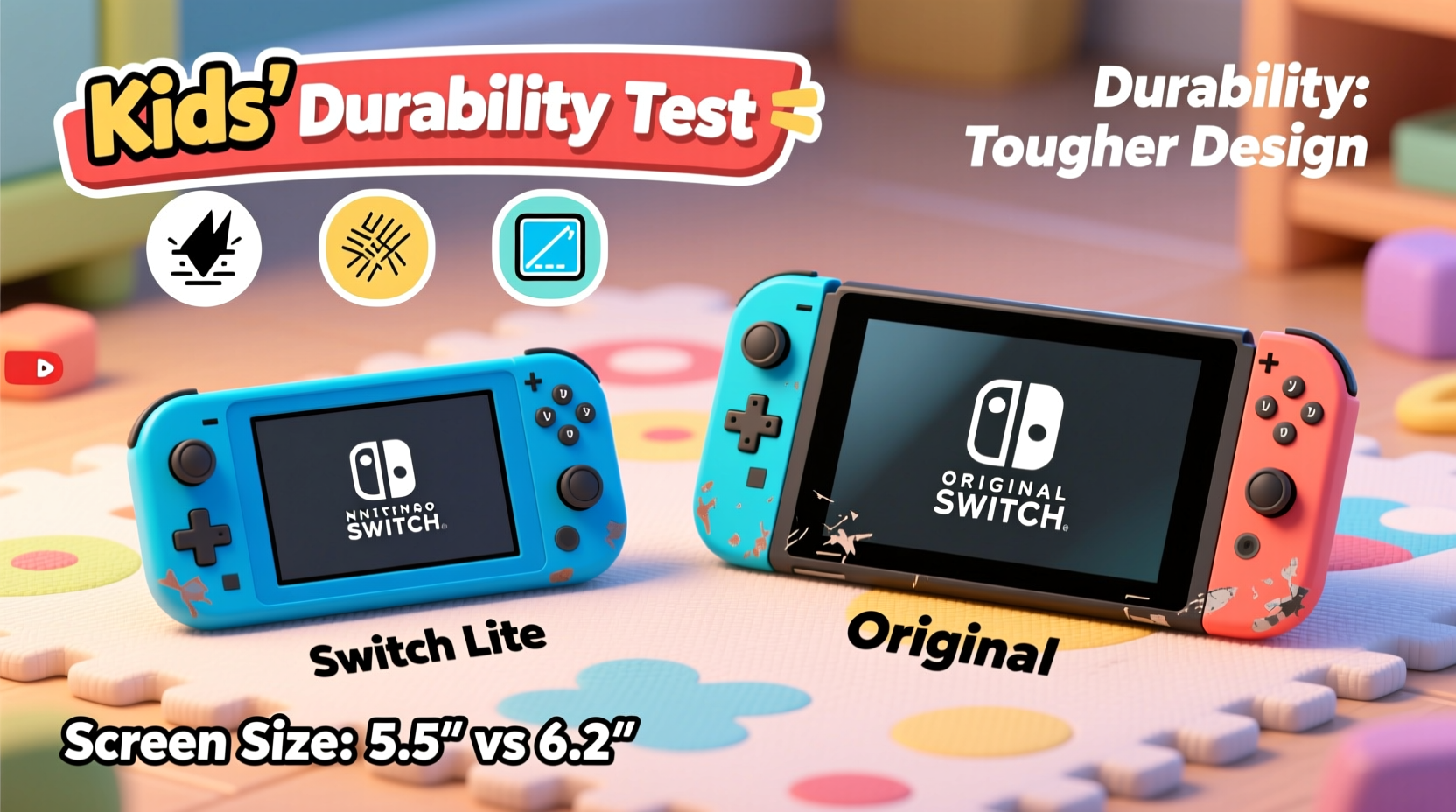
Kids are energetic, often careless, and prone to dropping devices, spilling drinks near them, or tossing them into backpacks without protection. Durability becomes a top priority when investing in electronics for children. Let’s break down the real-world resilience of each model.
The original Switch has a modular design: the console detaches from the Joy-Con controllers and dock. This modularity introduces multiple points of failure. Small Joy-Con sticks can be lost easily, and the rail system used to attach them is fragile under repeated stress. Children may struggle to align the rails correctly, leading to wear or accidental drops during attachment. Additionally, the kickstand on the back is thin and prone to snapping—a common complaint among families.
In contrast, the Switch Lite integrates the controls directly into the body. There are no detachable components, which eliminates the risk of losing Joy-Cons or damaging connection rails. The unit is more compact and sturdier as a single piece. However, because it's always in handheld mode, the entire device absorbs impact if dropped. Its smaller size also makes it easier for young hands to grip securely, reducing accidental slips.
Nintendo officially rates both devices similarly in terms of internal hardware durability, but user reports suggest the Switch Lite survives daily kid-handling better due to fewer moving parts. That said, neither device is waterproof or shockproof. A fall onto a hard floor can crack the screen on either model.
Screen Size and Visibility: What Matters for Young Gamers
Screen size plays a critical role in comfort, immersion, and eye strain—particularly for children who may play for extended periods. The original Switch features a 6.2-inch LCD display, while the Switch Lite comes with a slightly smaller 5.5-inch screen. Though less than an inch apart, this difference impacts readability and gameplay clarity.
A larger screen enhances visual detail, making it easier for younger players to distinguish characters, text, and environmental cues in games like Super Mario Odyssey or Animal Crossing: New Horizons. For kids still developing fine motor skills or reading abilities, extra screen real estate can reduce frustration and improve engagement.
However, the Switch Lite compensates somewhat with a higher pixel density. Its screen packs pixels more tightly, resulting in sharper image quality despite the smaller size. In bright environments—like a backyard or car ride—the Lite’s display often appears crisper and more vibrant. But in dim lighting or during prolonged sessions, the smaller screen may encourage closer viewing distances, potentially contributing to eye fatigue over time.
Another consideration is posture. With the original Switch, children tend to hold the device farther away due to its weight and width, promoting better ergonomic alignment. The Lite’s compact form encourages tighter grips and closer viewing, which might not be ideal for extended use.
“Children benefit from larger displays when gaming regularly. A screen under 6 inches requires more visual effort, especially during complex tasks.” — Dr. Lena Patel, Pediatric Vision Specialist
Portability and Practicality for Family Life
For families on the go, portability is a major factor. Road trips, waiting rooms, and sleepovers demand a device that’s easy to pack and simple to use without setup. Here, the Switch Lite shines.
Weighing approximately 275 grams (about 9.7 ounces), the Lite is noticeably lighter than the original Switch, which tips the scales at around 297 grams (10.5 ounces) without Joy-Cons. The reduced weight makes it easier for small hands to hold comfortably for longer stretches. Combined with its slimmer profile, the Lite fits neatly into lunchboxes, backpack side pockets, or travel cases.
The original Switch, while only slightly heavier, feels bulkier due to its wider frame and protruding Joy-Con arms. When attached, it requires two hands for stable gameplay—fine for older kids but challenging for those under eight. Detaching the Joy-Cons adds complexity: younger children may forget to reattach them properly or lose one during transit.
Moreover, the Switch Lite includes a built-in battery optimized for handheld play, offering up to 3–7 hours of gameplay depending on the title. The original Switch varies widely—from 2.5 to 6.5 hours—due to its ability to output to TV and support more demanding graphics. For pure portability, the Lite provides more predictable battery life tailored to mobile use.
Comparison Table: Key Differences for Parents
| Feature | Switch Lite | Original Switch |
|---|---|---|
| Screen Size | 5.5 inches | 6.2 inches |
| Weight | 275g (9.7 oz) | 297g (10.5 oz) without Joy-Cons |
| Durability | Integrated controls, fewer breakable parts | Detachable Joy-Cons, fragile kickstand |
| Portability | Compact, all-in-one, easy to carry | Bulkier, requires accessories for full use |
| Game Mode | Handheld only | Handheld, tabletop, TV modes |
| Battery Life | 3–7 hours | 2.5–6.5 hours |
| Ideal Age Range | 6–12 years old | 8+ years old (especially for TV mode) |
Real-Life Scenario: Two Families, Two Choices
Consider two households. The Thompsons have an 8-year-old daughter who loves playing Luigi’s Mansion 3 during car rides and after school. She travels frequently with her grandparents and enjoys sharing games with cousins. They chose the Switch Lite because it’s lightweight, durable, and never needs setup. She keeps it in a padded case, uses a lanyard, and rarely experiences issues. Her parents appreciate that nothing gets lost or damaged during transit.
The Garcias, meanwhile, have two children aged 10 and 13. They wanted a shared family console that could connect to their living room TV for multiplayer nights. They opted for the original Switch so they could enjoy games like Super Smash Bros. Ultimate on a big screen. While the younger child sometimes struggles to keep track of the left Joy-Con, they’ve implemented a rule: controllers must be stored in a designated box after use. The ability to switch between handheld and TV mode made the original Switch worth the trade-offs for their household.
These examples highlight that the best choice depends on usage patterns, not just technical specs. If your child primarily plays alone or on the move, the Lite excels. If you value shared screen time and flexibility, the original Switch delivers more options.
Actionable Checklist: Choosing the Right Device for Your Child
- ✅ Assess whether your child will mostly play on the go or at home
- ✅ Determine if TV connectivity is important for family gaming
- ✅ Evaluate your child’s age and ability to handle small, detachable parts
- ✅ Consider future-proofing—will siblings share the device?
- ✅ Budget for essential accessories: case, screen protector, charging dock
- ✅ Test grip comfort: let your child hold both models (if possible)
- ✅ Set rules for storage and charging to extend device lifespan
Frequently Asked Questions
Can the Switch Lite connect to a TV?
No, the Switch Lite does not support TV mode. It is designed exclusively for handheld play. If connecting to a television is desired, the original Switch is required.
Is the Switch Lite easier for small hands to hold?
Yes. Due to its smaller size and integrated controls, the Switch Lite is generally easier for younger children (ages 6–10) to grip and maneuver comfortably compared to the wider original Switch with attached Joy-Cons.
Which model lasts longer overall?
With proper care, both consoles can last several years. However, the Switch Lite tends to endure daily wear from children better due to fewer mechanical weak points. The original Switch offers longer functional life if used in a controlled environment with careful accessory management.
Final Recommendation: Matching Device to Lifestyle
When selecting between the Switch Lite and the original Switch for a child, prioritize actual usage over theoretical capabilities. The Switch Lite wins in simplicity, durability, and portability—ideal for solo players, frequent travelers, or younger gamers. Its lack of TV output is a limitation, but for many families focused on mobility, it’s a non-issue.
The original Switch offers unmatched versatility. Being able to transition from couch gaming to handheld mode adds value for households that enjoy shared play or want one console to serve multiple roles. However, this flexibility comes with increased fragility and complexity that may overwhelm younger users.
Ultimately, if your child is under 10 and will play mostly in handheld mode, the Switch Lite is the smarter, safer choice. For older kids or families wanting a central gaming hub, the original Switch remains the more capable option—provided you’re prepared to manage its accessories and vulnerabilities.




 浙公网安备
33010002000092号
浙公网安备
33010002000092号 浙B2-20120091-4
Comments
No comments yet. Why don't you start the discussion?