
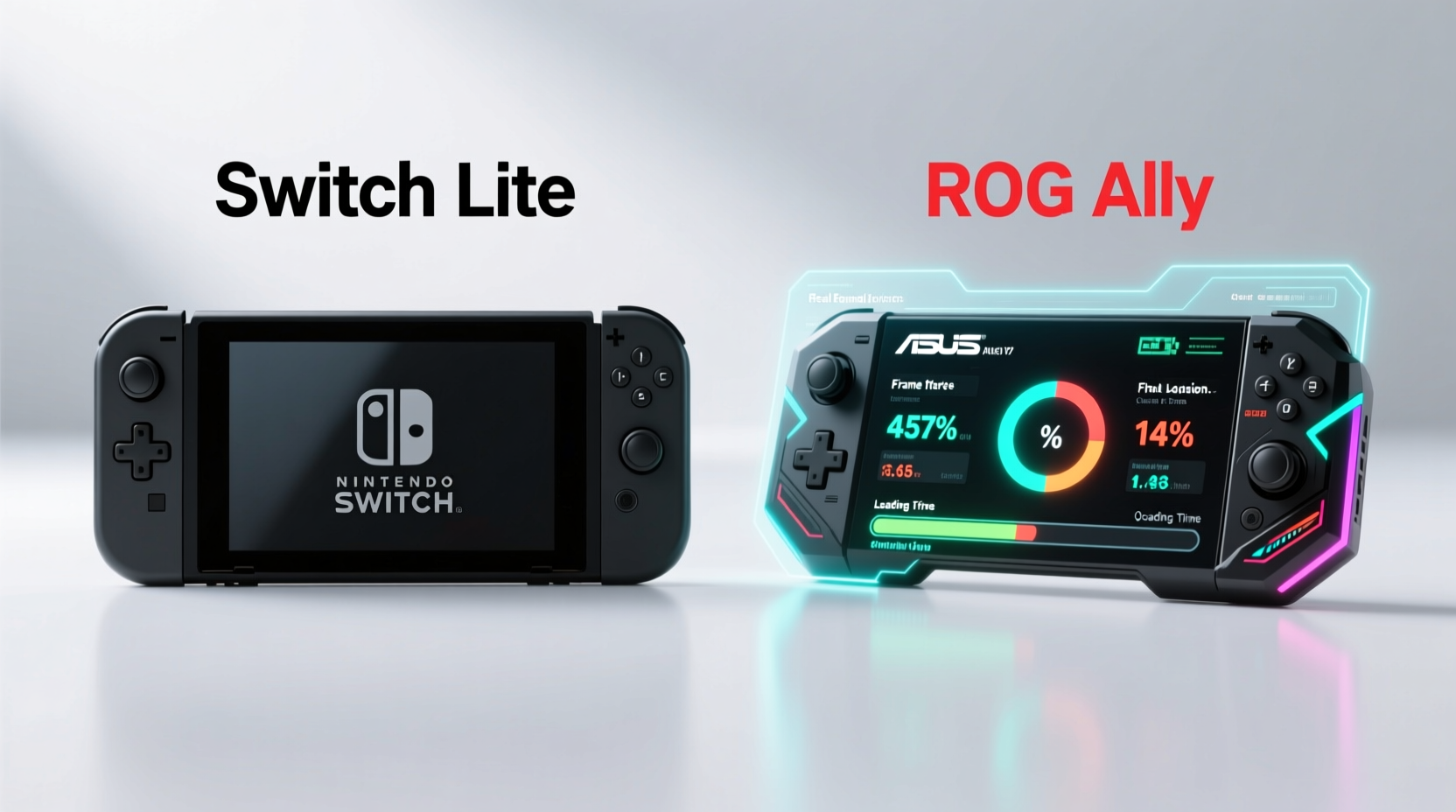
When it comes to portable gaming, the Nintendo Switch Lite and ASUS ROG Ally represent two very different philosophies. One is a dedicated handheld built for first-party Nintendo titles and select indie games; the other is a Windows-powered PC gaming device designed to run AAA titles and much more. But when users start exploring retro gaming through emulation, the conversation shifts dramatically. Emulation—running software from older consoles on modern hardware—demands processing power, compatibility, and flexibility. So, between the Switch Lite and the ROG Ally, which truly excels at handling emulation?
The answer isn’t just about raw specs—it’s about architecture, operating system freedom, user control, and practical usability. While both devices are technically \"portable,\" their capabilities in the realm of emulation couldn't be more different.
Understanding Emulation Needs
Emulation requires accurate recreation of legacy hardware environments. This includes mimicking CPU behavior, GPU rendering, audio subsystems, and input timing. The higher the target console generation, the more demanding the emulation becomes. For example:
- NES, SNES, Genesis: Light on resources, run well even on low-end devices.
- PlayStation 1, N64: Moderate demands, require decent single-core performance.
- Dreamcast, PlayStation 2, GameCube: High demands, need strong CPUs and often hardware-specific optimizations.
- Wii U, PS3 (partial): Extremely intensive, usually limited to high-end PCs.
Effective emulation depends on several key factors:
- CPU Performance: Most emulators rely heavily on single-threaded speed for accuracy.
- GPU Flexibility: Some systems (like GameCube) benefit from shader compilation or upscaling features.
- Operating System: Open platforms allow installation of tools like RetroArch, Dolphin, PCSX2, etc.
- User Access: Ability to install custom firmware or third-party apps greatly expands possibilities.
With these criteria in mind, let’s examine how each device stacks up.
Hardware Comparison: Specs That Matter for Emulation
To understand which device can handle emulation better, we must look beyond marketing materials and focus on components that directly impact emulator performance.
| Feature | Nintendo Switch Lite | ASUS ROG Ally (Z1 Extreme) |
|---|---|---|
| Processor | NVIDIA Tegra X1 (4x ARM Cortex-A57 @ ~1.0 GHz) | AMD Ryzen Z1 Extreme (8-core/16-thread Zen 4) |
| GPU | Maxwell-based (256 CUDA cores) | Radeon 780M (12 RDNA3 CUs) |
| RAM | 4 GB LPDDR4 | 16 GB LPDDR5 |
| Storage | 32 GB eMMC (expandable via microSD) | 512 GB NVMe SSD (expandable) |
| OS | Proprietary Nintendo OS (closed) | Windows 11 Home |
| Emulator Support | Limited to homebrew (e.g., SX OS, Atmosphere) | Full desktop emulator support |
| Battery Life (Gaming) | 3–7 hours | 1–3 hours (emulation varies by load) |
The disparity is stark. The ROG Ally uses a modern x86-64 processor with full PC compatibility, while the Switch Lite relies on a 2015-era mobile chip with severe limitations in clock speed and architectural efficiency. Even underclocked, the Z1 Extreme outperforms the Tegra X1 in both CPU and GPU tasks relevant to emulation.
Real-World Emulation Performance
Let’s break down how each device performs across major emulation tiers.
Nintendo Switch Lite: Limited but Possible
The Switch Lite cannot natively run emulators. However, using custom firmware (CFW) like Atmosphere, users can install homebrew applications such as:
- Dolphin (GameCube/Wii)
- PSP emulators (PPSSPP)
- N64 emulators (Mupen64Plus)
- PS1 emulators (DuckStation)
Performance varies significantly:
- SNES/N64: Generally smooth, though some complex N64 titles lag.
- PS1: Runs most games well, especially with dynamic recompilation.
- Game Boy Advance: Flawless.
- GameCube/Wii: Highly inconsistent. Many games suffer from audio stutter, low frame rates, or graphical glitches—even with overclocking patches.
A critical limitation is that the Tegra X1’s CPU struggles beyond GameCube-level emulation. There is no viable PS2 or Dreamcast emulation on stock hardware, even with optimized builds.
ROG Ally: Desktop-Level Emulation Power
The ROG Ally runs full Windows 11, meaning it supports every major emulator available on PC. Users can install:
- Dolphin Emulator – Full-speed GameCube and Wii emulation, often with enhancements like 4K upscaling.
- PCSX2 – PS2 emulation at native or enhanced resolutions.
- RetroArch – Unified frontend for hundreds of systems, including arcade boards.
- Cemu / Xenia – Experimental Wii U and Xbox 360 emulation (with significant performance tuning).
Thanks to its Ryzen Z1 Extreme processor and Radeon 780M iGPU, the ROG Ally handles PS2 and GameCube titles effortlessly. Even demanding PS2 games like Shadow of the Colossus or God of War run at full speed with internal upscaling. With minor settings adjustments, many users report stable 60 FPS experiences.
“Modern handheld PCs like the ROG Ally have closed the gap with desktops for emulation. You’re getting near-laptop-tier performance in a pocketable form.” — Mark Reynolds, Emulation Developer & Tech Analyst
Case Study: Emulating GameCube Games On-the-Go
Consider Sarah, a retro gaming enthusiast who wants to play The Legend of Zelda: The Wind Waker during her daily commute. She owns both a Switch Lite and a ROG Ally.
On the Switch Lite, she installs Atmosphere CFW and loads Dolphin via homebrew. The game launches but runs at 22–28 FPS with frequent audio dropouts. Textures flicker due to GPU limitations, and she must disable anti-aliasing and reduce resolution to maintain playability. After 20 minutes, the device feels warm, and battery drops noticeably.
On the ROG Ally, she boots into Windows, opens Dolphin, loads the same ISO, enables 3x internal resolution and asynchronous shader compilation. The game runs at a locked 60 FPS. Textures stream smoothly, and visual quality surpasses the original. Battery lasts around 2.5 hours—a trade-off she accepts for the superior experience.
Sarah concludes that while the Switch Lite offers basic emulation functionality, the ROG Ally transforms portable retro gaming into a premium experience.
Flexibility and User Control
One of the most decisive advantages of the ROG Ally lies in user freedom. Unlike the Switch Lite, which requires risky jailbreaking procedures just to install emulators, the ROG Ally allows immediate access to:
- Steam, Microsoft Store, and third-party launchers
- BIOS file management and save state syncing
- Controller remapping and touchscreen calibration
- Overclocking via AMD Software: Adrenalin Edition
This openness means users can fine-tune every aspect of emulation—from shader caches to audio backends—without violating terms of service or risking bricking.
In contrast, running emulators on the Switch Lite voids warranties, risks online bans, and depends on the continued availability of exploit chains. As Nintendo patches vulnerabilities, older CFW methods become obsolete, requiring constant updates from the homebrew community.
Step-by-Step: Setting Up Emulation on ROG Ally
Here’s how to get started with high-performance emulation on the ROG Ally:
- Update Windows: Ensure you’re on the latest version of Windows 11 for driver stability.
- Install Emulator Frontend: Download RetroArch or individual emulators (Dolphin, PCSX2, DuckStation).
- Add BIOS Files: Place required system BIOS files in correct folders (e.g., ps2.bin for PCSX2).
- Configure Controls: Map buttons using DS4Windows or native HID support if using a controller.
- Enable FSR or Upscaling: In Dolphin or PCSX2, increase internal resolution and enable AMD FidelityFX Super Resolution for sharper visuals.
- Optimize Performance: Disable unnecessary background apps and set power mode to “Balanced” or “Performance” in Armoury Crate.
- Test and Adjust: Run a demanding title and tweak settings until you achieve smooth performance.
This process takes under an hour and results in a fully customizable emulation machine.
FAQ: Common Questions About Emulation on Portable Consoles
Can I legally emulate games I own?
Yes, under U.S. law and similar frameworks in many countries, creating backup copies of games you physically own is generally considered fair use. However, downloading ROMs of games you don’t own is copyright infringement.
Does the Switch Lite support PS2 emulation?
No. The Tegra X1 lacks the CPU power and software support needed for reliable PS2 emulation. Projects like Play! exist but are experimental and perform poorly on Switch hardware.
Is the ROG Ally too powerful for retro games?
Not necessarily. While older games don’t utilize its full potential, the extra headroom allows for enhancements like HD texture packs, fast-forwarding, and netplay—features that enrich the retro experience.
Checklist: Choosing the Right Device for Emulation
- ✅ Do you want to run PS2, GameCube, or Wii games smoothly? → Choose ROG Ally
- ✅ Are you comfortable with technical setup and Windows navigation? → ROG Ally is ideal
- ✅ Do you primarily want NES/SNES/Game Boy games? → Switch Lite may suffice
- ✅ Is avoiding modding or jailbreaking important to you? → ROG Ally requires no hacking
- ✅ Do you value long battery life over performance? → Switch Lite wins here
- ✅ Want future-proof emulation for upcoming projects (e.g., Wii U)? → Only ROG Ally has the headroom
Final Verdict: Which Handles Emulation Better?
The Nintendo Switch Lite is a capable handheld for playing officially licensed games and light retro emulation. It works reasonably well for systems up to the sixth generation (N64, PS1). But when it comes to accurate, high-fidelity emulation of more advanced consoles like GameCube and PS2, it falls short—both in hardware capability and software accessibility.
The ASUS ROG Ally, by contrast, is a legitimate portable PC with full access to the breadth of PC emulation tools. Its modern AMD processor, ample RAM, and open operating system make it vastly superior for emulation. It doesn’t just run older games—it enhances them with higher resolutions, smoother framerates, and customizable controls.
If your primary goal is playing Nintendo exclusives and casual retro titles, the Switch Lite remains a solid choice. But if you're passionate about deep emulation, preserving classic games, or experiencing them with modern improvements, the ROG Ally is the clear winner.
“The future of retro gaming isn’t just preservation—it’s enhancement. Devices like the ROG Ally let us not only replay history but improve upon it.” — Lena Torres, Digital Archivist & Gaming Historian
Conclusion
When comparing the Switch Lite and ROG Ally for emulation, the distinction boils down to purpose. The Switch Lite is a closed ecosystem designed for curated experiences. The ROG Ally is an open, powerful handheld PC built for versatility. For anyone serious about emulation—whether reliving childhood favorites or exploring gaming history—the ROG Ally offers unmatched performance, flexibility, and longevity.




 浙公网安备
33010002000092号
浙公网安备
33010002000092号 浙B2-20120091-4
Comments
No comments yet. Why don't you start the discussion?