
Moving from Android to iOS has long carried a reputation for being a jarring shift—especially for users deeply embedded in Google’s ecosystem. But as we enter 2025, both platforms have matured significantly. Apple has streamlined its user experience across devices, while Google continues to refine Android with greater consistency. So, is the learning curve still steep when switching from Android to iOS? The answer isn’t a simple yes or no. It depends on how you use your phone, what apps and services you rely on, and how open you are to rethinking certain habits.
For many, the transition today is less about mastering a new operating system and more about adjusting to subtle but meaningful differences in philosophy: openness versus integration, customization versus cohesion. While iOS remains more restrictive than Android, it compensates with seamless hardware-software synergy, stronger privacy controls, and longer software support. In this guide, we’ll break down the real challenges of switching in 2025, offer practical strategies to ease the transition, and provide insights based on user experiences and expert analysis.
The Core Differences That Still Matter in 2025
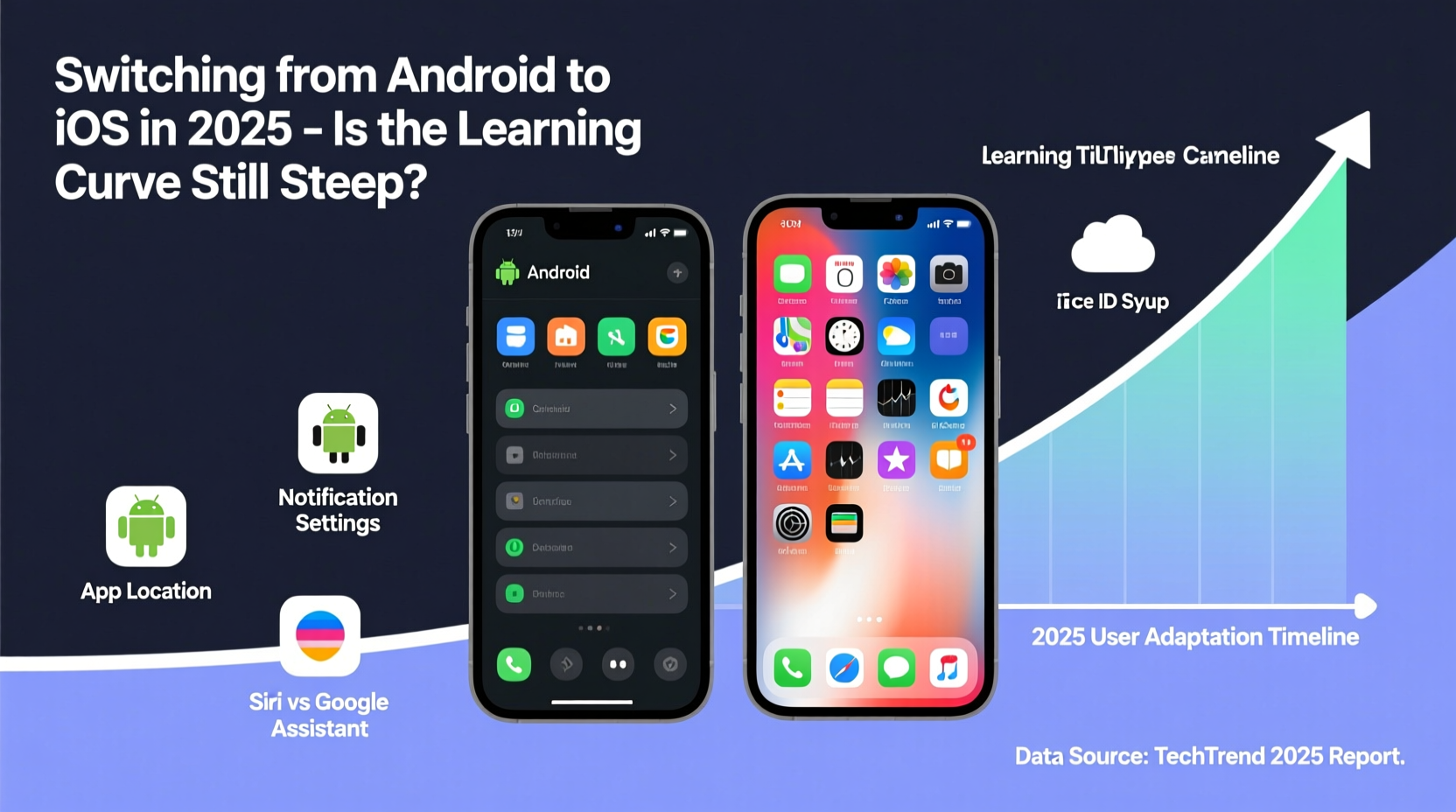
At their core, Android and iOS approach mobile computing differently. Android, built on an open-source foundation, emphasizes flexibility. Users can sideload apps, customize launchers, automate tasks freely, and access file systems directly. iOS, by contrast, prioritizes security, consistency, and ecosystem integration. These foundational differences shape every interaction—from installing apps to managing notifications.
In 2025, Apple continues to tighten control over user data and app behavior through features like App Tracking Transparency, Lockdown Mode, and enhanced iCloud+ encryption. Meanwhile, Android offers broader device compatibility and deeper personalization, but often at the cost of inconsistent update delivery and fragmented UX across brands.
The most noticeable shifts for new iOS users include:
- App installation limitations: No third-party app stores without workarounds (though limited sideloading is now allowed in the EU due to DMA regulations).
- File management: The Files app is functional but less intuitive than Android’s native file explorers.
- Default apps: While iOS now allows setting default browsers and email clients, the change doesn’t permeate all system-level actions.
- Back navigation: Gesture-based navigation replaces the universal back button, requiring muscle memory adjustment.
- Notification handling: Notifications are grouped by app, not chronologically, which some find less immediate.
Step-by-Step Guide to Transitioning Smoothly in 2025
A successful switch isn’t just about transferring data—it’s about adapting workflows. Follow this timeline to minimize friction:
- Week 1: Preparation & Data Transfer
- Back up your Android device fully via Google Drive and ensure contacts, photos, and messages are synced.
- Use Apple’s “Move to iOS” app during initial iPhone setup to transfer content securely over a private Wi-Fi connection.
- Install essential apps early—even if they feel unfamiliar—and log in to your accounts.
- Week 2: Mastering Navigation & Settings
- Practice gesture navigation: swipe up from bottom to return home, swipe diagonally for multitasking.
- Explore Control Center customization—add frequently used toggles like flashlight, screen recording, or translation.
- Adjust notification settings per app to regain control over alerts.
- Week 3: Ecosystem Integration
- Set up iCloud Drive and enable syncing for Notes, Passwords, and Health data.
- Link your Apple ID across devices—if you own a Mac or iPad, test continuity features like Handoff and Universal Clipboard.
- Switch default browser and email app if desired (Safari, Chrome, Outlook, etc.).
- Week 4: Optimizing Workflow
- Use Shortcuts app to automate repetitive tasks (e.g., “Good Morning” routine that reads weather, calendar, and news).
- Adopt iMessage for messaging; consider enabling SMS forwarding if contacts still use Android.
- Evaluate alternatives for Android-exclusive tools (e.g., Tasker → Shortcuts, Nova Launcher → widgets + Focus modes).
Checklist: Essential Actions When Switching to iOS
- ✅ Back up Android data before starting
- ✅ Download “Move to iOS” app and run transfer during iPhone setup
- ✅ Sign in to iCloud and enable two-factor authentication
- ✅ Set up Face ID or Touch ID and create a strong passcode
- ✅ Customize Control Center and Notification Groups
- ✅ Install critical third-party apps (banking, social media, productivity)
- ✅ Migrate passwords using Google Password Manager import or third-party tools like 1Password
- ✅ Enable Find My iPhone and activate Activation Lock protection
- ✅ Explore Siri shortcuts and automation options
- ✅ Test AirDrop, Continuity Camera, and other cross-device features
Real User Experience: From Pixel Power User to iPhone 15 Pro
Jamal Rivera, a tech reviewer and long-time Android user, made the switch in early 2025 after five years with Google Pixel devices. His primary motivation was durability and video editing performance on the iPhone 15 Pro. Initially frustrated by the lack of granular notification controls and launcher customization, he found the transition smoother than expected once he embraced iOS’s ecosystem logic.
“I missed my Material You theming and always-on display,” Jamal said. “But within three weeks, I appreciated how quiet the system felt—fewer distractions, fewer permission pop-ups. The camera workflow became second nature, and editing videos in iMovie on my iPad while continuing on iPhone saved me hours.”
His biggest hurdle? File management. “Trying to attach a PDF from Google Drive into an email took me five minutes the first time. Now I know where everything lives, but it wasn’t obvious.” He recommends new switchers spend time organizing cloud storage and pinning frequent folders in the Files app.
“iOS isn’t more powerful than Android—it’s more cohesive. Once you stop fighting the system and start working with it, the experience clicks.” — Jamal Rivera, Tech Content Creator
Comparison Table: Android vs. iOS in 2025 – Key Transition Points
| Feature | Android (2025) | iOS (2025) | Transition Challenge |
|---|---|---|---|
| App Installation | Open sideloading, multiple app stores | Primarily App Store; limited sideloading in EU | High – loss of freedom may frustrate power users |
| Customization | Launchers, widgets, themes, icons | Home Screen widgets, limited icon changes via Shortcuts | Medium – visual flexibility reduced |
| File Management | Full file explorer access | Files app with cloud integration | Medium – steeper learning curve for document handling |
| Default Apps | Full control over defaults | Browsers, mail, music supported; SMS and calling remain locked | Low to Medium – partial improvement over previous years |
| Privacy Controls | Granular permissions, ad ID reset | App Tracking Transparency, Privacy Report, Lockdown Mode | Low – iOS leads in transparency and ease of use |
| Ecosystem Sync | Google account syncs across devices | iCloud + Continuity (Mac, iPad, Apple Watch) | High – full benefit realized only with multiple Apple devices |
| Automation | Tasker, Bixby Routines, MacroDroid | Shortcuts app with improved AI suggestions | Medium – capable but less flexible than Android |
Frequently Asked Questions
Can I keep using Google apps on iPhone?
Absolutely. Google maintains high-quality iOS versions of Gmail, Maps, Drive, YouTube, and Chrome. While they don’t integrate as deeply as on Android, they function reliably. Some background processes (like location updates) are more restricted on iOS, which may affect accuracy in apps like Google Fit.
Will my Samsung Galaxy accessories work with iPhone?
Most Bluetooth headphones, speakers, and smartwatches will pair, but proprietary features won’t carry over. For example, Galaxy Buds lose spatial audio tuning and quick-switching features. Wear OS watches require a separate migration to Apple Watch for full functionality.
Is Android-to-iPhone data transfer reliable in 2025?
Yes, especially when using Apple’s official “Move to iOS” tool during initial setup. It transfers contacts, messages, photos, videos, calendars, and free apps effectively. However, account passwords, app data (like game progress), and some settings must be migrated manually or via third-party tools.
Expert Insight: Why the Curve Has Flattened
According to Dr. Lena Tran, a human-computer interaction researcher at Stanford, the perceived difficulty of switching has decreased due to convergent design trends.
“The gap in usability between platforms has narrowed. Both now use gesture navigation, dark mode, app libraries, and AI-driven assistants. Users aren’t learning entirely new concepts—they’re adapting familiar patterns to slightly different layouts. The emotional resistance often outweighs the actual technical challenge.” — Dr. Lena Tran, HCI Researcher
She notes that younger users and those who primarily consume content (social media, streaming, messaging) adapt within days. The steepest curves remain for power users who relied heavily on automation, file manipulation, or niche Android-only apps.
Conclusion: A Manageable Shift with Lasting Benefits
Switching from Android to iOS in 2025 is no longer the daunting leap it once was. While fundamental philosophical differences persist, Apple has addressed many pain points through incremental improvements: better default app support, expanded shortcut automation, and refined data migration tools. The learning curve exists, but it’s shallower and shorter than ever—typically leveling out within two to four weeks for most users.
The true advantage lies in what you gain: longer device support (5–7 years of iOS updates vs. 3–5 on most Android phones), tighter privacy safeguards, and unparalleled ecosystem integration if you own other Apple devices. For professionals, creatives, and families invested in Apple’s ecosystem, the transition pays dividends in reliability and longevity.
If you’re considering the switch, don’t let outdated perceptions hold you back. Approach it with patience, use the tools available, and give yourself time to relearn routines. The goal isn’t to replicate your Android experience—but to discover a different, equally valid way of interacting with your digital life.




 浙公网安备
33010002000092号
浙公网安备
33010002000092号 浙B2-20120091-4
Comments
No comments yet. Why don't you start the discussion?