
Making the leap from Android to iPhone in 2025 isn’t just about swapping devices—it’s stepping into a different digital ecosystem. While both platforms are mature and user-friendly, the transition involves more than syncing contacts. Apple’s tightly integrated hardware-software model offers seamless performance, long-term software support, and robust privacy features, but it comes with trade-offs in customization and flexibility. Understanding these nuances ahead of time ensures a smoother migration and helps you make the most of your new device.
The Ecosystem Shift: From Open to Integrated
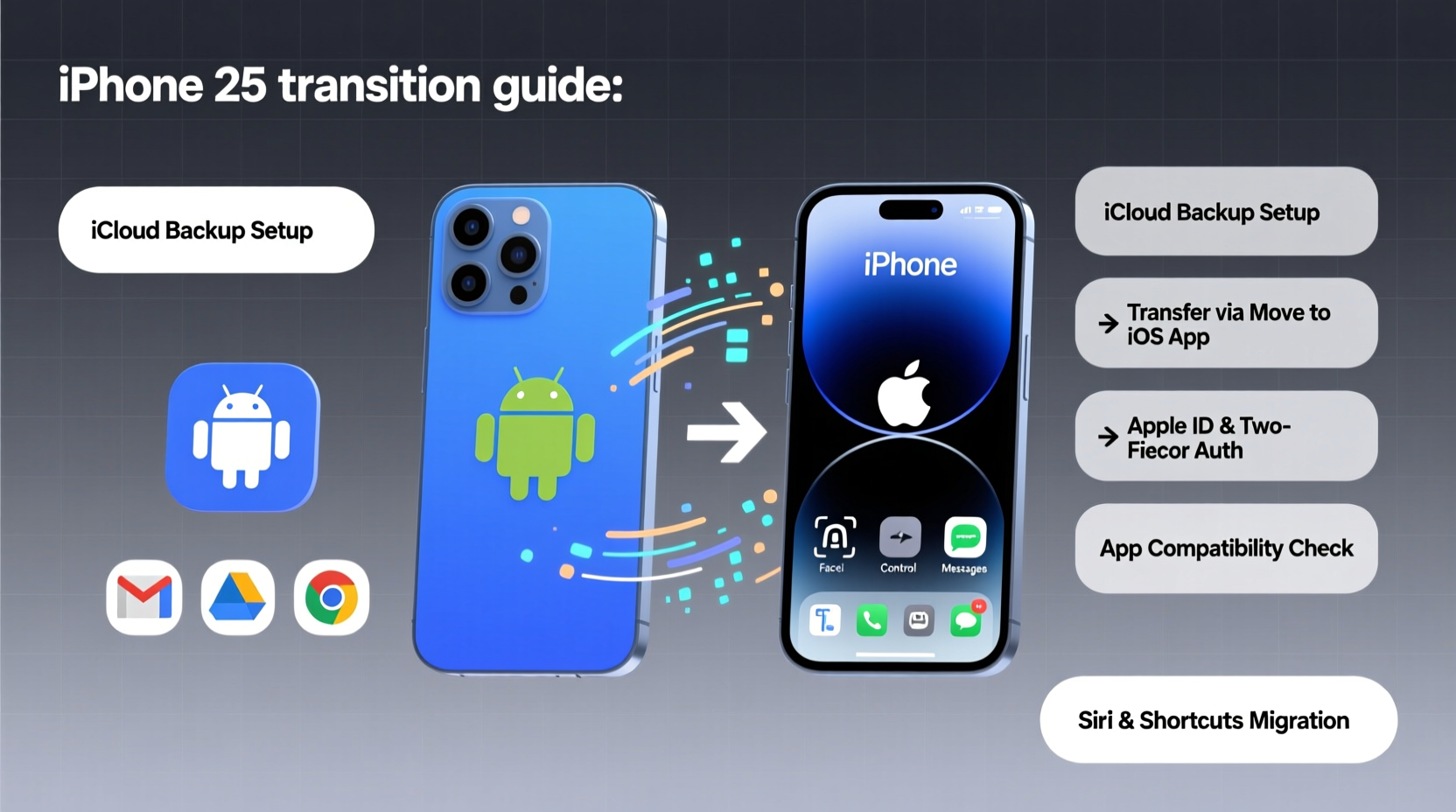
Android thrives on openness. You can sideload apps, use third-party launchers, and choose from dozens of manufacturers. iOS, by contrast, is a closed system designed for consistency and security. In 2025, this divide remains clear. Apple controls both the hardware and software, which means updates arrive faster, app quality is tightly regulated, and features like iMessage, FaceTime, and AirDrop work seamlessly across Apple devices.
However, that integration means less freedom. You can’t change the default browser or messaging app without workarounds, and file management is more restrictive. If you're used to moving files freely between folders or using external storage, iOS will feel limiting at first.
“Apple’s strength lies in its ecosystem cohesion. Once you own multiple Apple devices, the convenience becomes hard to leave.” — Lisa Tran, Mobile Technology Analyst at GadgetInsight
Data Transfer: What Moves Easily (and What Doesn’t)
Apple introduced the “Move to iOS” app years ago, and it still works reliably for transferring core data during initial setup. However, not everything transfers perfectly—and some items require manual effort.
| Data Type | Transfers Automatically? | Notes |
|---|---|---|
| Contacts | Yes | Via Move to iOS app over Wi-Fi |
| Messages (SMS/MMS) | Yes | iMessage sync requires iCloud setup |
| Photos & Videos | Partial | Limited by Google account sync; use Google Photos for full backup |
| Call History | No | Not supported by Apple’s tool |
| App Data | No | Re-download apps; log in to restore progress where possible |
| Browser Bookmarks | No | Export from Chrome manually or use iCloud Safari sync after setup |
| Google Authenticator | No | Back up codes or transfer manually to Authy or built-in iCloud Keychain |
If you rely heavily on Google services—Gmail, Calendar, Drive, or Keep—you’ll need to adjust workflows. While these apps are available on iPhone, they don’t integrate as deeply as native Apple alternatives like Mail, Calendar, and Notes.
Step-by-Step: How to Switch Smoothly in 2025
A successful switch starts before you unbox your iPhone. Follow this timeline to avoid hiccups:
- Two Weeks Before: Back up your Android phone to Google Drive and ensure all photos are synced to Google Photos. Export important notes and calendar events.
- One Week Before: Download the “Move to iOS” app on your Android device and review its limitations. Begin transitioning critical accounts to two-factor authentication using recovery codes or Authy instead of Google Authenticator.
- Day of Setup: Turn on your new iPhone, follow setup prompts until “Apps & Data,” then select “Move Data from Android.” Keep both phones charged and close during transfer.
- After Setup: Install essential apps like Google Drive, Gmail, and any banking or productivity tools. Enable iCloud Backup and set up Face ID or Touch ID.
- First Week: Explore iOS gestures (swipe navigation, Control Center), customize notifications, and migrate passwords using iCloud Keychain or a third-party manager.
What You’ll Gain (and What You’ll Miss)
Every platform has strengths. Here’s a realistic look at what changes when you switch:
- Better Long-Term Support: iPhones typically receive 5–6 years of iOS updates, far exceeding most Android devices outside the Google Pixel line.
- Smoother Performance: Even older iPhones run fast due to hardware-software optimization. Apps launch quickly and multitasking feels fluid.
- Tighter Security: App Review process and encrypted iCloud backups reduce malware risks significantly.
- Superior Build Quality: Premium materials, water resistance, and consistent design across models.
- Seamless Integration: Handoff, Universal Clipboard, and Continuity Camera enhance productivity if you use a Mac or iPad.
On the flip side, you may miss:
- Customization options like widgets, themes, and default app choices.
- Expandable storage via microSD cards.
- Greater control over permissions and background processes.
- The flexibility of using non-Apple accessories without MFi certification.
Mini Case Study: Sarah’s Transition from Samsung to iPhone 15
Sarah, a freelance designer in Austin, used a Samsung Galaxy S22 for three years before upgrading to an iPhone 15 in early 2025. Her main reason? Compatibility with her new MacBook Pro. “I was tired of emailing files to myself just to edit them,” she said. Using Move to iOS, she transferred contacts and messages successfully but lost her WhatsApp chat history because she didn’t back it up to Google Drive first. She now uses iCloud Photos and loves the automatic album suggestions, though she admits she still misses the ability to quickly move files between folders. “It took two weeks to get used to swipe-up navigation, but now I wouldn’t go back.”
Essential Checklist Before You Make the Switch
Use this checklist to prepare thoroughly:
- ✅ Back up Android to Google Account and Google Photos
- ✅ Export or sync notes, calendars, and bookmarks
- ✅ Replace Google Authenticator with Authy or save recovery codes
- ✅ Download “Move to iOS” and test Wi-Fi transfer
- ✅ Deactivate carrier lock or unlock your Android if needed
- ✅ Purchase a compatible SIM or prepare for eSIM activation
- ✅ Charge both phones fully before starting transfer
- ✅ Set up Apple ID and enable two-factor authentication
- ✅ Install essential Android apps’ iOS versions beforehand (e.g., banking, fitness)
- ✅ Reset Android to factory settings after confirming data is secure
Frequently Asked Questions
Can I keep my phone number when switching?
Yes. Your number is tied to your SIM, not your operating system. Contact your carrier to transfer service to your new iPhone, or do it yourself via eSIM during setup.
Will my Android apps work on iPhone?
Most major apps (WhatsApp, Instagram, Spotify) have iOS versions, but some niche or region-specific apps may not be available. Check the App Store before switching.
Is iMessage worth the switch?
If you communicate frequently with other iPhone users, yes. iMessage offers read receipts, typing indicators, high-quality media sharing, and end-to-end encryption. Green SMS bubbles (standard texts) lack these features and can feel outdated.
Final Thoughts: Is 2025 the Right Time to Switch?
2025 is arguably one of the best years to make the jump. Apple’s ecosystem is more accessible than ever, with improved Android-to-iOS tools, better cross-platform app support, and stronger privacy safeguards. The iPhone 15 and upcoming iPhone 16 series offer advanced cameras, AI-powered features, and longer battery life—all backed by years of software updates.
Still, the decision shouldn’t be based on hype. Evaluate your needs: Do you value longevity and integration over customization? Are you invested in Google services, or open to adopting Apple’s suite? Answering these honestly will determine whether the switch enhances your digital life—or complicates it.




 浙公网安备
33010002000092号
浙公网安备
33010002000092号 浙B2-20120091-4
Comments
No comments yet. Why don't you start the discussion?