
When choosing a microcontroller for your next electronics project, two names consistently rise to the top: Arduino and Teensy. Both are widely used in hobbyist and professional circles, but they serve different needs. Arduino has long been the go-to platform for beginners, thanks to its simplicity and vast community support. Teensy, developed by Paul Stoffregen of PJRC, offers significantly more processing power and advanced features—but at a higher price point. The real question isn’t just which one is better, but whether the added cost of Teensy is justified for your specific application.
Performance Comparison: Raw Power Matters
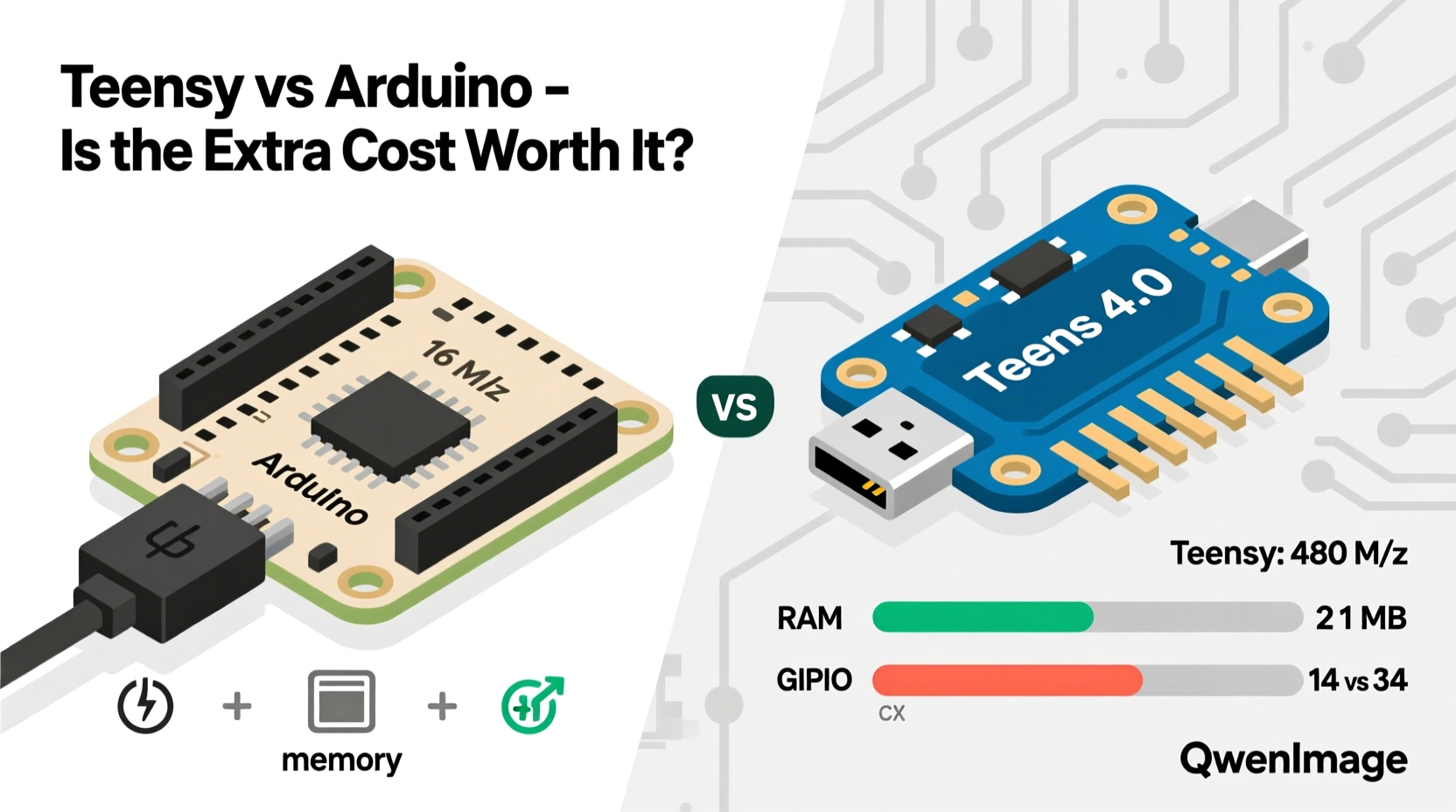
The most immediate difference between Teensy and Arduino lies in their underlying hardware. While many Arduinos use 8-bit AVR microcontrollers (like the ATmega328P), Teensy boards—particularly models like the Teensy 4.0 and 4.1—are built around powerful ARM Cortex-M processors running at clock speeds up to 600 MHz. This leap in architecture means Teensy can handle complex tasks such as audio processing, high-speed data logging, and real-time signal manipulation with ease.
In contrast, standard Arduinos struggle with anything beyond basic sensor reading or LED control when multitasking is involved. For example, trying to generate high-resolution PWM signals while simultaneously managing USB communication and reading multiple sensors can push an Arduino to its limits. A Teensy handles this workload smoothly, making it ideal for projects involving digital audio synthesis, motor control arrays, or fast communication protocols like CAN or Ethernet.
Development Environment and Compatibility
One of the biggest advantages of both platforms is that they use the Arduino IDE or compatible environments like PlatformIO. You can write code for Teensy using familiar Arduino syntax, meaning there's minimal learning curve if you're already experienced with Arduino. However, Teensy requires installing additional board definitions through the Arduino Board Manager—a small hurdle, but not a significant barrier.
Where Teensy shines is in its enhanced library support. Libraries for FFT analysis, USB MIDI, and high-speed SPI/I2C are optimized specifically for Teensy’s hardware, unlocking capabilities that would be impossible on traditional Arduinos. For instance, generating USB MIDI messages with low latency is straightforward on Teensy, whereas doing so reliably on an Arduino Uno often requires workarounds or external chips.
That said, Arduino’s ecosystem remains unmatched in terms of beginner-friendly tutorials, plug-and-play shields, and community troubleshooting. If you're building a simple temperature logger or home automation switch, Arduino’s extensive library of compatible add-ons might save you time and effort—even if the core chip is less capable.
Detailed Feature Comparison
| Feature | Arduino Uno (ATmega328P) | Teensy 4.0 (IMXRT1062) |
|---|---|---|
| CPU Architecture | 8-bit AVR | 32-bit ARM Cortex-M7 |
| Clock Speed | 16 MHz | 600 MHz |
| RAM | 2 KB | 512 KB |
| Flash Memory | 32 KB | 1 MB |
| USB Capabilities | Serial-only (via converter chip) | Native high-speed USB (device/host) |
| PWM Resolution | 8-bit | Up to 16-bit |
| Ease of Use | Very beginner-friendly | Moderate; slightly steeper learning curve |
| Price (USD) | $7–$10 | $20–$28 |
Real-World Example: DIY Digital Synthesizer
Consider a musician building a custom MIDI controller with embedded sound generation. Using an Arduino Uno, they could read button presses and send MIDI notes via USB—but actual waveform synthesis would be extremely limited due to lack of processing headroom. Attempting to generate even a basic sine wave at multiple voices would result in audible glitches and dropouts.
In contrast, a Teensy 4.0 can run the open-source AUDIO Library to mix dozens of audio channels in real time, apply filters, and output high-quality 44.1kHz stereo audio—all while still handling touch sensing, OLED display updates, and USB MIDI I/O. One user, Max Rivera, built a fully functional granular synthesizer using Teensy and reported, “I started with an Arduino but hit performance walls immediately. Switching to Teensy unlocked everything I wanted—without rewriting my entire codebase.”
“Teensy brings near-computer levels of responsiveness to microcontroller projects. It’s not just faster—it enables entirely new categories of devices.” — Dr. Lena Torres, Embedded Systems Researcher, MIT Media Lab
When Is the Extra Cost Justified?
The $10–$15 price difference between an Arduino Uno and a Teensy 4.0 may seem steep at first glance, especially for budget-conscious makers. But value isn’t measured solely in upfront cost—it’s also about capability, longevity, and what you can achieve without adding external components.
If your project demands any of the following, Teensy is likely worth the investment:
- High-speed data acquisition (e.g., oscilloscopes, sensor fusion)
- Digital audio input/output
- Complex timing requirements (e.g., robotics, drones)
- Native USB device functionality (keyboard, mouse, MIDI, etc.)
- Running algorithms requiring floating-point math or FFTs
On the other hand, if you’re automating a plant watering system, controlling relays, or blinking LEDs based on light levels, an Arduino will perform just as well—and probably be easier to debug and maintain.
Step-by-Step Decision Guide
- Define your project’s core functions: List every task the device must perform (e.g., read sensors, drive motors, communicate).
- Estimate timing needs: Do tasks need to happen simultaneously or in rapid succession?
- Check memory requirements: Will you store large datasets, audio buffers, or firmware overlays?
- Evaluate I/O demands: How many pins do you need? Do you require high-resolution analog or PWM?
- Benchmark feasibility: Search existing projects—did others succeed with Arduino or did they upgrade to Teensy?
- Decide: Choose Teensy if performance bottlenecks are likely; stick with Arduino for simpler, cost-sensitive builds.
Frequently Asked Questions
Can I use Arduino shields with Teensy?
Not directly. Teensy uses a different pin layout and voltage levels on some models. While adapter boards exist, compatibility isn’t guaranteed. Some shields may require level shifting or software tweaks.
Is Teensy harder to program than Arduino?
No—the coding environment is nearly identical. You’ll use the same IDE and similar syntax. The main difference is accessing advanced features, which may require reading Teensy-specific documentation.
Do I need Teensy for IoT projects?
It depends. For Wi-Fi/Bluetooth connectivity, ESP32-based boards are often more suitable and cheaper. But if you need both networking and heavy local processing (e.g., edge AI or sensor analytics), Teensy combined with external modules can outperform typical IoT MCUs.
Final Recommendation
The extra cost of Teensy isn’t always necessary—but when your project pushes the boundaries of what a microcontroller should do, it becomes essential. Think of Arduino as a reliable sedan: efficient, easy to drive, perfect for daily commutes. Teensy is the sports coupe: more expensive, but engineered for speed, precision, and performance under pressure.
You don’t need a race car to run errands. But if you’re building something that processes audio in real time, controls robotic limbs with sub-millisecond accuracy, or acts as a standalone synth engine, then yes—the added expense of Teensy is absolutely worth it. It doesn’t just offer more resources; it opens doors to innovation that simply aren’t feasible on older 8-bit platforms.




 浙公网安备
33010002000092号
浙公网安备
33010002000092号 浙B2-20120091-4
Comments
No comments yet. Why don't you start the discussion?