
Unwanted calls from telemarketers, scammers, or unknown contacts can disrupt your day, compromise your privacy, and even pose security risks. Fortunately, Huawei smartphones come equipped with built-in tools and settings that allow you to efficiently block nuisance numbers. Whether you're dealing with persistent spam callers or simply want to filter out a specific contact, this guide provides clear, practical steps tailored to Huawei devices running EMUI and HarmonyOS.
Why Blocking Numbers Matters
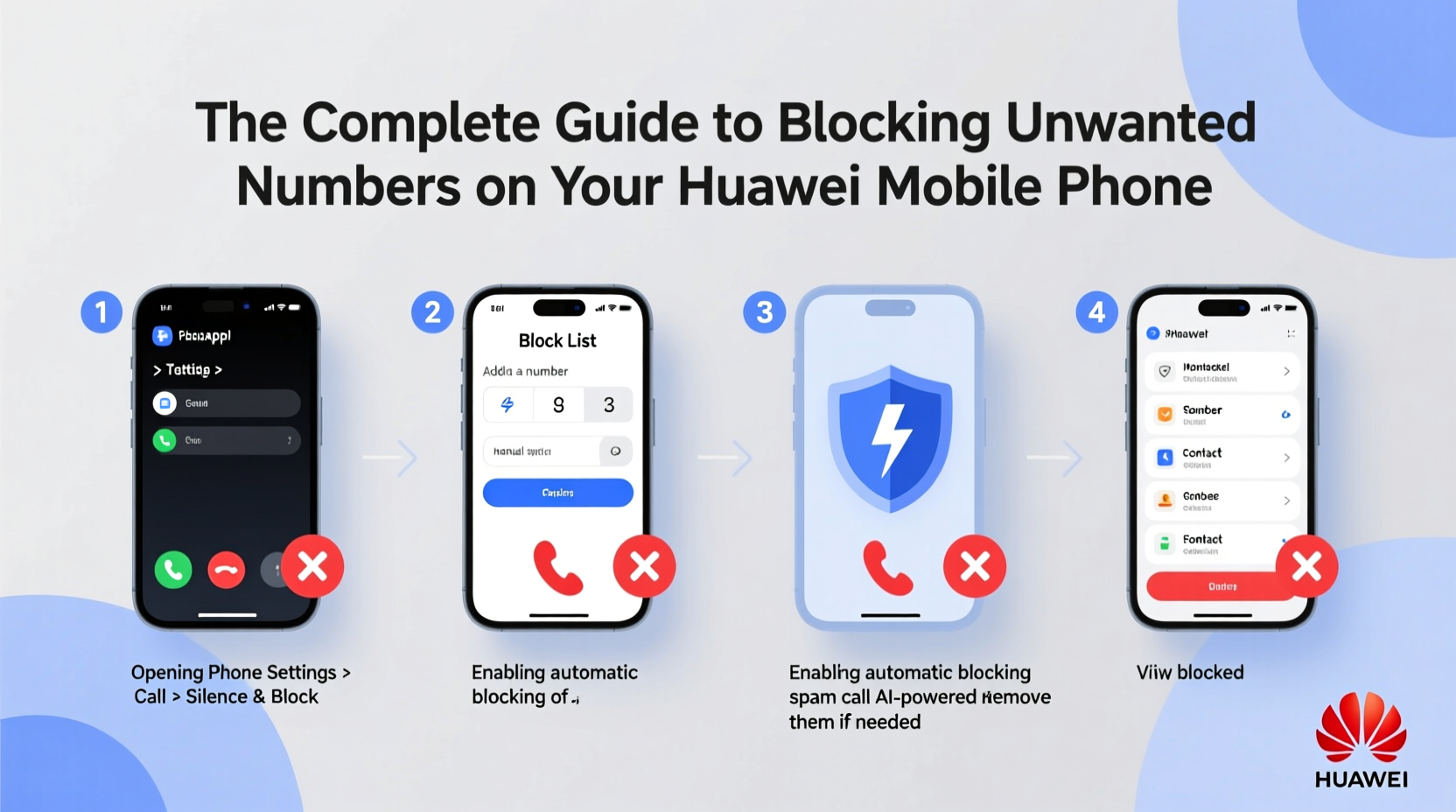
Receiving repeated calls from unknown or suspicious numbers isn’t just annoying—it can be dangerous. Scammers often use spoofed numbers to impersonate banks, government agencies, or service providers. By proactively blocking unwanted callers, you reduce the risk of falling victim to fraud and regain control over your communication space.
Huawei has integrated call-blocking features directly into its Phone app and settings, making it easy for users to manage incoming calls without relying solely on third-party apps. These tools are especially useful in regions where spam calls are rampant and telecom regulations lag behind technological abuse.
Step-by-Step: How to Block a Number on Your Huawei Phone
Blocking a number on a Huawei device is straightforward. Follow these steps whether you’re using EMUI 10–12 or the newer HarmonyOS interface:
- Open the Phone app from your home screen.
- Navigate to the Recent calls tab (or Call history).
- Find the number you wish to block and tap the three-dot menu icon (⋮) next to it.
- Select Add to blacklist or Block number.
- Confirm your choice when prompted.
If the number isn’t in your call history, you can manually add it:
- Go to Phone > More settings (three-dot menu) > Call blocking.
- Tap Blocked numbers > Add.
- Enter the number manually or select from contacts.
- Save the entry.
Advanced Call Filtering Options
Huawei offers more than basic blocking. The system includes intelligent filtering powered by AI and carrier partnerships to identify potential spam automatically.
Enable Spam Call Protection
To activate automatic spam detection:
- Open the Phone app.
- Tap the three-dot menu and go to Settings.
- Select Spam calls or Call screening.
- Toggle on Enable spam call warnings.
- Choose your preferred protection level: Standard or Strict.
This feature uses Huawei’s cloud-based database to flag known scam numbers. When enabled, incoming calls from flagged numbers display a warning like “Suspected spam” or “Fraud risk” before ringing.
Create Smart Filters
You can set rules based on patterns:
- Block all private or hidden numbers.
- Filter calls from non-contact numbers.
- Automatically send suspected spam to voicemail.
Access these under Call blocking > Auto-reject list. From there, you can enable options like “Unknown callers” or “Calls from outside your country.”
Checklist: Securing Your Huawei Device Against Nuisance Calls
Follow this actionable checklist to maximize call protection:
- ✅ Enable spam call warnings in Phone settings.
- ✅ Regularly review and update your blocked numbers list.
- ✅ Manually block persistent spam numbers after first contact.
- ✅ Use the “Do Not Disturb” mode during focused hours.
- ✅ Avoid answering calls from unrecognized international prefixes.
- ✅ Report frequent scam numbers to local telecom authorities.
Real Example: Maria’s Experience with Telemarketing Harassment
Maria, a small business owner in Manila, began receiving daily calls from a number claiming to offer “free website hosting.” The caller used aggressive tactics and refused to honor her requests to be removed from their list. After seven persistent calls over three days, she decided to act.
Using her Huawei P40 Pro, Maria opened her call log, tapped the number, selected “Add to blacklist,” and activated strict spam filtering. Within hours, similar numbers were flagged automatically. She later reported the original number to her telecom provider, which contributed to its inclusion in the national spam registry.
“I didn’t realize how simple it was to block them,” Maria said. “Now I only get calls I actually want to answer.”
“Modern smartphones like Huawei’s give users powerful tools to reclaim their privacy. Proactive blocking isn't just convenient—it's a form of digital self-defense.” — Dr. Lin Zhao, Cybersecurity Researcher at Nanjing University of Information Science & Technology
Comparison Table: Built-in vs. Third-Party Blocking Solutions
| Feature | Huawei Native Tools | Third-Party Apps (e.g., Truecaller) |
|---|---|---|
| Setup Complexity | Simple, no installation needed | Requires download and permissions |
| Spam Detection Accuracy | Good (uses regional databases) | Excellent (crowdsourced data) |
| Privacy Risk | Low (data stays on-device or within Huawei ecosystem) | Moderate (requires access to call logs and contacts) |
| International Coverage | Limited to supported regions | Broad global coverage |
| Cost | Free | Free with premium upgrades |
While third-party apps offer broader spam databases, Huawei’s native tools provide a secure, no-cost solution ideal for most users. For enhanced protection, some combine both—using Huawei’s blocking for known nuisances and Truecaller for real-time identification.
Frequently Asked Questions
Can blocked numbers still leave voicemails?
Yes, depending on your carrier and voicemail setup. On most Huawei devices, blocked callers may hear a busy tone or immediate disconnect, but some systems allow voicemails from blocked numbers. To prevent this, check your carrier’s voicemail settings or disable voicemail for unknown numbers.
Will the person know I’ve blocked them?
No. Huawei does not notify the caller that they’ve been blocked. They will typically hear the phone ring once or twice before being disconnected or sent to voicemail, depending on your configuration.
How do I unblock a number?
Go to Phone > Settings > Call blocking > Blocked numbers. Tap the number you want to unblock and select “Remove” or swipe left to delete. The number will then be able to reach you normally.
Final Thoughts and Action Steps
Managing unwanted calls doesn’t have to be a constant battle. With Huawei’s intuitive call-blocking features, you can take back control of your phone experience in minutes. From one-tap blocking to intelligent spam detection, your device already has the tools you need to stay protected.
Don’t wait until harassment escalates. Review your recent call log today, enable spam protection, and build a cleaner, safer calling environment. Share this guide with family members who may not be tech-savvy—especially seniors who are common targets of phone scams.




 浙公网安备
33010002000092号
浙公网安备
33010002000092号 浙B2-20120091-4
Comments
No comments yet. Why don't you start the discussion?