
Starting a website is one of the most empowering things you can do online—whether it's a personal blog, an online store, or a portfolio. But before your site goes live, you need a reliable home on the internet: web hosting. For beginners, the process can feel overwhelming. Terms like \"shared hosting,\" \"domain names,\" and \"DNS settings\" may seem technical and confusing. The good news? You don’t need to be a tech expert to make smart choices. This guide breaks down everything you need to know—from understanding hosting types to launching your first site—with clear explanations and actionable steps.
Understanding Web Hosting: What It Really Means
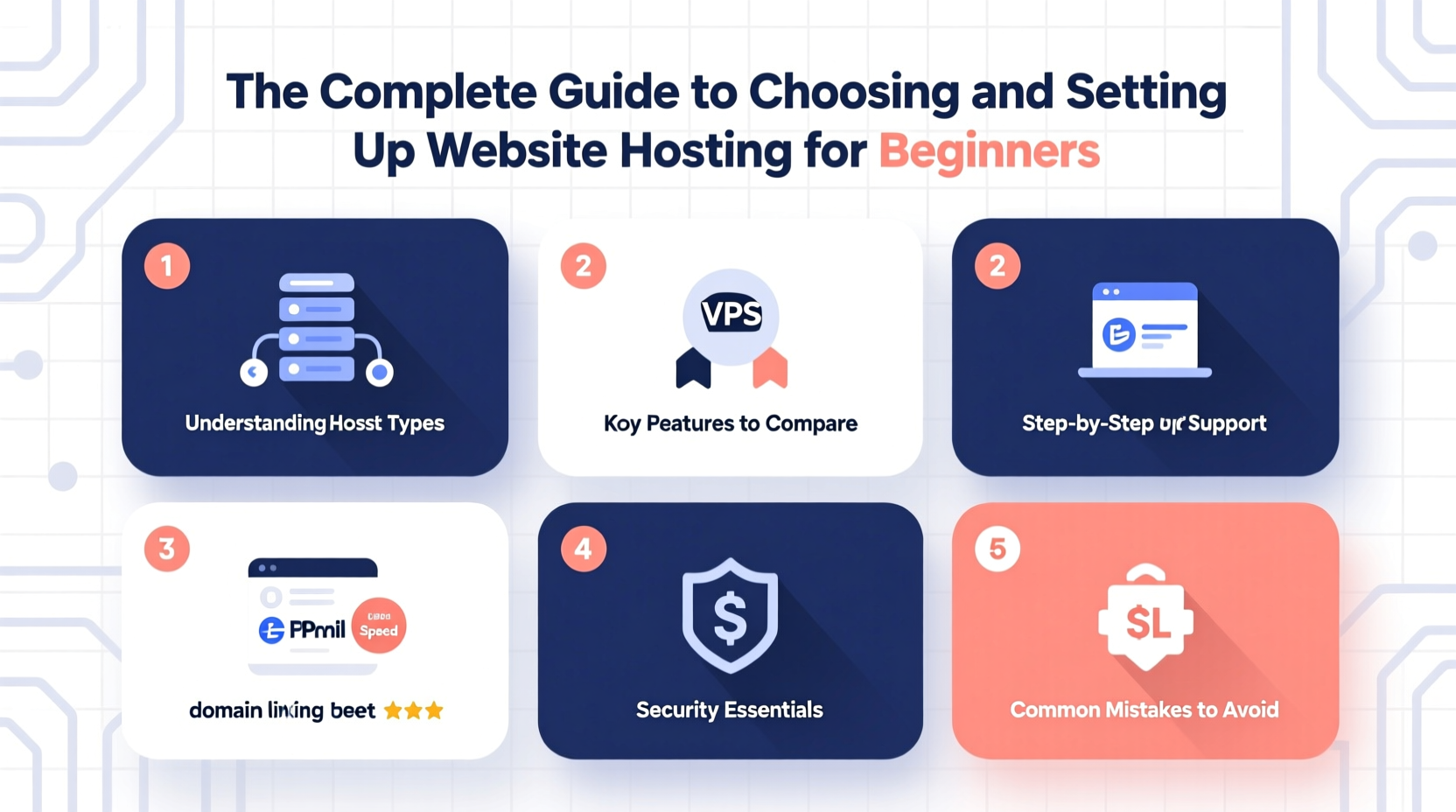
At its core, web hosting is a service that stores your website’s files on a server connected to the internet. When someone types your domain name into a browser, the server delivers those files so the site appears in their window. Think of it as renting space in a digital building where your website lives. Without hosting, your site simply doesn’t exist online.
There are several types of hosting, each suited to different needs:
- Shared Hosting: Multiple websites share the same server resources. Affordable but limited in performance.
- VPS (Virtual Private Server) Hosting: You get a dedicated portion of a server with more control and better performance.
- Dedicated Hosting: An entire physical server reserved for your site—ideal for high-traffic platforms.
- Cloud Hosting: Resources are pulled from multiple connected servers, offering scalability and reliability.
- WordPress Hosting: Optimized specifically for WordPress sites, often including automatic updates and backups.
How to Choose the Right Hosting Provider
Not all hosting companies are created equal. Some offer fast speeds and excellent support; others cut corners to save money. To avoid frustration down the road, evaluate providers based on these key factors:
- Uptime Guarantee: Look for at least 99.9%. This means your site will be accessible almost all the time.
- Customer Support: 24/7 availability via live chat or phone is essential when problems arise.
- Speed & Performance: Fast-loading sites improve user experience and SEO rankings.
- Security Features: SSL certificates, malware scanning, and automatic backups should be standard.
- Pricing Transparency: Beware of low introductory rates that spike after the first year.
“Choosing a host isn’t just about price—it’s about reliability. A few hours of downtime can cost you visitors and credibility.” — Sarah Lin, Web Infrastructure Consultant
Comparison: Popular Hosting Options for Beginners
| Provider | Hosting Type | Starting Price (Monthly) | Best For |
|---|---|---|---|
| Bluehost | Shared / WordPress | $2.95 (first term) | Beginners using WordPress |
| SiteGround | Shared / Managed WordPress | $3.99 (first term) | Performance-focused users |
| HostGator | Shared / VPS | $2.75 (first term) | Budget-conscious builders |
| A2 Hosting | Shared / Turbo | $2.99 (first term) | Fast-loading sites |
| DreamHost | Shared / Cloud | $2.59 (first term) | Transparency and long-term value |
Step-by-Step: Setting Up Your Website Hosting
Once you’ve chosen a provider, follow this sequence to get your site live:
- Register a Domain Name: Pick a short, memorable name that reflects your brand. Most hosts offer free domain registration for the first year.
- Sign Up for a Hosting Plan: Select a plan that fits your goals. Start simple—you can upgrade later.
- Complete the Purchase: Provide billing details and verify your email address.
- Set Up Your Website Builder: Many hosts include tools like WordPress. Use the one-click installer to set it up instantly.
- Configure DNS Settings (if needed): If your domain and hosting are with different companies, point your domain to your host using the nameservers they provide.
- Launch Your Site: After designing your homepage and adding content, remove any “under construction” banners and publish.
Mini Case Study: Launching a Personal Blog
Jamal wanted to start a travel blog documenting his adventures across Southeast Asia. He had no coding experience but was determined to build something himself. After researching options, he chose Bluehost because of its WordPress integration and beginner-friendly interface. For $3.95/month (with a free domain), he signed up, installed WordPress in under five minutes, and used a free theme to design his layout. Within two days, he published his first post. Six months later, his site averages 8,000 monthly visitors—and he upgraded to a higher-tier plan seamlessly through the same dashboard.
His advice? “Don’t overthink it. Just start. The learning happens while you’re doing.”
Common Mistakes to Avoid
Newcomers often make preventable errors that lead to poor performance or security risks. Here’s what to watch out for:
- Ignoring Backups: Losing your site due to a crash or hack is devastating. Ensure your host offers automated daily backups—or use a plugin like UpdraftPlus.
- Skipping SSL: HTTPS encrypts data between users and your site. Google also favors secure sites in search results. Most hosts now offer free SSL certificates via Let’s Encrypt.
- Overloading Shared Hosting: Running resource-heavy applications or expecting enterprise-level speed on a basic plan leads to frustration.
- Forgetting Renewals: Domains and hosting renew annually. Enable auto-renewal or mark renewal dates on your calendar.
Do’s and Don’ts of Web Hosting
| Do | Don't |
|---|---|
| Choose a host with strong customer support | Rely solely on chatbots for urgent issues |
| Use strong passwords and two-factor authentication | Share login credentials over unsecured channels |
| Regularly update your CMS and plugins | Ignore software update notifications |
| Test site speed monthly | Assume your site is fast without checking |
Frequently Asked Questions
Can I change my hosting provider later?
Yes, you can migrate your site to a new host at any time. Many providers offer free migration services. The process involves transferring files, databases, and updating DNS settings—but it’s routine and well-documented.
Do I need technical skills to manage hosting?
No. Most beginner-friendly hosts offer intuitive dashboards, one-click installations, and guided setup wizards. Basic computer literacy is enough to get started. As you grow, you’ll naturally learn more about domains, FTP, and databases.
What happens if my website gets too much traffic?
If you’re on shared hosting, sudden spikes can slow down or temporarily crash your site. Consider upgrading to VPS or cloud hosting for better scalability. Some hosts automatically handle traffic surges, especially those with built-in caching and CDN support.
Final Checklist Before Going Live
- ✅ Confirm your domain name is registered and linked to your host
- ✅ Install an SSL certificate (look for the padlock icon in the browser)
- ✅ Set up automatic backups
- ✅ Test your site on mobile and desktop devices
- ✅ Run a speed test using tools like Google PageSpeed Insights
- ✅ Publish a clear privacy policy and contact page
Take the First Step Today
Your website doesn’t have to be perfect on day one. What matters is that it exists. Thousands of successful blogs, businesses, and portfolios began with a simple shared hosting plan and a single page. By understanding your options and following a clear setup process, you’re already ahead of most beginners. Choose a reputable host, protect your data, and focus on creating value for your audience. The rest will follow.




 浙公网安备
33010002000092号
浙公网安备
33010002000092号 浙B2-20120091-4
Comments
No comments yet. Why don't you start the discussion?