
Filling out a MoneyGram money order may seem straightforward, but even small errors can lead to delays, rejection, or financial loss. Whether you're paying rent, sending funds to a family member, or making a secure payment where credit cards aren't accepted, accuracy is critical. Unlike personal checks, money orders are prepaid and treated like cash—once issued, correcting mistakes isn’t always possible. This guide walks through every detail of completing a MoneyGram money order properly, avoiding common pitfalls, and ensuring your payment clears without issue.
Why Accuracy Matters on a MoneyGram Money Order
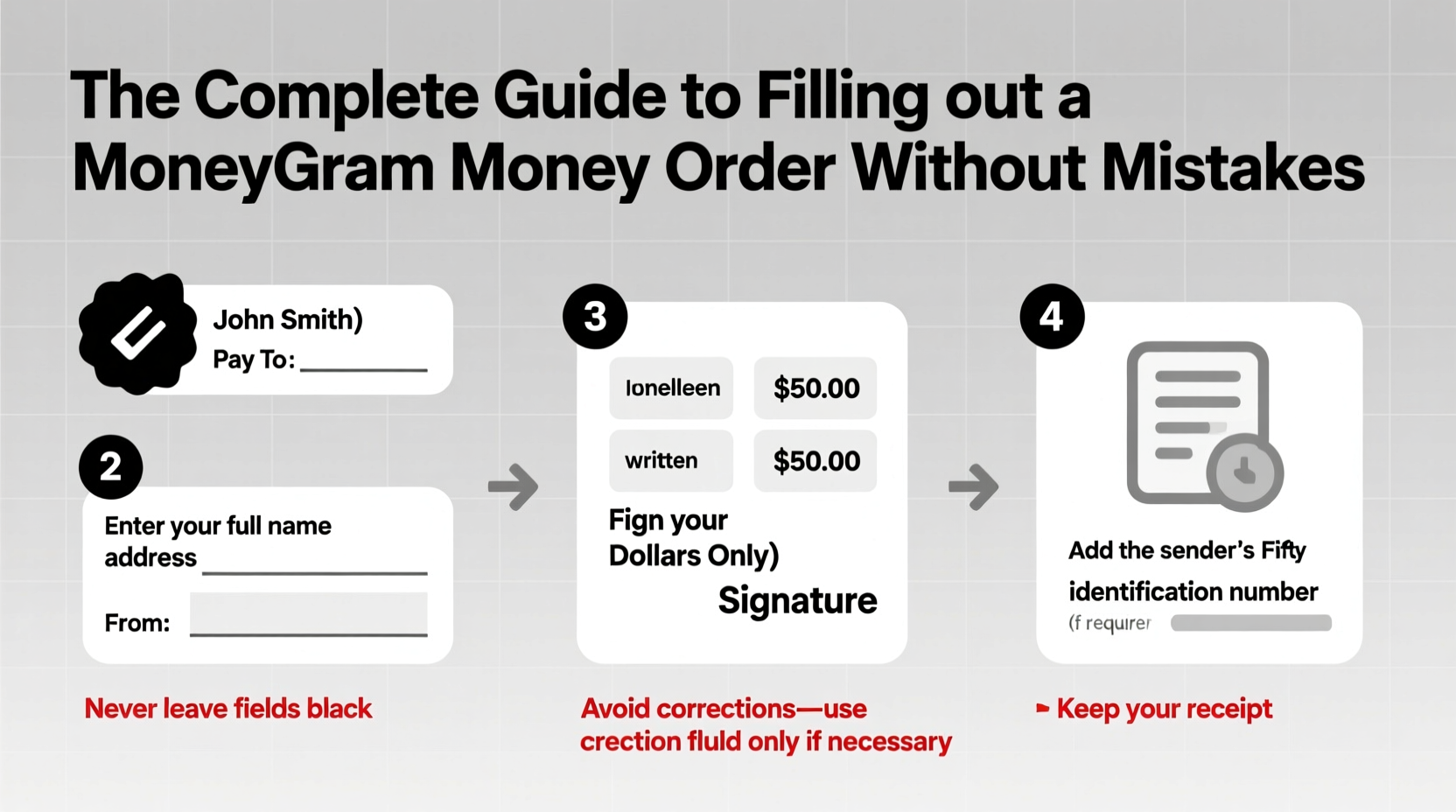
A MoneyGram money order functions as a guaranteed form of payment. It’s often used when a bank account or credit card isn’t acceptable, such as for security deposits, government fees, or remote transactions. Because it's prepaid, the sender pays upfront, and the recipient can cash or deposit it like a check. However, if information is incorrect or missing, banks and institutions may refuse it outright.
Common consequences of mistakes include:
- Rejection by the payee or financial institution
- Delays in processing that affect due dates
- Need to cancel and reissue the money order (with associated fees)
- Risk of fraud if the wrong person receives it
Unlike a personal check, most money orders cannot be altered once written. Corrections with pen, white-out, or erasures typically invalidate the instrument. That’s why getting it right the first time is essential.
Step-by-Step Guide to Filling Out a MoneyGram Money Order
Follow this sequence carefully to ensure all fields are completed accurately and securely.
- Purchase the money order in person. Visit a retail location that sells MoneyGram services—such as a post office, grocery store, pharmacy, or convenience store. You’ll need cash, a debit card, or traveler’s checks; credit cards are generally not accepted for purchasing money orders.
- Verify the correct amount. Decide exactly how much you need to send. Include any service fees in your total. For example, if the fee is $1.50 and the payment is $400, bring $401.50. Once purchased, you cannot add value later.
- Fill in the “Pay To The Order Of” field. This is the recipient’s legal name or business name. Print clearly using the exact name they use on their bank account. If it's a company, include the full business name and department if required (e.g., “ABC Utilities – Billing Dept”).
- Write your address in the purchaser section. Located on the left side of the money order, this field asks for your address. Provide your full mailing address. This helps verify authenticity and allows the issuer to contact you if needed.
- Include the recipient’s address (optional but recommended). Some forms have space for the recipient’s address. While not mandatory, adding it provides extra verification and reduces the chance of fraud or misdelivery.
- Fill in the memo line. Use this space to note what the payment is for—rent, invoice number, account number, etc. This helps the recipient apply the payment correctly.
- Sign in the “Purchaser’s Signature” box. This finalizes the money order. Never sign a blank money order. Only sign it after all other fields are filled and you’ve reviewed everything.
- Keep your receipt. The detachable stub at the bottom contains tracking information. Keep it until you confirm the recipient has cashed the money order.
Do’s and Don’ts When Completing a MoneyGram Money Order
| Do | Don’t |
|---|---|
| Use black or blue ink only | Use pencils or red ink |
| Print clearly and legibly | Cursive so messy it’s unreadable |
| Fill in all required fields | Leave “Purchaser’s Address” blank |
| Sign only after completing all info | Sign before filling out details |
| Keep the receipt until payment clears | Lose or discard the stub immediately |
| Write the correct dollar amount | Round up or estimate the amount |
Real Example: A Costly Mistake Avoided
Samantha needed to mail a $350 rent payment to her landlord in another state. She bought a MoneyGram money order at her local pharmacy but rushed through the process. After returning home, she noticed she had written “Samantha Reed” instead of “Reed Property Management” in the payee field. She also forgot to write her address.
She returned to the store and asked if it could be corrected. The agent explained that any alteration would void the money order. Samantha had to purchase a new one for $351.75 (including the fee), losing the original $1.75 fee. Her landlord received the payment late, resulting in a late fee.
This scenario underscores the importance of slowing down and reviewing each field before leaving the point of purchase.
Expert Insight: What Financial Professionals Recommend
“Treat a money order like a cash transaction. Once it’s issued incorrectly, there’s no undo button. Take 60 seconds to review every line—it could save you days of hassle.” — Marcus Lin, Consumer Finance Advisor at Midwest Credit Union
Experts emphasize that many people treat money orders casually because they’re inexpensive. But the downstream costs—fees, late penalties, identity theft risk—are far greater than the few minutes it takes to fill one out correctly.
Tips for Secure and Successful Transactions
- Buy only what you need. Don’t overpay “just in case.” Extra amounts cannot be refunded easily.
- Never send a blank or partially filled money order. It becomes vulnerable to fraud if lost or stolen.
- Use the official MoneyGram website to verify locations and fees. Fees vary by location but typically range from $1 to $5.
- If you make a mistake, don’t alter it. Instead, cancel the money order and get a replacement.
- Track your money order online. Use the serial number on your receipt at moneygram.com to monitor its status.
FAQ: Common Questions About MoneyGram Money Orders
Can I correct a mistake on a MoneyGram money order?
No. Any alteration, including white-out, erasure, or handwriting changes, invalidates the money order. You must cancel it and purchase a new one. There may be a cancellation fee, and the process can take several weeks.
What if I lose my money order?
You can request a replacement or refund using the receipt stub. Without the receipt, the process is more difficult and may require an investigation. Always keep your stub until the payment is confirmed.
Can I buy a MoneyGram money order online?
No. As of now, MoneyGram does not offer printable or digital money orders for public purchase. All physical money orders must be bought in person at authorized retailers.
Final Checklist Before You Leave the Store
- Correct payee name spelled accurately
- Purchaser’s full address included
- Memo line filled with reference information
- Amount matches exactly what’s needed
- Signature applied in the designated area
- Receipt safely stored in wallet or phone (photo of stub)
- All information reviewed for accuracy
Conclusion: Precision Protects Your Payment
A MoneyGram money order is a reliable, secure way to send payments when electronic transfers or checks aren’t viable. But its strength lies in its accuracy. A single misspelled name or missing signature can derail the entire transaction. By following this guide, you protect your money, maintain trust with recipients, and avoid unnecessary fees and delays. Take a moment, fill it out right, and keep that receipt close. Your future self will thank you when the payment clears without a hitch.




 浙公网安备
33010002000092号
浙公网安备
33010002000092号 浙B2-20120091-4
Comments
No comments yet. Why don't you start the discussion?