
Your cell phone’s serial number is one of the most important identifiers tied to your device. Unlike your phone number or SIM card, the serial number—often called the IMEI (International Mobile Equipment Identity) for GSM phones or MEID for CDMA models—is a unique 15- to 18-digit code assigned at the factory. It helps carriers, manufacturers, and law enforcement track, authenticate, and secure your phone. Whether you’re filing an insurance claim, selling your device, troubleshooting with support, or reporting theft, having instant access to this number can save time and prevent complications.
Despite its importance, many users don’t know where to find their phone’s serial number—or worse, they discover it only when it’s too late. This guide walks you through every method available across major operating systems and brands, ensuring you can retrieve your device’s serial number in under a minute—no matter your situation.
Understanding the Serial Number: What It Is and Why It Matters
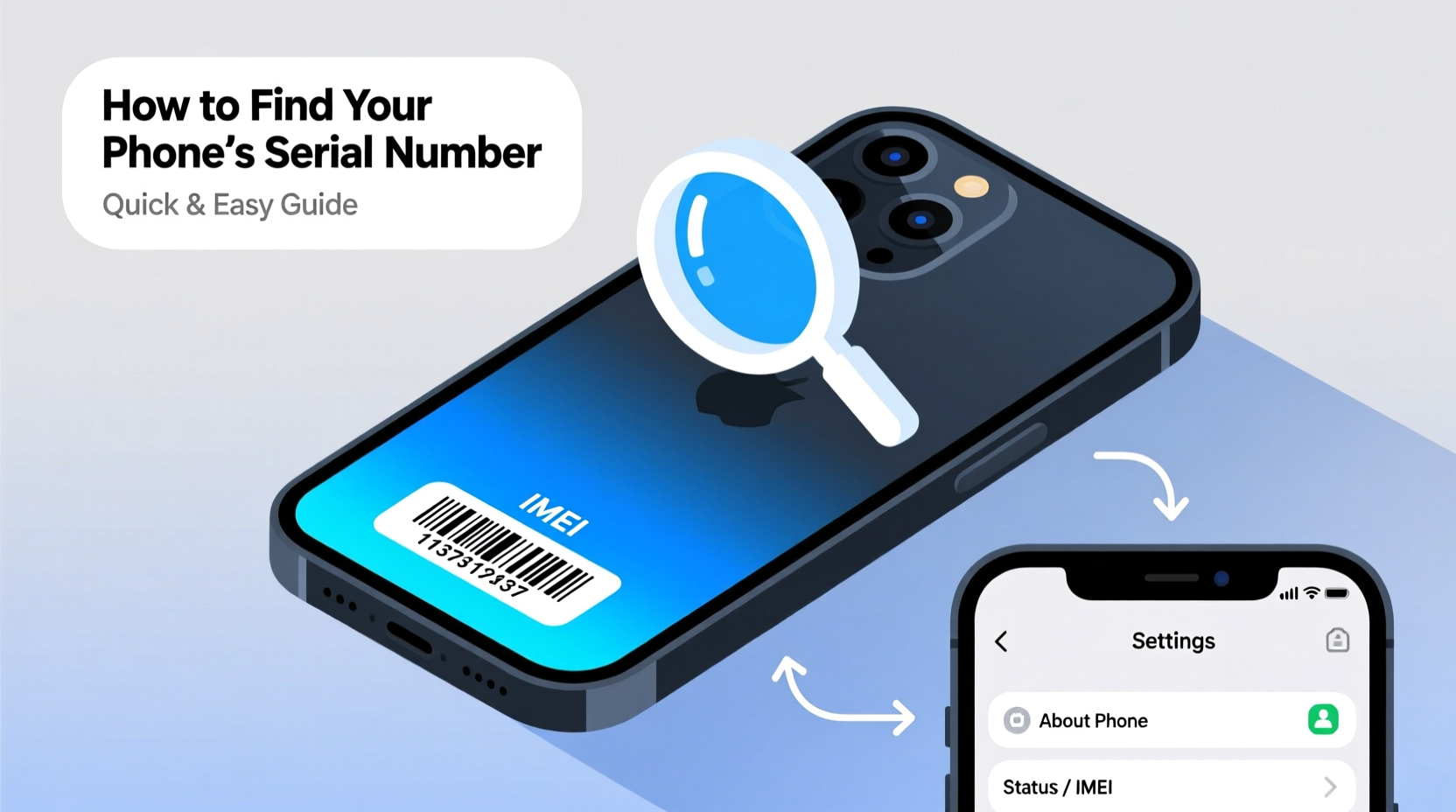
The term “serial number” on a mobile device typically refers to either the IMEI, MEID, or ESN (Electronic Serial Number), depending on the network technology and region. While these identifiers serve slightly different purposes, they all uniquely identify your phone globally. The IMEI is used by GSM networks (like AT&T and T-Mobile), while MEID/ESN are associated with older CDMA carriers (such as Verizon and Sprint).
Each number plays a critical role:
- Device Authentication: Carriers use the IMEI to verify that your phone is authorized on their network.
- Security & Theft Prevention: Stolen phones can be blacklisted using the IMEI, rendering them unusable on most networks.
- Warranty & Repair: Manufacturers require the serial number to validate warranty status and process service requests.
- Insurance Claims: Proof of ownership and device verification often hinge on providing the correct serial number.
“Your phone’s IMEI is like its DNA—it’s permanent, unchangeable, and essential for identification.” — David Lin, Senior Network Engineer at MobileSecure Inc.
How to Find Your Phone’s Serial Number: Step-by-Step Methods
There are multiple ways to retrieve your phone’s serial number, depending on whether you have access to the device, its operating system, and physical condition. Below are the most reliable methods, organized by platform.
On iPhone (iOS)
- Open the Settings app.
- Tap General, then select About.
- Scroll down to find IMEI and ICCID (SIM identifier).
- Note the 15-digit IMEI—it serves as the primary serial identifier.
If your iPhone is non-functional but powered on, you can also dial *#06# to display the IMEI instantly on-screen.
On Android Devices
- Go to Settings.
- Select About Phone (may be under “System” on newer models).
- Tap Status or IMEI Information.
- Look for entries labeled IMEI, MEID, or Serial Number.
Like iPhones, Android users can enter *#06# into the dialer to view the IMEI without navigating menus.
Using Original Packaging and Documentation
If your phone is unavailable or damaged, check the original box. Most manufacturers print the IMEI and serial number on a barcode label on the side or bottom. Additionally, receipts, warranty cards, or online purchase confirmations from retailers like Amazon or Best Buy often include the serial number.
Through Your Carrier Account
Log in to your wireless provider’s website or app. Navigate to your device details page—usually under “My Devices” or “Account Settings.” Reputable carriers such as AT&T, Verizon, and T-Mobile list the IMEI/MEID for each line. This method works even if the phone is off or lost.
Using iCloud or Google Find My Services
iOS users can visit iCloud.com, sign in, and click Find iPhone. Select the device to view its IMEI. Similarly, Android users can go to google.com/android/find, log in with their Google account, and see device details including the IMEI.
Do’s and Don’ts When Handling Your Serial Number
| Action | Do | Don't |
|---|---|---|
| Storing the Number | Save it in a secure digital vault or encrypted note. | Write it on the phone case or keep it with the device. |
| Sharing Publicly | Provide it only to verified support agents or insurers. | Post it on social media, forums, or public marketplaces. |
| Verifying Authenticity | Cross-check with packaging, carrier data, or official apps. | Trust third-party apps claiming to generate IMEIs. |
| After Loss or Theft | Report the IMEI to your carrier immediately. | Wait days before taking action. |
Real-World Example: Recovering a Lost Phone Using the IMEI
Sophie, a college student in Austin, left her Samsung Galaxy S23 in a café after class. By the time she realized it was missing, the location services had timed out. She didn’t panic—she had previously written down her IMEI and stored it in her email drafts. Within minutes, she logged into her T-Mobile account online, confirmed the IMEI matched her lost device, and reported it as stolen.
T-Mobile added the IMEI to their internal blacklist, preventing reactivation. A week later, the same phone was brought into a retail store for trade-in. The employee scanned the IMEI during setup and received an alert about the device’s reported status. Authorities were notified, and Sophie recovered her phone two days later. Her foresight in recording the serial number made all the difference.
FAQ: Common Questions About Cell Phone Serial Numbers
Can two phones have the same serial number?
No. Every IMEI, MEID, or ESN is globally unique. Duplicates are virtually impossible due to strict manufacturing standards enforced by the GSMA (Global System for Mobile Communications Association). If a duplicate is detected, it usually indicates counterfeit hardware.
Is it safe to share my IMEI with a seller when buying a used phone?
Only after verifying the seller’s legitimacy. You should request the IMEI to check the device’s status via free tools like the FCC ID Search or the GSMA’s IMEI checker. However, never pay or commit until you’ve confirmed the phone isn’t reported lost, stolen, or locked to a carrier.
What if my phone doesn’t show an IMEI?
If no IMEI appears in settings or via *#06#, the device may be counterfeit, heavily damaged, or illegally modified. Contact the manufacturer or carrier with proof of purchase to investigate further. A missing IMEI invalidates warranty and network access in most regions.
Essential Checklist: Secure Your Device’s Serial Number Today
- Locate your current phone’s IMEI using Settings or *#06#.
- Verify the number matches the one on the original box. <3>Record the serial number in a secure, offline location (e.g., password manager).
- Take a photo of the box or save a digital copy of the receipt.
- Add the number to your carrier account notes for quick reference.
- Repeat this process for all family devices, especially children’s phones.
Conclusion: Take Control Before You Need It
Knowing how to locate your cell phone’s serial number isn’t just technical knowledge—it’s proactive protection. In moments of loss, damage, or dispute, having immediate access to your IMEI or MEID streamlines resolution and strengthens your position. The few seconds it takes to record this number today could save hours of stress tomorrow.




 浙公网安备
33010002000092号
浙公网安备
33010002000092号 浙B2-20120091-4
Comments
No comments yet. Why don't you start the discussion?