
In an era where digital transactions dominate daily life, the iPhone has evolved into a powerful financial tool. With Apple Pay at its core and a growing ecosystem of secure payment alternatives, your device can replace your wallet—without compromising safety. Understanding how to use these tools confidently is no longer optional; it’s essential. This guide walks you through setting up Apple Pay, maximizing security, exploring complementary services, and adopting best practices for frictionless, fraud-resistant payments.
Understanding Apple Pay: How It Works
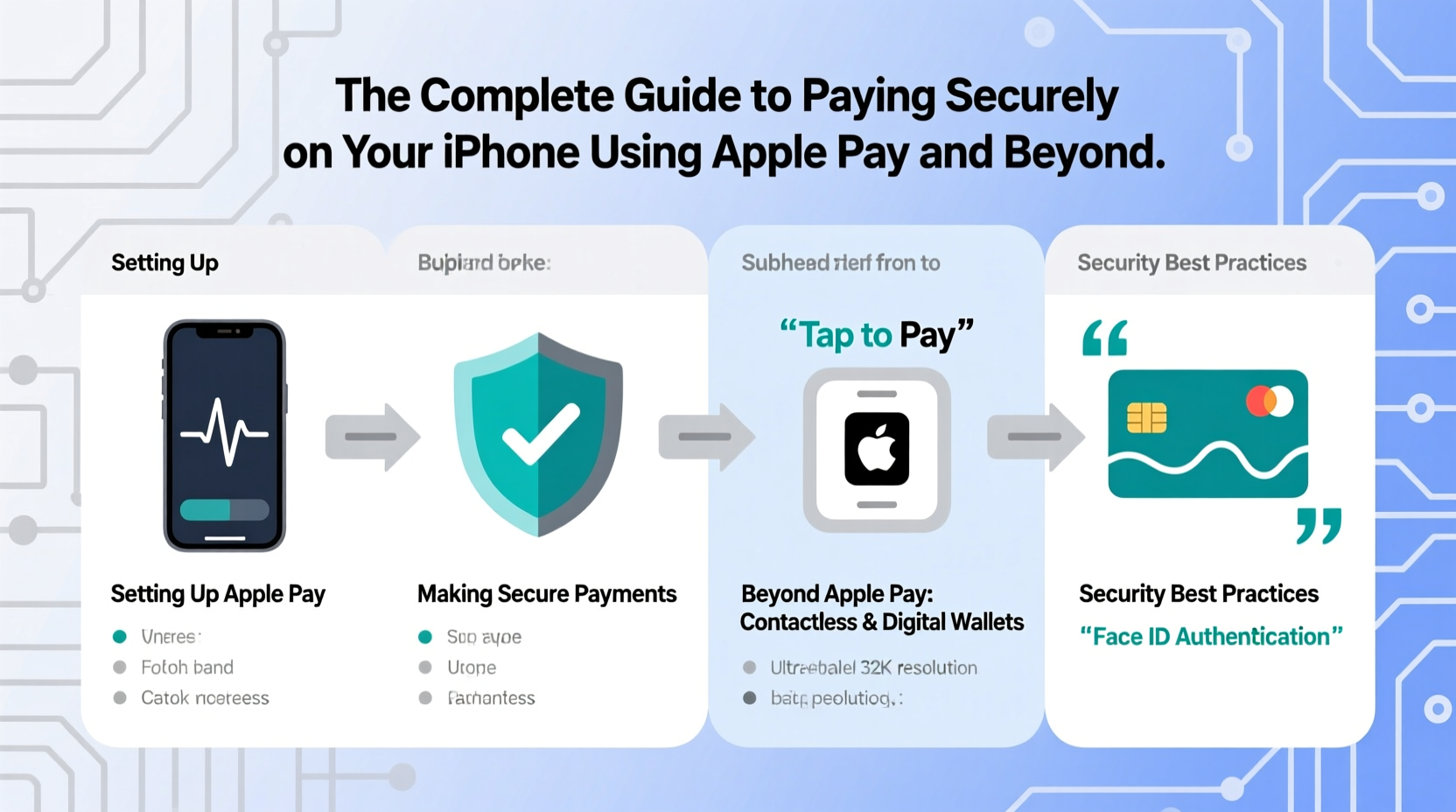
Apple Pay is more than just a contactless payment method—it’s a privacy-first system designed to keep your financial data out of reach from merchants and hackers. When you add a credit or debit card to Apple Wallet, your actual card number isn’t stored on your device or shared during transactions. Instead, Apple generates a unique Device Account Number (DAN), which is encrypted and securely stored in the Secure Element—a dedicated chip isolated from the main operating system.
During a purchase, whether in-store via NFC or online within apps and Safari, Apple Pay uses tokenization. This means the merchant receives only a one-time-use transaction code, not your real card details. Biometric authentication—Face ID, Touch ID, or passcode—ensures only you can authorize payments.
Setting Up Apple Pay in 5 Simple Steps
- Open the Wallet app on your iPhone.
- Tap the + icon and select “Add Credit or Debit Card.”
- Use your iPhone’s camera to scan your card or enter details manually.
- Verify the card with your bank—this may involve a text, email, phone call, or in-app confirmation.
- Once approved, set the card as your default if desired, and begin using Apple Pay immediately.
The entire process typically takes under two minutes. Supported banks include Chase, Bank of America, Wells Fargo, Capital One, and most major U.S. institutions, as well as thousands globally.
Security Features That Make Apple Pay Stand Out
Unlike physical cards, Apple Pay enhances protection at every level. Here’s how:
- Tokenization: Your real card number is never transmitted.
- Biometric Authentication: Payments require Face ID, Touch ID, or passcode.
- Device Isolation: Payment data resides in the Secure Element, inaccessible to iOS and third-party apps.
- Remote Lock & Wipe: If your iPhone is lost, use Find My iPhone to suspend or remove cards instantly.
- No Transaction Tracking: Apple doesn’t store or track what you buy or where.
“Apple Pay redefines mobile payment security by combining hardware-level encryption with biometrics. It’s currently one of the safest ways to pay wirelessly.” — Dr. Lena Patel, Cybersecurity Analyst at TechTrust Labs
Using Apple Pay Across Different Scenarios
Apple Pay isn’t limited to tapping at checkout. It integrates seamlessly across multiple environments:
In-Store Purchases
Hold your iPhone near the contactless reader. For Face ID models, double-click the side button and glance at the screen. No need to open the Wallet app—just authenticate and hold until you feel a vibration and hear a chime.
Online & In-App Payments
Look for the Apple Pay button at checkout. Tap it, authenticate, and confirm shipping and billing details. Your information auto-fills without ever being sent to the merchant’s server.
Transit Systems
In cities like New York (OMNY), London (Oyster compatibility), Tokyo, and Sydney, you can tap your iPhone to ride subways and buses. Simply add your transit card to Wallet or use a supported credit card directly.
Peer-to-Peer Transfers
Use Apple Cash via Messages to send money instantly. Funds land in the recipient’s Apple Cash card and can be transferred to their bank or used for future purchases.
| Payment Method | Authentication Required? | Card Data Shared? | Offline Capable? |
|---|---|---|---|
| Physical Credit Card | No | Yes | Yes |
| Apple Pay (In-Store) | Yes | No | Yes (Limited) |
| Apple Pay (Online) | Yes | No | No |
| Google Pay | Yes | No | Yes (Limited) |
Beyond Apple Pay: Secure Alternatives on iPhone
While Apple Pay leads in integration and security, other trusted options coexist on your iPhone:
- Google Pay: Useful if you frequently switch between Android and iOS devices or prefer Google’s ecosystem. Uses similar tokenization but lacks deep OS-level hardware security.
- Samsung Pay (via Web): Not natively supported, but some Samsung Pay merchants accept web-based checkouts compatible with Safari.
- Bank-Specific Apps: Many banks like Chase and Amex offer proprietary QR code or tap-to-pay features inside their apps, often backed by additional fraud monitoring.
- Crypto Wallets: Apps like Coinbase Wallet allow crypto payments at select merchants. Note: These lack chargeback protections and are less regulated.
Real-World Example: Sarah’s Secure Shopping Routine
Sarah, a freelance designer in Austin, uses her iPhone for nearly all purchases. Every morning, she grabs coffee using Apple Pay at a local café—her default card is automatically selected, and Face ID authorizes the $4.50 charge in under three seconds. Later, she books a flight through Delta’s app, choosing Apple Pay at checkout to avoid entering her card details. That evening, she sends rent to her roommate via Messages using Apple Cash. When her iPhone was misplaced last year, she remotely suspended her cards using Find My iPhone—no fraudulent charges occurred. Her routine reflects how seamless and secure mobile payments can be when properly configured.
Essential Security Checklist for iPhone Payments
To ensure your digital wallet remains protected, follow this checklist:
- ✅ Enable Face ID or Touch ID and use a strong passcode.
- ✅ Turn on two-factor authentication for your Apple ID.
- ✅ Add only verified, personal cards—never shared or corporate cards unless authorized.
- ✅ Regularly review active cards in Wallet and remove unused ones.
- ✅ Install iOS updates promptly—they often include critical security patches.
- ✅ Activate Lost Mode via Find My iPhone if your device goes missing.
- ✅ Monitor bank statements weekly for unrecognized activity.
Frequently Asked Questions
Can someone steal my Apple Pay information if I lose my phone?
No. Even if someone finds your iPhone, they cannot access your payment data without unlocking it via Face ID, Touch ID, or passcode. You can also remotely suspend Apple Pay through iCloud.com or the Find My app.
Is Apple Pay accepted everywhere contactless payments are allowed?
Virtually all terminals that accept contactless payments (look for the wave symbol or Apple Pay logo) support Apple Pay. However, some older systems in rural areas or small businesses may not yet be upgraded.
Does using Apple Pay affect my credit score or spending habits?
Apple Pay itself does not report to credit bureaus or influence your score. However, because it makes spending faster and easier, some users report increased impulse buying. Consider setting budget alerts in your banking app to stay on track.
Final Thoughts: Take Control of Your Mobile Payments
Your iPhone is already one of the most secure payment devices available—if used correctly. Apple Pay sets a high standard for convenience and protection, but its benefits are fully realized only when paired with smart habits: regular updates, vigilant monitoring, and cautious use of third-party apps. As digital wallets become the norm, understanding how to pay securely isn’t just about avoiding fraud—it’s about reclaiming control over your financial privacy.




 浙公网安备
33010002000092号
浙公网安备
33010002000092号 浙B2-20120091-4
Comments
No comments yet. Why don't you start the discussion?