
SIM lock, also known as carrier lock or network lock, is a software restriction applied by mobile carriers that limits a phone’s use to only their network. While this practice helps carriers recoup the cost of subsidized devices, it can limit consumer choice and flexibility. Understanding how SIM locks work, when they apply, and how to manage or remove them empowers users to make informed decisions about their devices and service providers.
What Is a SIM Lock and Why Does It Exist?
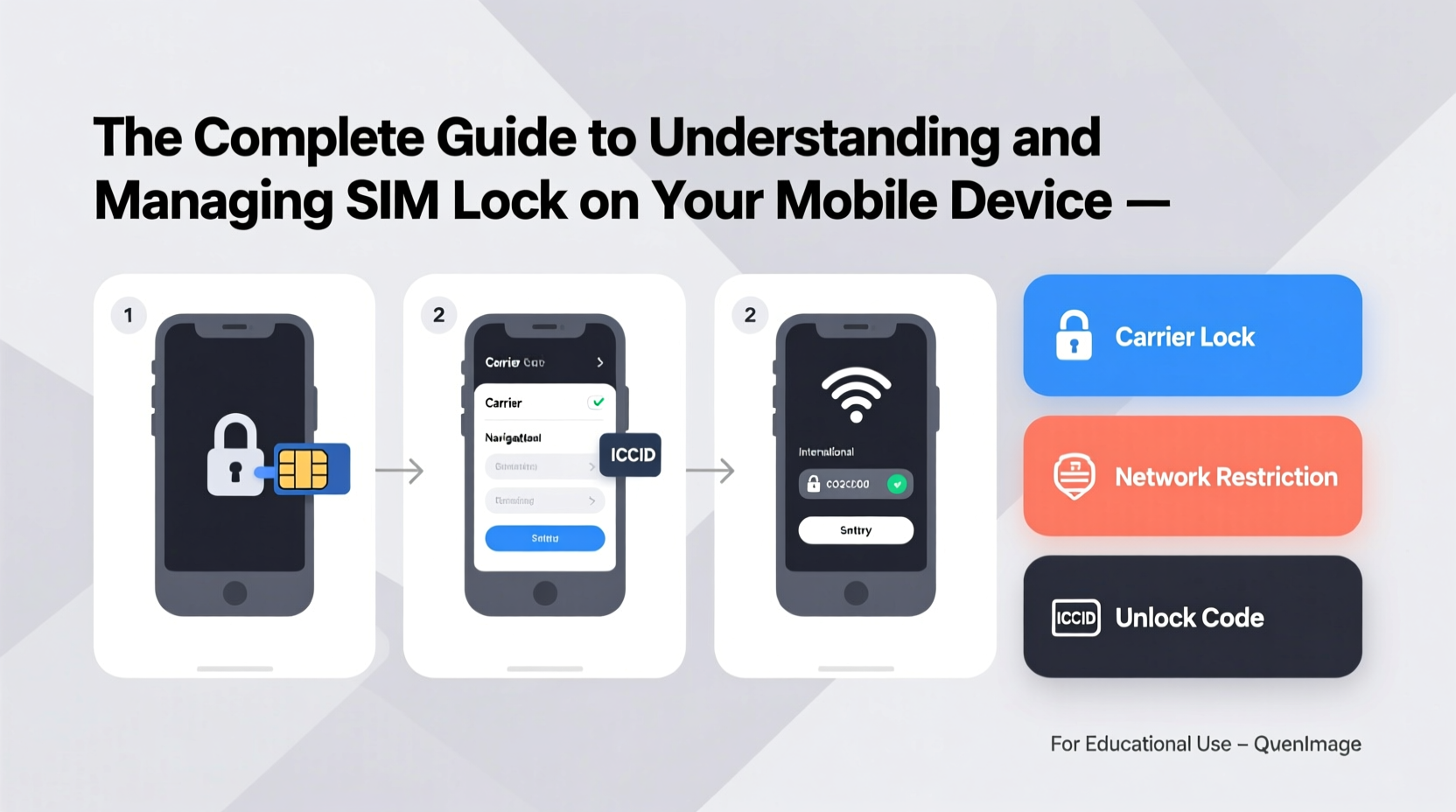
A SIM lock is a firmware-level restriction embedded in a mobile phone that prevents it from accepting SIM cards from carriers other than the one it was originally purchased from. When a locked phone detects a foreign SIM card, it prompts for a special unlock code or simply blocks activation.
The primary reason carriers implement SIM locks is financial. Many offer smartphones at discounted prices—or even for free—with the condition that customers sign a service contract. The lock ensures users remain with the carrier long enough for the company to recover the device subsidy through monthly service fees.
While common in markets where contracts are standard—such as the United States, Canada, and parts of Europe—SIM locking is either restricted or banned outright in countries like India, Australia (after certain conditions), and much of Southeast Asia, where consumers expect full device freedom.
“Carriers have a legitimate interest in protecting subsidized investments, but consumers should have clear paths to unlocking once obligations are met.” — David Lin, Telecommunications Policy Analyst
How to Tell If Your Phone Is SIM Locked
Determining whether your phone is locked doesn’t require technical expertise. Here are several reliable methods:
- Insert a SIM card from another carrier: Power off your phone, replace the current SIM with one from a different provider, then restart. If you see messages like “SIM Not Valid,” “Network Locked,” or “Enter Network Unlock Code,” your phone is locked.
- Check device settings: On iPhones, go to Settings > General > About. Look for “Carrier Lock”—if it says “No SIM Restrictions,” the phone is unlocked. Android users may find similar info under Settings > Network & Internet > Mobile Network, though availability varies by model.
- Contact your carrier: Most carriers maintain internal databases of device lock status. Provide your IMEI number (dial *#06# to retrieve it) for verification.
- Use online IMEI checkers: Reputable third-party services can provide lock status based on the IMEI, though results may not always be up to date.
Step-by-Step Guide to Legally Unlock Your Device
Unlocking your phone is often straightforward—if you meet eligibility requirements. Follow this timeline-based approach:
- Confirm eligibility: Carriers typically require that:
- The device is fully paid off.
- The account associated with the device is in good standing.
- At least 40–60 days have passed since purchase (varies by carrier).
- The device hasn’t been reported lost or stolen.
- Gather necessary information: Have your IMEI number, account details, and proof of purchase ready.
- Request an unlock code from your carrier: Submit a request via customer service, online portal, or app. Major U.S. carriers like Verizon, AT&T, and T-Mobile provide dedicated unlock pages.
- Wait for confirmation: Processing times range from immediate (Verizon) to 5 business days (AT&T).
- Insert a new SIM and enter the unlock code: Once received, power down the phone, insert the new carrier’s SIM, power on, and input the provided unlock code when prompted.
- Verify success: Confirm that you can make calls, send texts, and access mobile data on the new network.
Do’s and Don’ts of SIM Unlocking
| Do’s | Don’ts |
|---|---|
| Check your carrier’s official unlock policy before purchasing a phone. | Don’t attempt to unlock a device still under contract without authorization. |
| Use only carrier-provided or manufacturer-approved unlock methods. | Don’t use third-party software promising instant unlocks—it may be fraudulent or malware-infected. |
| Keep your IMEI safe and never share it publicly. | Don’t buy a used phone without verifying its lock and theft status first. |
| Ensure international travel plans include an unlocked device for local SIM use. | Don’t assume all phones sold by carriers are locked—some, like recent Verizon models, are factory-unlocked. |
Real Example: Traveler Saves Hundreds with an Unlocked Phone
María, a digital nomad from Chicago, planned a three-month trip across Southeast Asia. Her carrier charged $10/day for international roaming—a potential $900 expense. Instead, she contacted her provider after fulfilling her 18-month payment plan and requested an unlock. Within two days, she received confirmation. She purchased local SIM cards in Thailand, Vietnam, and Indonesia, paying less than $30 total for data and calls throughout her journey. By unlocking her phone, María maintained connectivity while saving over 95% compared to roaming fees.
Common Questions About SIM Locks
Can unlocking my phone void the warranty?
No. In most countries, including the U.S. under FCC guidelines, unlocking a phone through legal means does not void the manufacturer’s warranty. However, unauthorized modifications or jailbreaking during the process might.
Is it legal to unlock my phone?
Yes, in many regions. In the United States, the Unlocking Consumer Choice and Wireless Competition Act permits consumers to unlock devices they own, provided they meet carrier requirements. Similar laws exist in Canada, the UK, and Australia. Always confirm local regulations before proceeding.
Will an unlocked phone work on any network?
Not necessarily. While unlocked phones accept SIM cards from any carrier, compatibility depends on supported frequency bands and network technologies (GSM vs. CDMA, LTE bands, 5G support). For example, an older iPhone designed for AT&T may lack bands required for optimal performance on T-Mobile or rural networks.
When to Keep Your Phone Locked
While unlocking offers flexibility, there are scenarios where maintaining a locked device makes sense:
- You’re still paying off the device: Early unlocking may violate your agreement and result in penalties.
- You receive exclusive carrier benefits: Some providers offer perks like free streaming, hotspot data, or insurance discounts tied to locked devices on their network.
- Security concerns: A locked phone reduces the risk of unauthorized use if lost or stolen, though modern security features (Find My iPhone, Google Find My Device) largely mitigate this.
Final Checklist Before Unlocking
- ✅ Verify the device is fully paid off.
- ✅ Confirm your account is in good standing.
- ✅ Retrieve your IMEI number (*#06#).
- ✅ Back up your phone data.
- ✅ Check compatibility with your target carrier.
- ✅ Submit an unlock request through official channels.
- ✅ Test with a new SIM card after unlocking.
Conclusion: Take Control of Your Device Freedom
SIM lock is a remnant of an era dominated by long-term contracts and subsidized hardware. As the market shifts toward full-price purchases and greater consumer mobility, understanding how to manage SIM locks becomes essential. Whether you're traveling abroad, switching carriers, or buying a secondhand phone, knowing your rights and options puts you in control. Unlocking isn’t just about convenience—it’s about ownership. If you’ve fulfilled your obligations, don’t hesitate to request your unlock and enjoy the full potential of your device across networks and borders.




 浙公网安备
33010002000092号
浙公网安备
33010002000092号 浙B2-20120091-4
Comments
No comments yet. Why don't you start the discussion?