
Every day, millions of iPhone users risk damage to their devices by relying on inadequate protection—or none at all. A single drop can result in a cracked screen, bent frame, or internal malfunction, often leading to expensive repairs or replacement. Full coverage phone cases offer a robust defense against these risks, shielding not just the back and screen but also the edges and corners where impact is most likely. Choosing the right case isn’t just about aesthetics—it’s about long-term durability, functionality, and peace of mind.
What Is a Full Coverage Phone Case?
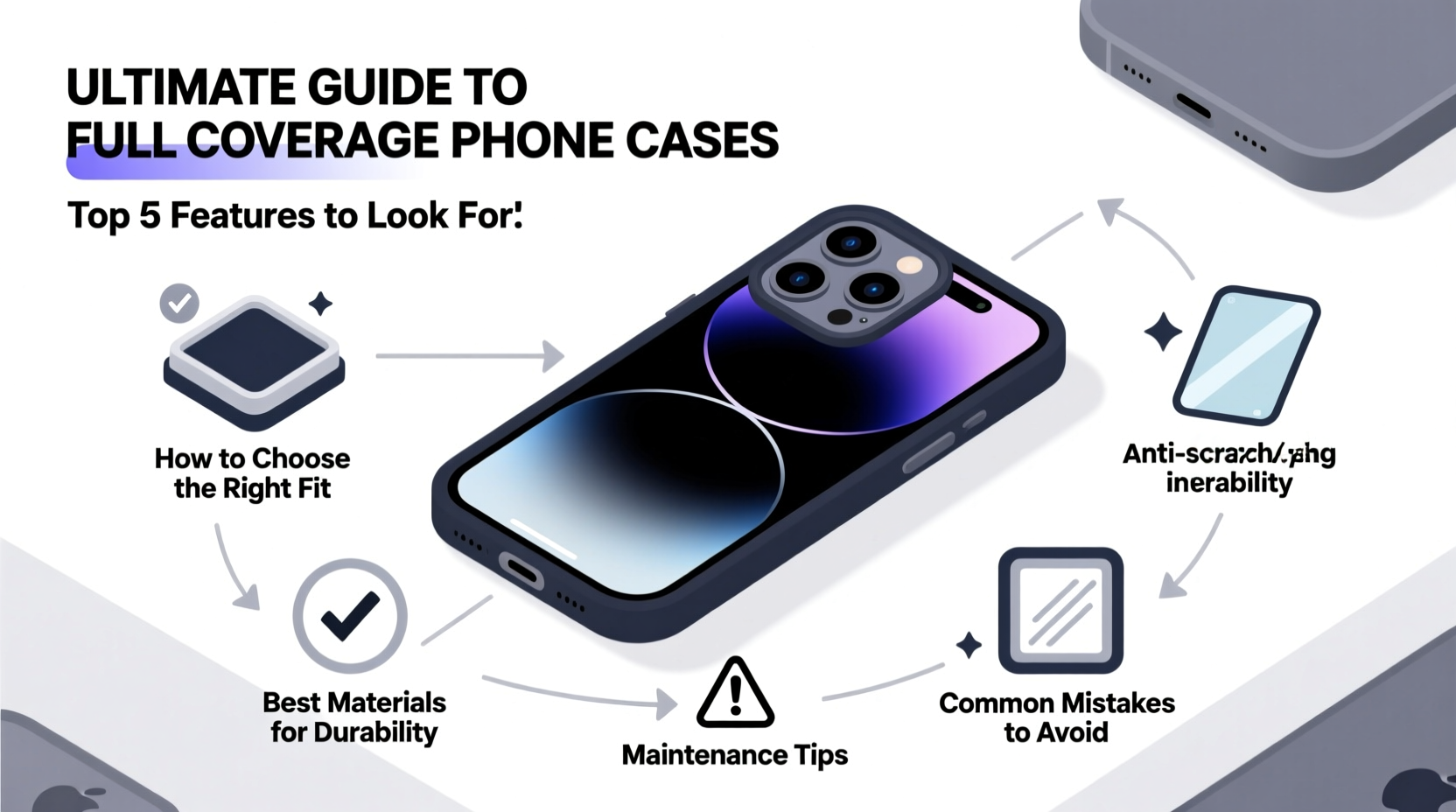
A full coverage phone case extends beyond basic back and side protection. It includes raised bezels around the screen, reinforced corners, and often a lip that protrudes slightly above the camera module and display. This design ensures that when your iPhone lands face-down or on a corner, the case—not the glass—takes the brunt of the impact.
Unlike minimalist slim cases, full coverage models prioritize protection without sacrificing access to ports, buttons, and wireless charging. They are typically constructed from multiple materials such as TPU (thermoplastic polyurethane), polycarbonate, and even military-grade silicone or rubberized coatings for enhanced shock absorption.
Key Features to Look for in a Full Coverage Case
Not all “protective” cases deliver equal performance. To ensure your iPhone remains safe in real-world conditions, focus on these critical features:
- Raised Edges: The screen and camera should never touch flat surfaces when the phone is placed down.
- Drop Protection Rating: Look for cases tested to MIL-STD-810G standards or equivalent, indicating resistance to repeated drops from at least 4–6 feet.
- Reinforced Corners: Impact zones absorb the most force during falls. Cases with air-cushion technology or layered bumpers significantly reduce damage risk.
- Precise Cutouts: Buttons should be responsive, and ports accessible without removing the case.
- Anti-Slip Texture: A grippy exterior reduces accidental slips, especially in humid or cold environments.
“Over 70% of iPhone damage occurs within the first six months of ownership—often due to preventable drops. A high-quality full coverage case cuts that risk dramatically.” — Dr. Alan Zhou, Mobile Device Durability Researcher, Consumer Tech Institute
Comparing Materials: Which One Offers the Best Protection?
The material of your phone case directly affects its weight, feel, and protective capabilities. Here's a breakdown of the most common options:
| Material | Pros | Cons | Best For |
|---|---|---|---|
| TPU (Thermoplastic Polyurethane) | Flexible, shock-absorbent, affordable | Can yellow over time, less rigid | Daily use, moderate protection |
| Polycarbonate | Hard shell, scratch-resistant, slim profile | Limited impact absorption | Style-focused users who want rigidity |
| Hybrid (TPU + Polycarbonate) | Combines flexibility and hardness, excellent drop protection | Slightly bulkier | Maximum protection seekers |
| Silicone | Soft grip, heat resistant, easy to clean | Less structural support, attracts dust | Light-duty use, fashion-forward designs |
| Armor-Grade Rubber/Composite | Extreme durability, military-tested, water-resistant seals | Bulkier, higher price point | Outdoor work, travel, rugged environments |
Step-by-Step Guide to Selecting and Using Your Case
Choosing the right case involves more than browsing online reviews. Follow this practical sequence to make an informed decision:
- Identify Your Usage Pattern: Are you active outdoors, commuting frequently, or mostly using your phone at home? High-motion lifestyles demand tougher protection.
- Determine Compatibility: Ensure the case is designed specifically for your iPhone model (e.g., iPhone 15 Pro Max vs. iPhone 14). Even minor dimensional differences affect fit and screen clearance.
- Check Certification Labels: Look for independent testing proof like MIL-STD-810G, IP68 (for dust/water resistance if applicable), or UL certification.
- Test Button Responsiveness: After installation, verify volume, power, and mute switch functions remain tactile and reliable.
- Maintain the Case Regularly: Clean weekly with a microfiber cloth and mild soapy water. Remove dirt buildup from ports using a soft brush.
- Inspect for Wear: Replace the case if it shows cracks, warping, or loss of grip—compromised integrity means reduced protection.
Real-World Example: How a Full Coverage Case Saved an iPhone
Jessica, a landscape photographer based in Colorado, regularly hikes remote trails with her iPhone 15 Pro. During a sudden rainstorm, she slipped on wet rock and dropped her phone from chest height onto gravel. The device landed directly on its corner. Thanks to her hybrid full coverage case with air-cushioned corners, there was no visible damage. She wiped it down, checked the camera function, and continued shooting. Without the case, experts estimate a 90% chance of screen or sensor damage under similar conditions.
This scenario highlights how edge reinforcement and proper casing can turn a costly accident into a minor scare.
Essential Maintenance Checklist for Long-Term Case Performance
To keep your full coverage case effective throughout its lifespan, follow this monthly maintenance checklist:
- ✅ Clean the interior lining to prevent grit buildup that can scratch the phone.
- ✅ Inspect for micro-tears or deformation, especially near corners.
- ✅ Verify screen protector alignment—some cases press down on protectors and cause bubbling.
- ✅ Test wireless charging efficiency; thick cases may interfere if poorly designed.
- ✅ Check port accessibility and remove debris with a non-metallic tool.
- ✅ Rotate between two cases if possible, allowing each to rest and retain shape.
Frequently Asked Questions
Do full coverage cases block signals or affect battery life?
No, reputable full coverage cases do not interfere with cellular, Wi-Fi, GPS, or Bluetooth signals. Modern materials are engineered to be non-conductive and radio-transparent. Similarly, they don’t impact battery performance unless they trap excessive heat—avoid dark-colored, thick cases in direct sunlight for prolonged periods.
Can I use a screen protector with a full coverage case?
Yes, and it’s highly recommended. Many full coverage cases include front lips that work best with compatible tempered glass screen protectors. Just ensure the protector doesn’t extend beyond the display area, which could create pressure points.
How often should I replace my phone case?
Every 12 to 18 months under normal use. If you notice fading, cracking, yellowing (especially in clear cases), or diminished shock absorption, replace it sooner. Environmental exposure accelerates material degradation.
Final Thoughts: Invest in Protection That Works When You Need It Most
Your iPhone is more than a device—it’s a hub for communication, creativity, navigation, and memory. Protecting it shouldn’t be an afterthought. A well-chosen full coverage case acts as your first line of defense against everyday hazards. From construction quality to material choice and ongoing maintenance, every detail contributes to real-world resilience.




 浙公网安备
33010002000092号
浙公网安备
33010002000092号 浙B2-20120091-4
Comments
No comments yet. Why don't you start the discussion?