
In an era where smartphones store everything from personal photos to banking credentials, securing your device is no longer optional—it’s essential. Unauthorized access can lead to identity theft, financial loss, and privacy breaches that are difficult to reverse. Yet, many users remain unaware of the subtle signs of intrusion or the simple steps that could prevent it. Understanding phone security goes beyond setting a password; it involves recognizing vulnerabilities, monitoring behavior, and applying proactive defenses.
Common Signs of Unauthorized Access
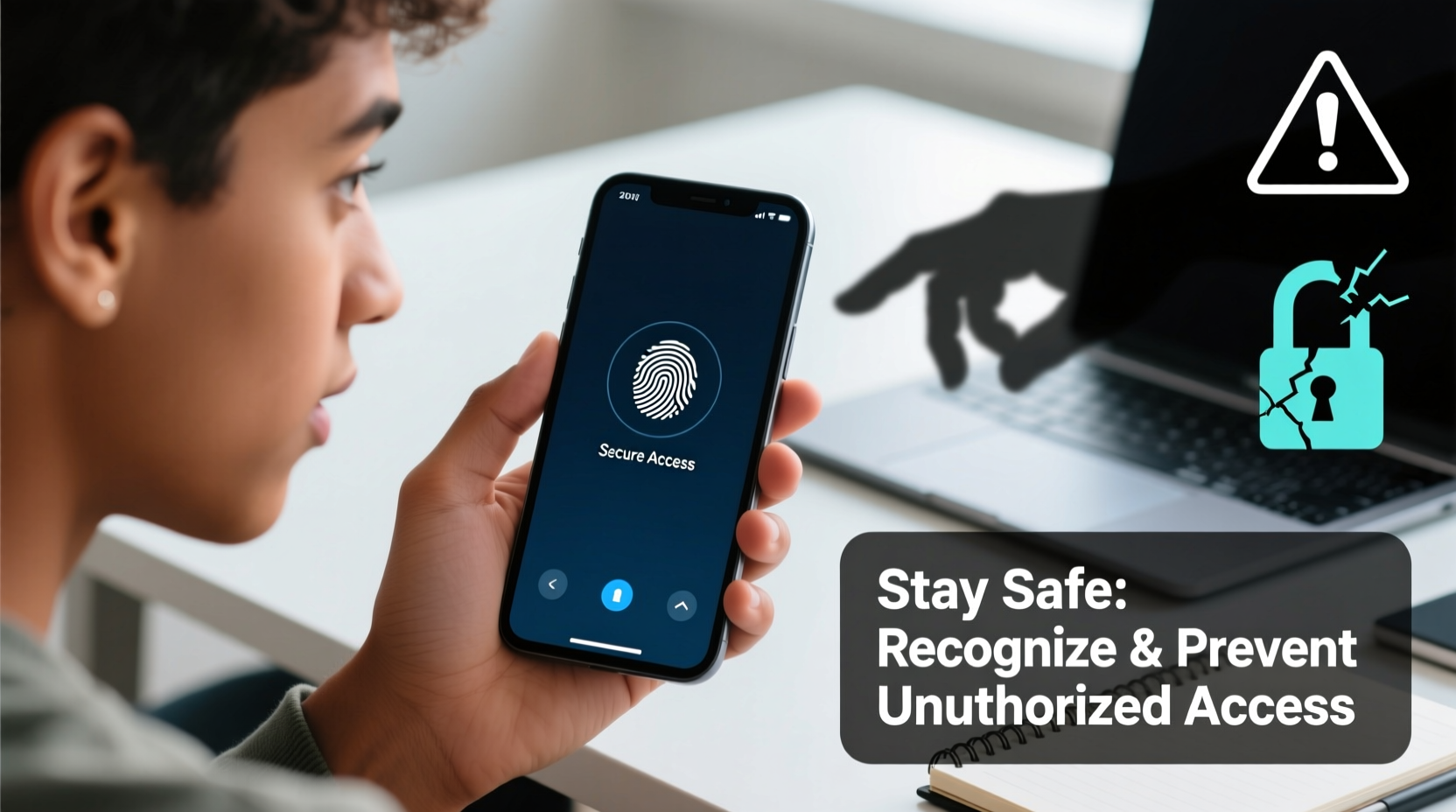
Your phone may be compromised without obvious symptoms, but certain behaviors should raise immediate concern. Recognizing these early warning signs can help you act before damage escalates.
- Unfamiliar apps or settings changes: If new applications appear without your knowledge or system settings like accessibility services are enabled unexpectedly, someone may have tampered with your device.
- Unusual battery drain: Malware or spyware often runs background processes that consume power rapidly, even when the screen is off.
- Increased data usage: Spy apps frequently transmit data to remote servers, leading to spikes in mobile data consumption.
- Strange messages or calls: SMS logs showing outgoing texts you didn’t send, or missed calls from unknown numbers, may indicate interception tools at work.
- Overheating during idle: A warm device when not in active use could signal hidden processes running in the background.
- Camera or microphone activation: Unexpected LED indicators (on some models) or app permissions being granted without consent suggest potential surveillance.
How Hackers Gain Access to Your Phone
Unauthorized access rarely happens by magic. Attackers exploit predictable human behavior and technical weaknesses. Common entry points include:
- Phishing attacks: Fake emails or text messages trick users into clicking malicious links that install malware or steal login credentials.
- Public Wi-Fi networks: Unsecured hotspots allow attackers to intercept data transmitted between your phone and websites.
- Physical access: Leaving your phone unattended—even briefly—gives others the chance to install tracking software or reset passwords.
- Malicious apps: Third-party app stores or sideloaded APKs often contain disguised spyware.
- Social engineering: Manipulative tactics used to extract personal information, such as pretending to be tech support or a trusted contact.
“Most smartphone breaches start with user error, not sophisticated hacking. Awareness is the first line of defense.” — Dr. Lena Patel, Cybersecurity Researcher at SecureMobile Lab
Essential Security Measures to Prevent Intrusion
Protecting your phone requires both technical safeguards and behavioral discipline. The following checklist outlines key actions every user should take.
Security Checklist
- ✅ Use a strong passcode (6-digit or alphanumeric), fingerprint, or facial recognition
- ✅ Enable two-factor authentication (2FA) on all critical accounts (email, banking, social media)
- ✅ Keep your operating system and apps updated
- ✅ Avoid public Wi-Fi for sensitive tasks; use a reputable VPN if necessary
- ✅ Only download apps from official app stores (Google Play Store, Apple App Store)
- ✅ Review app permissions monthly and revoke unnecessary access
- ✅ Activate “Find My Device” (Android) or “Find My iPhone” (iOS)
- ✅ Encrypt your device (enabled by default on most modern phones when locked)
- ✅ Back up data regularly to secure cloud services
- ✅ Disable Bluetooth and location when not in use
Do’s and Don’ts of Phone Security
| Do | Don't |
|---|---|
| Lock your phone every time you put it down | Use simple PINs like 1234 or birth years |
| Verify URLs before entering login details | Click on shortened links from unknown sources |
| Install security updates promptly | Ignore software update notifications |
| Use a password manager for unique credentials | Reuse the same password across multiple sites |
| Enable remote wipe features | Store sensitive documents unencrypted on your device |
Real-World Scenario: The Stolen Phone That Kept Sending Messages
Consider the case of Maria, a marketing professional whose phone was stolen at a café. She immediately locked it remotely using Find My iPhone, but days later, her contacts reported receiving strange messages asking for money. Further investigation revealed the thief had accessed her WhatsApp before the lock took effect. Because she hadn’t enabled two-step verification on WhatsApp, the attacker was able to verify the number on a new device and impersonate her.
This example underscores two critical oversights: delayed remote locking and lack of app-specific 2FA. Had Maria enabled two-factor authentication within WhatsApp and acted faster, the breach could have been contained. It also highlights that physical theft remains a major threat vector—one that demands rapid response protocols.
Step-by-Step Guide to Securing Your Phone After Suspicion of Breach
If you suspect your phone has been compromised, follow this timeline to minimize risk:
- Immediately disconnect from the internet: Turn on Airplane Mode to stop any ongoing data transmission.
- Change passwords from a trusted device: Update passwords for email, banking, and social media accounts, especially those saved on your phone.
- Review recent account activity: Check login locations and devices on Google, Apple ID, and other major platforms.
- Run a security scan: On Android, use Google Play Protect; on iOS, restore from a known-clean backup after erasing the device.
- Revoke app authorizations: Remove third-party access to your Google or Apple account via their respective security dashboards.
- Factory reset if necessary: As a last resort, erase all data and reinstall the OS only after ensuring backups are clean.
- Monitor credit and identity: Consider placing a fraud alert with credit bureaus if sensitive financial data was exposed.
Frequently Asked Questions
Can someone hack my phone just by knowing my phone number?
Not directly. However, a phone number can be used in SIM-swapping attacks, where a hacker convinces your carrier to transfer your number to another SIM. From there, they can bypass SMS-based two-factor authentication. To prevent this, enable a PIN with your carrier and use authenticator apps instead of SMS codes.
Is it safe to leave my phone charging overnight?
Yes, modern phones regulate charging and stop at 100%, so overcharging isn’t a risk. However, ensure you’re using certified chargers. Poor-quality cables can introduce malware through \"juice jacking\" on compromised public charging stations. For maximum safety, use power outlets instead of USB ports when charging in public.
How often should I check my phone’s security settings?
Conduct a full security review at least once every three months. This includes checking app permissions, updating software, auditing connected devices, and verifying recovery options like backup emails and phone numbers.
Conclusion: Take Control of Your Digital Safety Today
Your smartphone is one of your most personal and powerful tools—but also one of your biggest vulnerabilities. Unauthorized access doesn’t always come from shadowy hackers overseas; sometimes, it starts with a careless click or an unlocked screen. By staying vigilant, applying layered security practices, and understanding the real risks, you can protect your data and peace of mind.




 浙公网安备
33010002000092号
浙公网安备
33010002000092号 浙B2-20120091-4
Comments
No comments yet. Why don't you start the discussion?