
In an era where digital content grows larger by the day—4K videos, high-resolution photos, massive app downloads—the speed at which we move data between devices has never been more critical. Apple’s long-standing use of the Lightning port on iPhones and select iPads stood as a hallmark of proprietary design, but with increasing pressure from regulators, consumers, and industry trends, the shift toward USB-C is now well underway. While many see this transition as merely a change in connector shape, the implications run far deeper—especially when it comes to transfer speeds.
The difference between USB-C and Lightning isn’t just about physical compatibility; it’s about bandwidth, performance scalability, and long-term usability. Understanding why this switch matters goes beyond convenience—it affects how fast you can back up your phone, sync media, or transfer files between devices. For professionals, creatives, and everyday users alike, the upgrade to USB-C represents a tangible leap forward in efficiency.
The Technical Backbone: Bandwidth and Protocols
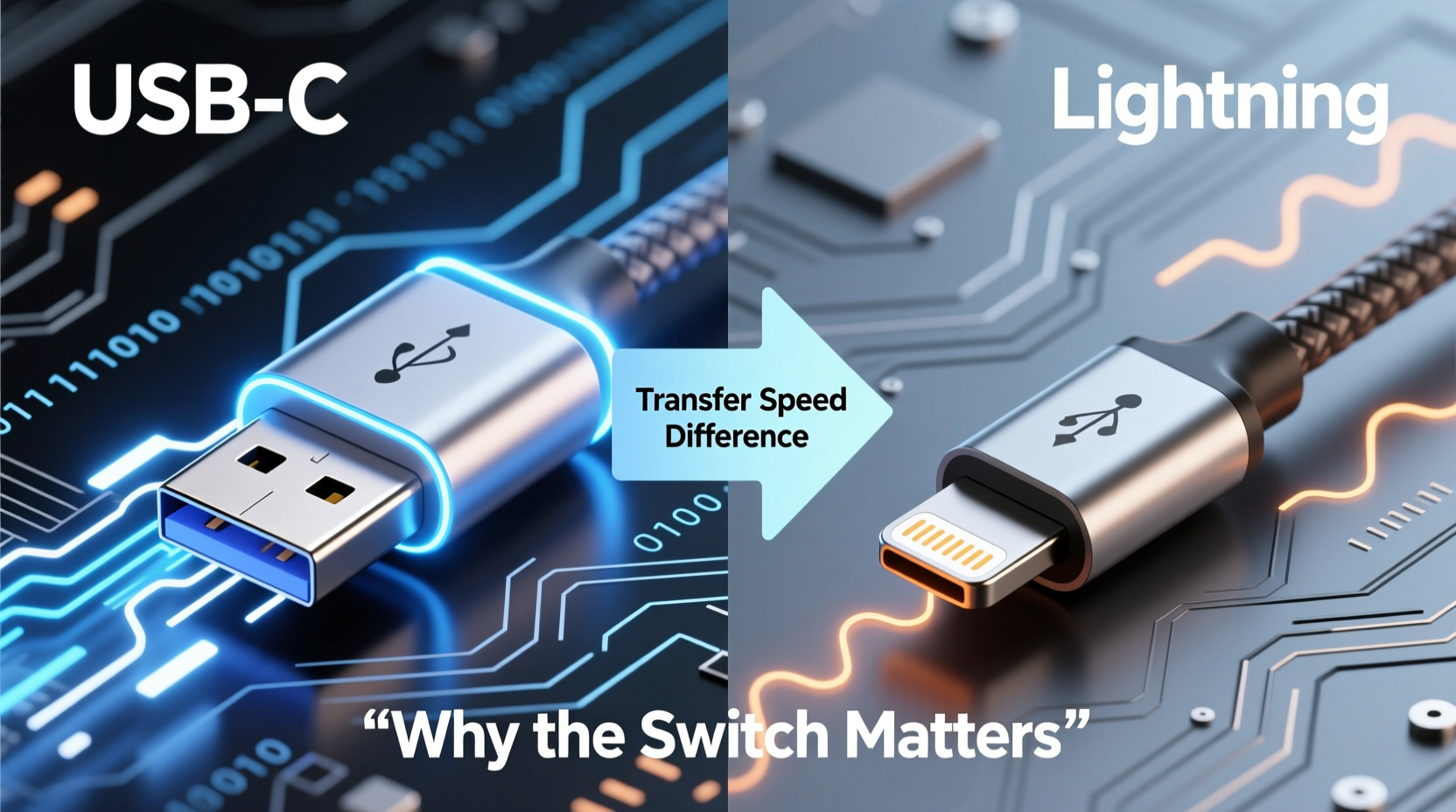
At the heart of any discussion about transfer speeds lies bandwidth—the maximum rate at which data can be transmitted over a connection. This is determined not only by the physical connector but also by the underlying communication protocols such as USB 3.2, USB4, Thunderbolt, and earlier standards like USB 2.0.
Lightning, introduced in 2012, was built around USB 2.0 specifications. Despite its compact design and reversible plug orientation (a novelty at the time), it maxes out at a theoretical transfer speed of 480 Mbps. In real-world usage, actual throughput typically lands between 30–40 MB/s due to overhead and encoding inefficiencies. This may have sufficed for early smartphone photography and music libraries, but today’s file sizes demand more.
USB-C, on the other hand, is not a protocol itself—it’s a connector type capable of supporting multiple high-speed standards. When paired with USB 3.2 Gen 2 or Thunderbolt 3/4, USB-C can deliver speeds up to 10 Gbps, 20 Gbps, or even 40 Gbps. Even entry-level USB-C implementations often support USB 3.1 Gen 1 (5 Gbps), offering over ten times the bandwidth of Lightning.
Real-World Impact: What Faster Transfers Mean for Users
To appreciate the significance of these technical differences, consider a practical scenario: transferring a 20GB 4K video project from a camera to a laptop for editing.
- Using Lightning (USB 2.0): At ~35 MB/s, this transfer would take approximately 9–10 minutes—assuming optimal conditions and no interruptions.
- Using USB-C with USB 3.2 Gen 2 (10 Gbps): The same file transfers in under 30 seconds.
This dramatic reduction isn’t just about saving time; it changes workflow dynamics. Photographers returning from shoots, journalists filing reports in the field, or students moving large presentations between devices benefit immensely from near-instantaneous access to their data.
Moreover, faster transfer speeds enable smoother integration with external storage solutions. With USB-C, you can connect NVMe SSDs directly to compatible smartphones or tablets, enabling portable editing suites that were previously impossible with Lightning’s limitations.
“Moving to USB-C isn’t just about universal charging—it unlocks new possibilities for mobile productivity, especially for creators who rely on rapid file movement.” — Dr. Lena Patel, Senior Analyst at TechForward Insights
Comparison Table: USB-C vs Lightning Capabilities
| Feature | Lightning (Typical) | USB-C (Modern Implementation) |
|---|---|---|
| Max Data Transfer Speed | 480 Mbps (USB 2.0) | Up to 40 Gbps (Thunderbolt 4 / USB4) |
| Video Output Support | Limited (via adapters, often capped at 1080p) | Supports 4K@60Hz, 8K@60Hz (with appropriate protocols) |
| Power Delivery | Up to 20W (iPhone 15+) | Up to 240W (USB PD 3.1) |
| Daisy-Chaining Devices | No | Yes (with Thunderbolt) |
| Compatibility with External Drives | Slow, limited by USB 2.0 | Fast, supports direct NVMe SSD connections |
| Reversible Plug Design | Yes | Yes |
| Universal Adoption | Apple-only ecosystem | Industry standard across Android, Windows, macOS, Linux |
The disparity becomes even more pronounced when considering peripheral connectivity. USB-C enables docking stations that power monitors, Ethernet, keyboards, and storage—all through a single cable. Lightning cannot support DisplayPort Alt Mode or multi-lane data transmission, making such setups unfeasible.
Why Apple Held Back—and Why It’s Finally Changing
For years, Apple defended the Lightning port as a secure, tightly controlled interface that ensured accessory quality through MFi (Made for iPhone/iPad) certification. While this helped prevent low-quality third-party products, it also locked users into a closed ecosystem and artificially constrained performance.
The decision to adopt USB-C wasn’t driven purely by consumer demand. Regulatory pressure played a pivotal role. In 2022, the European Union passed legislation requiring all smartphones sold in member states to use USB-C for charging by the end of 2024. Other regions are considering similar measures. Faced with the need to comply, Apple began integrating USB-C across its product line—starting with iPads and culminating in the iPhone 15 series, which marked the first full transition away from Lightning.
Interestingly, Apple didn’t immediately unlock the full potential of USB-C on the iPhone 15. The base models still operate over USB 2.0 signaling despite using a USB-C port, limiting transfer speeds to the same 480 Mbps ceiling as Lightning. Only the Pro models feature USB 3.2 speeds (up to 10 Gbps), highlighting that hardware compatibility inside the device—not just the port—is what ultimately determines performance.
Mini Case Study: A Photographer’s Workflow Upgrade
Sophie Tran, a travel photographer based in Lisbon, upgraded from an iPhone 13 to an iPhone 15 Pro Max primarily for the improved USB-C implementation. On assignment in Morocco, she captured over 120GB of RAW images and 4K footage. Previously, offloading her iPhone to a portable SSD via Lightning took nearly 45 minutes. With the iPhone 15 Pro Max’s USB 3.2 support, the same transfer completed in just over four minutes.
“That ninefold improvement gave me back hours during tight schedules,” Sophie said. “I could review, edit, and back up my work before sunset, instead of waiting until I found a hotel with Wi-Fi.” Her experience underscores how seemingly small technical upgrades translate into real-world gains in flexibility and reliability.
Future-Proofing Your Digital Ecosystem
Switching to USB-C isn’t just about today’s needs—it’s about preparing for tomorrow’s demands. As AI-generated content, spatial video, and immersive media become mainstream, file sizes will continue to grow. Relying on legacy interfaces risks creating bottlenecks that slow down entire workflows.
USB-C’s scalability ensures that devices remain relevant longer. Firmware updates and newer cable standards (like USB4 v2.0, expected to reach 80 Gbps) can extend capabilities without changing the physical port. In contrast, Lightning reached its engineering limits years ago, with no path forward for meaningful speed increases.
Beyond raw speed, USB-C promotes interoperability. You can charge your phone, laptop, headphones, and smartwatch with the same cable. Need to plug your phone into a Windows PC, a Mac, or a public kiosk? No adapter required. This universality reduces clutter, lowers costs, and minimizes e-waste—a growing concern in tech sustainability.
Checklist: Maximizing Your USB-C Experience
To fully leverage the advantages of USB-C, follow this actionable checklist:
- Verify your device’s USB version: Check specs to confirm whether your phone or tablet supports USB 3.x or higher—not all USB-C ports offer high-speed data transfer.
- Invest in certified cables: Use cables labeled “USB-IF Certified” or “Thunderbolt” to avoid counterfeit products that underperform or damage devices.
- Use high-performance external drives: Pair your device with SSDs that support USB 3.2 or Thunderbolt for fastest results.
- Enable file management tools: On iOS, use the Files app to browse external drives; on Android, explore native support for NTFS/exFAT formats.
- Keep firmware updated: Manufacturers often release updates that improve USB-C performance and stability.
Frequently Asked Questions
Is USB-C really faster than Lightning?
Yes—but only if the device supports modern USB standards. While all USB-C ports are physically capable of high speeds, some devices (like the iPhone 15 and 15 Plus) still use USB 2.0 internally, negating the advantage. True speed gains come with devices that implement USB 3.2 or later over USB-C.
Can I use my old Lightning accessories with USB-C?
You can, with adapters. Apple sells a Lightning to USB-C cable, and third-party options exist. However, these do not increase transfer speeds—they remain limited by the Lightning side’s USB 2.0 cap. For optimal performance, replace older accessories with USB-C-native versions.
Does faster transfer speed drain the battery quicker?
Not significantly. While high-speed data transfer uses slightly more power momentarily, modern power management systems balance load efficiently. Any minor impact is outweighed by reduced transfer duration, meaning the device returns to idle faster.
Conclusion: Embracing a Faster, More Connected Future
The shift from Lightning to USB-C is far more than a regulatory compliance move or a minor design tweak—it’s a fundamental upgrade in how we interact with our digital world. By embracing higher transfer speeds, greater compatibility, and scalable technology, users gain not just faster file movements, but enhanced freedom and efficiency.
As manufacturers align around USB-C as the universal standard, the days of juggling multiple cables and enduring slow syncs are fading. Whether you're backing up precious memories, editing on the go, or simply moving files between devices, the performance leap is real and impactful.




 浙公网安备
33010002000092号
浙公网安备
33010002000092号 浙B2-20120091-4
Comments
No comments yet. Why don't you start the discussion?