
Vanilla Gift Cards are among the most popular prepaid gift cards in the U.S., accepted wherever Visa is honored. Whether received as a gift or purchased for personal use, activating and correctly registering your card is essential—especially when shopping online. A critical part of this process is entering the correct ZIP code during setup. Unlike traditional bank cards, gift cards don’t come with pre-assigned addresses, so users must provide a ZIP code to complete registration. This guide walks you through every step: from activation to real-world usage, including troubleshooting tips and best practices.
Why the ZIP Code Matters for Vanilla Gift Cards
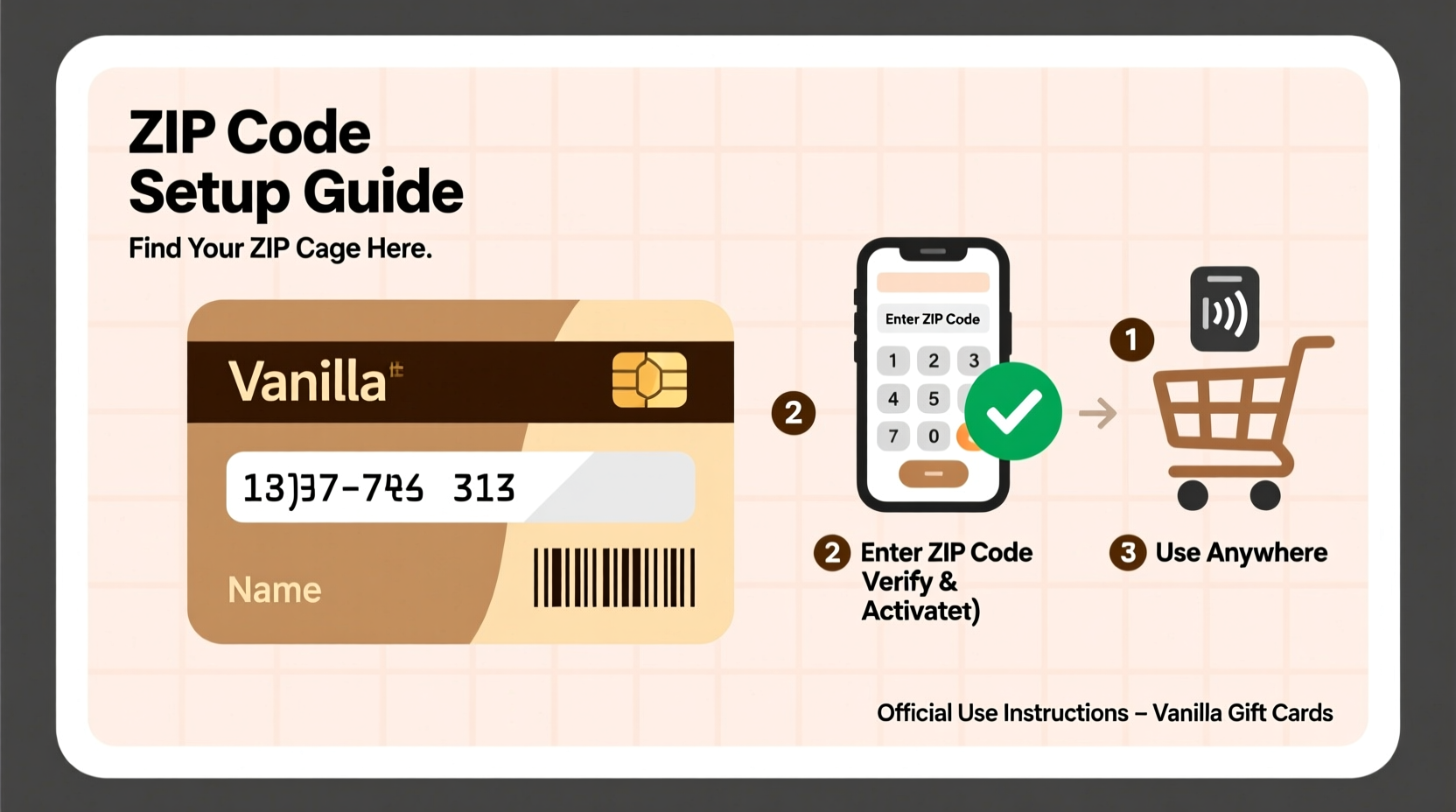
When using a Vanilla Gift Card online, merchants often use Address Verification Systems (AVS) to reduce fraud. AVS compares the billing address—including the ZIP code—you enter at checkout with the information on file. Since gift cards aren’t linked to a physical address by default, providing a consistent and accurate ZIP code during registration ensures smoother transactions.
Without a properly registered ZIP code, even if the card has sufficient funds, purchases may be declined. This is especially common on platforms like Amazon, Netflix, or subscription-based services that require verified billing details.
Step-by-Step Guide to Setting Up Your Vanilla Gift Card
Activating and registering your Vanilla Gift Card takes just a few minutes. Follow these steps to ensure full functionality:
- Locate the activation sticker: On the back of your card, find the silver scratch-off area revealing the 16-digit card number, expiration date, and CVV code.
- Visit the official website: Go to myvanillacard.com, the primary portal for managing Vanilla cards.
- Click “Register/Activate”: Enter the card number, expiration date, and CVV when prompted.
- Provide required details: Fill in your first and last name (you can use your real name or any alias, but stay consistent).
- Enter a ZIP code: Input a valid U.S. ZIP code. This does not need to match your current location—it just needs to be real and used consistently across all transactions.
- Complete registration: Click submit. The system will confirm activation and display your available balance.
Once registered, your card is ready for online, phone, or mail-order purchases. Note: Some retailers may still decline the card if their systems flag prepaid cards, regardless of correct ZIP entry.
Where to Find or Choose a Valid ZIP Code
You don’t need to live in a specific area to use a ZIP code. What matters is that the ZIP is legitimate and used consistently. Here’s how to select one:
- Use your current home ZIP code if you're comfortable linking it to the card.
- If privacy is a concern, choose the ZIP code of a nearby post office, retail store, or public building.
- Avoid fictional or invalid ZIPs—systems will reject them instantly.
- For recurring subscriptions, stick to one ZIP code across all gift cards to prevent mismatch alerts.
Need a valid ZIP quickly? Try well-known locations:
| Location | ZIP Code | Notes |
|---|---|---|
| New York, NY – Midtown Manhattan | 10001 | Widely accepted; low risk of fraud flags |
| Los Angeles, CA – Downtown | 90001 | Frequently used and validated |
| Chicago, IL – Loop District | 60606 | Memorable and reliable |
| Houston, TX – Downtown | 77002 | Valid and commonly accepted |
“Using a consistent, real ZIP code is the single most effective way to improve approval rates for prepaid card transactions.” — Financial Integrity Research Group, 2023 Payment Trends Report
Common Issues and How to Resolve Them
Even with correct setup, users sometimes face hurdles. Here are frequent problems and solutions:
Purchase Declined Despite Sufficient Balance
This often happens when the ZIP code entered at checkout doesn’t match the one used during registration. Double-check the billing address. If unsure, log into myvanillacard.com to verify your registered ZIP.
Card Not Accepted on International Sites
Vanilla Gift Cards are issued in U.S. dollars and typically restricted to domestic transactions. Most international websites will decline them, even with correct ZIP entry.
Subscription Services Fail After First Payment
Some services like Spotify or Adobe require a permanent payment method. Prepaid cards may work for the first charge but fail renewal if the system detects a non-reloadable source. Consider using the card to buy a digital gift card for the service instead.
Real-World Example: Using a Vanilla Card for Online Groceries
Sarah received a $100 Vanilla Gift Card for her birthday and wanted to use it for Instacart grocery delivery. She visited myvanillacard.com, activated the card, and registered it using her home ZIP code: 90210. When checking out on Instacart, she entered the card details and matched the ZIP exactly. The transaction went through without issue.
Later, she tried using the remaining balance on a different device and accidentally entered 90201. The payment failed. After realizing the ZIP mismatch, she corrected it and completed the order. This scenario underscores the importance of consistency in billing information—even a one-digit difference can trigger a decline.
Best Practices Checklist
To maximize usability and minimize frustration, follow this checklist every time you set up a Vanilla Gift Card:
- ✅ Scratch off and securely store the card number, expiration date, and CVV
- ✅ Visit myvanillacard.com to activate immediately
- ✅ Use a valid, real ZIP code (preferably one you can remember)
- ✅ Always use the same ZIP code across all your gift cards if possible
- ✅ Check the balance regularly to avoid overspending
- ✅ Avoid using the card for recurring subscriptions unless confirmed compatible
- ✅ Keep the receipt or purchase record in case of loss or dispute
Frequently Asked Questions
Can I change the ZIP code after registering my Vanilla Gift Card?
No, once a ZIP code is registered, it cannot be changed through the self-service portal. If you’ve made an error, contact Vanilla customer service at 1-877-657-4580 for assistance. Be prepared to verify card details.
Do I need a ZIP code to use the card in stores?
No. In physical retail locations, the card works like any debit or credit card. The PIN may be required for debit transactions, but ZIP code entry is only necessary for online or phone purchases where AVS is used.
What happens if I lose my Vanilla Gift Card?
If the card was registered, you may be able to transfer the remaining balance to a new card. Unregistered cards are treated like cash—losses are generally not recoverable. Always register immediately upon receipt.
Maximize Your Vanilla Gift Card Experience
The key to seamless use of a Vanilla Gift Card lies in proper setup and disciplined habits. By choosing a valid ZIP code and using it consistently, you eliminate one of the most common causes of transaction failure. Whether you're shopping online, paying bills, or gifting to others, taking a few extra moments to register your card correctly pays off in reliability and convenience.




 浙公网安备
33010002000092号
浙公网安备
33010002000092号 浙B2-20120091-4
Comments
No comments yet. Why don't you start the discussion?