
If you've noticed your messages suddenly appearing in green bubbles instead of blue, or labeled as \"SMS\" instead of \"iMessage\" or \"RCS,\" you're not alone. Many smartphone users experience confusion when their normally rich, data-based messages revert to standard SMS. This shift isn't just cosmetic—it affects features like read receipts, typing indicators, high-quality media sharing, and group messaging functionality. Understanding why this happens is key to restoring seamless communication.
SMS (Short Message Service) is the legacy texting protocol that operates over cellular networks, independent of internet connectivity. In contrast, modern messaging platforms like iMessage (Apple) and RCS (Rich Communication Services, used on Android) rely on data connections to deliver enhanced features. When these services fail to activate, your device defaults to SMS as a fallback. The causes range from network issues to misconfigured settings, and sometimes even recipient compatibility problems.
Understanding SMS vs. Enhanced Messaging
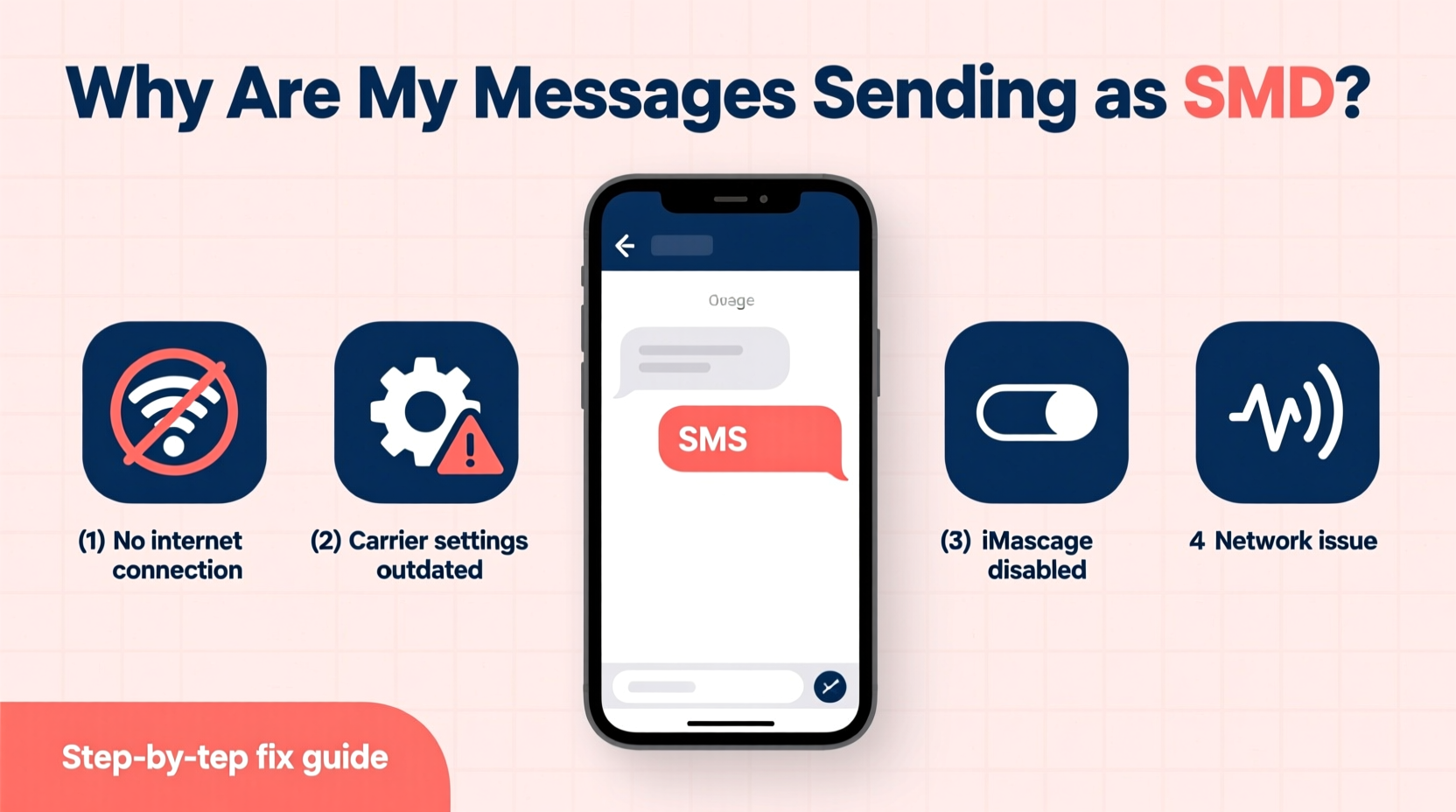
To troubleshoot effectively, it's essential to distinguish between SMS and enhanced messaging protocols:
- SMS: Works over your carrier’s voice network. Limited to 160 characters per message, no support for typing indicators, read receipts, or high-res media. Messages appear in green (on iPhone) or marked as \"Text (SMS).\"
- iMessage: Apple’s proprietary service using internet data. Offers end-to-end encryption, delivery/read confirmations, and multimedia sharing. Appears in blue bubbles.
- RCS: Google’s upgraded messaging standard for Android, replacing traditional SMS/MMS. Enables similar features to iMessage and WhatsApp—group chats, typing indicators, and file sharing—when both parties use compatible apps like Google Messages.
When your messages default to SMS, it means your device couldn’t establish a connection via iMessage or RCS, triggering a fallback to the older, less capable system.
Common Causes and How to Fix Them
The root cause of SMS fallback varies by device type and ecosystem. Below are the most frequent triggers and how to resolve them.
1. Internet Connectivity Issues
Both iMessage and RCS require a stable internet connection—Wi-Fi or mobile data. If your phone is offline or has a weak signal, messages will default to SMS.
“Over 60% of iMessage failures occur due to poor or intermittent internet access.” — TechSupport Today, Mobile Network Analysis Report 2023
Solution: Ensure Wi-Fi is connected and functional. Toggle airplane mode on and off to reset network settings. Test by loading a webpage or using another data-dependent app.
2. iMessage or RCS Disabled
It’s surprisingly common for iMessage or RCS to be accidentally turned off during software updates or after resetting your phone.
For iPhone:
- Go to Settings > Messages.
- Ensure iMessage is toggled on.
- Verify your Apple ID is signed in under Send & Receive.
For Android:
- Open Messages app.
- Tap your profile icon > Chat features.
- Enable Enable chat features. Wait for activation (may take a few minutes).
3. Recipient Device Limitations
If you’re texting someone using an older phone or non-iOS device, iMessage won’t work. Similarly, RCS requires both sender and receiver to have compatible devices and activated chat features.
Example: Sending from an iPhone to an older Android model without RCS support will always trigger SMS.
4. Carrier or Number Configuration Problems
Carriers must support enhanced messaging. Some MVNOs (like Cricket or Mint Mobile) historically had limited iMessage or RCS support. Additionally, if your phone number isn’t properly registered with Apple’s iMessage service, outgoing messages default to SMS.
To re-register iMessage:
- Turn off iMessage in Settings > Messages.
- Wait 30 seconds, then turn it back on.
- Your device will contact Apple’s servers to verify your number.
Troubleshooting Checklist
- ✅ Confirm Wi-Fi or mobile data is active and working
- ✅ Check that iMessage (iPhone) or Chat Features (Android) is enabled
- ✅ Restart your phone to refresh network and service connections
- ✅ Verify the recipient uses a compatible device and service
- ✅ Re-enable iMessage or RCS if recently disabled
- ✅ Ensure your phone number is correctly linked to your Apple ID or Google account
- ✅ Contact your carrier if RCS/iMessage consistently fails (especially on MVNOs)
Do’s and Don’ts: SMS Fallback Prevention
| Do’s | Don’ts |
|---|---|
| Keep iMessage or Google Messages updated | Assume all smartphones support advanced messaging |
| Use Wi-Fi when mobile data is unstable | Ignore activation prompts for chat features |
| Test messaging with multiple contacts to isolate issues | Disable mobile data for Messages app entirely |
| Contact carrier support if RCS/iMessage fails across devices | Forget to restart your phone after major updates |
Real-World Example: Sarah’s iMessage Issue
Sarah recently switched carriers and noticed her texts to friends were turning green. She assumed it was a temporary glitch. After days of missing read receipts and failed photo sends, she investigated. Her iMessage setting was still on, but her new SIM wasn’t recognized by Apple’s servers. She followed the re-registration process: disabling iMessage, restarting her iPhone, and re-enabling it. Within minutes, her number re-verified, and blue bubbles returned. The issue wasn’t her phone or the recipients—it was a backend sync delay between her new carrier and Apple’s network.
This scenario highlights how subtle configuration gaps can disrupt modern messaging—even when everything appears normal on the surface.
Frequently Asked Questions
Why do some of my messages send as SMS while others are iMessage?
This typically depends on the recipient. If they use an iPhone and have iMessage enabled, your message sends via iMessage (blue). If they’re on Android or have iMessage turned off, it falls back to SMS (green). Network issues on your end can also cause temporary fallbacks.
Can I force a message to send as iMessage instead of SMS?
Not manually. Your device automatically chooses the best available method. However, ensuring iMessage is active, you have internet access, and the recipient is iMessage-compatible increases the likelihood of blue-bubble delivery.
Does SMS cost money?
Most modern plans include unlimited texting, so SMS is usually free. However, if you're on a limited plan or sending internationally, standard rates may apply. iMessage and RCS use data and don’t incur text charges.
Expert Insight: The Future of Messaging
“The line between SMS and data-based messaging is fading, but fragmentation remains. Until universal RCS adoption, users will continue experiencing unexpected SMS fallbacks—especially across ecosystems.” — Dr. Alan Reyes, Senior Analyst at Mobile Futures Group
While Apple has begun supporting RCS for cross-platform conversations (announced in 2023), full rollout is ongoing. Until then, mixed environments will see continued inconsistencies. Being proactive about settings and understanding limitations helps minimize disruption.
Conclusion: Take Control of Your Messaging Experience
Messages sending as SMS aren’t necessarily broken—they’re functioning within the constraints of older technology. But with a few checks and adjustments, you can restore the richer, more reliable experience you expect from modern smartphones. Whether it’s re-enabling iMessage, activating RCS, or simply verifying your internet connection, the fixes are often simple and immediate.
Don’t accept green bubbles as inevitable. Use this guide to diagnose, correct, and prevent SMS fallback. Share your experience or solutions in the comments—your insight might help someone else regain seamless messaging today.




 浙公网安备
33010002000092号
浙公网安备
33010002000092号 浙B2-20120091-4
Comments
No comments yet. Why don't you start the discussion?