
It wasn’t long ago that a 50GB game download seemed excessive. Today, it’s routine. Titles like Call of Duty: Modern Warfare II exceed 200GB, while Red Dead Redemption 2 demands over 150GB on PC. Even indie games now regularly surpass 20GB. For many players, this shift is more than inconvenient—it’s a strain on storage, bandwidth, and patience. So why exactly are video game file sizes inflating at such an alarming rate? The answer lies in a convergence of technological ambition, evolving design standards, and underlying industry practices.
The Evolution of Game Assets
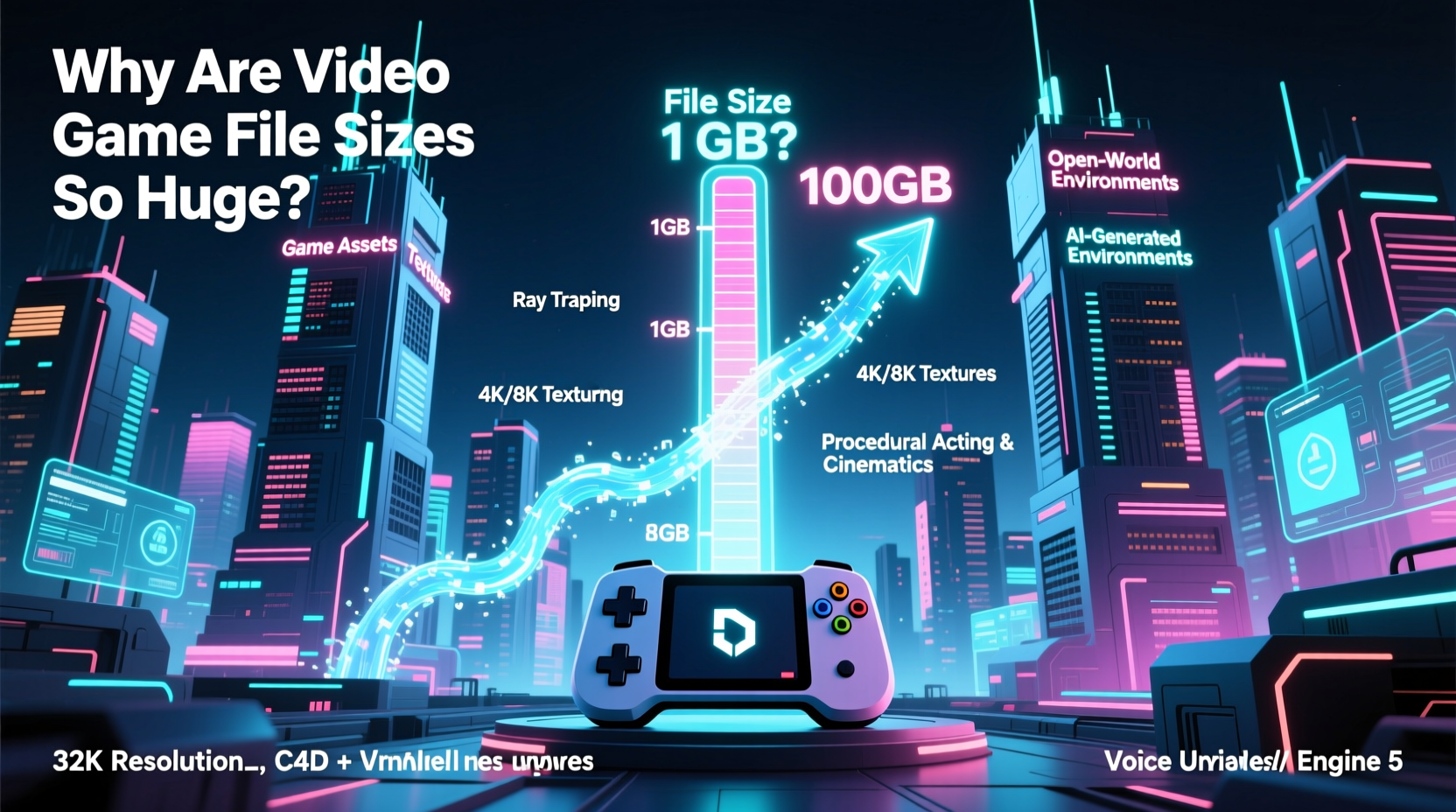
At the core of growing file sizes are increasingly complex digital assets—textures, audio, animations, and 3D models. Each generation of consoles and PCs supports higher-resolution graphics, which require larger files. A single 4K texture can be 16 times larger than its 1080p counterpart. Modern games render environments with photorealistic detail, from individual blades of grass to weathered brick textures visible up close. These details don’t come cheap in terms of data.
Audio has also evolved dramatically. Where early games used compressed MIDI tracks or low-bitrate sound effects, today’s titles feature full orchestral scores recorded in professional studios, voice acting in multiple languages, and spatial audio systems that simulate real-world acoustics. A single hour of uncompressed stereo audio at CD quality takes up about 630MB. When you multiply that by dozens of hours of dialogue and music across multiple language tracks, the numbers add up fast.
Open Worlds and Streaming Architecture
Modern AAA games often feature vast open worlds—cities, forests, deserts—that players can explore seamlessly. To maintain immersion, these games use streaming technology: loading parts of the world dynamically as the player moves. But unlike older games that reused assets heavily, today’s developers build unique environments with minimal repetition. Every building, tree, and road segment may be individually modeled and textured, increasing asset diversity—and file size.
Streaming also requires redundancy. To prevent pop-in or stuttering, games preload nearby areas into memory or cache them locally. This means storing large chunks of the map even if the player hasn’t reached them yet. Some titles include entire duplicate copies of regions optimized for different gameplay states (e.g., day vs. night versions), further bloating the install size.
“Game engines now prioritize visual fidelity and seamless experiences over file efficiency. The trade-off is clear: richer worlds, heavier downloads.” — Marcus Lin, Senior Engine Programmer at Frostbite Labs
Compression Trade-offs and Developer Priorities
One might assume better compression could solve the problem. After all, modern algorithms like Oodle Kraken and Zstandard offer high compression ratios with fast decompression speeds. However, compression isn’t a silver bullet. Highly detailed textures and audio don’t compress well, especially when already stored in lossless formats. Moreover, aggressive compression can increase CPU load during gameplay, leading to performance issues.
Developers often choose speed and reliability over size savings. For example, using uncompressed audio ensures zero latency and consistent playback quality. Similarly, pre-baked lighting and shadow maps reduce real-time rendering costs but take up significant space. In competitive development cycles, teams may skip optimization passes to meet deadlines, leaving redundant files or inefficient packaging in the final build.
Common Compression Methods in Modern Games
| Method | Compression Ratio | Use Case | Drawbacks |
|---|---|---|---|
| Oodle Kraken | High | Faster load times, smaller patches | Licensing cost; not universally adopted |
| Zlib | Moderate | Legacy support, general-purpose | Slower than newer alternatives |
| Uncompressed | None | Real-time audio, critical assets | Massive file bloat |
| BCn (Block Compression) | Variable | Textures on GPU | Quality loss; format-specific |
Multiplatform Development Challenges
Most major games launch across multiple platforms—PlayStation, Xbox, and PC—with shared codebases and assets. This cross-platform approach introduces inefficiencies. Consoles have fixed hardware, so developers must ensure compatibility with the least capable target. As a result, assets are often built to a common denominator, sometimes including redundant data to satisfy different system requirements.
For example, PlayStation and Xbox versions may store identical high-res textures even if one console uses them more efficiently. Additionally, platform-specific features—like DualSense haptics or Xbox Quick Resume—require additional code and resources that don’t benefit other versions but are included in all builds. PC versions, meanwhile, often bundle every possible configuration, including ultra-wide monitor support, VR modes, and legacy drivers, inflating size unnecessarily for most users.
Live Services and Post-Launch Content
The rise of live-service games—titles designed to be played for years with regular updates—has changed how games are packaged. Instead of releasing a complete product, developers ship a base game with room for expansion. But rather than downloading content on demand, many games install large portions of future content upfront. This “pre-loading” strategy avoids interruptions later but sacrifices initial install efficiency.
Games like Fortnite, Destiny 2, and Apex Legends routinely include placeholder assets, unused maps, and disabled features in their base installs. These may be activated months later, but they occupy space from day one. Furthermore, patch notes often reveal that updates remove only a fraction of old content while adding significantly more, creating a ratchet effect where game size only grows over time.
Case Study: Red Dead Redemption 2
When Red Dead Redemption 2 launched in 2018, it shocked players with a 150GB+ install size on PC. At the time, this was among the largest consumer game releases ever. The reason? An obsessive commitment to realism. The team at Rockstar North recorded thousands of hours of motion-captured animations, including subtle gestures like adjusting hats or breathing variations. Every animal species has multiple vocalization sets, and NPCs speak in regionally accurate dialects.
The game’s world spans 50 square miles of hand-crafted terrain, with no procedural generation. Each plant, rock, and building was placed manually. Textures were rendered at 8K resolution in some cases, then downsampled for performance—but the source assets remained in the build. Audio was mixed in Dolby Atmos, requiring separate channel data for immersive sound. While much of this enhances immersion, critics noted that the game could have used smarter streaming and modular audio loading to reduce footprint without sacrificing experience.
In response to backlash, Rockstar released a “reduced install” option in 2021, cutting the size by nearly 40% by removing non-essential audio tracks and lower-priority assets. This update proved that optimization was possible—but only after years of player feedback and sufficient storage pressure.
Step-by-Step: How to Manage Large Game Installations
While developers bear responsibility for file bloat, players can take practical steps to manage storage more effectively. Follow this timeline to optimize your gaming setup:
- Assess Your Storage (Week 1): Use your system’s disk utility to identify which games consume the most space. On Steam, go to Settings > Downloads > Steam Library Folders. On Xbox, navigate to Settings > System > Storage.
- Prioritize by Usage (Week 1): Uninstall games you haven’t played in the last 90 days. Consider cloud saves or external drives for titles you want to keep access to.
- Selective Installation (Ongoing): When installing new games, disable language packs, VR components, or bonus content you won’t use. Many launchers now allow custom installs.
- Monitor Patches (After Each Update): Some updates expand game size disproportionately. Re-evaluate storage after major patches—some platforms let you repair or reinstall with cleaner configurations.
- Invest in Expandable Storage (As Needed): Upgrade to NVMe SSDs for faster load times and greater capacity. External drives work for less frequently played titles.
Checklist: Smart Game Storage Habits
- ✅ Audit game sizes monthly
- ✅ Disable unused language packs during install
- ✅ Use external SSDs for archival titles
- ✅ Enable cloud saves to safely uninstall and re-download
- ✅ Check for “slim” or optimized versions post-launch
- ✅ Avoid keeping beta or demo versions installed
Frequently Asked Questions
Can’t games just stream everything from the cloud?
While cloud gaming services like Xbox Cloud Gaming and NVIDIA GeForce Now stream gameplay directly, locally installed games still need substantial local assets. Full cloud dependency would require flawless internet connections and massive bandwidth—currently impractical for most users. Even cloud-streamed games often require local client software and temporary caches.
Are developers doing anything to reduce file sizes?
Yes, but slowly. Companies like Epic and Sony have invested in advanced compression (e.g., Oodle Texture) and differential patching. Some indie developers champion “size budgets” during production. However, market incentives still favor visual spectacle over efficiency, especially in AAA marketing.
Will game sizes ever stop growing?
Not anytime soon. With trends toward photorealism, AI-driven NPCs, and virtual reality integration, data demands will continue rising. However, smarter asset management, procedural generation, and improved compression may slow the growth curve. Expect peak bloat within this console generation, followed by gradual optimization.
Conclusion: Navigating the Era of Massive Games
The surge in video game file sizes reflects both progress and excess. On one hand, we’re experiencing the most visually stunning, emotionally rich games in history. On the other, convenience and accessibility are being compromised. Players now need terabytes of storage just to keep up with new releases, and those on metered connections face real financial burdens.
Change will come—not just from better technology, but from consumer demand. As more players push back against multi-hundred-gigabyte downloads, developers and publishers will be forced to balance fidelity with practicality. Until then, smart storage habits, selective installations, and informed purchasing decisions are essential tools for any modern gamer.




 浙公网安备
33010002000092号
浙公网安备
33010002000092号 浙B2-20120091-4
Comments
No comments yet. Why don't you start the discussion?