
Many PlayStation users encounter frustration when attempting to purchase a PS Plus subscription—only to be met with errors, declined payments, or confusing messages. Whether you're upgrading to access online multiplayer, cloud saves, or monthly games, being blocked from buying PS Plus can disrupt your gaming experience. The good news is that most issues are solvable with the right steps. This guide breaks down the most common causes and provides clear, actionable solutions to get your subscription active.
Common Reasons You Can’t Buy PS Plus
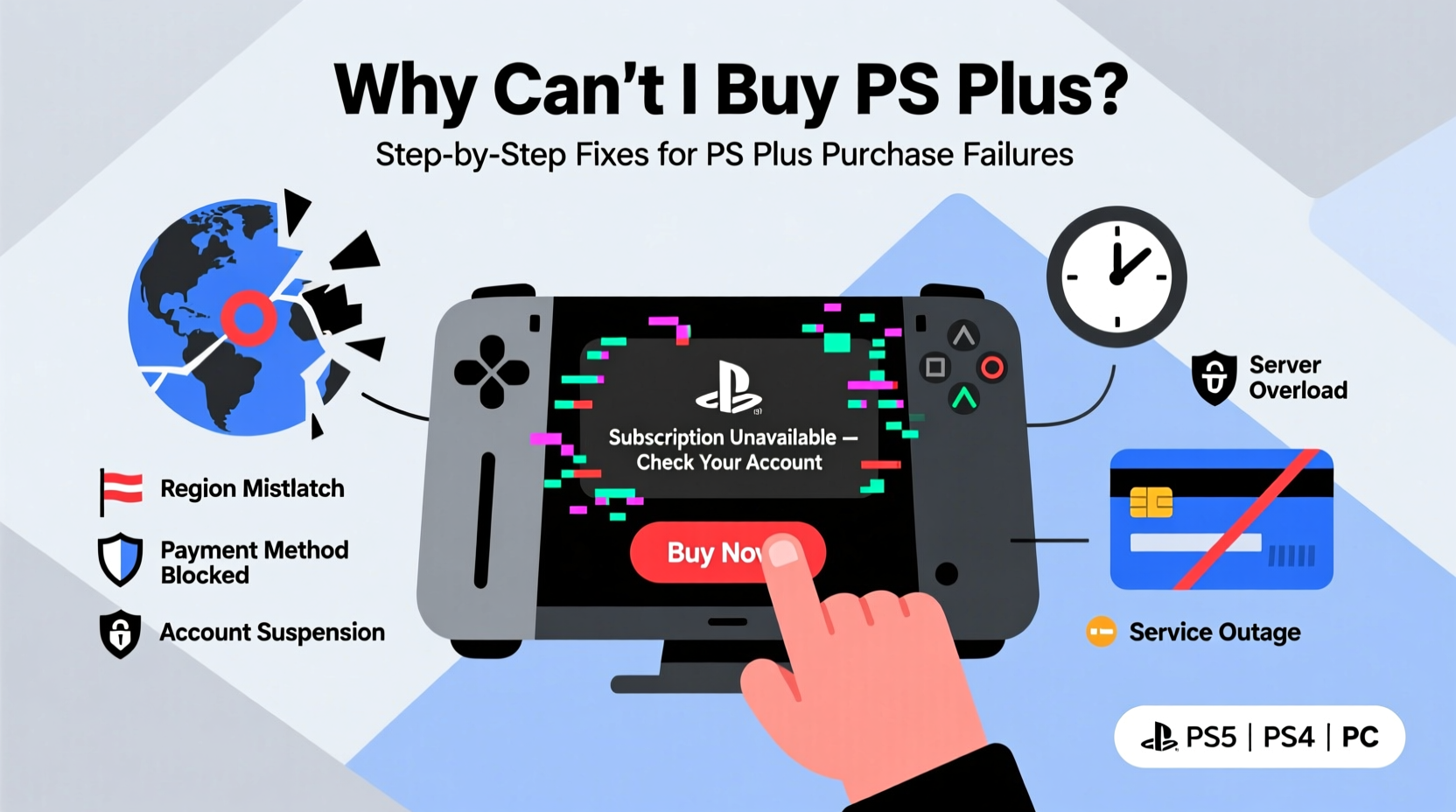
Before diving into fixes, it's essential to understand what might be preventing your purchase. These issues typically fall into three categories: account-related problems, payment failures, and regional restrictions.
- Invalid or expired payment method: Credit card details outdated or not supported.
- Account restrictions: Age verification missing, parental controls enabled, or account suspended.
- Region mismatch: Your PSN account’s country doesn’t match your current location or payment method.
- Network connectivity: Poor internet connection interrupting transaction processing.
- System maintenance: Temporary downtime on Sony’s servers during updates.
Step-by-Step Troubleshooting Guide
Follow this structured approach to identify and resolve the root cause of your PS Plus purchase failure.
- Verify Internet Connection
Ensure your console has a stable internet connection. Test by visiting a web page in the browser or checking for system updates. - Check PSN Server Status
Visit status.playstation.com to confirm there are no ongoing outages affecting store functionality. - Sign Out and Back Into PSN
Go to Settings > Account Management > Sign Out. Restart the console and sign back in. - Update Payment Information
Navigate to Settings > Account Management > Wallet > Add Funds or Edit Payment Methods. Remove old cards and add a valid one. - Clear Console Cache (PS4)
Turn off the PS4 completely. Unplug the power cord for 2 minutes, then restart. This clears temporary glitches. - Try a Different Payment Method
If one card fails, attempt purchase using PayPal, a PSN gift card, or another supported option.
Fix Region and Account Mismatch Issues
One of the most persistent barriers to buying PS Plus is a mismatch between your PSN account region and your payment method’s billing address. Sony enforces strict regional policies, meaning you cannot use a U.S.-based credit card on a Japanese PSN account, for example.
To resolve this:
- Create a new PSN account matching your current country.
- Use a local payment method or purchase a region-specific PSN gift card.
- Do not switch regions frequently—Sony limits changes to once per year.
“Attempting to bypass regional restrictions often leads to permanent purchase blocks. Always align your account, payment, and location.” — David Lin, PlayStation Support Consultant
| Issue | Quick Fix | Prevention Tip |
|---|---|---|
| Payment Declined | Update card details or use PayPal | Save multiple payment options |
| Region Lock | Create region-matched account | Avoid frequent region switching |
| Age Verification Missing | Add ID to account via website | Complete profile setup early |
| Parental Controls Active | Adjust family manager settings | Set appropriate permissions upfront |
Real Example: Maria’s Failed Subscription Attempt
Maria, a recent expat in Germany, tried purchasing PS Plus using her Brazilian credit card on her existing Brazilian PSN account. Each attempt failed with the message: “We couldn’t process your payment.” After contacting support, she learned her card was flagged due to a country mismatch. She resolved the issue by purchasing a €50 German PSN gift card from a trusted retailer and redeeming it on her account. Once funds were added, she successfully subscribed to PS Plus without changing her original account.
This case highlights how regional constraints impact real users—and how workarounds like gift cards can offer practical solutions.
Expert Solutions for Persistent Errors
Sometimes, standard fixes don’t work. Here are advanced strategies used by technical experts to resolve stubborn cases.
Use Web Browser Instead of Console
Access store.playstation.com via a PC or mobile browser. Log in with your PSN credentials and attempt the PS Plus purchase online. If it works, the issue is likely console-specific—possibly cache or firmware related.
Rebuild Database (PS4 Safe Mode)
For PS4 users experiencing repeated crashes during checkout:
- Turn off the console completely.
- Hold the power button until you hear two beeps (about 7 seconds).
- Select “Option 5: Rebuild Database” from the Safe Mode menu.
- Wait for completion, then retry the purchase.
Contact PlayStation Support Directly
If all else fails, reach out through playstation.com/support. Provide error codes (e.g., NW-31228-0, WS-37451-9), screenshots, and a detailed description. Support may manually verify your payment method or lift temporary restrictions.
Frequently Asked Questions
Why does my card keep getting declined even though it works elsewhere?
Your card might not be registered for international transactions, or Sony’s payment processor could be rejecting it due to mismatched billing information. Ensure your name, address, and ZIP code exactly match your bank records. Also, some prepaid or virtual cards aren’t accepted.
Can I use a PSN gift card from another country?
No. PSN gift cards are region-locked. A U.S. card won’t work on a UK account. Always buy a gift card specific to your PSN account’s region. Third-party retailers like Amazon or CDKeys often offer region-specific digital cards.
I’m under 18—can I still buy PS Plus?
Yes, but only if your account has proper age verification and isn’t restricted by parental controls. The family manager must approve purchases. If blocked, have the parent adjust permissions in the Family Management settings.
Final Checklist Before Purchasing PS Plus
Run through this checklist to minimize errors before attempting your next purchase:
- ✅ Internet connection is stable
- ✅ PSN servers are operational
- ✅ Payment method is valid and up-to-date
- ✅ Billing address matches card details
- ✅ Account region matches payment origin
- ✅ No active parental restrictions
- ✅ Console software is updated
- ✅ Sufficient funds or wallet balance available
Conclusion
Being unable to buy PS Plus is a common but fixable problem. Most issues stem from preventable causes like outdated payment info, regional mismatches, or minor system glitches. By following the steps outlined—verifying your connection, updating account details, aligning regions, and leveraging alternative payment methods—you can overcome these obstacles efficiently. Don’t let a temporary error block your access to online play and exclusive content. Take action today, apply these solutions, and get back to gaming without interruption.




 浙公网安备
33010002000092号
浙公网安备
33010002000092号 浙B2-20120091-4
Comments
No comments yet. Why don't you start the discussion?